
Oviond Blog
Ask Oviond: Connect 100+ Data Sources and Build the Whole Report With a Prompt
Ask Oviond is the AI agent inside Oviond. Connect any of 100+ data sources, then build, template and schedule client reports with a prompt.
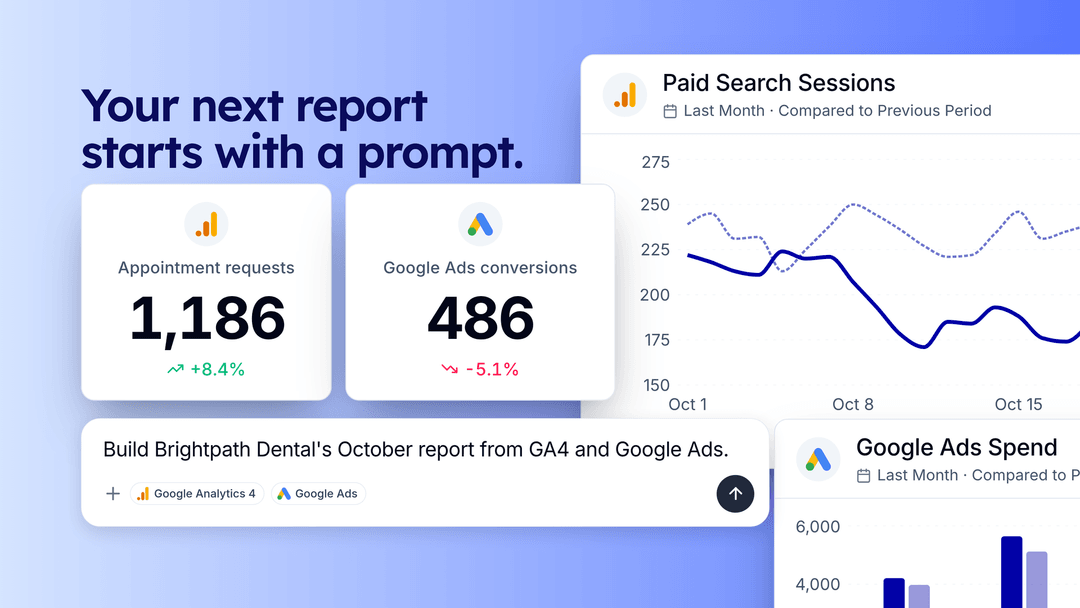
Ask Oviond is the AI agent we launched inside Oviond on November 11. Connect your clients’ data from any of our 100+ data sources, then tell it what you need in plain English. It creates the dashboard, adds the widgets, writes the insights, applies your template to every client and schedules the email. When you just need an answer, ask it a question about a client’s data and it answers.
It’s in beta, and it already covers a full report, from an empty account to a scheduled monthly email.
What you can do with Ask Oviond
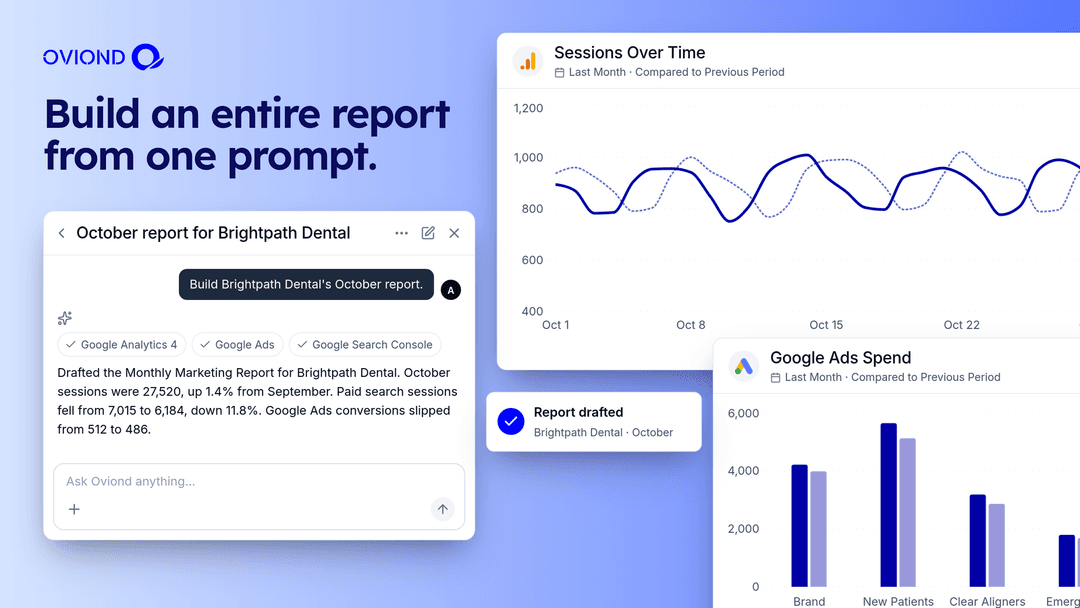
Build an entire report from one prompt
Ask for a dashboard and it creates one. Ask for widgets and it adds them from any one of our 100+ data integrations. Ask for an insights summary and it writes one and drops it into the report as a text widget. Put several of those steps in one message and it works through them in order.
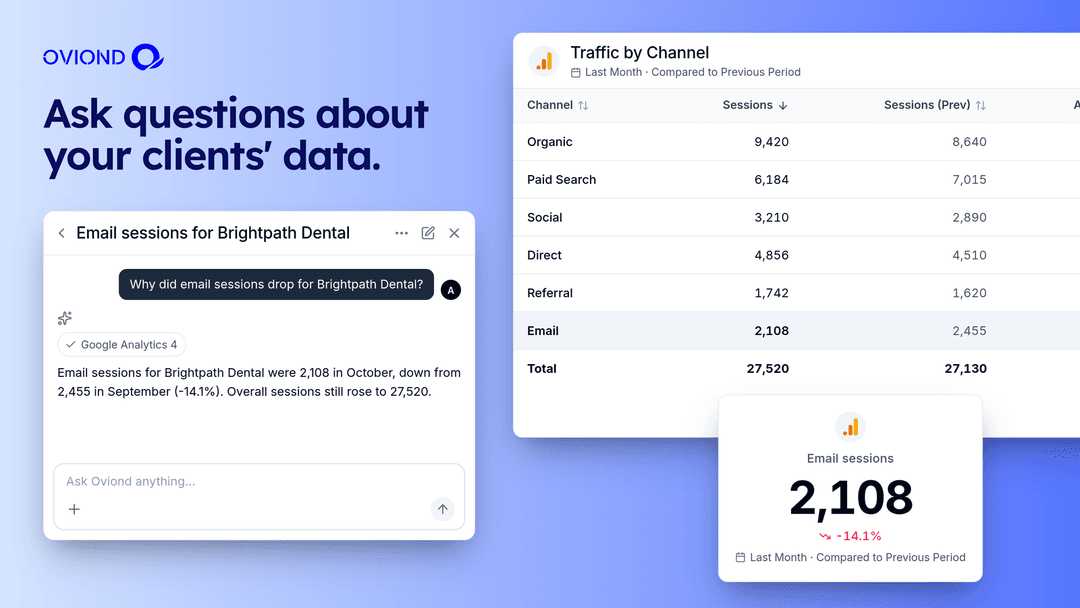
Ask questions about your clients’ data
You don’t have to build anything to get an answer. Ask how a client’s numbers moved, which channel did the most work last month, or what changed since the last report, and Ask Oviond answers from that client’s connected data.
Rebuild any report you can upload
Attach a PDF, a screenshot, a spreadsheet or a URL and Ask Oviond uses it as the brief. Upload the report a new client’s last agency sent, and ask it to rebuild that report in Oviond on live data.
Roll it out to every client
Turn a finished report into a template and apply it to every client in the account with one prompt. Build an on-brand theme from a description of your client’s colors. Schedule recurring report emails. Add or remove clients as your roster changes.
Stay in control of every change
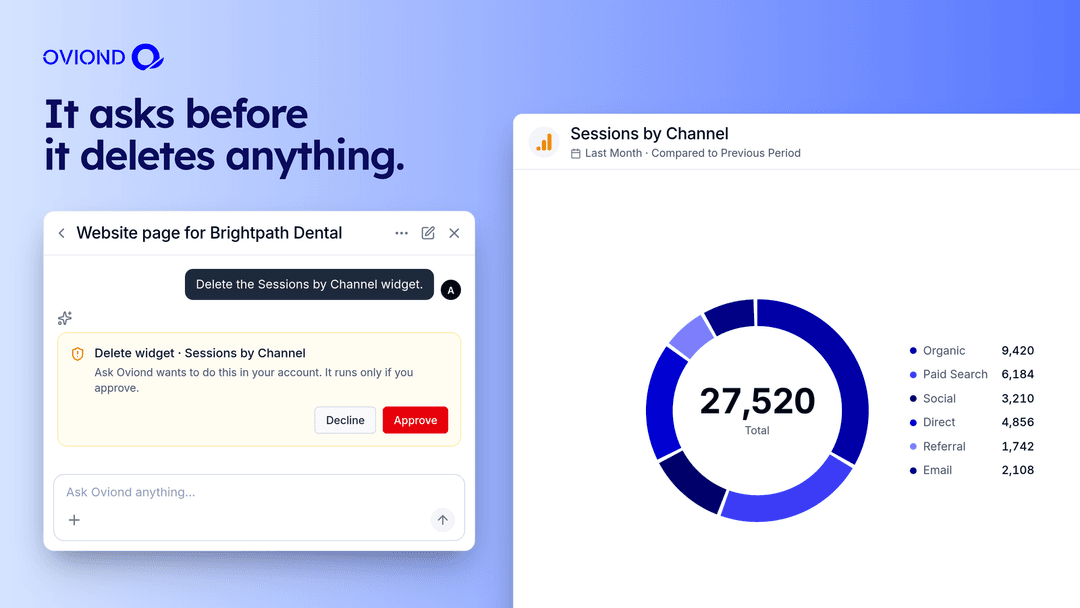
Ask Oviond docks to the sidebar of the normal editor, so you watch each change land and can fix anything by hand. It remembers what you’ve been working on, so follow-ups like “now do the same for the next section” work. It makes additions and edits straight away and asks for your approval before anything destructive, like deleting a client or a widget.
Use it from ChatGPT, Claude or Cursor
The same power is available outside Oviond. Our AI Connectors (MCP) let you work with your Oviond account from ChatGPT, Claude, Cursor and other AI tools, so you can stay in the assistant you already use all day. The Oviond MCP server guide covers setup, the full tool list and what it can’t do yet.
See it in action
Ask Oviond Tour: The AI Reporting Assistant for Agencies
This six-minute demo is a small slice of the above. It starts with an empty account and ends with three clients, a 20-widget monthly report on every one of them, an on-brand theme and a scheduled email. In the video we use GA4, Google Ads and Facebook Pages. Skip to the part you want:
- 0:00 Intro and AI Connectors
- 0:38 Add three clients with one prompt
- 0:58 Create a blank dashboard
- 1:45 Add 20 widgets from three data sources in one prompt
- 2:40 Write an insights summary
- 3:39 Turn the report into a template and apply it to every client
- 4:32 Build an on-brand theme
- 5:07 Schedule a monthly email for the 1st at 9:00 AM
- 5:40 Chain everything into one prompt
Prompts to try
Copy any of these into Ask Oviond and swap in your own names.
- Add 3 new clients: [Client A], [Client B] and [Client C]
- Create a dashboard called Monthly Marketing Report with a section for each data source connected to this client, using the most common metrics
- How did this client’s traffic change last month compared with the month before?
- Write an insights summary of last month and add it as a text widget
- Rebuild this attached PDF report in Oviond for this client
- Turn this report into a template and add it to every other client in this account
- Build and apply an on-brand theme in [your client’s brand color]
- Send this report every month on the 1st at 9:00 AM
Or chain the whole job into one message:
Create a dashboard called Monthly Marketing Report with widgets from every data source connected to this client, write an insights summary, turn it into a template for every client, then send it every month on the 1st at 9:00 AM.
Four jobs to hand it first
Month-end with 30 clients
Build one strong report for one client. Then tell Ask Oviond to turn it into a template, apply it to every other client and send it on the 1st of every month. That’s one report built and a couple of prompts, instead of thirty copies. Spot-check a few clients, then move on.
A new client who arrives with old PDF reports
New clients usually come with whatever their last agency sent them. Connect their data sources, attach the old PDF and ask Ask Oviond to rebuild it. The client sees the report they’re used to, now on live data and your branding.
If you’d rather not do it yourself, send us your current reports when you sign up. We rebuild them in Oviond within 48 hours.
Ten minutes before a client call
Open the client and ask what changed last month. Ask a follow-up or two, then have it write a short insights summary into the report. Check it against the numbers on the page, edit what you’d say differently, and walk into the call with a point of view.
Your day already runs in ChatGPT or Claude
Connect Oviond through our AI Connectors and ask about client data, or build and update reports, from the assistant you already have open. Ask Oviond is the same idea built into the app, with the editor right next to it. If you’d rather write code, the Oviond REST API reaches the same account.
It’s a beta, and we want to hear what breaks
Expect the odd prompt to need rewording, and check its metric choices and answers before anything goes to a client. Everything it builds is a normal Oviond report or dashboard you can edit by hand, and it won’t delete anything without asking.
When a prompt doesn’t do what you expected, tell us from inside the app. That feedback decides what we fix next.
Try it on your own clients
Start a 15-day free trial, no card required. Connect one client’s data sources and type your first prompt. Send us your current reports and we’ll rebuild them for you within 48 hours.
FAQ
What is Ask Oviond?
An AI agent built into Oviond. You describe what you want in plain English, and it builds dashboards and widgets from any of our 100+ data sources, answers questions about your clients’ data, writes insights, creates templates and themes, manages clients and schedules report emails.
Which data sources does it work with?
Any of our 100+ data integrations that you’ve connected in your Oviond account.
Will it change things without asking me?
It adds and edits directly, so you see the result in the editor right away. It asks for approval before destructive actions such as deletes.
Can I give it an old report to copy?
Yes. Attach a PDF, screenshot, spreadsheet or URL and ask it to rebuild the report in Oviond.
Can I use it from ChatGPT or Claude?
Yes. Our AI Connectors (MCP) let you work with your Oviond account from ChatGPT, Claude, Cursor and other AI tools.