
A client-ready report, delivered how each client wants it
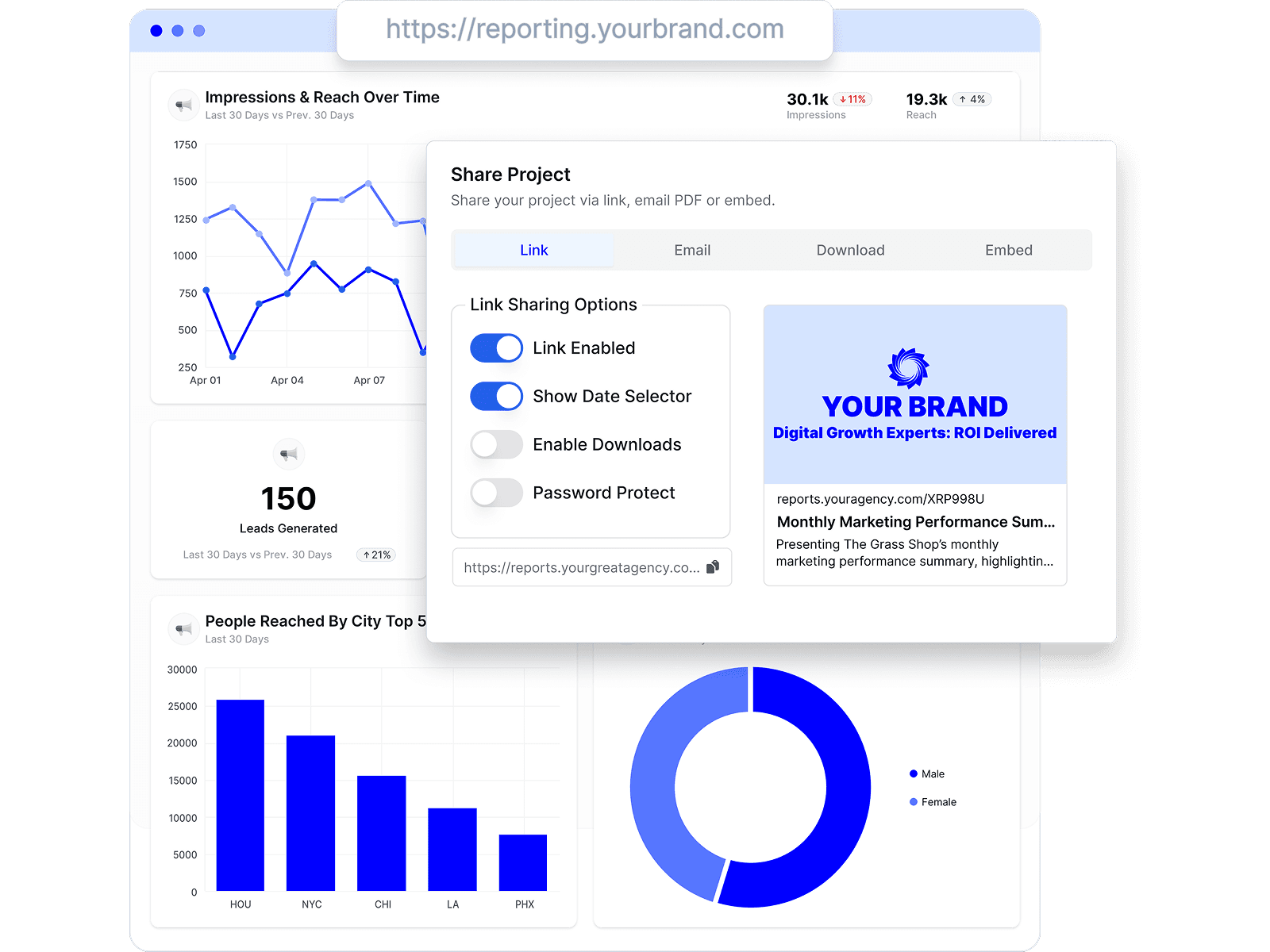
Reports live at a shared link, arrive by scheduled email, or embed where your clients already look — and every client keeps one connected view of their numbers, on your branding.
Looker Studio is genuinely free and endlessly flexible — that's why agencies start there. The costs show up later: paid connectors for every non-Google source, hand-built reports to maintain per client, and no white-label or client management. Here's how Oviond and 7 other alternatives compare — including the free-adjacent BI routes (Power BI, Metabase) and what they honestly involve — with published pricing and a date on every claim.
By Chris Irwin· Co-Founder & CEO, OviondLast updated
Looker Studio's core is free, and for Google-stack data it's excellent. The friction shows up in three places. First, non-Google data needs paid third-party connectors — Supermetrics for Looker Studio starts at €29/month and scales by sources, accounts, and users, so "free" quietly becomes a subscription per client. Second, every report is a hand-built artifact you maintain: connector renewals, broken sources, permissions — reviewers rate Looker Studio's value 4.7/5 but its support just 3.7/5, because when something breaks, you fix it. Third, white-label, custom domains, and client management aren't built in.
The honest answer depends on which of those hurts. If it's the maintenance and branding, a client-reporting platform (Oviond, AgencyAnalytics, Whatagraph, DashThis) replaces the DIY stack. If you're technical and want more powerful internal BI, Power BI and Metabase are real alternatives — but as you'll see below, both assume a data warehouse between you and your marketing platforms, which is more DIY, not less.
| Oviond | Looker Studio | |
|---|---|---|
| Price | From $40/month billed annually ($50 month-to-month) — 10-client minimum, every feature included | Free; Looker Studio Pro is $9 per user per Google Cloud project per month |
| Non-Google data sources | 70+ marketing integrations included (ads, social, SEO, email, CRM, e-commerce), plus Google Sheets and custom datasets for data beyond native integrations | ~21 free Google-built connectors; other platforms need paid partner connectors (e.g. Supermetrics from €29/month, scaling by sources/accounts/users) |
| White-label & custom domain | Included on every plan — unlimited white-label themes, one custom domain per client in your plan | Not built in — no white-label, custom domain, or client portal; official embedding is iframe/oEmbed, view-only |
| Client management | Clients are first-class: per-client sources, dashboards, reports, domains, and permissions | None — agencies model clients with folders, naming conventions, and per-project setups by hand |
| Scheduled report delivery | Automated branded report delivery on every plan, from your own domain | Free: 1 schedule per report (max 50 recipients) with daily quotas; Pro: up to 200 schedules per report |
| AI & MCP support | MCP server on every plan — pull data, build reports, and manage clients from Claude, ChatGPT, or any MCP-ready AI tool | Gemini features (calculated fields, Slides export) are Pro-only; no Looker Studio MCP server found as of July 2026 (Google's MCP is for the separate Looker enterprise product) |
| Reviews | 4.3/5 on Capterra (45 reviews) | 4.5/5 on Capterra (337 reviews); support sub-rating 3.7/5 |
Pricing tables only go so far. These are the screens agencies spend the most time in — real product, no mockups.
Reports live at a shared link, arrive by scheduled email, or embed where your clients already look — and every client keeps one connected view of their numbers, on your branding.
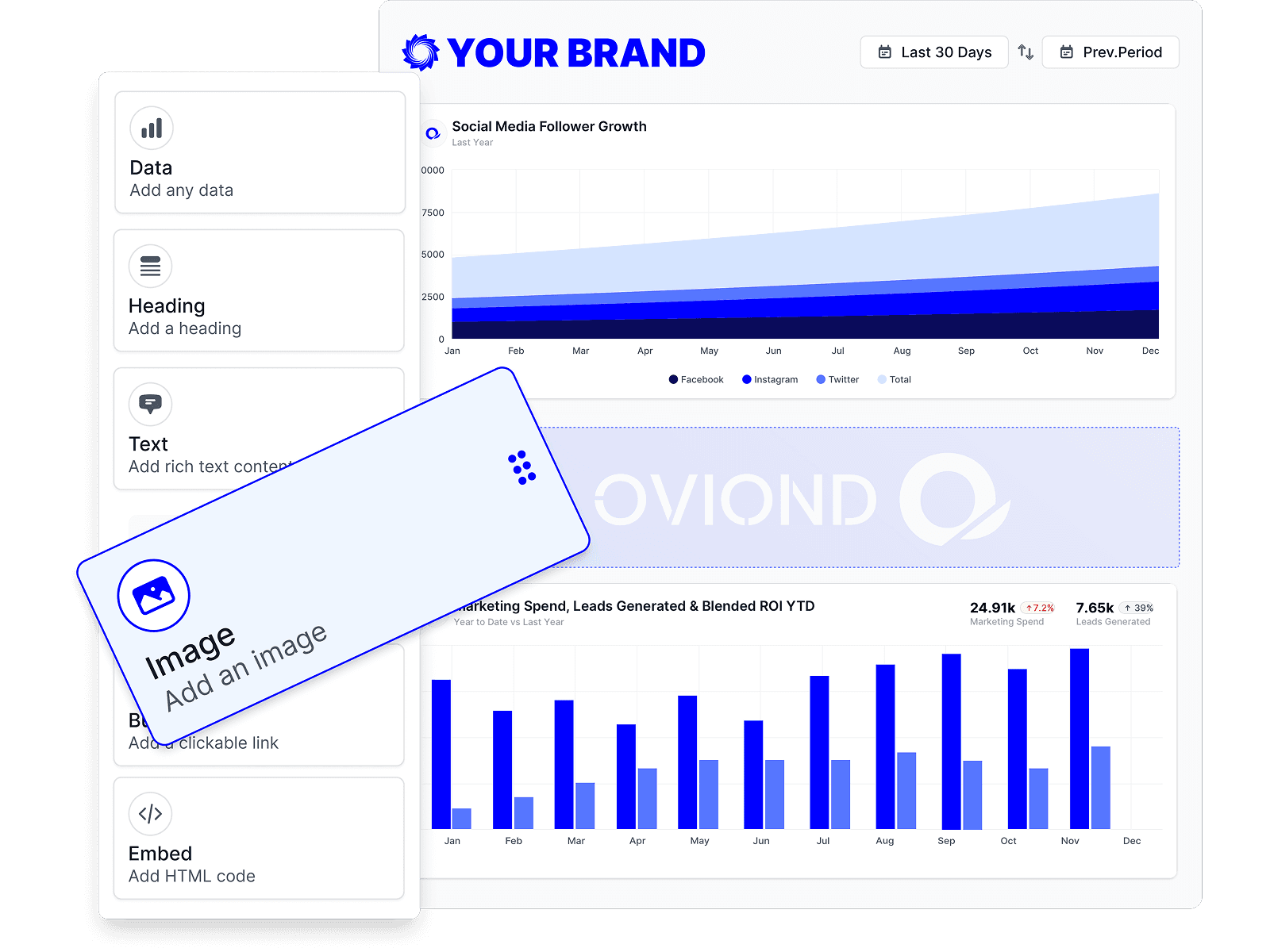
Start every client from the same template, then drag in the data, text, and visuals that client actually cares about. The structure stays repeatable; the exceptions stay manageable.
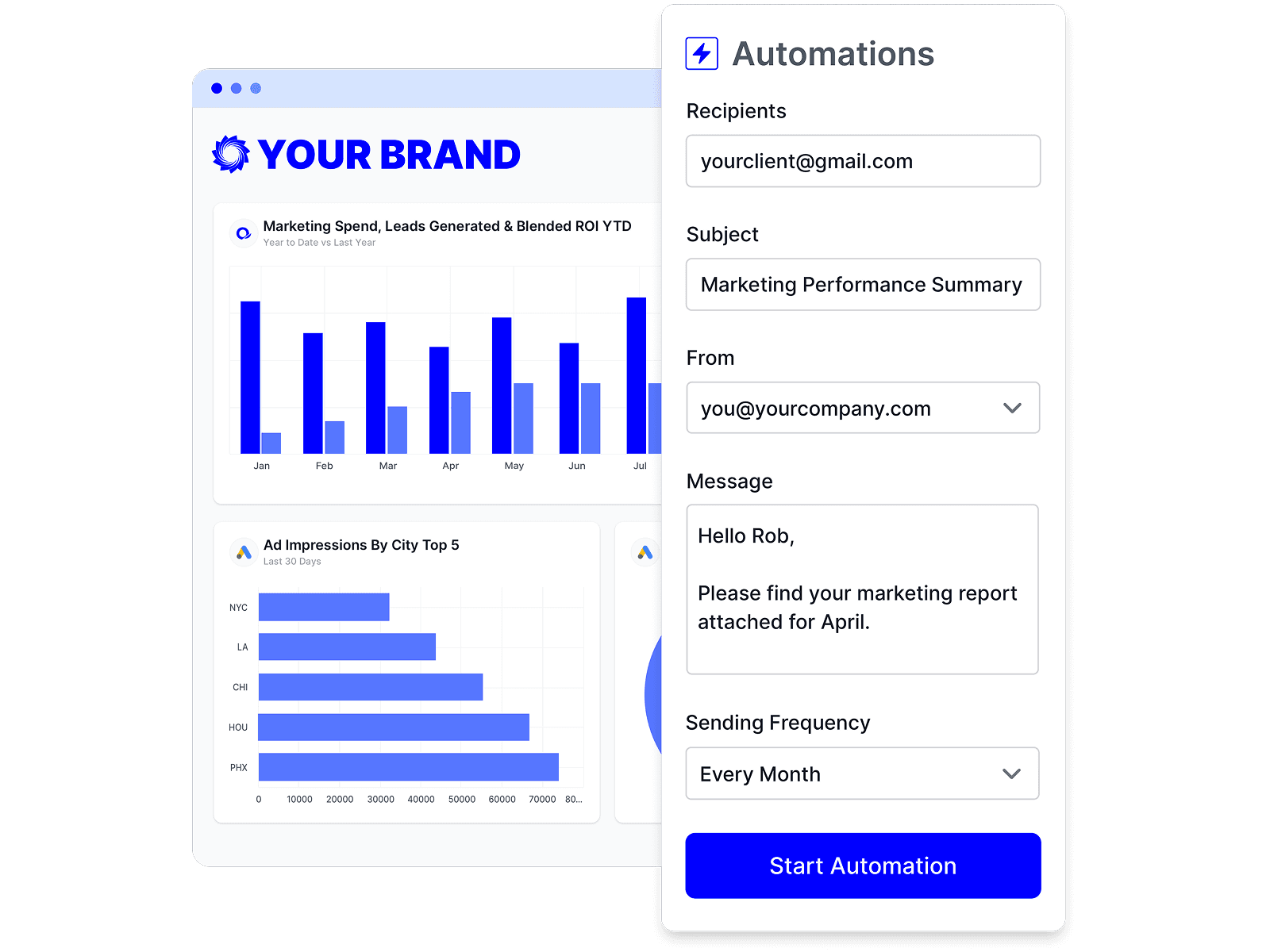
Schedule a report once and it refreshes and sends itself on your cadence. Your team's time goes to the commentary and next steps, not the copy-paste.
No single tool fits every agency. Here are other credible options and who each one suits best.
Full disclosure: this one's ours. Oviond is a marketing reporting platform for agencies that connects 70+ data sources and turns client data into branded, automated reports and dashboards. It's purpose-built for the workflow Looker Studio makes you assemble: clients as first-class objects, connectors included, white-label with per-client custom domains, and scheduled delivery — one client-count price.
From $40/month billed annually ($50 month-to-month), 10-client minimum4.3/5 on Capterra (45 reviews)
Where it shines
Where it falls short
Best for: Agencies replacing a hand-maintained Looker Studio + paid-connector stack
The best-known packaged reporting platform for agencies: 85+ integrations, white-label on every plan, built-in rank tracking, and a 4.8/5 Capterra rating — at $20 per client per month billed annually, or $25 month-to-month.
$20 per client/month billed annually ($25 monthly)4.8/5 on Capterra (115 reviews)
Best for: Agencies that want the biggest reporting ecosystem and don't mind per-client pricing
The enterprise BI heavyweight, now part of Microsoft Fabric — vastly more analytical power than Looker Studio, with a matching learning curve (reviewers score ease of use 4.1). The marketing catch: its official connector index has exactly one native marketing connector (Google Analytics, incl. GA4) — Google Ads, Meta Ads, and the rest need third-party ETL — and emailing scheduled reports to external clients requires premium capacity, not just a $14 Pro seat.
Free account; Pro $14/user/month billed yearly; Premium Per User $24/user/month; Fabric capacity priced separately4.6/5 on Capterra (1,886 reviews); ease of use 4.1
Best for: Microsoft-stack organizations with data engineers and warehouse-first analytics
Open-source BI with a genuinely free, unlimited-user self-hosted tier and a built-in MCP server — the strongest free alternative for technical teams. The marketing catch: it connects to databases and warehouses only, with zero marketing-platform connectors, so GA4 and ads data must be piped into a warehouse first. White-label and multi-tenant embedding start on the $575/month Pro plan.
Open source free (self-hosted); Cloud Starter $100/month; Pro $575/month (white-label)4.5/5 on Capterra (62 reviews); value 4.7, support 3.9
Best for: Technical teams with a data warehouse who want free, self-hosted BI
Polished managed cross-channel reporting with 65 native integrations plus BigQuery and custom-API connections — the packaged route for teams with heavier data needs. Paid plans start at €199/month, billed annually only.
From €199/month (Go, 20 source credits), annual billing only4.4/5 on Capterra (84 reviews)
Best for: Mid-size to large agencies with the budget for managed cross-channel reporting
The fastest packaged tool to onboard — preset templates and a famously personal support team. Tiers are capped by dashboards and data sources, with full white-label from the $139/month Professional tier.
From $44/month billed annually (3 dashboards, 15 sources); white-label from $139/month4.5/5 on Capterra (26 reviews)
Best for: Small agencies and freelancers that want the fastest possible setup
KPI dashboards with a free tier and a 130+ catalog spanning marketing platforms, spreadsheets, and SQL databases — a middle path between Looker Studio's DIY and a client-reporting platform. White-label ships on its $799/month Agency Premium tier.
Free plan; agency tiers from $79/month (white-label at $799/month Premium)4.6/5 on Capterra (205 reviews)
Best for: Teams that live in KPI dashboards more than scheduled client reports
Well-liked client reporting with white-label included and one plan priced per data source — one account on one platform is one billable source, so multi-channel clients add up.
From €62/month billed annually (10 data sources included, extras from €4.50 each)4.6/5 on Capterra (96 reviews)
Best for: PPC-focused agencies with few channels per client
Every comparison claim above was checked against each vendor's public pricing and documentation, last verified . Spotted something out of date? Tell us and we'll fix it.
| Claim | Sources |
|---|---|
| Price | |
| Non-Google data sources | |
| White-label & custom domain | |
| Client management | |
| Scheduled report delivery | |
| AI & MCP support | |
| Reviews |
Three reasons dominate. Non-Google data needs paid partner connectors (e.g. Supermetrics from €29/month, scaling by sources, accounts, and users), so the free tool accumulates subscriptions. Every report is hand-built and hand-maintained — reviewers rate its value 4.7/5 but support just 3.7/5. And agency features — white-label, custom domains, client management, portals — aren't built in at all. For Google-stack-only reporting, though, it remains excellent and free.
For client reporting: Oviond (70+ connectors, white-label, and per-client custom domains included from $40/month), AgencyAnalytics ($20 per client/month billed annually or $25 monthly, 85+ integrations, 4.8/5 on Capterra), Whatagraph (managed cross-channel from €199/month), or DashThis (simplest setup, from $44/month). For internal analytics, Power BI and Metabase are the serious BI routes — but both assume a data warehouse for marketing data. Pricing as of July 2026.
Metabase's open-source edition is genuinely free with unlimited users — but it connects only to databases and warehouses (no GA4, Google Ads, or Meta Ads connectors), so marketing data must be piped into a warehouse first. Power BI has a free account, but publishing and sharing require paid seats. For marketing reporting specifically, "free" always means DIY somewhere — usually in connectors or a warehouse.
Technically yes, practically only with a data pipeline. Power BI's official connector index includes just one native marketing connector (Google Analytics, incl. GA4) — ads platforms need third-party ETL — and emailing scheduled reports to external clients requires premium (F64-class) capacity, per Microsoft's docs. Metabase connects exclusively to databases and warehouses. Both are superb BI tools; neither is a turnkey marketing-reporting tool. As of July 2026.
Honestly: total design freedom, free Google-stack connectivity, BigQuery-scale data blending, and a $0 price for the core product. If you have the technical time and your data is mostly Google, it's a legitimate choice — thousands of agencies start there.
Yes — 15 days with every feature included, so you can rebuild one client's Looker Studio report in Oviond and compare the workflows side by side before paying anything.
Connect a client's channels and send a branded, automated report — free for 15 days, every feature included.