Every client runs a different stack
Normalize Search Console, GA4, and rank-tracking data into one report structure that fits them all
SEO client reporting is a monthly account of what changed in a client's organic search, why it matters, and what happens next — Oviond builds it from Google Search Console, GA4, SE Ranking and 70+ other sources on a repeatable, white-labeled template.
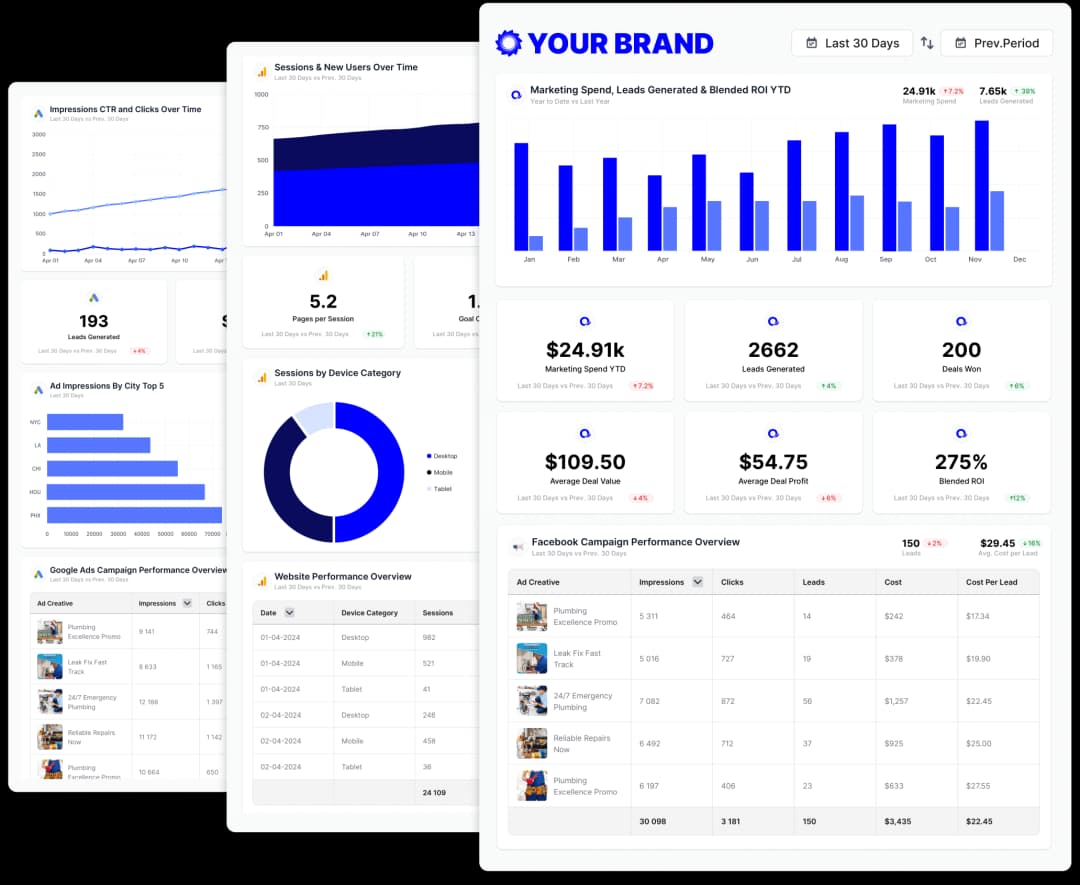
SEO client reporting for agencies
Oviond is client reporting software for marketing agencies, built for the recurring work of explaining SEO results across a whole client list.
Keep every client's SEO reporting in one workspace, with one structure reused across the whole list. No folder of one-off files to maintain.
Start each client from the same template, then adjust the sections that client actually cares about. The structure stays repeatable; the exceptions stay deliberate.
Send reports on a schedule by email, share a live link, or embed them. Every client sees current numbers without your team rebuilding a file.
At agency scale the job changes shape, and more hours won't fix it. A system will.
Every client runs a different stack
Normalize Search Console, GA4, and rank-tracking data into one report structure that fits them all
Copied reports become maintenance debt
Change the template once and reuse it, instead of editing the same fix into dozens of files
Fully bespoke reporting does not scale
Standardize the structure and keep client-specific judgment where it belongs — with your team
Clients don't read SEO reports for the charts. They read them to answer three questions: what changed, why does it matter, and what happens next. Structure every report in that order and even a non-technical client can follow it.
Open with the few numbers tied to the client's agreed goal: organic visibility, qualified organic traffic, and conversions or leads where tracking supports the claim. Movement on priority pages and queries belongs here. Leave the full metric dump out.
Connect movement to causes you can evidence: work you shipped, technical changes, content performance, seasonality, competition, or an algorithm update. When you can't support an explanation, say so, then set out what you know, what you suspect, and how you'll confirm it.
Translate the movement into the client's terms: more booked calls, more trials, more store revenue. Be careful with attribution. Overclaiming revenue this month costs you trust next quarter.
Close with prioritized actions, each with an owner, a timeframe, and the signal that will show it worked. This is the section clients remember, and the one automation can't write for you.
The facts an agency needs before shortlisting a reporting tool for this channel — each one dated and owned.
| Fact | Oviond |
|---|---|
| Connectors for this channel | 16 native sources: Advanced Web Ranking, Ahrefs, Bing Webmaster Tools, BrightLocal, Google Ads, Google Analytics 4, Google Business Profile, Google PageSpeed Insights, Google Search Console, Keyword.com, Moz, Nozzle and 4 more |
| Data sources | 70+ marketing data sources, no source credits or per-connection fees |
| Starting price | $40/month billed annually ($50 month-to-month) for 10 clients |
| Pricing model | One plan, every feature included; $5 per client month-to-month or $4 per client billed annually, from 10 to 100 clients self-serve |
| White-label | Included on every plan — unlimited white-label themes |
| Scheduled delivery | Recurring report email delivery and automations included on every plan |
| MCP / AI assistants | Hosted MCP server included on every plan; works across your whole client list from Claude, ChatGPT, or any MCP-ready tool |
| Free trial | 15 days, every feature included, no credit card |
Oviond facts verified September 1, 2026 by Oviond Product. Pricing in USD. See full pricing
A strong SEO client report has two layers: an executive layer the client reads in two minutes, and a drill-down layer that answers questions when they come. These twelve modules cover both. Cut what a client doesn't need before you add anything new.
Two to four sentences each on what changed, why it matters, and what happens next, written last from the data below. Common mistake: writing it first, from memory. Executive layer.
The agreed business goal and the exact dates covered. Without it, every other number lacks context. Executive layer.
Leads, bookings, purchases, or sign-ups from organic, but only where tracking supports the claim. Common mistake: presenting last-click totals as the whole story. Executive layer.
Sessions, users, and engagement from GA4, interpreted cautiously. Traffic is evidence, not the outcome. Drill-down layer.
Clicks, impressions, CTR, and average position from Google Search Console. Remember that average position is an average across queries and devices rather than an exact rank. Drill-down layer.
The specific queries and pages that moved, with your read on why and what to do about each. This is where the SEO narrative lives. Drill-down layer.
Tracked-keyword positions from a connected rank-tracking source such as SE Ranking. Common mistake: reporting rankings for queries nobody searches. Drill-down layer.
Core Web Vitals, indexing status, and crawl issues where data is available, with the fix owner named. Drill-down layer.
What shipped this period, with evidence. Clients keep paying when they can see the work and its expected signal. Executive layer.
The insight the period produced: what worked, what didn't, and what that changes. One honest paragraph beats a slide of activity. Executive layer.
Each with an owner, due date, and success signal. Common mistake: a wish list with no owners. Executive layer.
Tracking changes, known gaps, and attribution limits. The least glamorous module, and the one that protects your credibility when numbers shift. Drill-down layer.
A free, ungated workbook that implements the structure above: eight tabs from executive summary to data notes, with instructions, status dropdowns, and definitions built in. No email required. All sample numbers are fictional example data.
Preview: the executive summary tab
| Section | Your summary |
|---|---|
| What changed | Qualified organic sessions grew 12% month on month, driven by the new service-area pages. Booking-form submissions from organic rose from 41 to 52. (fictional example) |
| Why it changed | Six new pages began ranking on page one for local queries; no tracking or algorithm changes were observed this period. (fictional example) |
| Why it matters | Organic is now the largest source of booking-form submissions this quarter, supporting the goal of reducing paid-acquisition dependence. (fictional example) |
| What happens next | Publish the remaining four service-area pages (agency, 15 July); fix the mobile speed regression on the booking page (client dev team). (fictional example) |
Inside the workbook: Start Here, Executive Summary, Goals & KPIs, Organic Performance, Queries & Pages, Technical & Content Work, Next Actions, and Data Notes. Use it manually for as long as it serves you. When that stops scaling, the live Oviond templates below connect, refresh, and deliver the same structure on a schedule.
These run on real connected data inside Oviond. Pick one, connect the client's sources, and the recurring report builds itself.
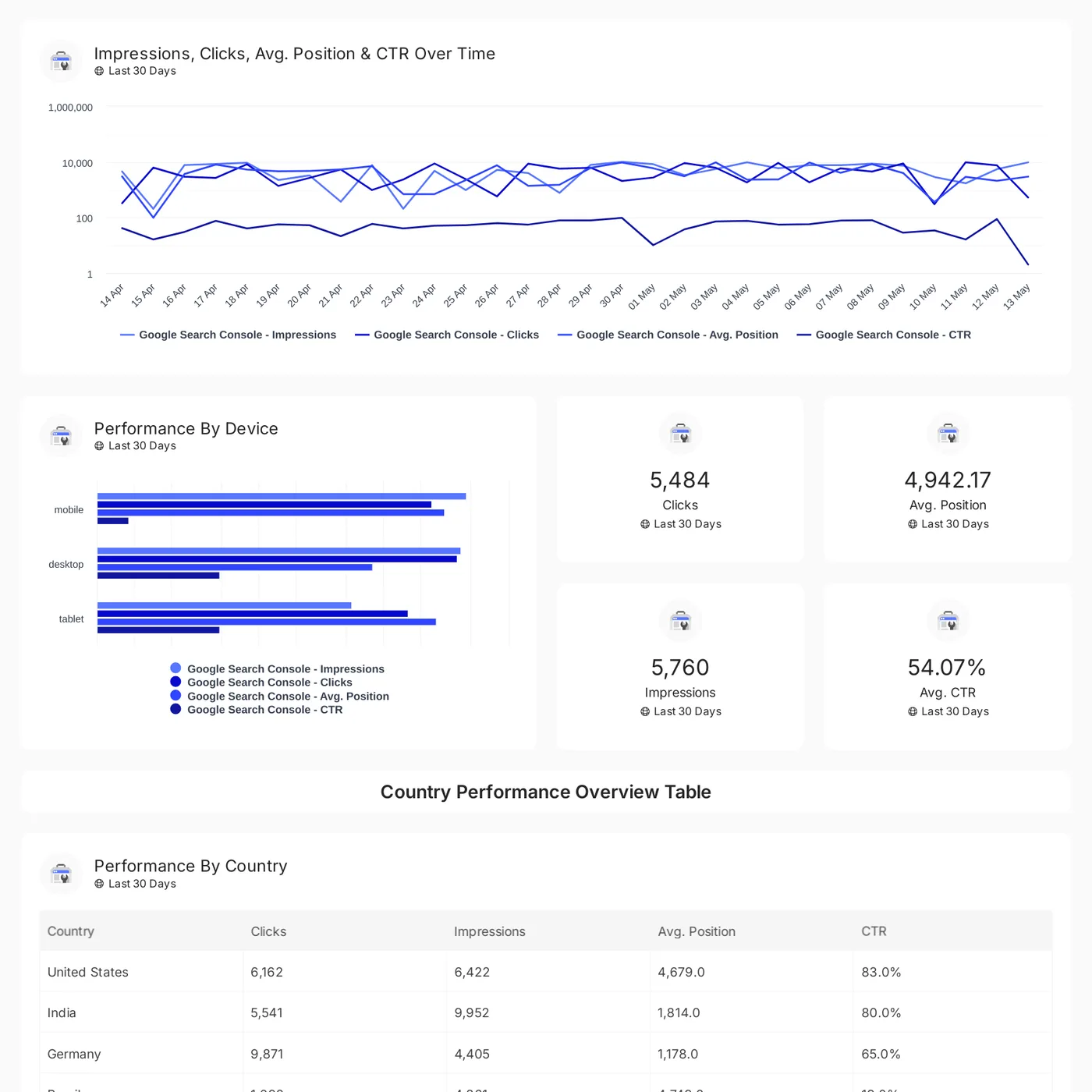
Analyze Google Search Console metrics like impressions, clicks, CTR, and rankings by device, country, page, and query
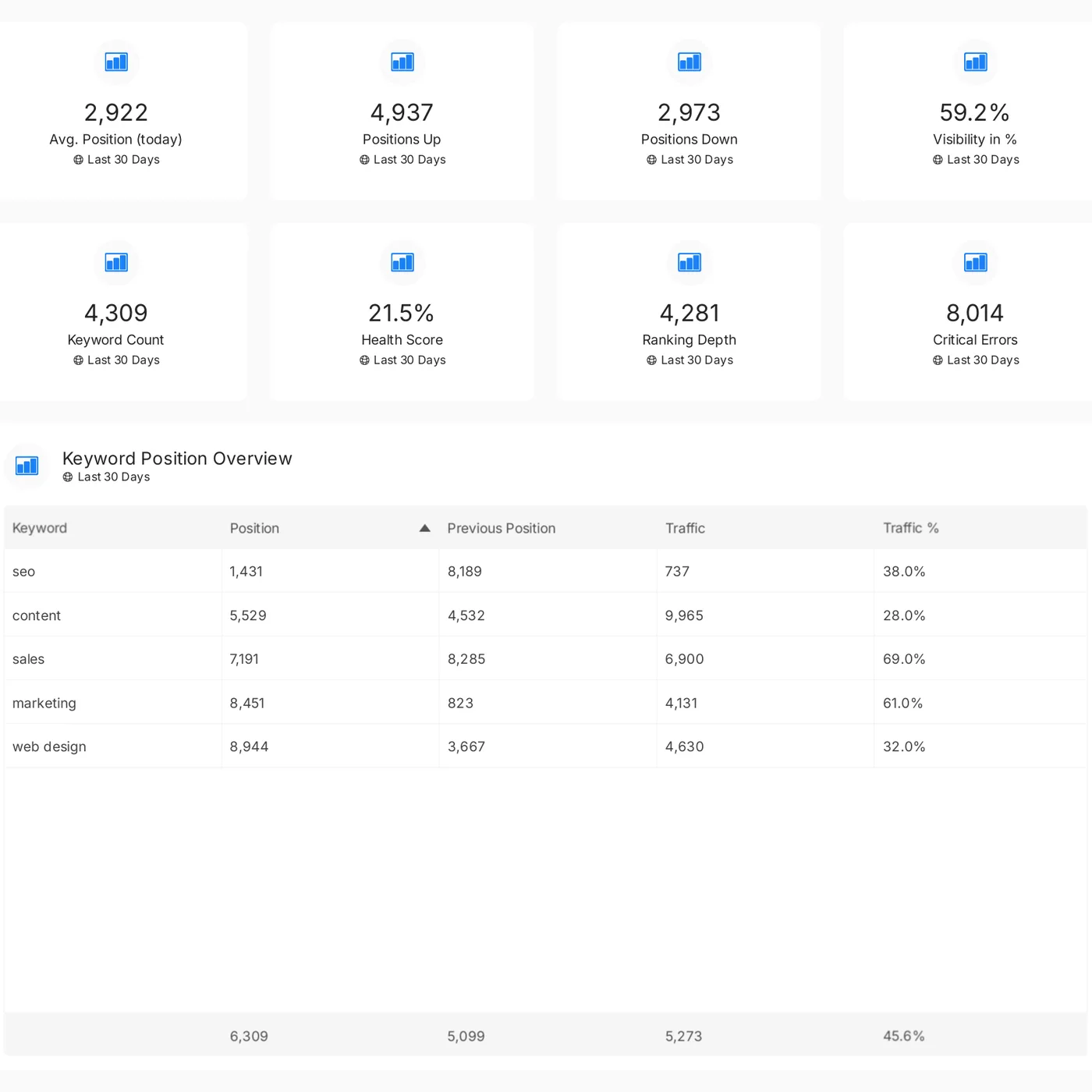
Track keyword rankings, visibility, and health scores with SE Ranking. Analyze positions, traffic, and critical errors in one report
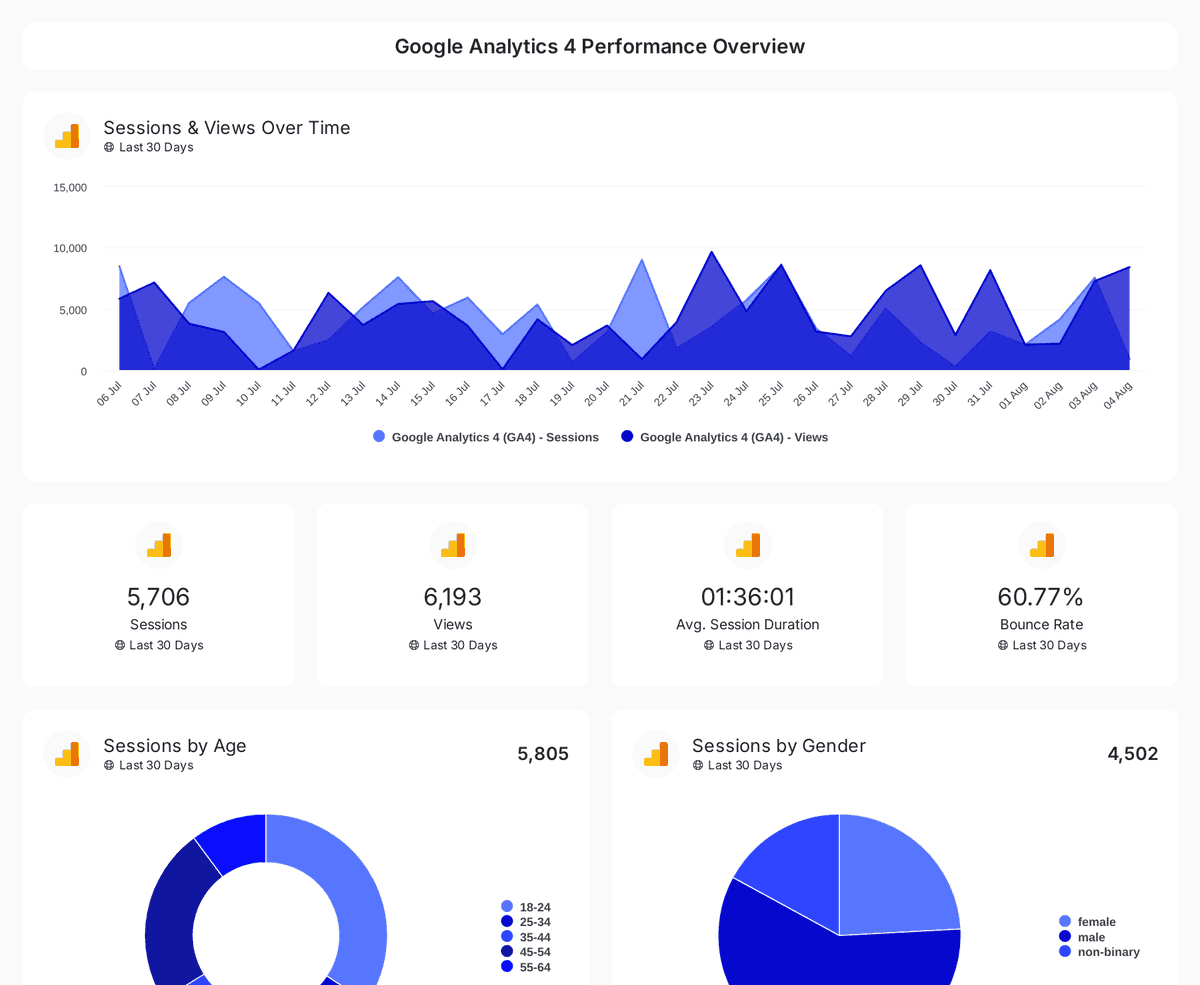
Monitor website traffic, user demographics, and page performance with insights from Google Analytics 4, Search Console, and Page Speed Insights.
Google Search Console, GA4, and SE Ranking cover the core SEO story. Oviond connects 70+ marketing data sources for the clients who need ads, social, and email in the same report.
Automate the repeatable work: collection, formatting, refresh, and delivery. Your team stays on the "so what" and the "what next".
Pick an SEO reporting template, connect the client's sources, and a working draft of the recurring report exists before the kickoff call ends.
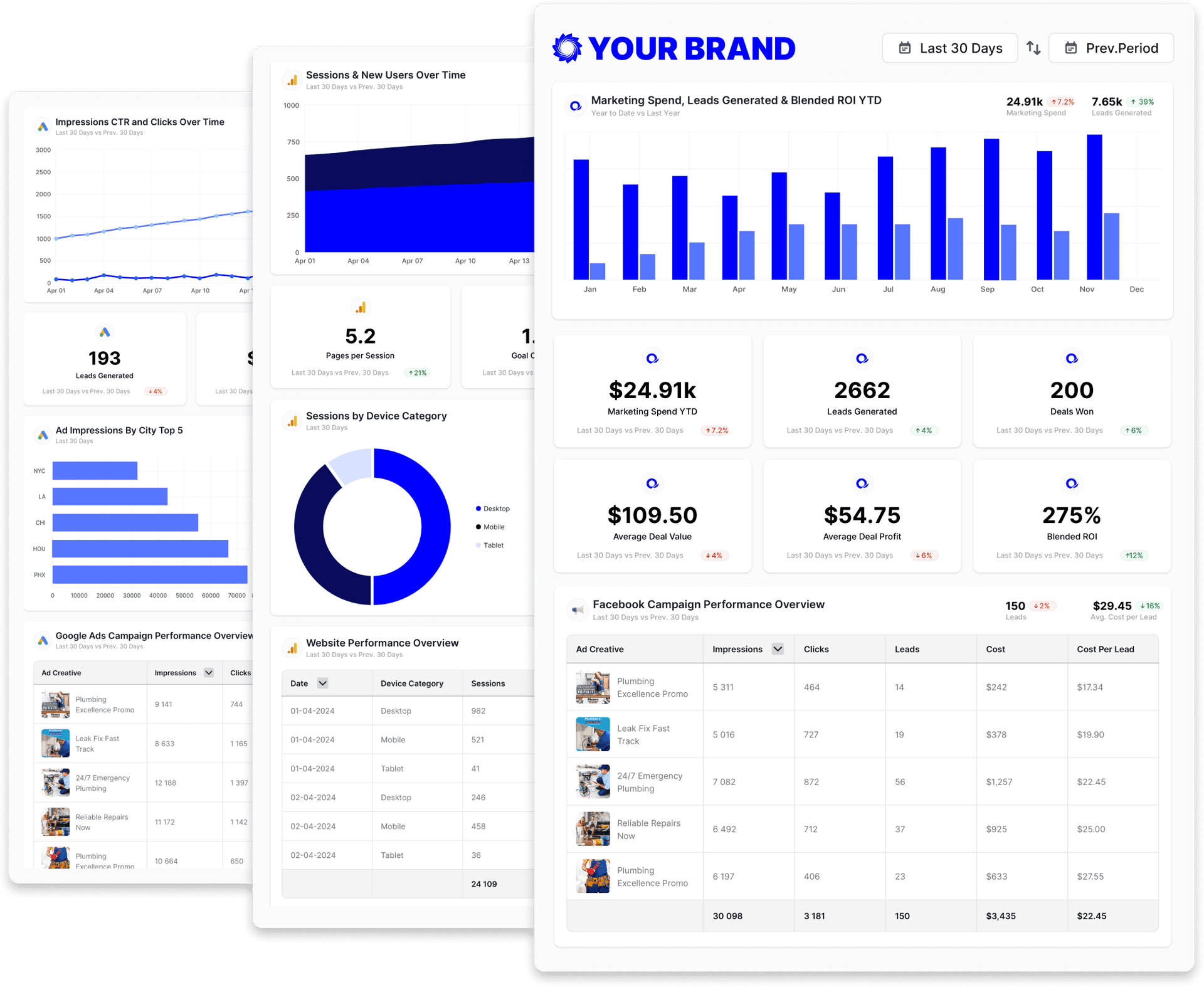
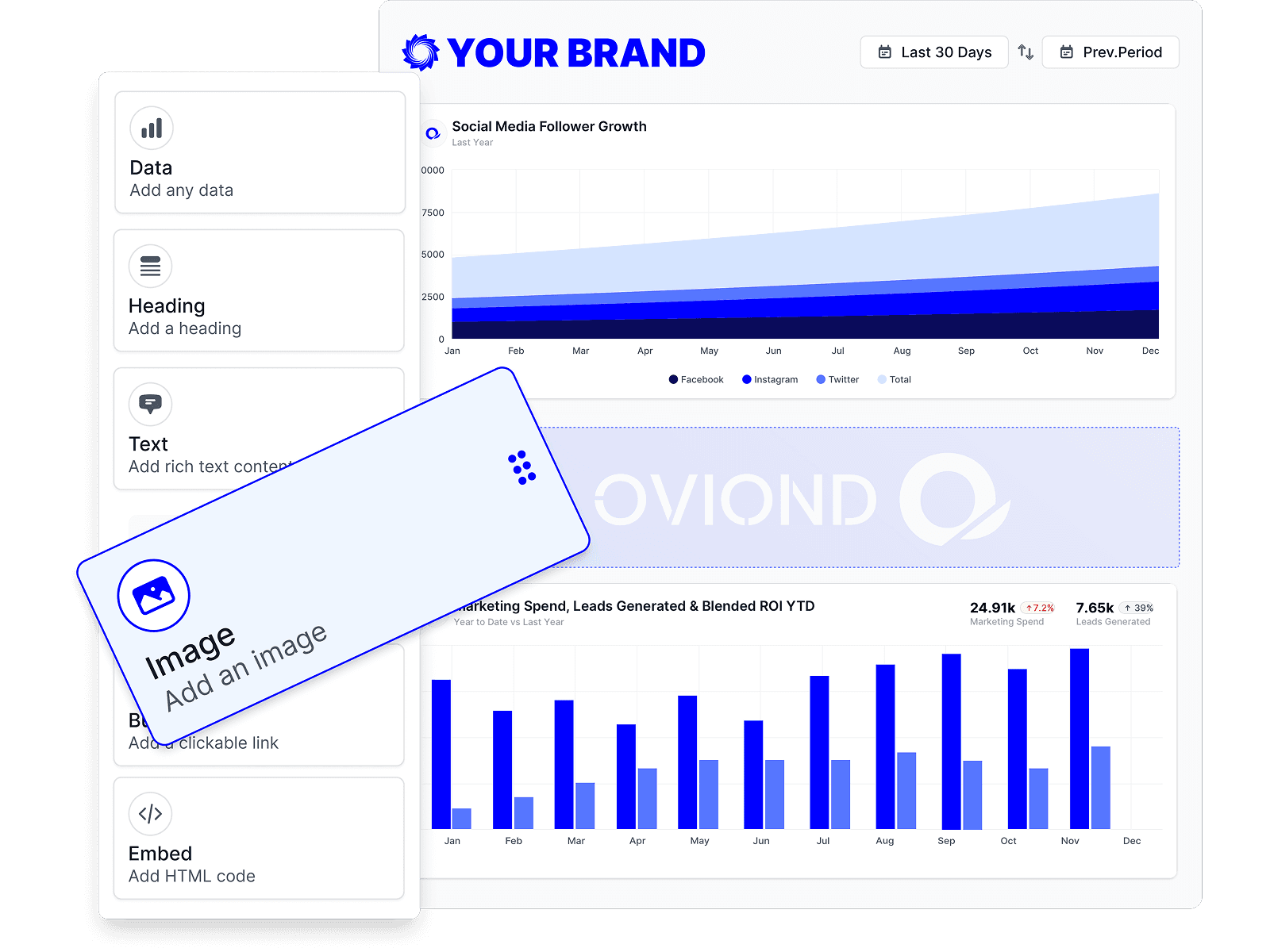
Drag in the sections each client cares about and drop the ones they don't. One structure, adjusted per client — not fifty bespoke builds.
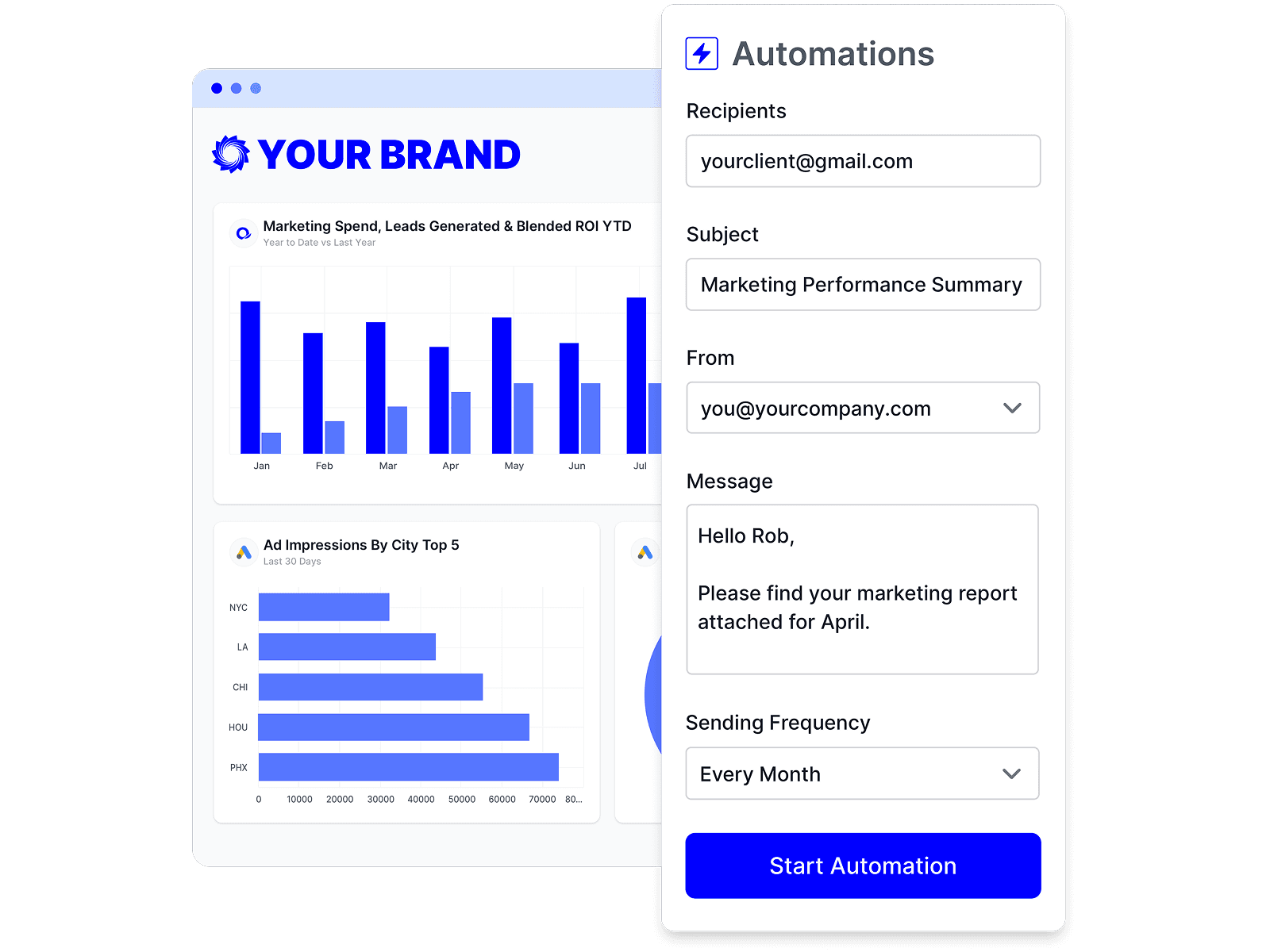
Schedule refresh and delivery once. The collecting, formatting, and sending stop eating the day you should be spending on the campaign.
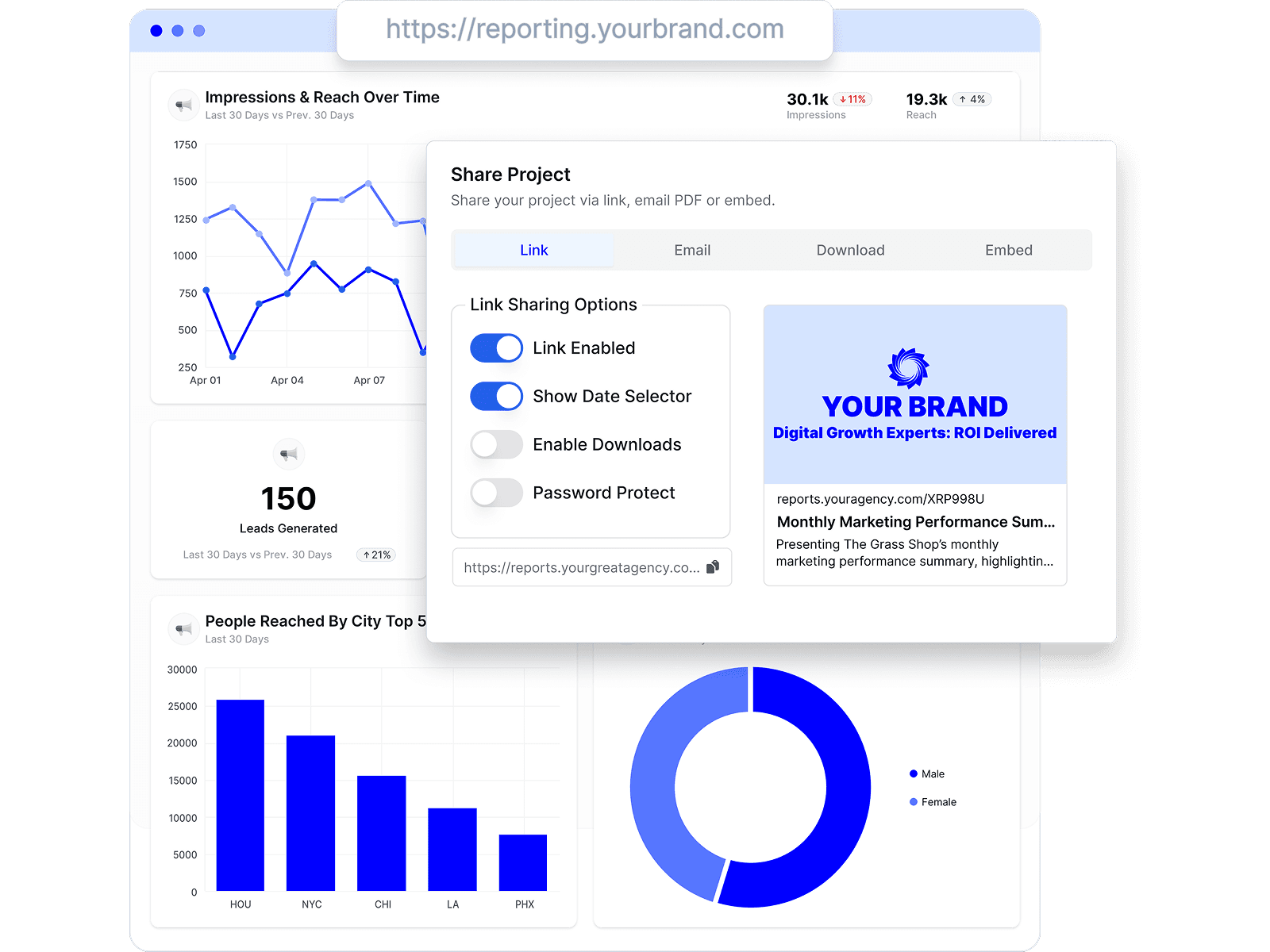
Add your commentary and next actions, then deliver by scheduled email, live link, or embed — on your branding. Your team owns the story; Oviond handles the production.
Cadence should follow decision need, not the availability of more charts. For most retained SEO work, this pattern holds up:
Most reporting problems are editing problems, not data problems. These come up again and again:
Reviews from Capterra and G2, each linked to its source.
Ease of Use, Ease of Implementation, Number of Features, Ease of Integration sometimes it disconnect from integrations and we have to reconnect reporting period...
Ease of Use, Ease of Implementation, Number of Features, Ease of Integration sometimes it disconnect from integrations and we have to reconnect reporting periodically to our customers all data analytics in one easy dashboard

I really appreciate how Oviond brings together all my marketing data into a clean, customizable dashboard that clients actually understand and love. The drag-an...
I really appreciate how Oviond brings together all my marketing data into a clean, customizable dashboard that clients actually understand and love. The drag-and-drop editor makes building reports and dashboards straightforward, and the pre-built integrations with Facebook Ads, Google Analytics, LinkedIn, and many others save me tons of time. I The platform’s rich feature set can feel overwhelming at first. Oviond unifies data from multiple ad platforms, analytics tools, and CRMs into one intuitive, branded dashboard—making it easy to track KPIs, spot trends, and demonstrate value to clients.
I have enjoyed using Oviond for all sorts of marketing and analytics dashboards for both me and my clients. There is a great variety of connections that are eas...
I have enjoyed using Oviond for all sorts of marketing and analytics dashboards for both me and my clients. There is a great variety of connections that are easy to use and the dashboards and reports have stylish standard looks but also the option to customize them however you wish. Easy to use dashboards and channel connections. The support is also available and helpful. I've been a user for a long time and in early stages there were some minor bugs but those have been fixed a long time ago. The biggest concern has been missing channel connections but they have actively added more connections.


The best part I like about Oviond is connecting the Google Sheets with Oviond where I could see the real-time dashboard. The dashboard is so interactive that yo...
The best part I like about Oviond is connecting the Google Sheets with Oviond where I could see the real-time dashboard. The dashboard is so interactive that you can make customization according to your requirement. The Interface is slightly dull. It can be more user-friendly. For the first-timers, it might take time to understand. While searching for a dashboard that can help us to show real-time analytics. I've found Ovoind which truly helped me to connect within a few minutes and made my life easier. This helps to give insights and make descions for the marketing team.
Mainly it is entirely cloud-based; I like that I can perform analytical reports, and it allows me to get a relatively broad digital marketing performance; the d...
Mainly it is entirely cloud-based; I like that I can perform analytical reports, and it allows me to get a relatively broad digital marketing performance; the dashboard is beautiful with features that fit very well with my development. I can easily edit, drag, and organize widgets and text boxes; I am fascinated with making funnels for my marketing campaigns I consider it a complete tool. The biggest weakness I see is that it does not have a mobile application is quite helpful today; there may be bugs in the creation of documents in PDF format. I hope they can fix it soon, I wish there were no limits on board widgets, but overall it is a good application. I use it to create digital marketing reports useful when evaluating and promoting our plans. Organizing customer data allows me more organization in my workplace and creates reports and funnels for greater reach in our company.
Exceptional. Easy to set up. Amazing customer support. There is nothing in the software that I dont like.
I was looking for a way to view in one document all analytics from multiple sources. Oviond answers my needs. I can check my datas on a regular basis, just by r...
I was looking for a way to view in one document all analytics from multiple sources. Oviond answers my needs. I can check my datas on a regular basis, just by refresh the report. This product is simple, fast and efficient. This product provides me with a simple way to mix multiple data sources from my social media accounts and website analytics. I can build reports in minutes with the templates offered by Oviond team. Sometimes, when I modify some titles, the product keeps the old ones.

Positiva. Es un producto que doy a todos mis clientes con planes mensuales. En esta aplicación buscaba dar una visión más profesional de los proyectos de client...
Positiva. Es un producto que doy a todos mis clientes con planes mensuales. En esta aplicación buscaba dar una visión más profesional de los proyectos de clientes, así como de los propios a socios. El usuario ve profesionalidad. Me gustaría la posibilidad de insertar algún texto explicativo en los paneles o menus con iframes en pestañas para poder centralizar el proyecto en su totalidad. Aunque Oviond es bueno, me veo obligado a compartir sus datos en un tercer portal, para poder incrustar algunos comentarios personalizados.
Direct answers to the questions agencies ask about reporting SEO to clients.
Start with an executive summary: what changed, why it matters, what happens next. Then cover the agreed goals and reporting period, organic conversions where tracking supports them, traffic and search-visibility data from GA4 and Google Search Console, query and page movement, work completed, and prioritized next actions. Close with data caveats. Keep the executive layer short and push detail into a drill-down layer.
Lead with the business answer, not the metrics: what changed, why it matters to their goal, and what happens next. Talk in their language (calls, bookings, sales) rather than impressions and average position. Keep the technical evidence available for questions instead of making it the headline.
Monthly is the right default for retained SEO work, because SEO moves on a timescale of weeks to months. Add a quarterly review for trend and strategy, use weekly updates only during launches or incidents, and offer a live dashboard for clients who want current status between reports.
A dashboard shows current status on demand. A report explains a period: what changed, why, and what happens next, with your commentary and recommendations. Clients need both at different moments, which is why Oviond delivers scheduled reports and live shareable views from the same connected data.
The repeatable parts can: collecting data, refreshing numbers, formatting, and scheduled delivery. Oviond automates those across every client. Interpretation, context, and recommendations stay with your team. That judgment is what the client is paying an agency for.
Google Search Console, Google Analytics 4, SE Ranking, Semrush, Ahrefs, Google Business Profile, Bing Webmaster Tools, and Google PageSpeed Insights, among 70+ marketing data sources. SEO results can sit alongside ads, social, and email in the same client report.
Yes. Start every client from the same reporting template, then use the drag-and-drop builder to add, remove, or reorder sections per client. The structure stays consistent across your list while each report reflects what that client actually cares about.
Yes. Reports can be delivered on a schedule by email, shared as a live link, or embedded — all white-labeled with your branding on every plan. Clients see current numbers without your team exporting or rebuilding anything. See pricing for what every plan includes.
Yes. Verified custom domains can be used for shared Oviond reports and dashboards, so clients open their SEO report at your agency's URL rather than an Oviond one. Published plans include one custom-domain slot per client slot.
Yes. Oviond runs an MCP server, included on every plan, so you can connect Claude, ChatGPT, or another MCP-ready assistant, pull a client's SEO data, and assemble a report with a prompt. Use Oviond from the AI tools your agency already works in, without moving your reporting into one AI provider.
No. Oviond is the reporting layer, not a rank tracker, crawler, or keyword-research suite. It connects the tools that do that work (Google Search Console, SE Ranking, Semrush, Ahrefs) and turns their data into branded, automated client reports and dashboards.
Yes. The workbook is free and ungated: no email address, no account. Download it, replace the labeled sample data with your client's numbers, and use it for as long as it serves you. When the manual work stops scaling, the same structure runs as a live template in Oviond.
Choosing a tool? See seven SEO report examples or the reporting tool comparisons.
Presenting under your own brand? See white-label reporting. Running your whole client book on Oviond? The homepage covers the wider agency workflow, and the AgencyAnalytics comparison helps if you're switching tools.
Connect a client's SEO sources, start from a real template, and send a report they'll actually read — free for 15 days, every feature included, no credit card required.