


Connect Google PageSpeed Insights to Oviond
Turn your clients' Google PageSpeed Insights data into branded reports that go out on schedule — no exports, no manual rebuild.
Site speed reporting clients can see
Site speed is client-visible work — show it. Oviond tracks Google PageSpeed Insights performance scores in dashboards and automated reports, next to the SEO and traffic data the speed work supports. Add the PageSpeed report template to give every client a clear picture of how their site performs.
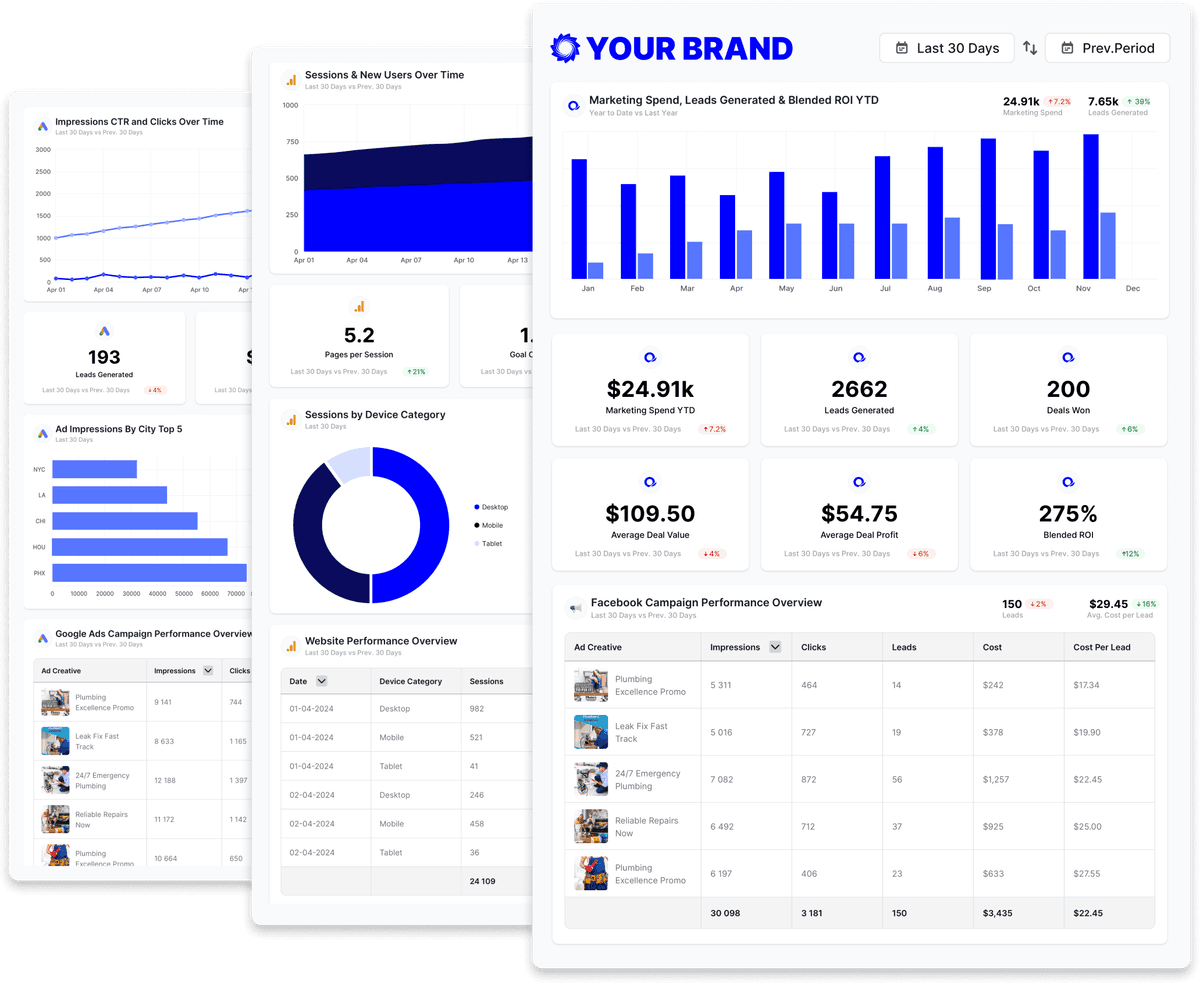
Google PageSpeed Insights reporting templates
Start from an agency-ready Google PageSpeed Insights template and send a polished client report in minutes.
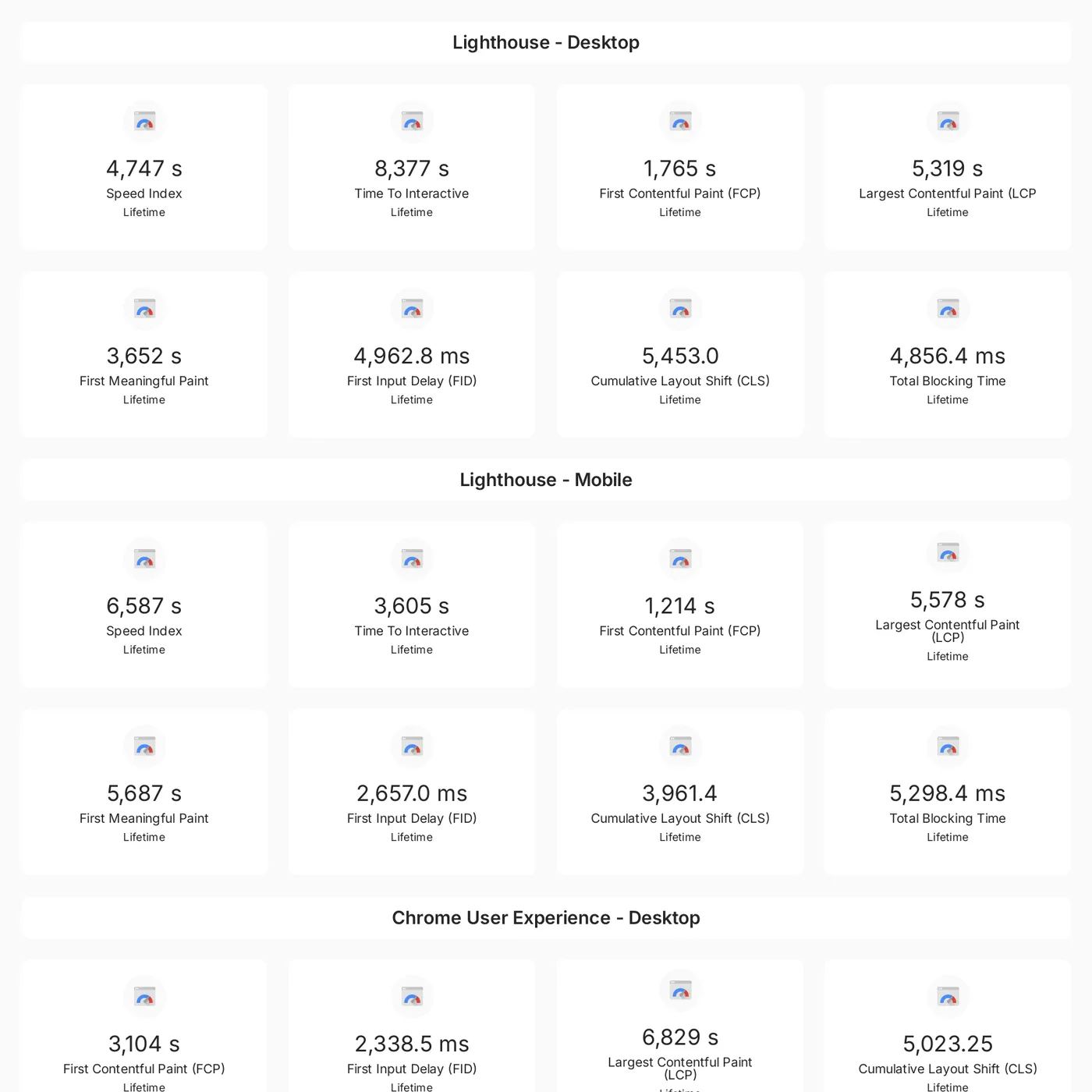
Google Page Speed Insights
Track performance metrics like FCP, LCP, FID, and CLS across desktop and mobile to monitor user experience over time
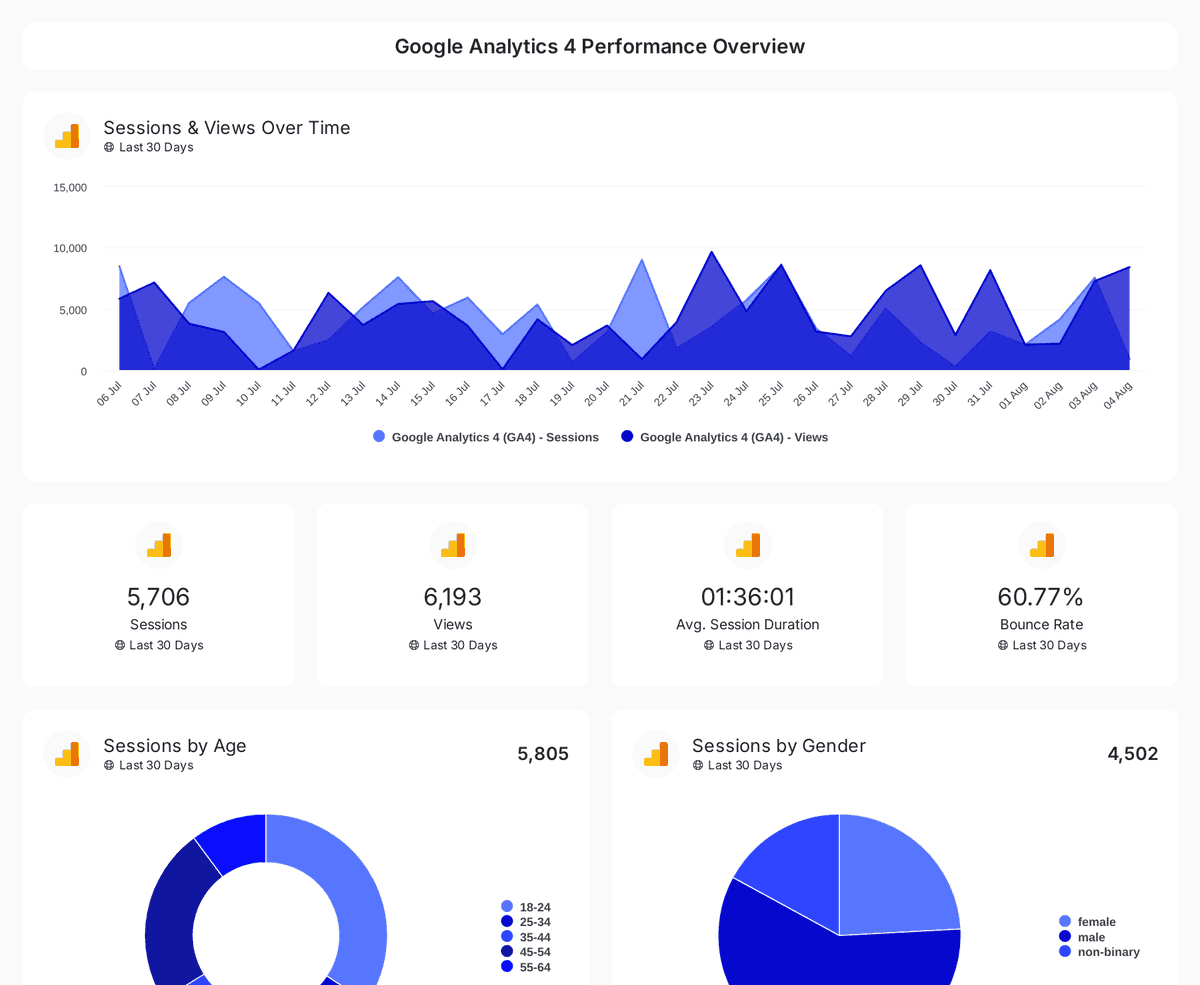
Website performance
Monitor website traffic, user demographics, and page performance with insights from Google Analytics 4, Search Console, and Page Speed Insights.


Build custom Google PageSpeed Insights queries
Start from prebuilt Google PageSpeed Insights queries or build your own, so each report shows exactly the metrics that matter to the client.
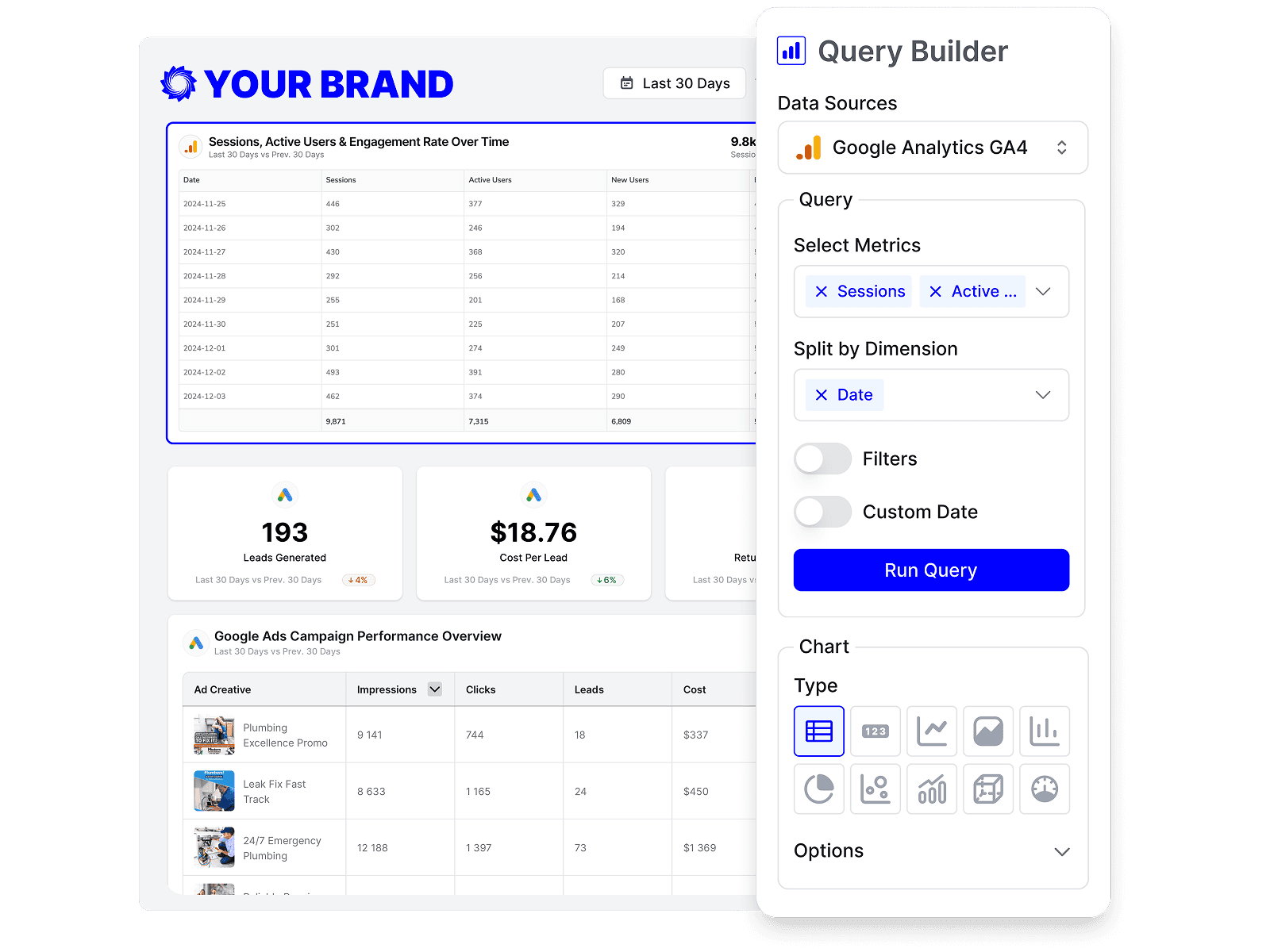
Drag-and-drop Google PageSpeed Insights reports
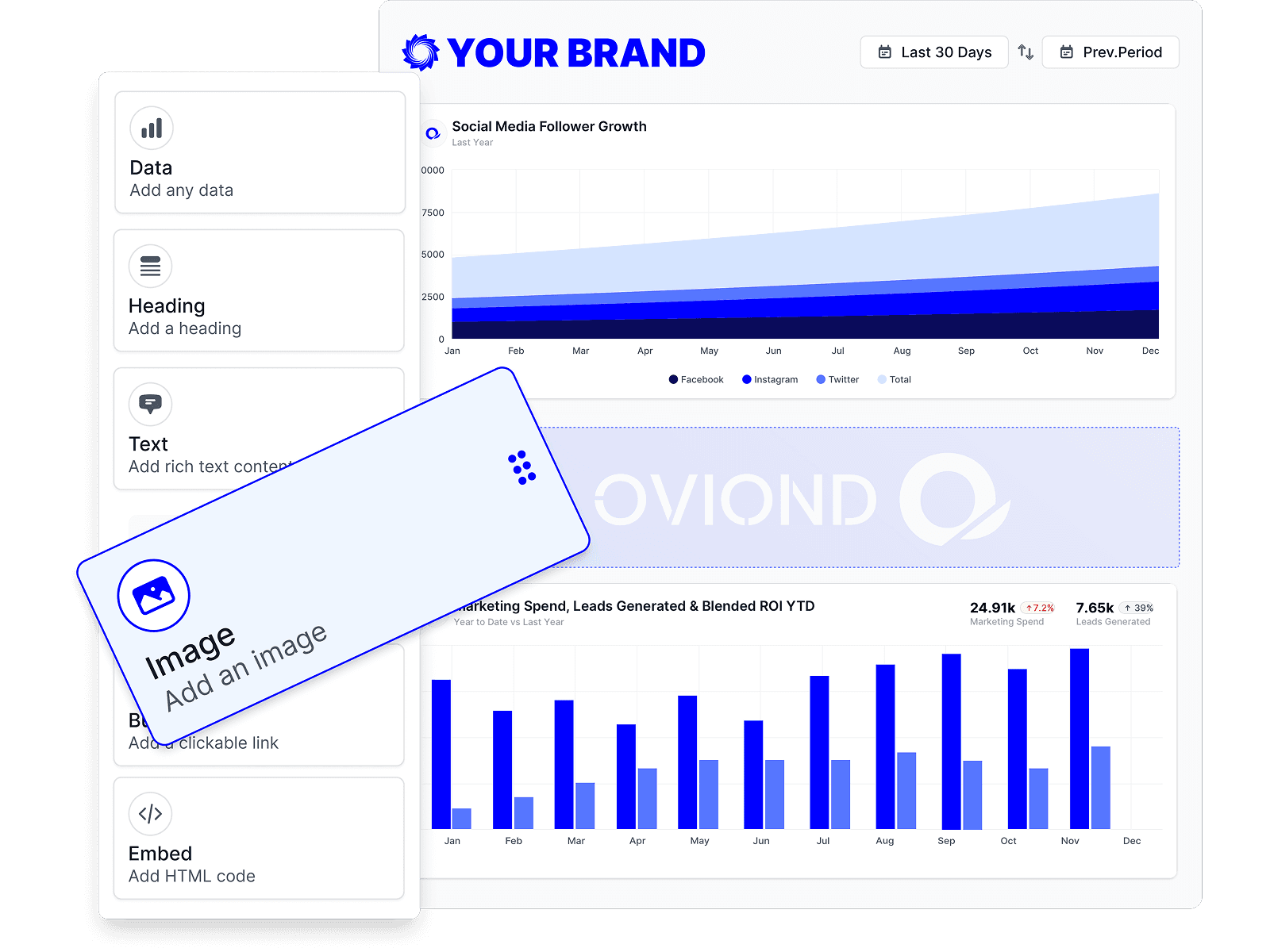
Customize Google PageSpeed Insights reports to match each client's goals with a no-code, drag-and-drop builder.
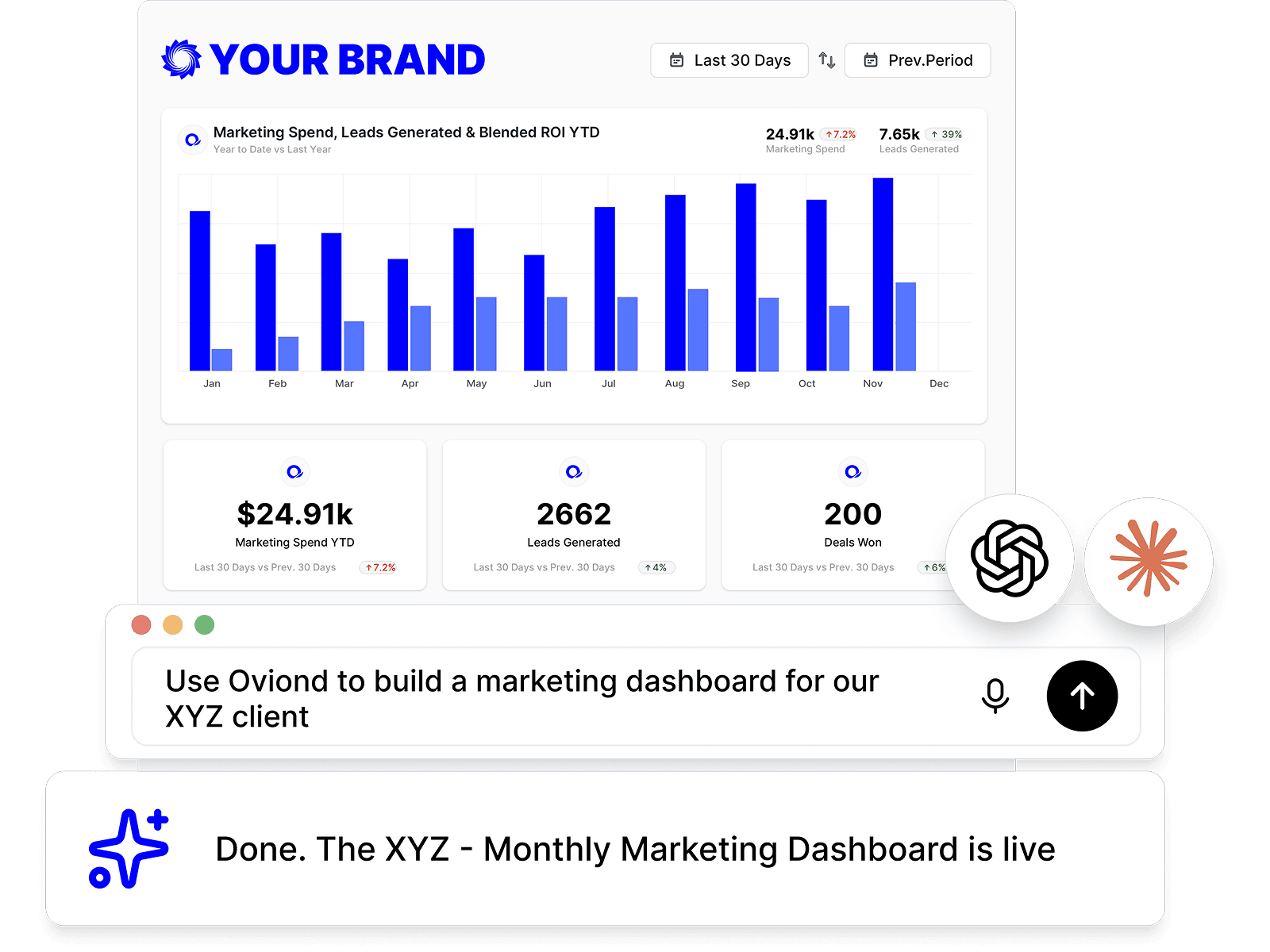
Google PageSpeed Insights reporting, inside your AI
Pull Google PageSpeed Insights data and build reports right from Claude, ChatGPT, or any MCP-ready AI tool your agency already uses.
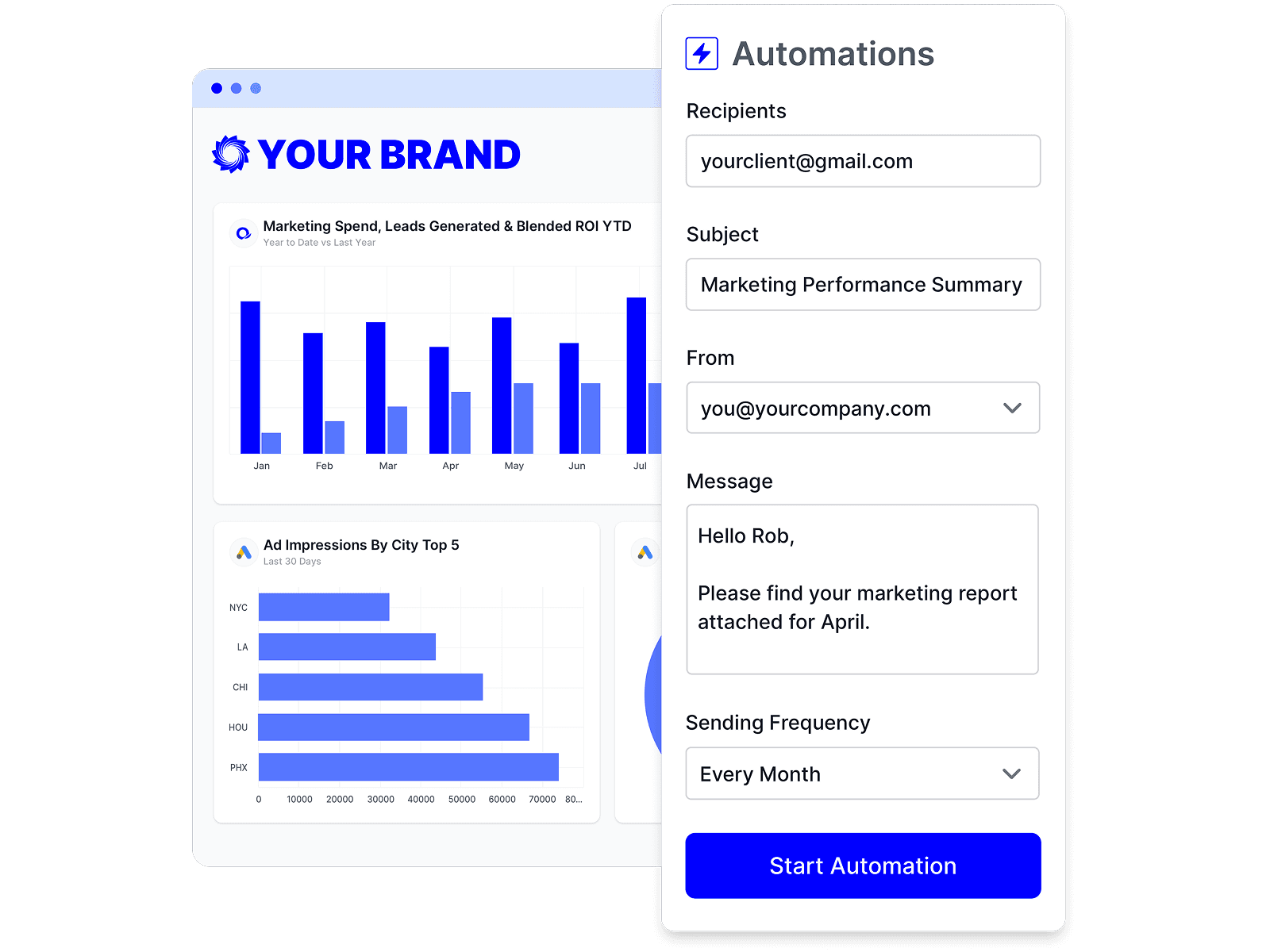
Automate Google PageSpeed Insights reporting
Schedule Google PageSpeed Insights reports once and let them send themselves — on time, every time, without rebuilding it by hand.
Branded Google PageSpeed Insights reports
Deliver white-labeled Google PageSpeed Insights reports from your own domain, so every report looks like it came from your agency.

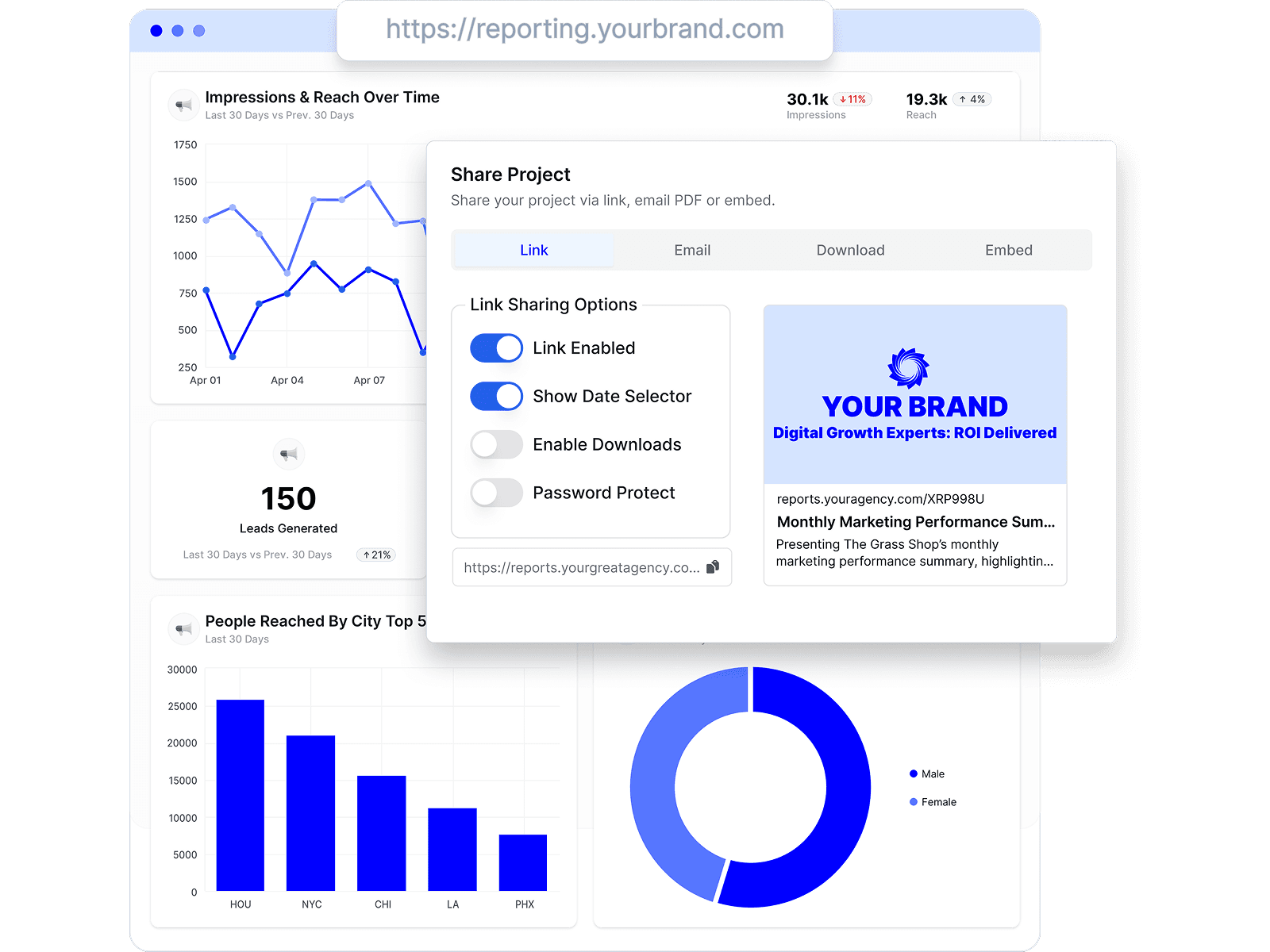
Share Google PageSpeed Insights reports clients love
Share by link, email, or embed, and keep every client looking at the latest Google PageSpeed Insights numbers.
Combine Google PageSpeed Insights with every channel
Add Google PageSpeed Insights to the analytics, ads, social, search, and CRM data your agency already reports on.







Google PageSpeed Insights reporting FAQs
Can I report Core Web Vitals to clients with Oviond?
Yes. Oviond's standard PageSpeed Insights widgets cover Largest Contentful Paint, First Contentful Paint, First Input Delay, and Speed Index — the site-speed numbers clients ask about, in a report they can actually read.
Is there a PageSpeed Insights report template?
Yes. Start from the PageSpeed Insights reporting template, or use the website performance template to pair site speed with Search Console and GA4 in one report.
Can I combine PageSpeed data with Search Console and Google Analytics 4?
Yes. The website performance template combines all three, so one report answers how the site performs, how it ranks, and how visitors behave.
Why include PageSpeed Insights in a client report?
Site speed is work clients pay for but rarely see. Putting Core Web Vitals in the monthly report makes that work visible — and shows the trend after each fix.
How do I connect Google PageSpeed Insights to Oviond?
Connect Google PageSpeed Insights from your Oviond dashboard, choose the client it belongs to, and the data flows into your reports — no spreadsheets or manual exports.
Can I pull PageSpeed data into Claude or ChatGPT?
Yes. Oviond works with Claude, ChatGPT, and other MCP-ready AI tools, so you can pull PageSpeed Insights data and build reports right from the AI your agency already uses.
Can I automate PageSpeed Insights reporting?
Yes. Schedule reports to send to clients automatically on a schedule you set, so PageSpeed reporting goes out on time without the manual rebuild.
Can I send PageSpeed reports from my own domain?
Yes. Add your own custom domain so PageSpeed reports reach clients from your agency, not from Oviond.
Simplify Google PageSpeed Insights reporting today
Stop juggling exports and screenshots. Start sending polished, client-ready Google PageSpeed Insights reports — on schedule.