







CallRail
Total, answered and missed calls, first-time callers, average call duration and leads, with call direction, duration, recording and customer location on the row-level view.
Lead and call reporting in Oviond connects CallRail, WhatConverts, HubSpot, Salesforce, Pipedrive and Go High Level, so a client report can show the calls, forms and deals the marketing produced — not only the traffic it bought.
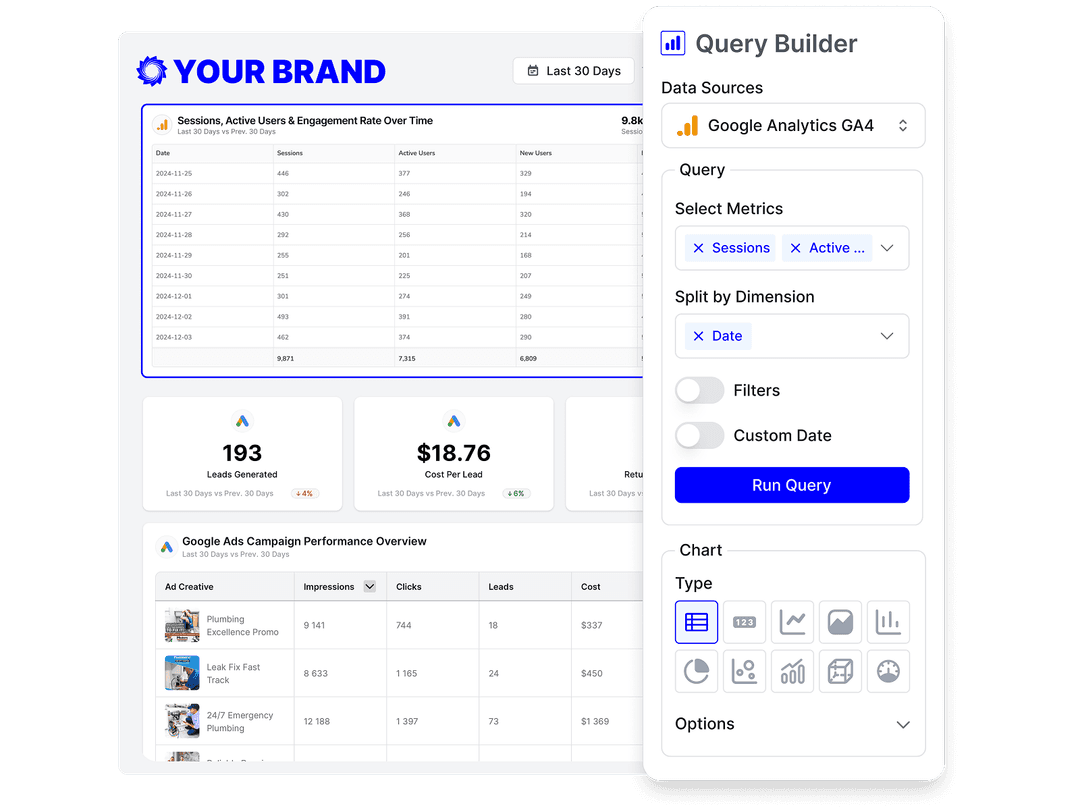
At a glance
For service businesses the conversion happens on the phone or in the pipeline, long after the ad platform stops counting. Connecting the call tracker and the CRM closes that gap inside the same report.
7
Lead and CRM sources
CallRail, WhatConverts, Twilio, HubSpot, Salesforce, Pipedrive and Go High Level.
4
CallRail report views
Calls and form submissions each split into a summary and a row-level view.
7
HubSpot report views
Performance, contacts, companies, forms, marketing emails, deals and workflows.
The facts an agency needs before shortlisting a reporting tool for this channel — each one dated and owned.
| Fact | Oviond |
|---|---|
| Connectors for this channel | 7 native sources: CallRail, Go High Level, HubSpot, Pipedrive, Salesforce, Twilio, WhatConverts |
| Data sources | 70+ marketing data sources, no source credits or per-connection fees |
| Starting price | $40/month billed annually ($50 month-to-month) for 10 clients |
| Pricing model | One plan, every feature included; $5 per client month-to-month or $4 per client billed annually, from 10 to 100 clients self-serve |
| White-label | Included on every plan — unlimited white-label themes |
| Scheduled delivery | Recurring report email delivery and automations included on every plan |
| MCP / AI assistants | Hosted MCP server included on every plan; works across your whole client list from Claude, ChatGPT, or any MCP-ready tool |
| Free trial | 15 days, every feature included, no credit card |
Oviond facts verified September 1, 2026 by Oviond Product. Pricing in USD. See full pricing
Where the lead is captured and where it is worked. Connect both to the client and they report on the same date range.
What you can report
Each widget reads the platform's own field catalog, so the report can carry lead quality and pipeline value rather than a single conversions number copied from an ad account.
Total, answered and missed calls, first-time callers, average call duration and leads, with call direction, duration, recording and customer location on the row-level view.
A separate view for form fills, carrying source, referrer, keyword, campaign and form name — so a lead can be traced back to the channel that produced it.
Contacts, leads, marketing and sales qualified leads, customers, session-to-contact and contact-to-customer rates, plus separate deal, form, workflow and marketing-email views.
Deal value with ACR, ARR and MRR, open, won and lost counts, deal probability, close and won dates, and lost reason — plus a separate leads view for the top of the pipeline.
Opportunity amount and expected revenue, close date, forecast category and stage, with a separate lead view, for the clients running enterprise sales behind the marketing.
Go High Level reports opportunities, contacts and appointments with their own performance views; WhatConverts and Twilio cover the rest of the call and messaging stack.
Three gaps between what the ad platform counts and what the client banks.
A report that stops at clicks and form views
Report the calls answered and the deals won alongside them
Every lead counted the same, good or junk
Report first-time callers, call duration and qualified-lead stages
Pipeline value living in a CRM the client never opens
Pull deal value into the same monthly marketing report
There is no off-the-shelf lead template yet, so the first build is yours — then it becomes one.
Lay out the call tiles, lead tables and pipeline figures the client needs, then save the report as a template so every other lead-gen client starts from it.
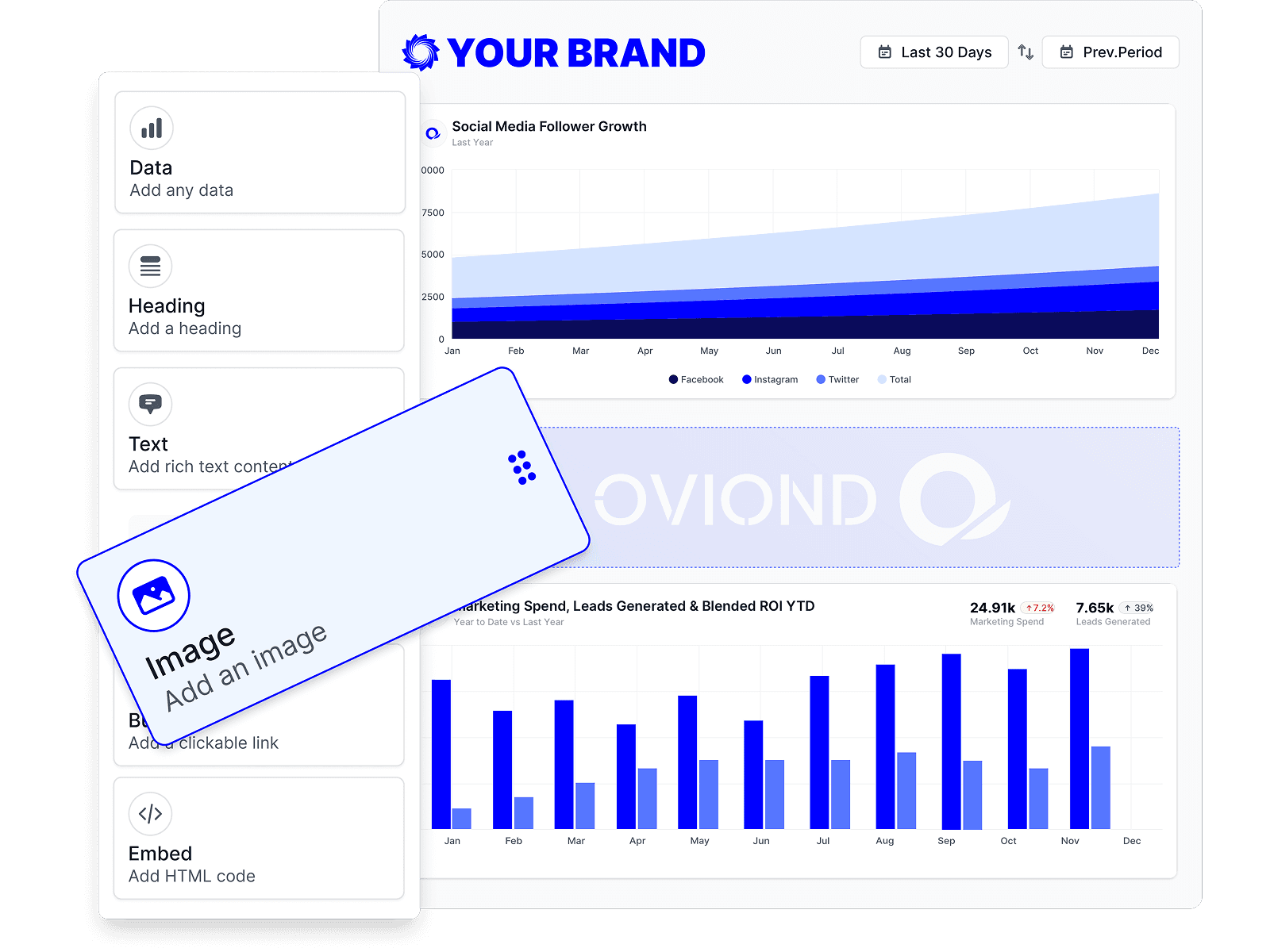
A calculated metric can divide ad spend from one platform by calls or qualified leads from another, and a goal can track it against a target with a gauge.
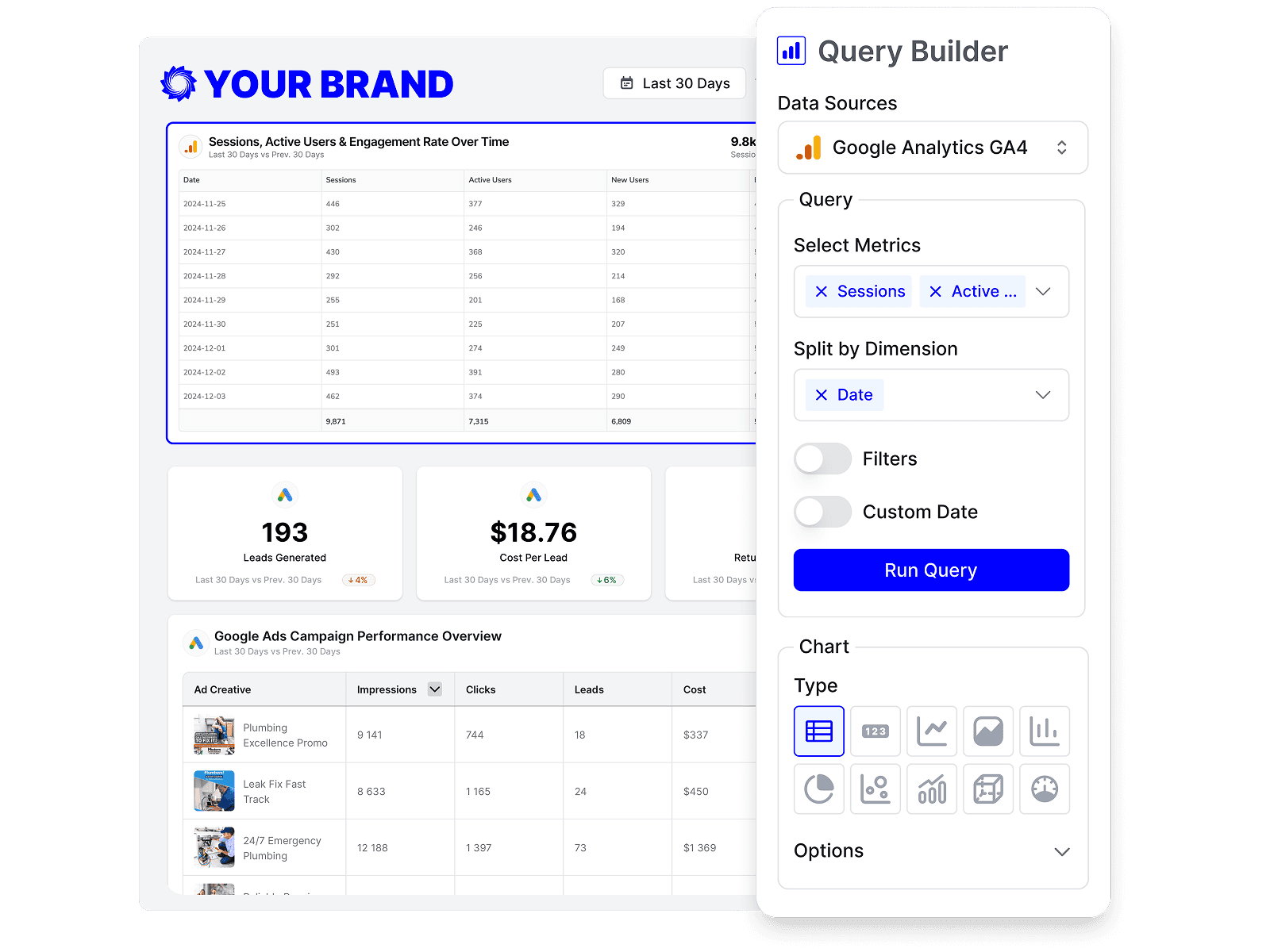
Lead-gen clients often want weekly. Set the cadence once and the report renders fresh for the new period on every run.
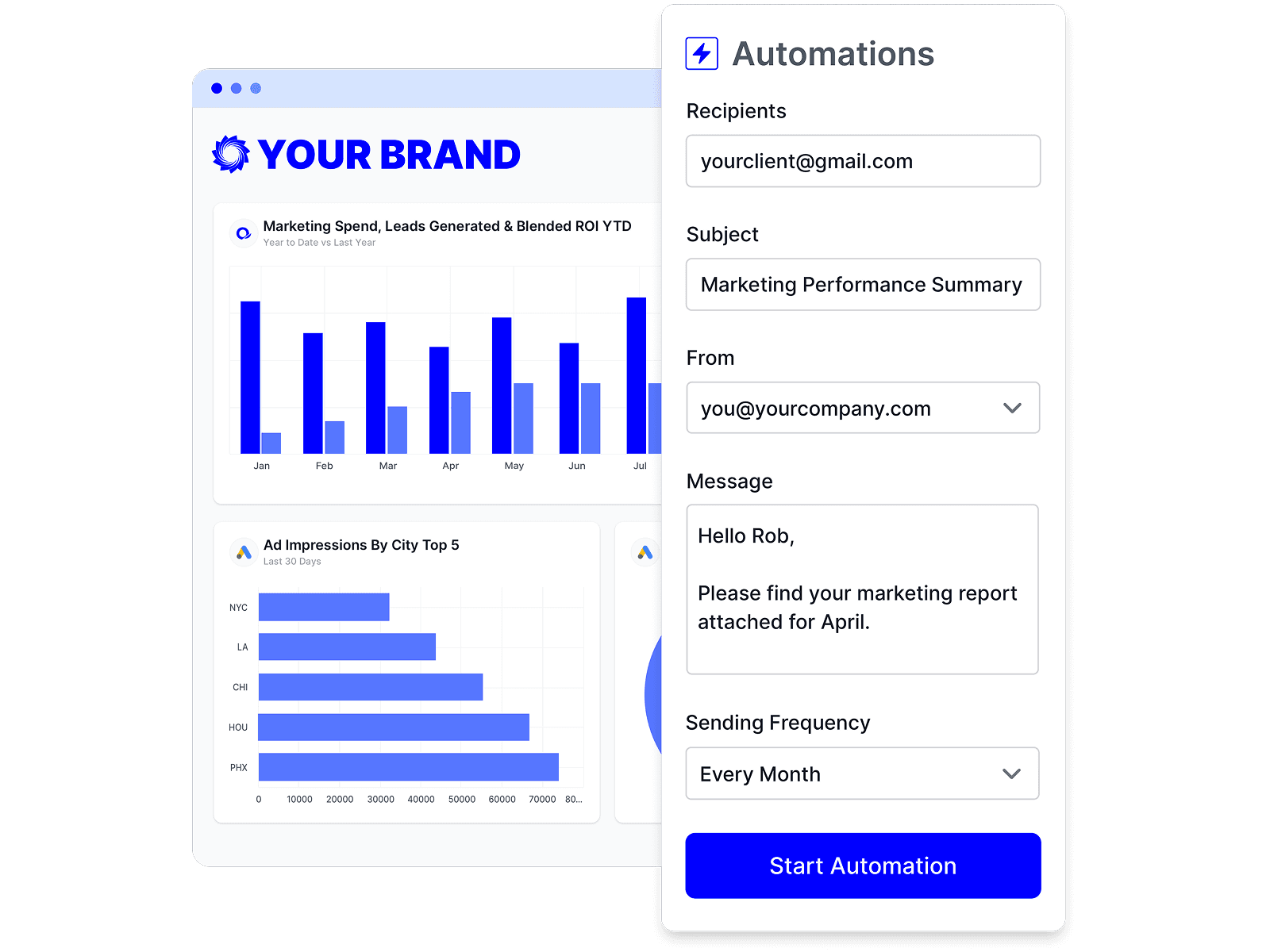
A count of calls is a number; cost per booked job is an argument for the retainer. Put lead data beside paid ads for cost per lead, beside SEO and social for the channels that produced them, and beside web analytics for the journey in between. All-in-one client reporting covers running every channel through one report.
What agencies ask about reporting leads, calls and pipeline to clients.
CallRail, WhatConverts and Twilio for calls and messaging, and HubSpot, Salesforce, Pipedrive and Go High Level for CRM and pipeline. Each connects to a client separately and reports into the same client report.
CallRail publishes total, answered and missed calls, first-time callers, average call duration and leads, with a row-level view carrying direction, duration, recording and customer location, and a separate view for form submissions.
Yes, where the platform captures it. CallRail's form-submissions view carries source, referrer, keyword and campaign as dimensions, and HubSpot exposes traffic source and the UTM campaign, medium, source, content and term fields.
Yes, as a calculated metric. Each token in the formula is its own data-source query, so one formula can divide ad spend from a platform by calls or qualified leads from the call tracker or CRM. Set a target with a goal to show progress against it.
Yes. Pipedrive publishes deal value with ACR, ARR and MRR plus won, lost and open counts and lost reason; Salesforce publishes opportunity amount, expected revenue and forecast category. Both can sit in the marketing report.
To the extent the source records it. First-time callers and average call duration are useful proxies from CallRail, and HubSpot's marketing- and sales-qualified lead stages carry the CRM team's own judgment into the report.
Not a standard one today. Build the layout once for your first lead-gen client, save it as a template, and every client after that starts from it — the template keeps the pages, widgets, date range and theme, and rewires to the new client.
Yes. Upload a CSV or JSON dataset of up to 10,000 rows as custom data and map its columns to a widget, so closed-won revenue that never touches a connected platform still appears in the report.
Connect the client's call tracking and CRM, and send a report that ends on booked work rather than impressions.