MCP over OAuth
One hosted endpoint at api.oviond.com/mcp on streamable HTTP transport, with OAuth 2.1 and PKCE. Your assistant opens a browser, you sign in to Oviond, and it receives a scoped access token.
Feature
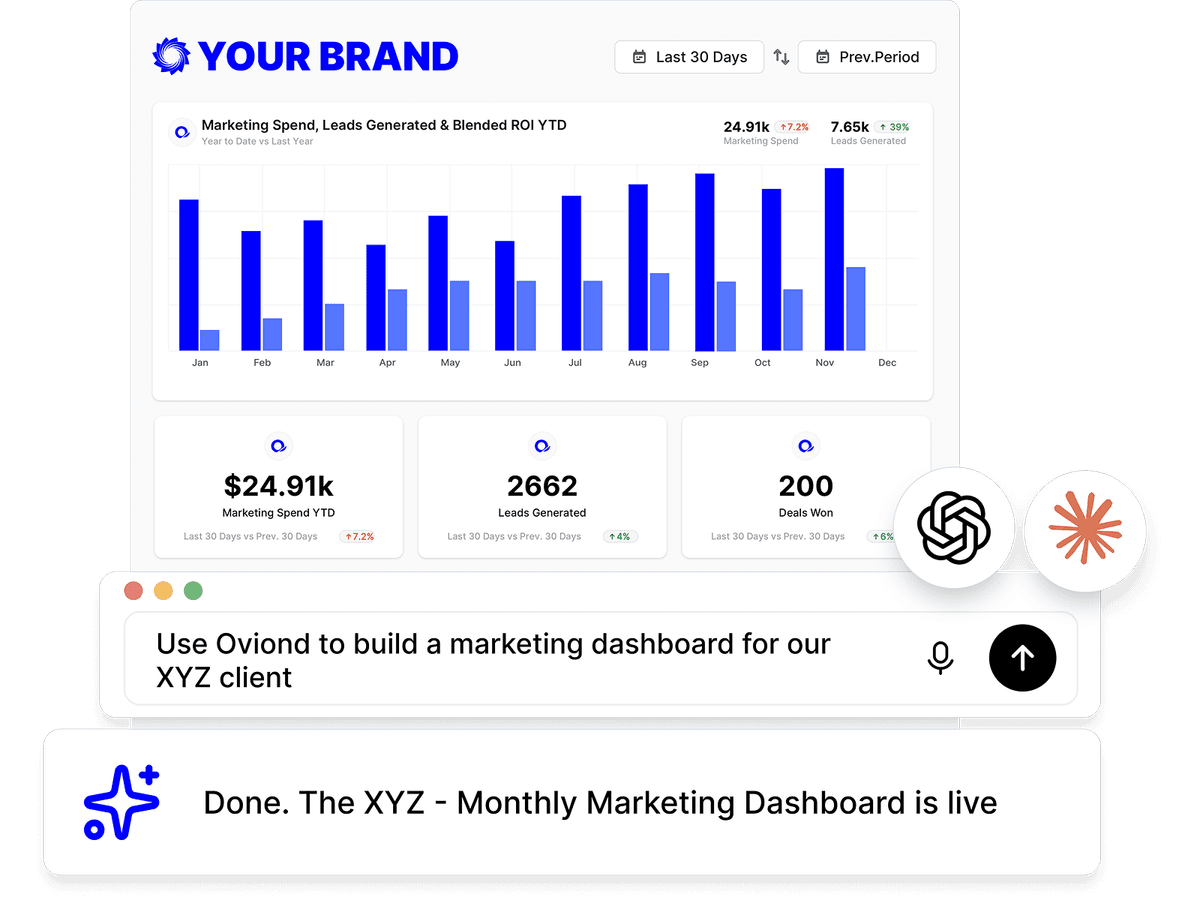
The Oviond reporting API and MCP server are two ways into the same reporting surface: a REST API for your own code, and a hosted Model Context Protocol server so AI assistants like Claude and ChatGPT can build and manage client reports directly.
Why the API and MCP server
Reporting that happens in a chat window or a script is reporting nobody has to block out an afternoon for.
Connect Claude, ChatGPT, Cursor, or any MCP client and ask for a client, a report, or a scheduled send in plain language.
Clients, reports, pages, widgets, data sources, templates, themes, automations, and branding are reachable as MCP tools and as REST endpoints.
MCP signs in with OAuth and every call is scoped to that account. REST keys are issued and revoked from Settings, and every response carries a request ID.
How it works
The MCP server is for agents. It speaks the Model Context Protocol over streamable HTTP at api.oviond.com/mcp, authenticates with OAuth, and presents Oviond as tools an assistant can call. The REST API is for your own code, authenticated with a Bearer key.
Both sit on the same data and the same permissions: an agent or a script can only touch what the signed-in user could touch in the app.
One hosted endpoint at api.oviond.com/mcp on streamable HTTP transport, with OAuth 2.1 and PKCE. Your assistant opens a browser, you sign in to Oviond, and it receives a scoped access token.
Claude on web and desktop, Claude Code, ChatGPT, Codex, Cursor, VS Code, Windsurf, and any other MCP-compatible client. Setup differs only in where you paste the URL.
180+ tools spanning clients and folders, reports and pages, every widget type, data sources and connections, templates and themes, automations, branding, and account-wide search.
A tool description says what one call does, never what order to make the calls in. Install the Oviond skill and your agent gets the workflows — including which steps it should hand back to a person.
150+ endpoints over HTTPS at api.oviond.com, a Bearer key from Settings → API Keys, a published OpenAPI spec, request IDs on every response, and a 300-requests-per-minute account limit that never throttles the web app.
Make real calls against a shared demo account with Google Ads, Google Analytics 4, and Facebook Ads connected, before you wire in a key of your own.
Which platforms expose an API and a Model Context Protocol server, and on which plans — restated from the dated fact tables on our comparison pages.
| Tool | AI & MCP support | Starting price |
|---|---|---|
| Oviond | MCP server included on every plan — works from Claude, ChatGPT, and other MCP-ready AI tools across your whole client list | From $40/month billed annually ($50 month-to-month) — 10-client minimum, $4/$5 per client |
| AgencyAnalytics | Ask AI + AI Summary; first-party MCP included — supports queries for a single client at a time (per their docs) | $20 per client/month billed annually, or $25 per client/month month-to-month (the "Save 20% annually" toggle on their pricing page) |
| Swydo | Swydo AI assistant (report summaries, ask-your-data Q&A; 4,000 AI credits/month included). No public MCP offering found as of July 2026 | €62/month billed annually (€69 monthly) — first 10 data sources included |
| DashThis | Preset AI Insights on all plans; chat-style "AI Insights PRO" is a paid add-on. No public MCP offering found as of July 2026 | Individual: $44/month billed annually ($54 monthly) — 3 dashboards, 15 data sources, no full white-label |
| ReportGarden | "Ask AI" report summaries; no public MCP offering found as of July 2026 | — |
| Octoboard | Automated ChatGPT insights — OpenAI-powered trend and anomaly detection plus commentary delivered via email and Slack; no MCP server found as of July 2026 | "For Agencies" from €25/month for 5 clients (~€5/client), 30% off annual; the separate "for Business" plans from €12/month |
| Reporting Ninja | MCP connector on every plan — read-only access with 6 pre-built analyses (PPC audit, ROAS comparison, anomaly detection…) | Starter: $20/month billed annually ($25 monthly) — 10 reports, 4 users, 10 accounts |
| Reportz | No AI features found on the site; no public MCP offering found as of July 2026 | $9.90 per dashboard per month (volume slider; e.g. 8 dashboards ≈ $78.72/month) |
| Whatagraph | Whatagraph IQ (AI insights, chat with dashboards, AI report generation); public MCP server with read-only access | Go: €199/month, 20 source credits; Max: from €699/month, 50+ credits; Prime: custom |
Competitor facts restate the sourced, dated tables on the linked comparison pages (most recent check September 2, 2026); Oviond facts verified September 1, 2026. Vendors change pricing — the comparison pages carry the sources. See every comparison
Field names are discovered, not guessed. That is the difference between an agent that builds a report you can send and one that invents a metric.
Every call is scoped to the signed-in account
Read-only and destructive tools are labeled before they run
Data is fetched server-side right after a widget is written
Automations are created paused, tested, then activated
Oviond API + MCP
AI reporting workflow
List the data sources
The agent looks up the identifier for the platform you named.
Describe it
One call returns that source's data views, metrics, dimensions, and any settings it can't run without.
Add the widget
The widget is written with real field ids, and its series is fetched server-side straight after the write.
Refresh on demand
Re-run the query for a new period without rebuilding anything.
Three things the API and MCP server deliberately hand back to a person.
Connecting Google, Meta, LinkedIn, or TikTok
Sign in once in the app; linking and reporting then work over MCP.
Uploading media or a custom dataset
Files go in through the app; MCP lists, renames, and removes them.
Sending real email or deleting records
Create it paused, send a test, and confirm before it goes live.
The API is a way in. These are the three features it drives.
An agent can create pages and widgets in seconds. Open the report in the builder afterwards to size, title, and annotate them the way the client reads best.
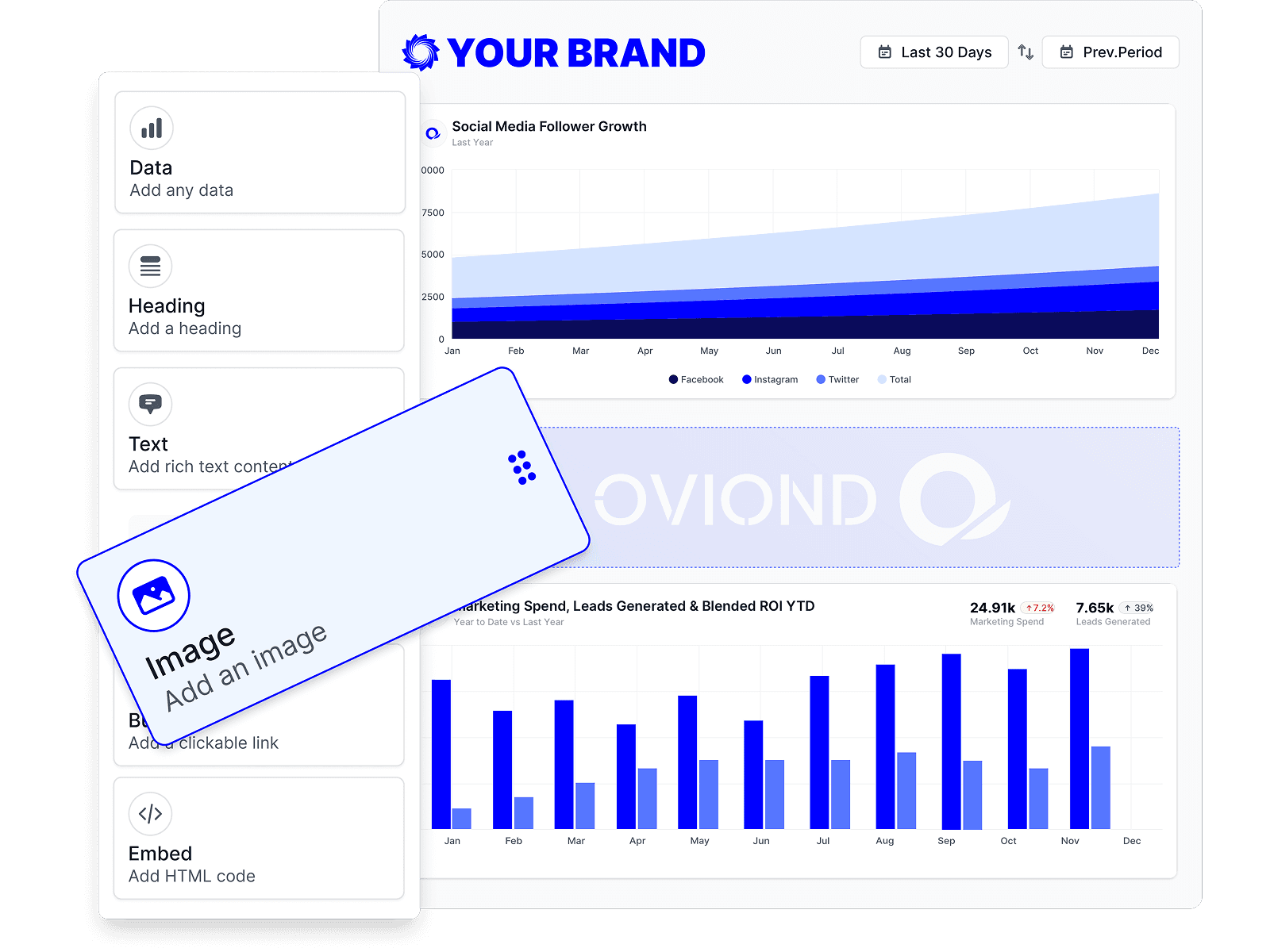
The metrics and dimensions an agent discovers over MCP are the same ones the widget builder shows you, so a report built by prompt and one built by hand are identical underneath.
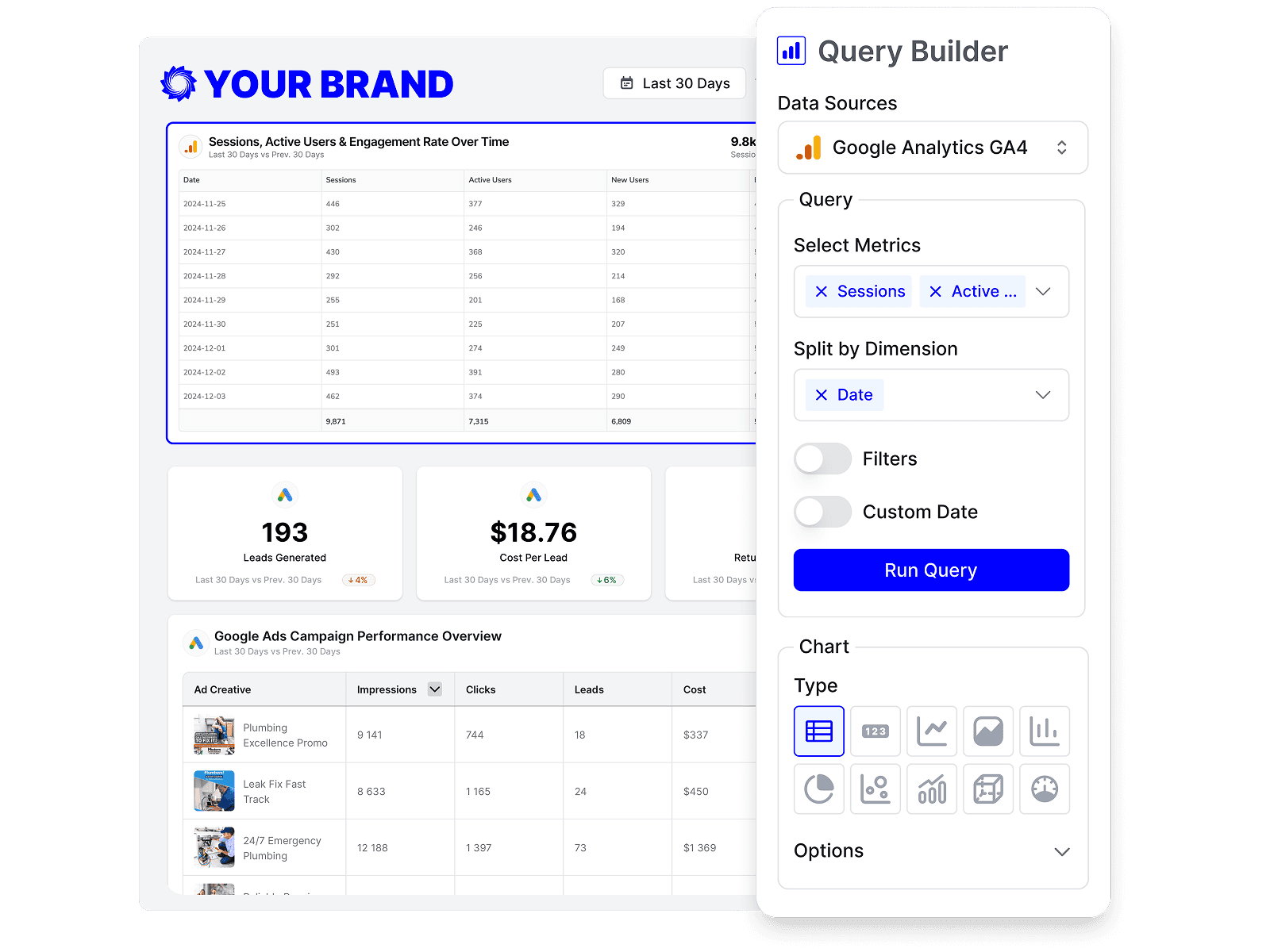
Ask for a monthly send to a client's recipients and the agent drafts the automation, sends a test, and leaves it paused until you confirm.
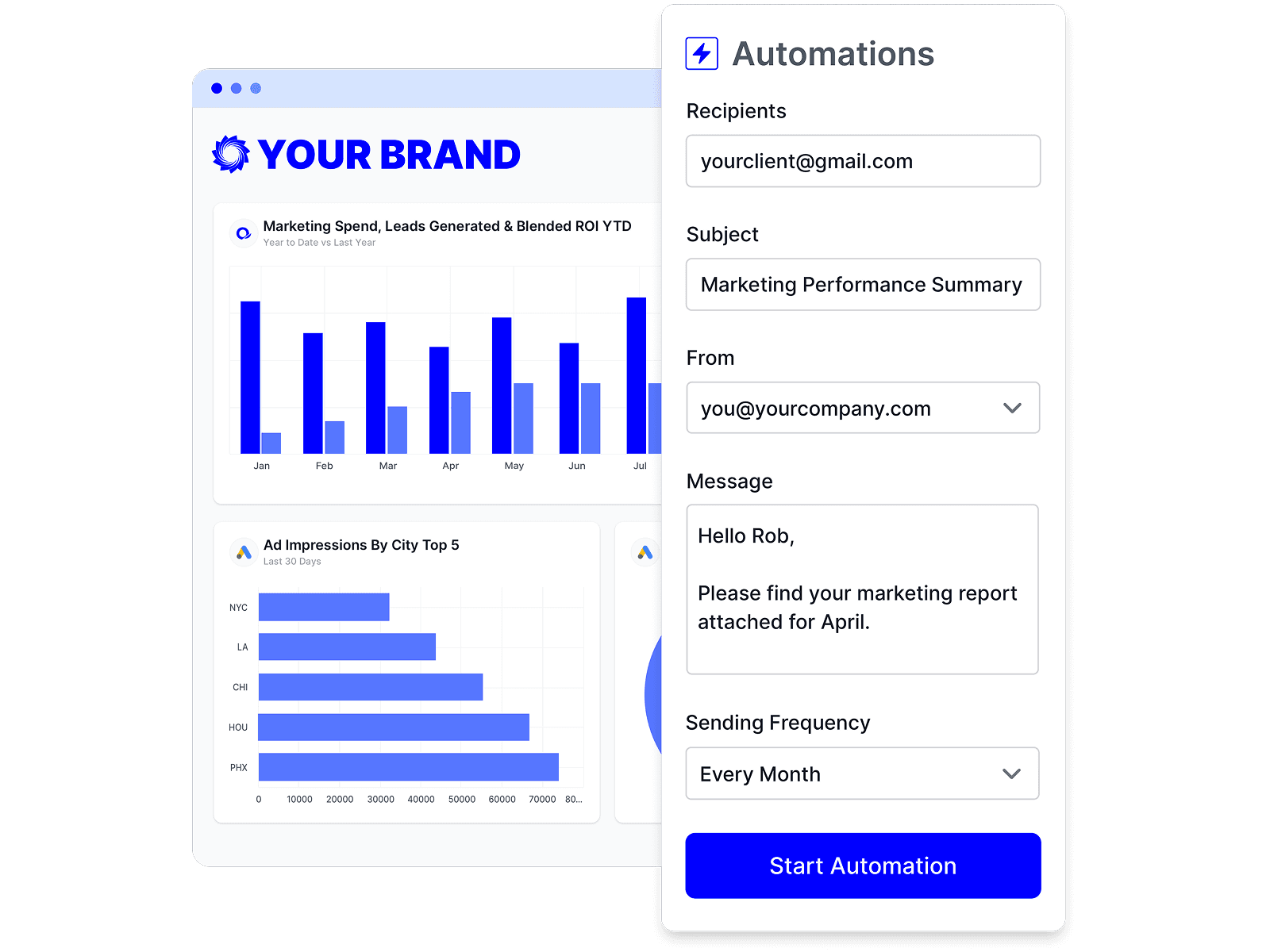
The API and MCP server reach the same 70+ marketing data sources the app does, and describe each one's fields on request.
Ask for a Google Ads dashboard and the agent finds the matching template, creates the client, and clones the layout into their first report.
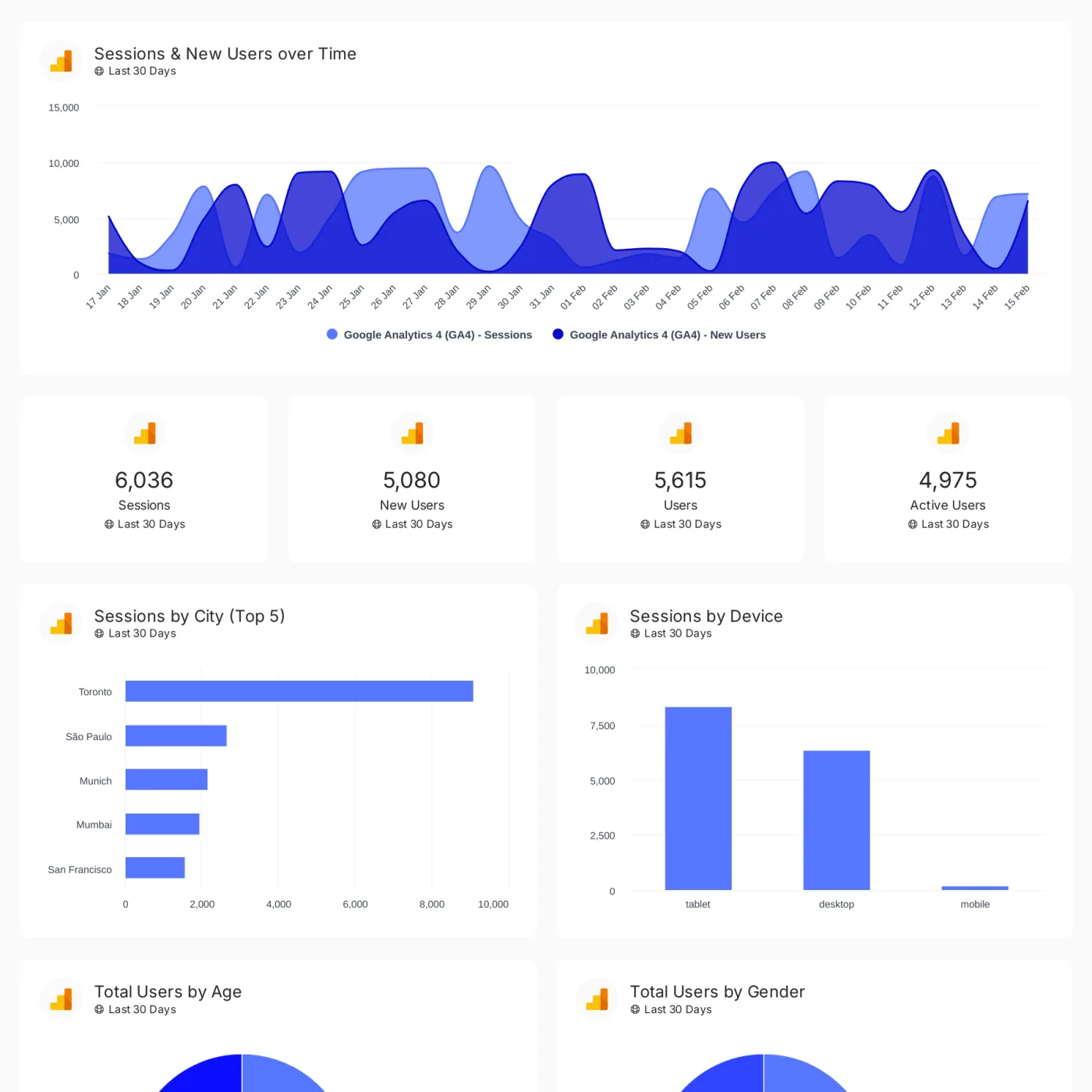
Track conversions, revenue, traffic, and customer engagement across your client's full marketing stack in one branded dashboard.
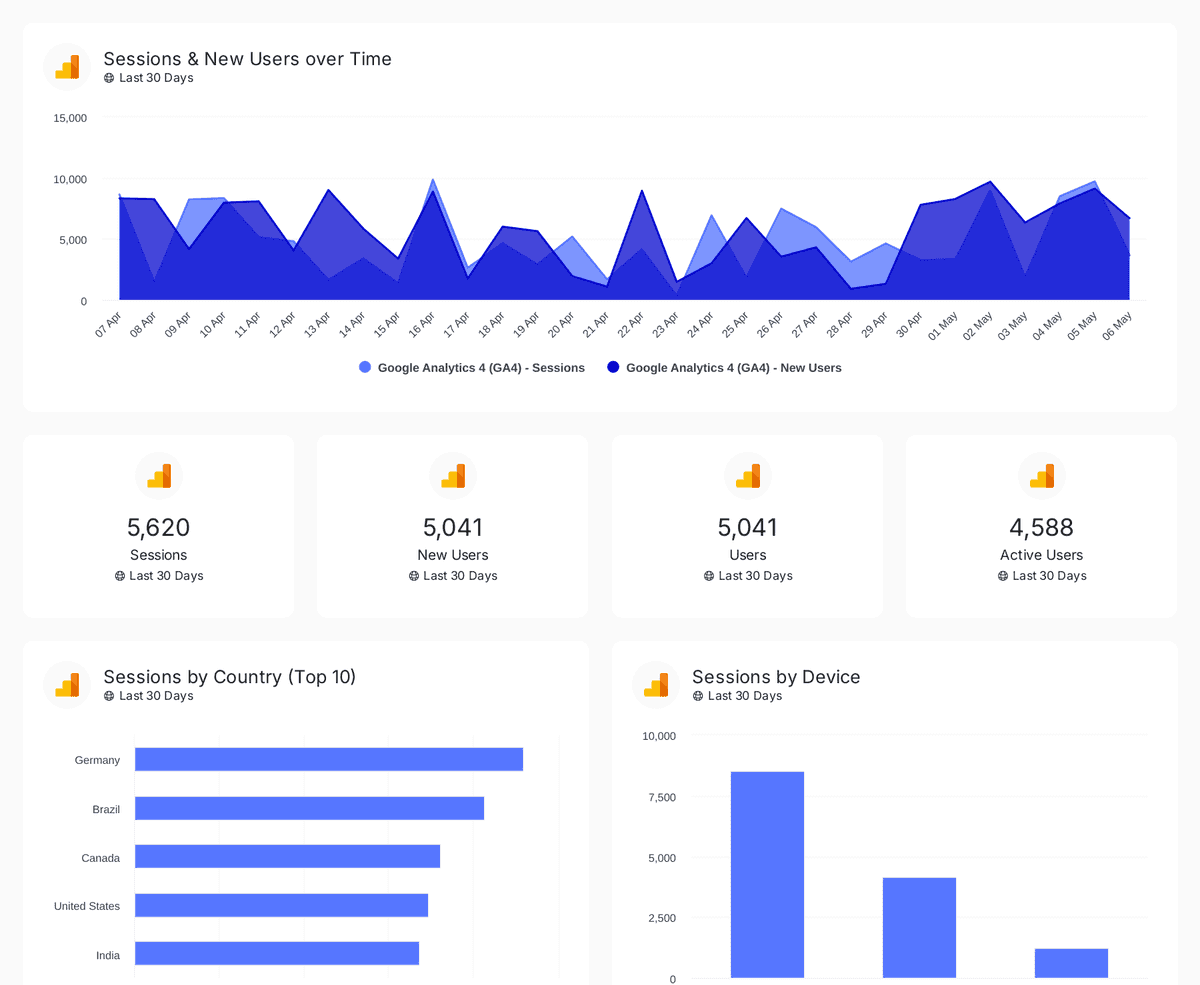
Track sessions, users, and traffic sources with insights by country, device, age, gender, and channel performance analysis
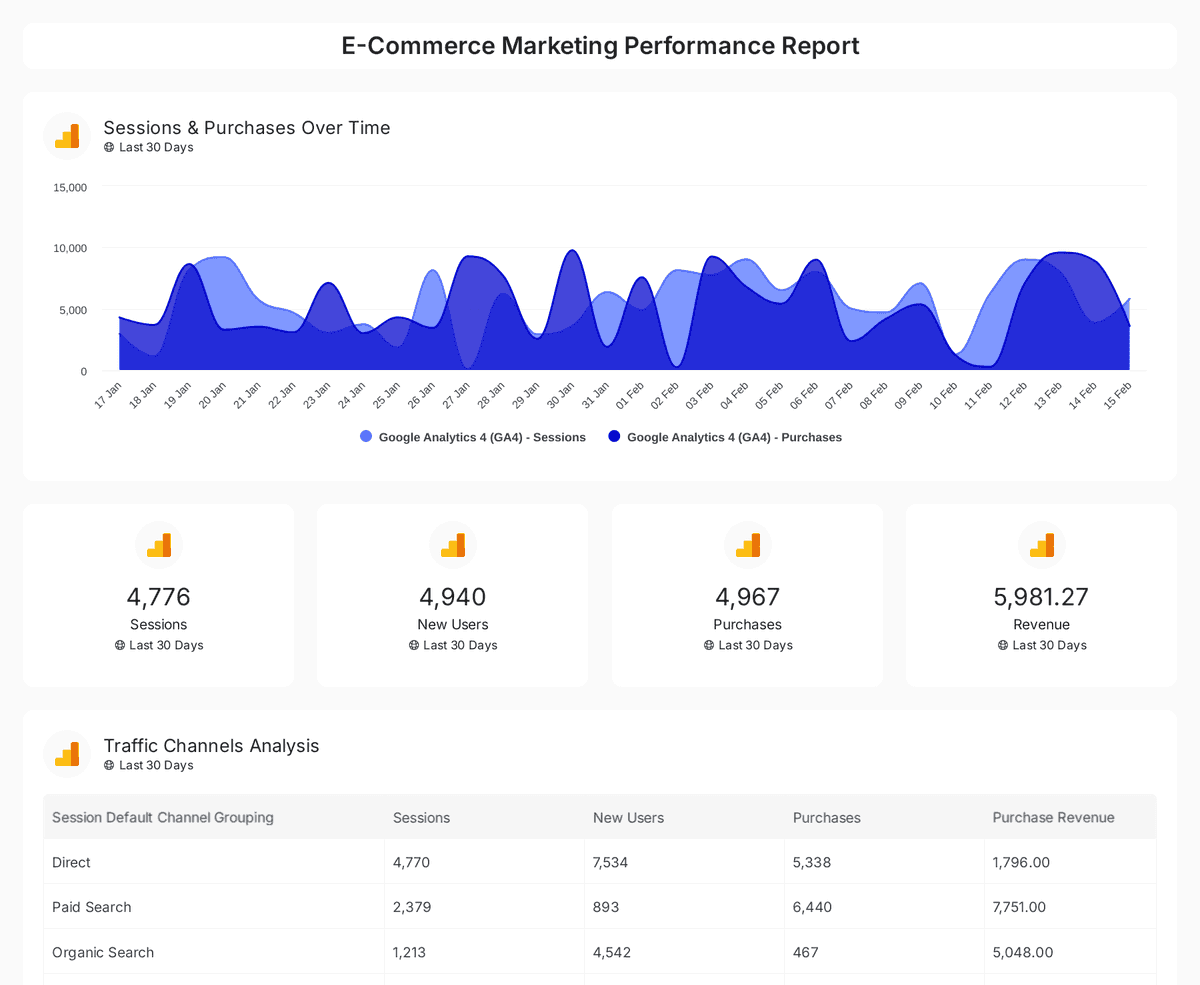
Analyze e-commerce sales, conversions, and traffic insights with interactive, real-time performance metrics.
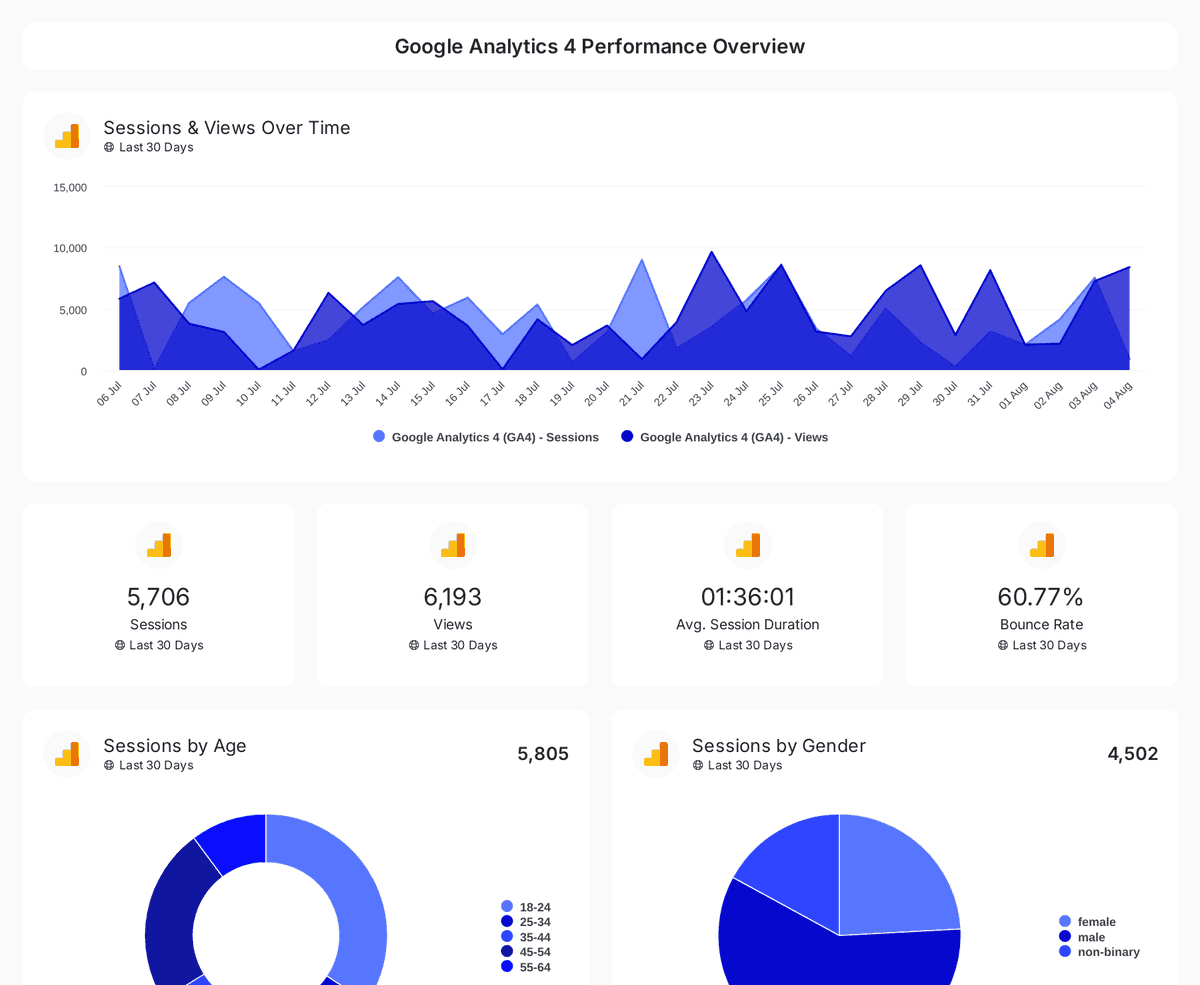
Monitor website traffic, user demographics, and page performance with insights from Google Analytics 4, Search Console, and Page Speed Insights.
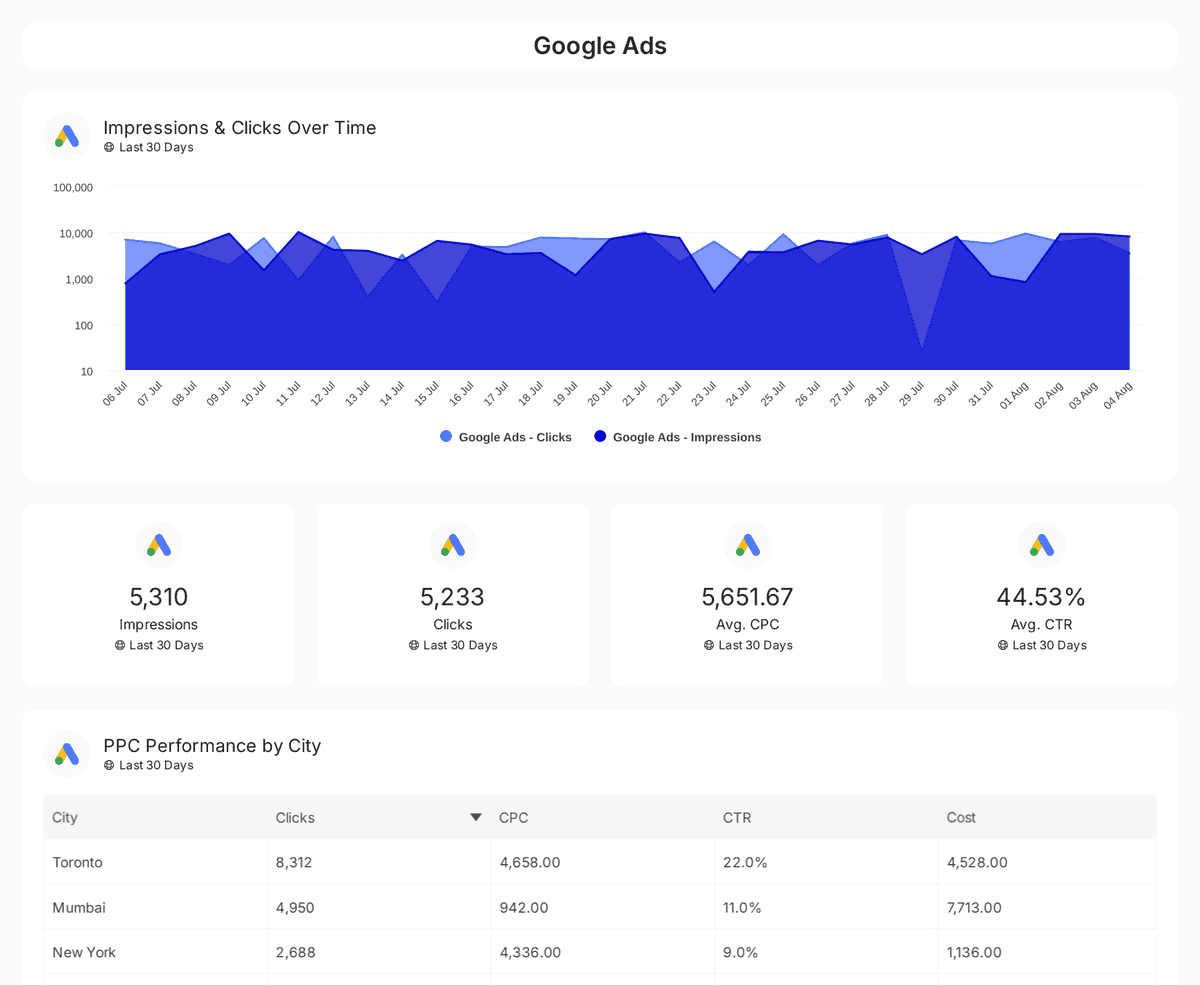
Track and compare reach, clicks, impressions, and CTR across Google, Facebook, Instagram, LinkedIn, and Twitter Ads over time.
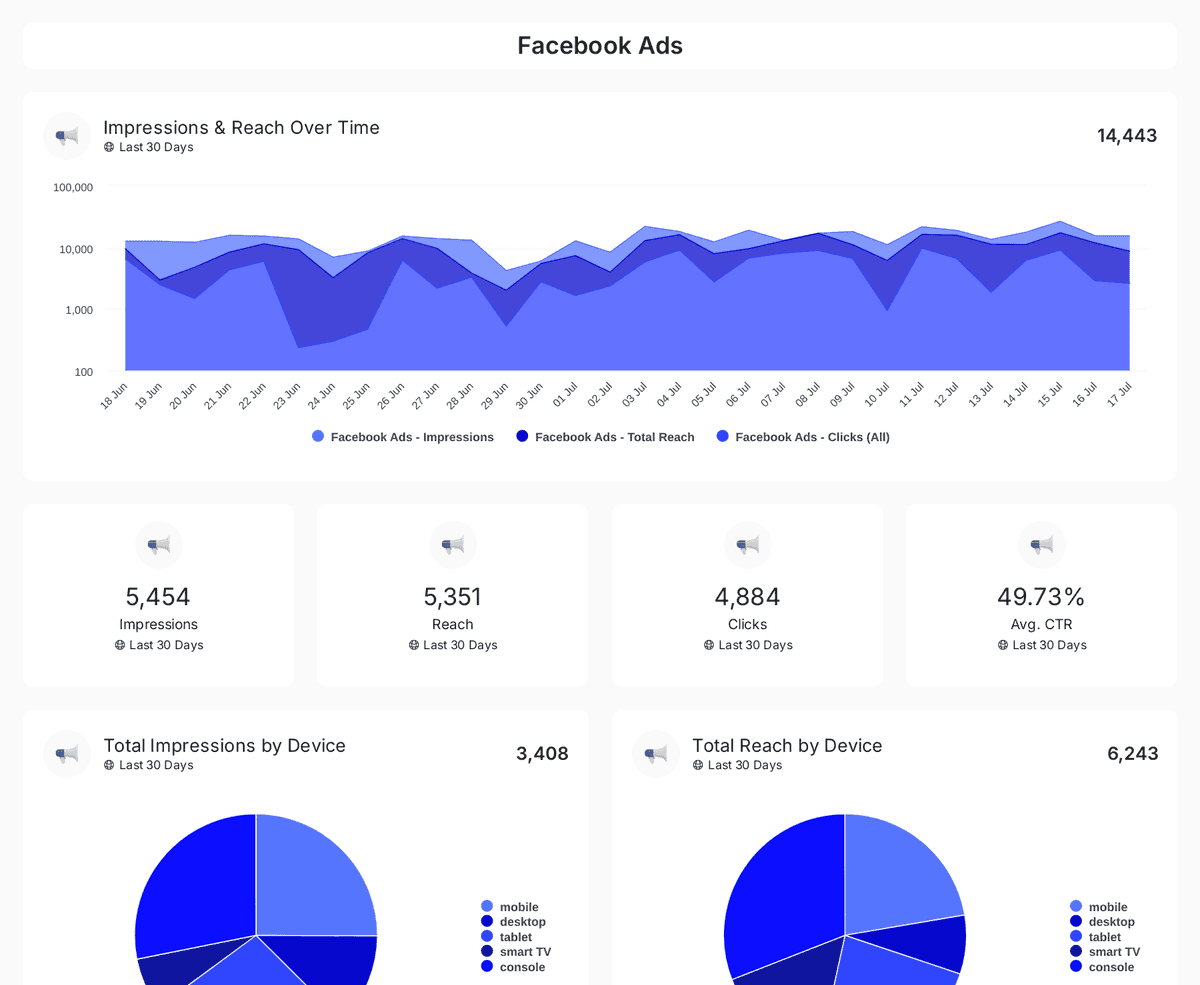
Track impressions, clicks, CTR, and ad spend across Facebook, Instagram, LinkedIn, TikTok, and Twitter Ads with insights on engagement & conversions.
| Fact | Oviond |
|---|---|
| API | Full REST API included on every plan |
| MCP / AI assistants | Hosted MCP server included on every plan; works across your whole client list from Claude, ChatGPT, or any MCP-ready tool |
| Custom data | Google Sheets and imported custom datasets (up to 10,000 rows each) for data beyond native integrations |
| Starting price | $40/month billed annually ($50 month-to-month) for 10 clients |
| Free trial | 15 days, every feature included, no credit card |
Oviond facts verified September 1, 2026 by Oviond Product. Pricing in USD. See full pricing
Connecting an assistant, what it can do, keys, limits, and what to try first.
Yes. Oviond hosts a Model Context Protocol server at api.oviond.com/mcp on streamable HTTP transport, authenticated with OAuth 2.1 and PKCE. It is hosted by Oviond, so there is nothing to run locally.
In Claude, open Settings → Connectors, add a custom connector pointing at api.oviond.com/mcp, and sign in when the browser window opens. ChatGPT, Cursor, VS Code, Windsurf, and Codex follow the same pattern — register a remote MCP connector at that URL and complete the sign-in. In Claude Code, run claude mcp add --transport http oviond https://api.oviond.com/mcp, then authenticate with /mcp.
180+ tools cover most of the product: creating and organizing clients, building reports and dashboards, adding and rearranging pages, adding every widget type, connecting and linking data sources, discovering a source's metrics and dimensions, applying templates and themes, scheduling and testing automations, and updating branding.
Yes. Oviond MCP server and API access are included on every plan.
Close to it. 150+ endpoints mirror the features in the interface, and the OpenAPI spec documents every one. The exceptions are the same as for MCP: data sources that sign in on the vendor's own website, and file uploads.
Generate a key under Settings → API Keys and send it as a Bearer token in the Authorization header. Requests and responses are JSON, fields are snake_case, timestamps are ISO 8601, and every response carries a request ID you can quote when reporting a problem.
Yes. Programmatic API and MCP traffic is limited per account — 300 requests per minute per surface by default — and a throttled request returns a 429 with a Retry-After header. The web app itself is never rate limited.
Yes. A shared read-only sandbox account with Google Ads, Google Analytics 4, and Facebook Ads connected lets you list clients and query real data. Write requests return a 403, so you need a key from your own account to create anything.
Sources that authenticate with an API key, yes. Sources that sign in on the vendor's website — Google, Meta, LinkedIn, TikTok — need a browser, so connect those once in the app. After that an agent can link them to clients, build widgets on them, and refresh their data.
The API builds the report; the rest of the platform decides what it looks like. See marketing reporting and marketing dashboards for the two formats, white-label reporting for branding it, and client report sharing for getting it to the client. Full technical reference: the Oviond developer docs.
Connect an assistant over MCP, or call the REST API from your own code, and let the busywork happen where your team already works.