
A client-ready report, delivered how each client wants it
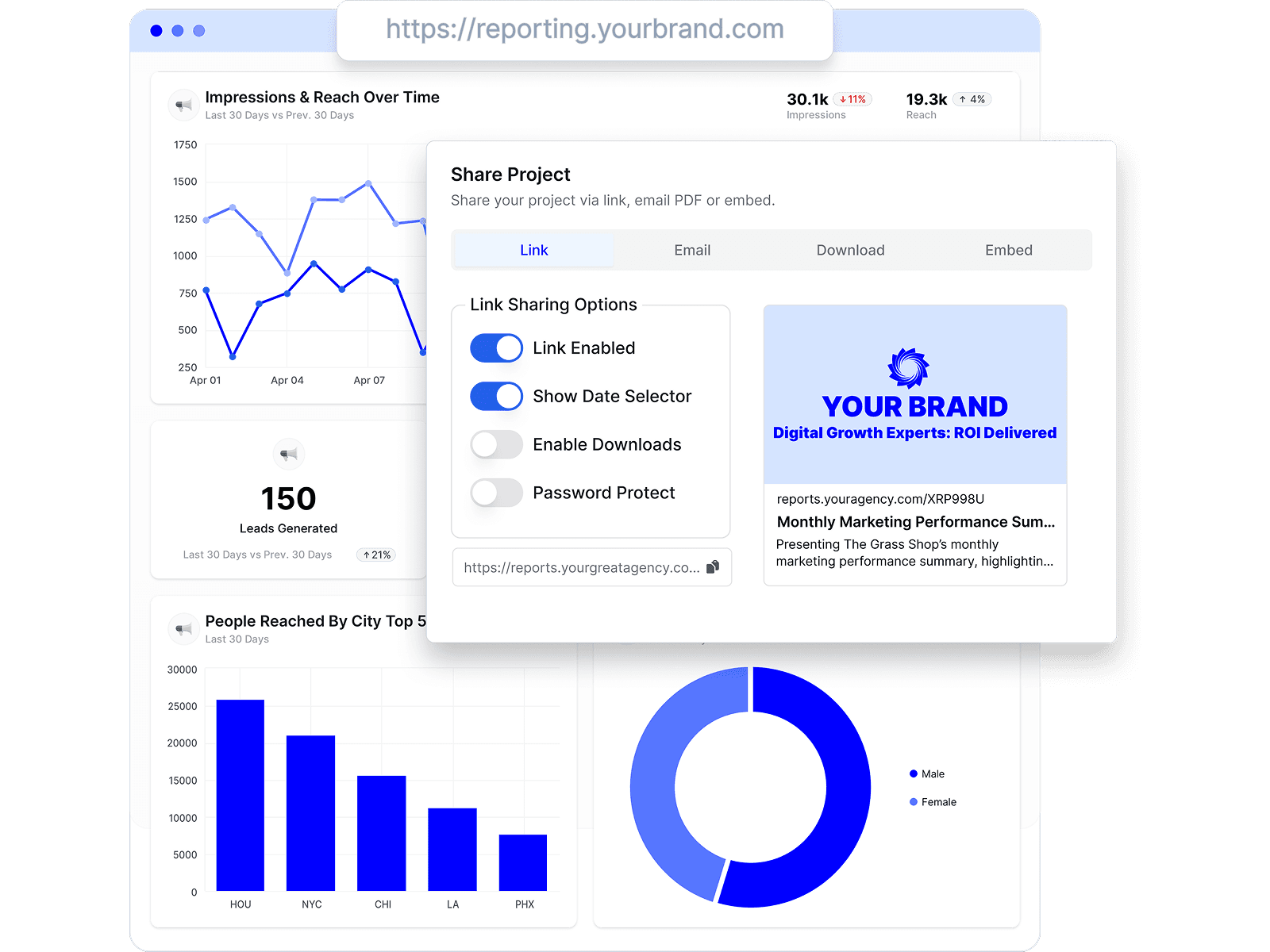
Reports live at a shared link, arrive by scheduled email, or embed where your clients already look — and every client keeps one connected view of their numbers, on your branding.
Reporting Ninja is one of the cheapest reporting tools around — plans from $20/month with report, user, and account caps per tier. Oviond starts at $40/month with nothing capped but client count. Both ship an MCP. Here's the honest comparison, dated and sourced.
By Chris Irwin· Co-Founder & CEO, OviondLast updated
Reporting Ninja is genuinely cheap: Starter is $25/month ($20 annual) for 10 reports, 4 users, and 10 connected accounts, scaling to Large at $150/month ($120 annual) for 150 reports, 16 users, and 150 accounts. It bundles five products — a reports platform, Looker Studio connectors, a Google Sheets add-on, a REST API, and a read-only MCP connector — and its ~25 integrations cover the mainstream stack. It's also a very small operation with a thin public review footprint.
Oviond starts at $40/month and caps only client count: reports, dashboards, users, and connected sources are unlimited, and white-label (unlimited themes, one custom domain per client), full API, and a full-workflow MCP are on every plan. If you need a handful of reports at the lowest possible price, Reporting Ninja earns its name. If your reporting is your product, caps become the cost.
| Oviond | Reporting Ninja | |
|---|---|---|
| Starting price | From $40/month billed annually ($50 month-to-month) — 10-client minimum, $4/$5 per client | Starter: $20/month billed annually ($25 monthly) — 10 reports, 4 users, 10 accounts |
| Pricing model | One plan tiered by client count; reports, dashboards, users, and sources unlimited | Four tiers capped by reports + users + connected accounts (10/4/10 → 150/16/150); all features on all tiers |
| Integrations | 70+ marketing data sources, plus Google Sheets and custom datasets for data beyond native integrations | ~25 integrations listed, plus Looker Studio connectors and a Google Sheets add-on |
| White-label | Included on every plan — unlimited themes, one custom domain per client in your plan | Branded client portal on a custom domain, custom report branding, branded email delivery |
| AI & MCP support | MCP server on every plan with full workflows — pull data, build reports, and manage clients from Claude or ChatGPT | MCP connector on every plan — read-only access with 6 pre-built analyses (PPC audit, ROAS comparison, anomaly detection…) |
| Historical data | No plan-based history window; available history depends on the connected account and source API | Varies by integration |
| Reviews | 4.3/5 on Capterra (45 reviews) | No Capterra listing found as of July 2026; G2 shows 5/5 from 2 reviews |
| Company | Founded 2018 | Madrid, Spain; very small team per public company data |
Monthly cost on annual billing at published rates as of July 2026, assuming roughly one connected account and one report per client on Reporting Ninja — multi-channel clients consume multiple accounts and often multiple reports, which moves you up tiers faster.
| Oviond | Reporting Ninja | |
|---|---|---|
| 5 clients | $40/month | $20/month (Starter — 10 reports/10 accounts) |
| 25 multi-channel clients (~75 accounts) | $100/month | $120/month (Large — 150 accounts; report cap 150) |
| 50 multi-channel clients (~150 accounts) | $200/month | At the top tier's limits (150 reports/150 accounts) — beyond it there's no published tier |
Pricing tables only go so far. These are the screens agencies spend the most time in — real product, no mockups.
Reports live at a shared link, arrive by scheduled email, or embed where your clients already look — and every client keeps one connected view of their numbers, on your branding.
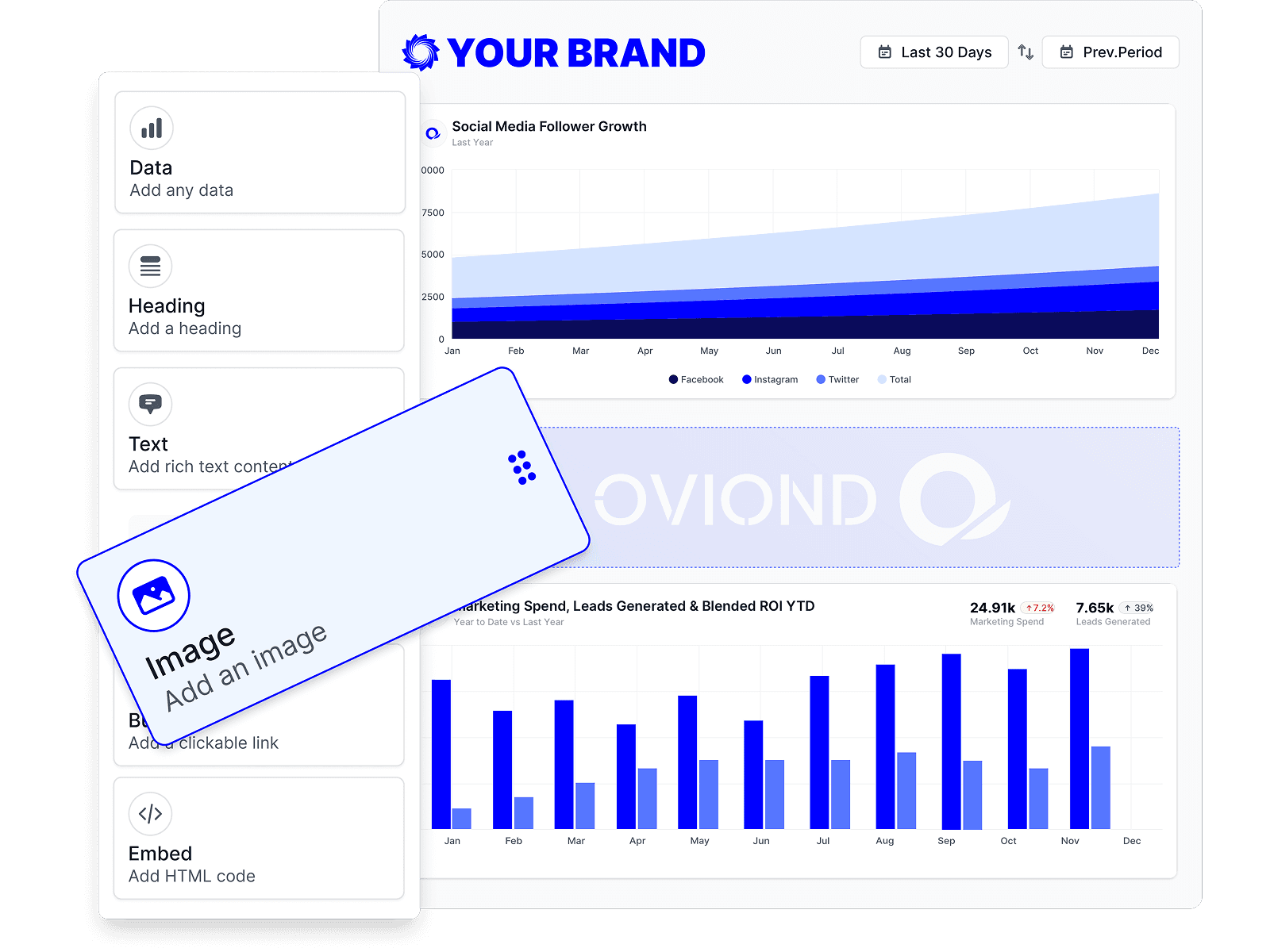
Start every client from the same template, then drag in the data, text, and visuals that client actually cares about. The structure stays repeatable; the exceptions stay manageable.
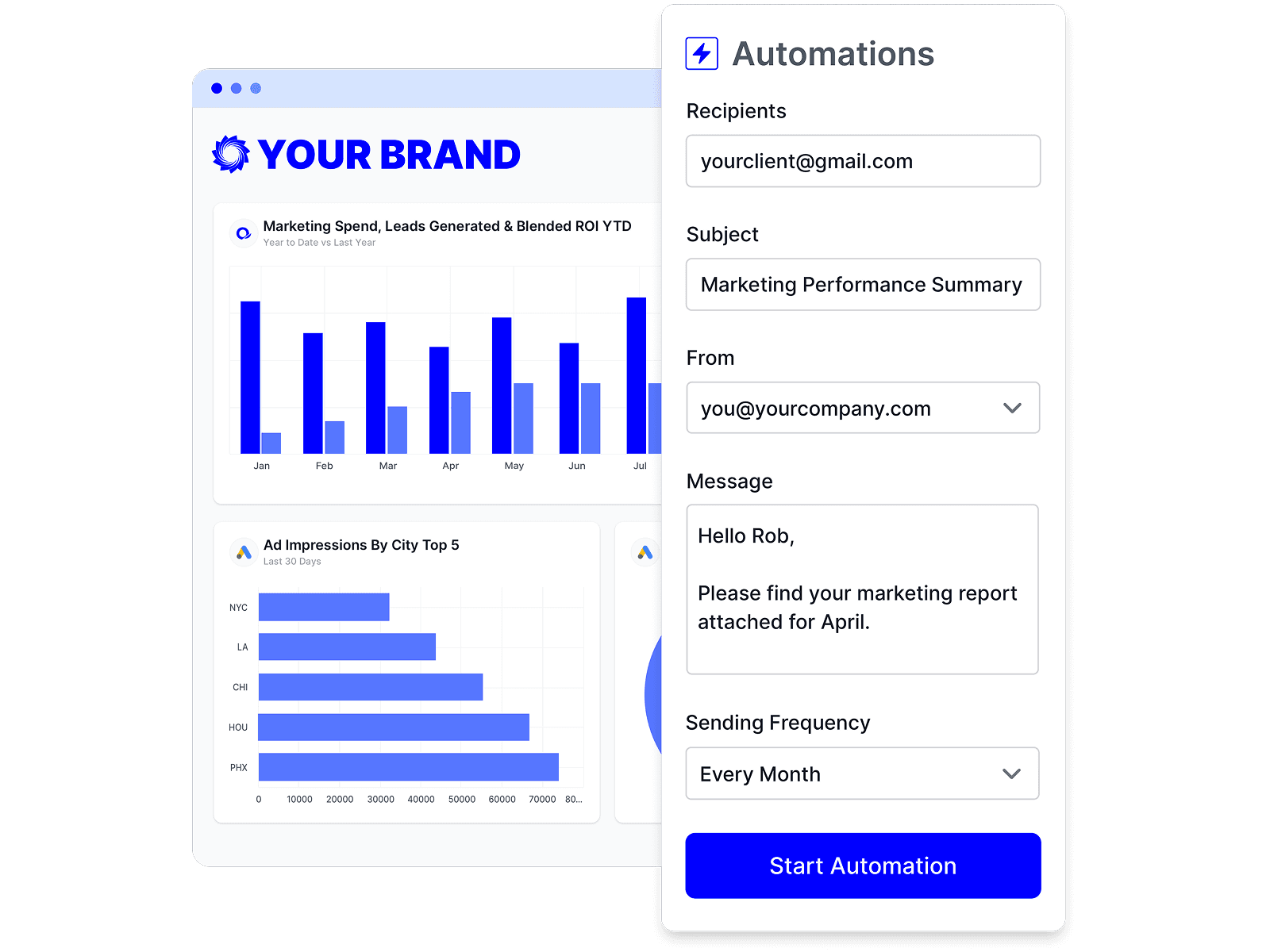
Schedule a report once and it refreshes and sends itself on your cadence. Your team's time goes to the commentary and next steps, not the copy-paste.
No single tool fits every agency. Here are other credible options and who each one suits best.
Comparing more reporting tools? Our alternatives guide covers 8 platforms with published pricing modeled at 5–100 clients.
Another budget option — per-dashboard pricing at $9.90 each, with a smaller integration set.
Every comparison claim above was checked against each vendor's public pricing and documentation, last verified . Spotted something out of date? Tell us and we'll fix it.
| Claim | Sources |
|---|---|
| Starting price | |
| Pricing model | |
| Integrations | |
| White-label | |
| AI & MCP support | |
| Historical data | |
| Reviews | |
| Company | |
| What you'd pay as reporting grows — 5 clients |
At the entry point, yes — $20/month billed annually vs Oviond's $40/month. The difference is what's capped: Reporting Ninja's tiers limit reports, users, and connected accounts (Starter: 10/4/10), while Oviond caps only client count and leaves reports, users, and sources unlimited. Multi-channel clients consume Reporting Ninja's account allowance quickly. Rates as of July 2026.
Reporting Ninja's MCP connector is read-only: query your marketing data from Claude or ChatGPT, with six pre-built analyses. Oviond's MCP supports full workflows — pull data, build and edit reports, and manage clients across your whole client list. Both are included on every plan.
Oviond connects 70+ marketing data sources. Reporting Ninja lists around 25 integrations (as of July 2026), plus Looker Studio connectors and a Google Sheets add-on that extend its reach for Google-stack workflows.
Oviond does not add a plan-based history window. Available history depends on the connected account and the source platform API, so source-specific retention and API limits still apply.
Honestly: price at the low end, and its Looker Studio + Google Sheets connectors bundled into the same subscription — genuinely useful if your workflow spans those tools. The trade-offs are the caps, the ~25-integration catalog, and a very thin public footprint (no Capterra listing, 2 G2 reviews as of July 2026) for a tool your clients will see.
Yes — 15 days with every feature included.
Connect a client's channels and send a branded, automated report — free for 15 days, every feature included.