


Connect Google Analytics 4 to Oviond
Turn your clients' Google Analytics 4 data into branded reports that go out on schedule — no exports, no manual rebuild.
GA4 reporting clients actually read
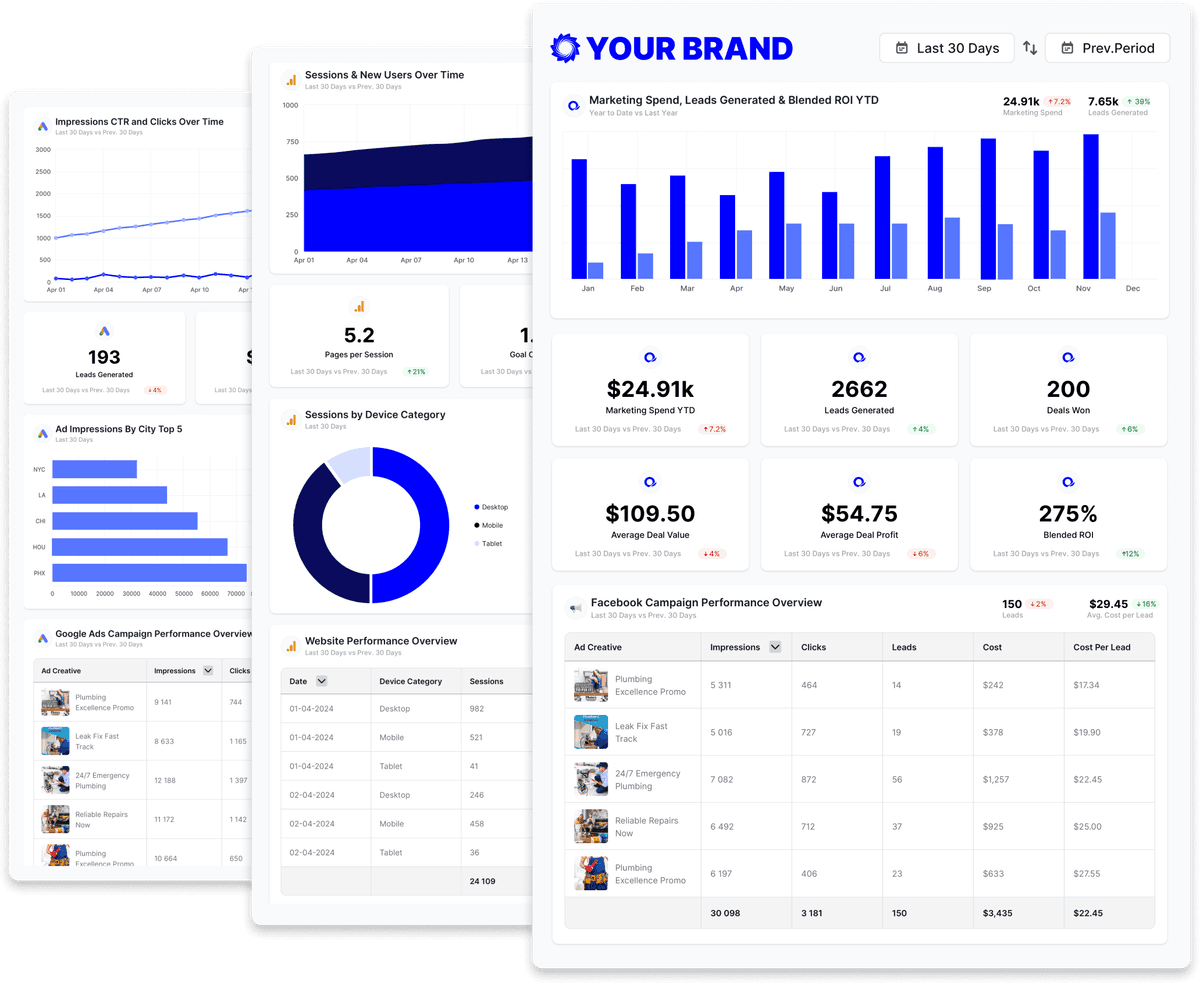
GA4 is powerful and, for clients, often unreadable. Oviond turns Google Analytics 4 into clear client reports — sessions, users, conversions, and revenue — white-labeled, automated, and blended with ads, social, and SEO data from 70+ sources. The GA4 report template gives you a client-ready starting point.
What you can report on from Google Analytics 4
GA4 in Oviond is one Performance view with the standard GA4 metric set and a long list of dimensions — traffic source, content, device, geography, e-commerce items, and cohorts. These are the metric names as they appear in the report builder.
- Data views
- PerformanceCustom Metrics
- Users and sessions
- Active Users
- New Users
- Total Users
- 7-day Active Users
- 28-day Active Users
- Sessions
- Engaged Sessions
- Sessions Per User
- Engagement
- Engagement Rate
- Bounce Rate
- Avg. Session Duration
- User Engagement Duration (sec)
- Views
- Views Per Session
- Views Per User
- Events and conversions
- Conversions
- User Conversion Rate
- Event Count
- Events Per Session
- Events Per User
- Event Value
- Revenue and e-commerce
- Revenue
- Purchase Revenue
- Transactions
- Purchases
- First Time Purchasers
- Total Purchasers
- Avg. Purchase Revenue
- Add-to-carts
- Checkouts
- Cart-to-view Rate
- Purchase-to-view Rate
- Item Revenue
- Items Purchased
- ARPU
- ARPPU
- Break it down by
- Session Default Channel Grouping · Session Source / Medium · Session Campaign Name · Landing Page · Page Path · Page Title · Event Name · Device Category · Country · City · New vs Returning · Item Name · Item Category · Weekly Cohort · Date, Month, Year
36 of the Google Analytics 4 metrics available in Oviond, shown as named in the report builder. Read from the Oviond API on ; the full catalog is longer and grows as Google Analytics 4 adds fields.
Google Analytics 4 reporting templates
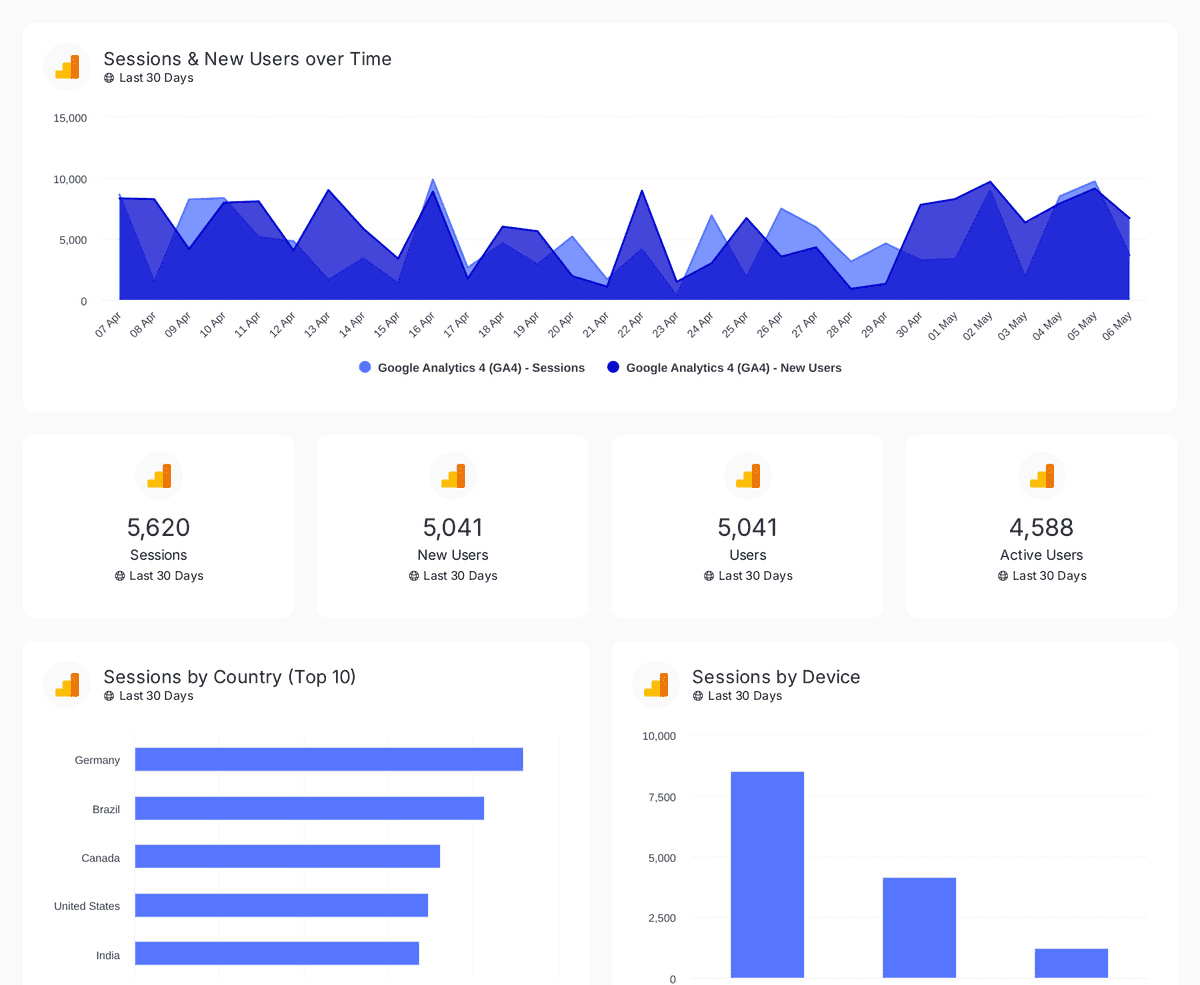
Start from an agency-ready Google Analytics 4 template and send a polished client report in minutes.
Digital marketing dashboard
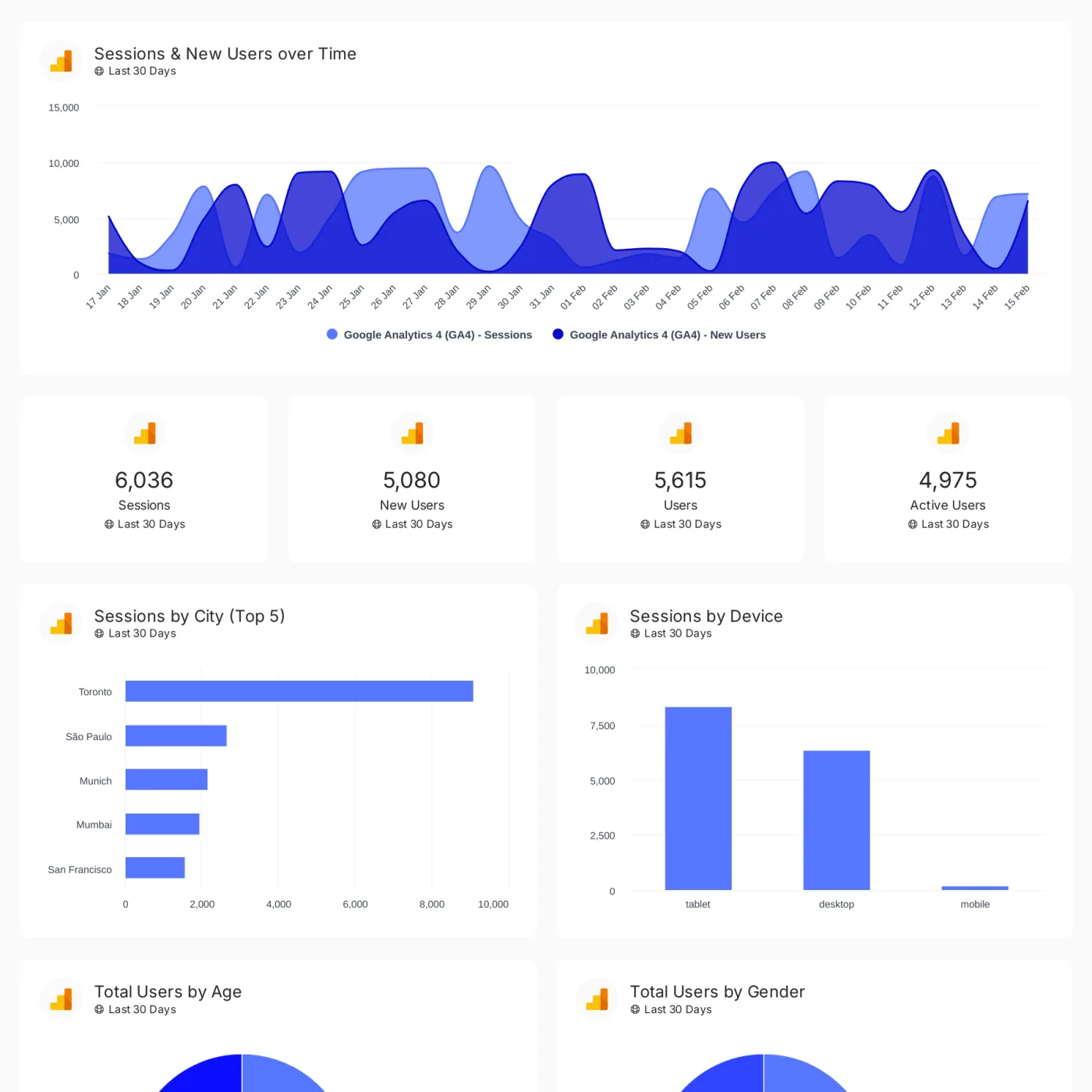
Track conversions, revenue, traffic, and customer engagement across your client's full marketing stack in one branded dashboard.


Google Analytics 4
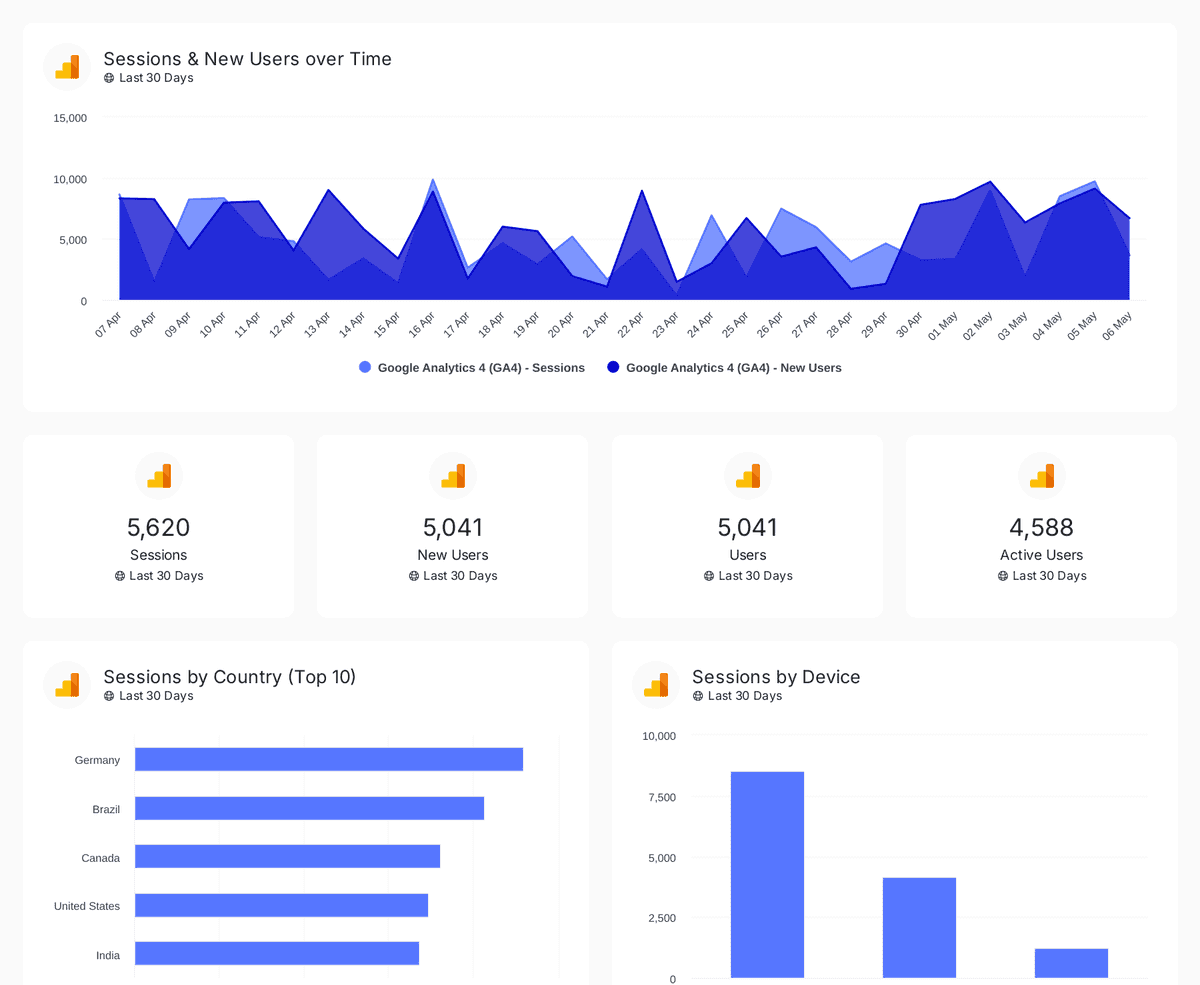
Track sessions, users, and traffic sources with insights by country, device, age, gender, and channel performance analysis
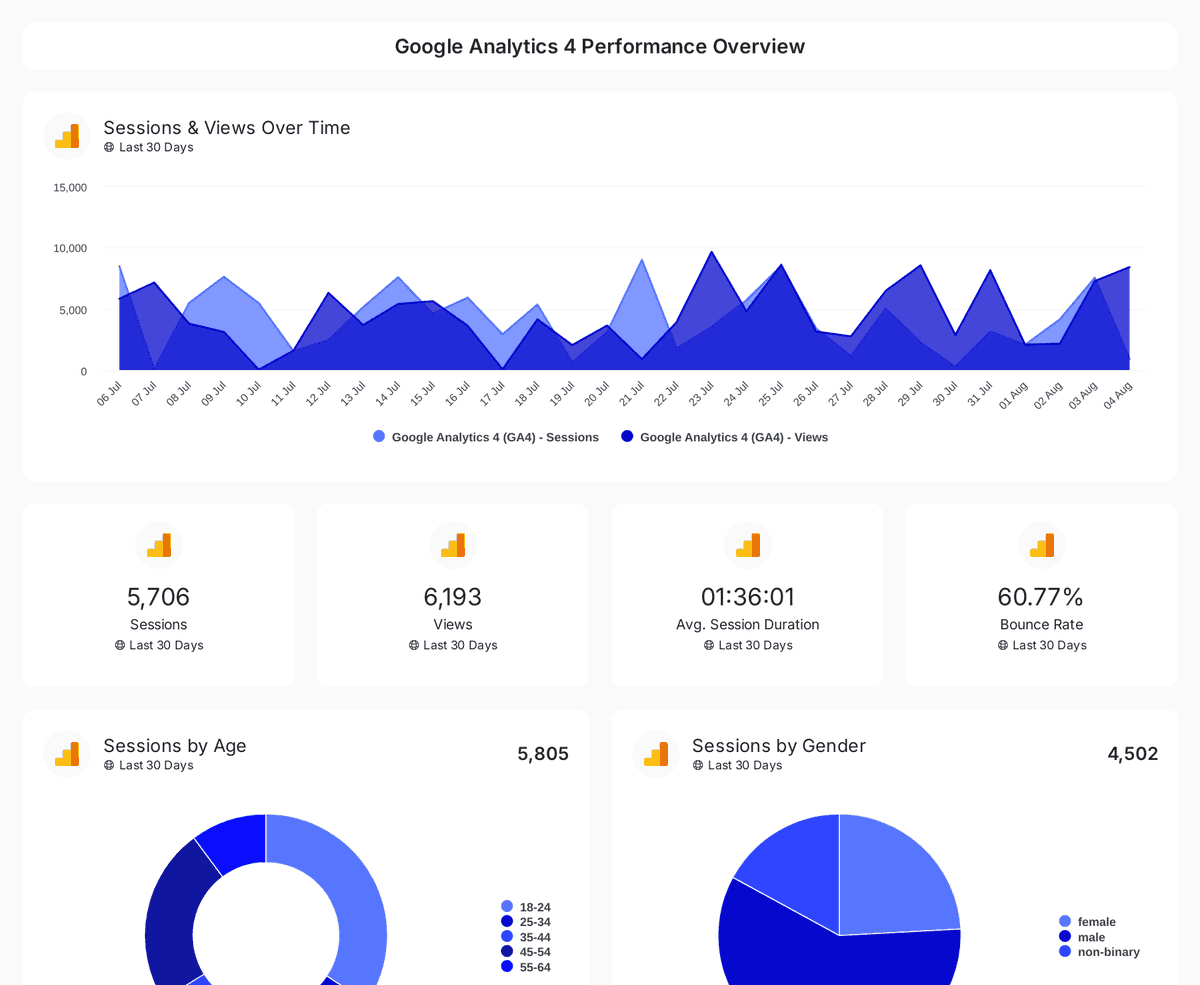
Website performance
Monitor website traffic, user demographics, and page performance with insights from Google Analytics 4, Search Console, and Page Speed Insights.


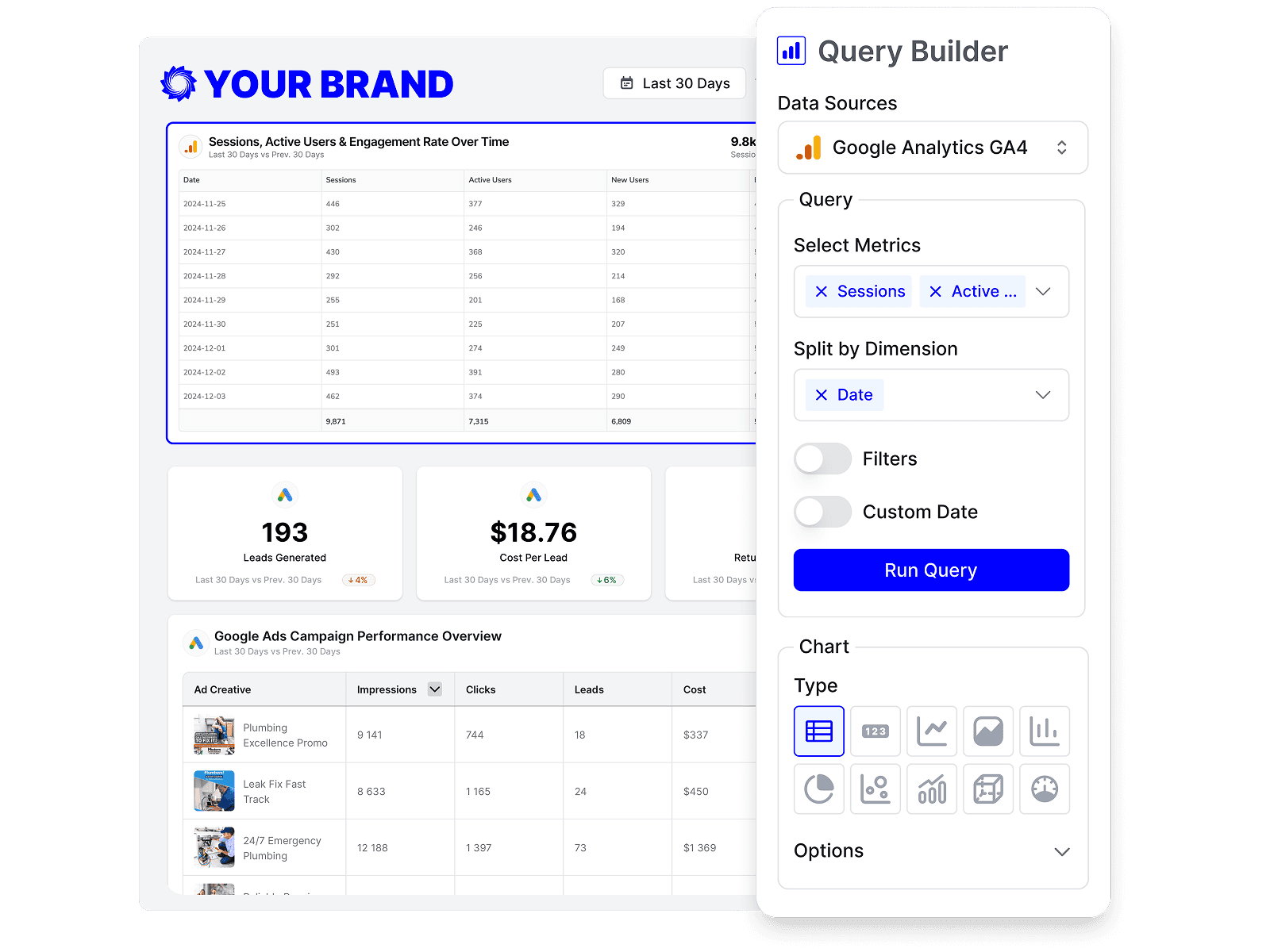
Build custom Google Analytics 4 queries
Start from prebuilt Google Analytics 4 queries or build your own, so each report shows exactly the metrics that matter to the client.
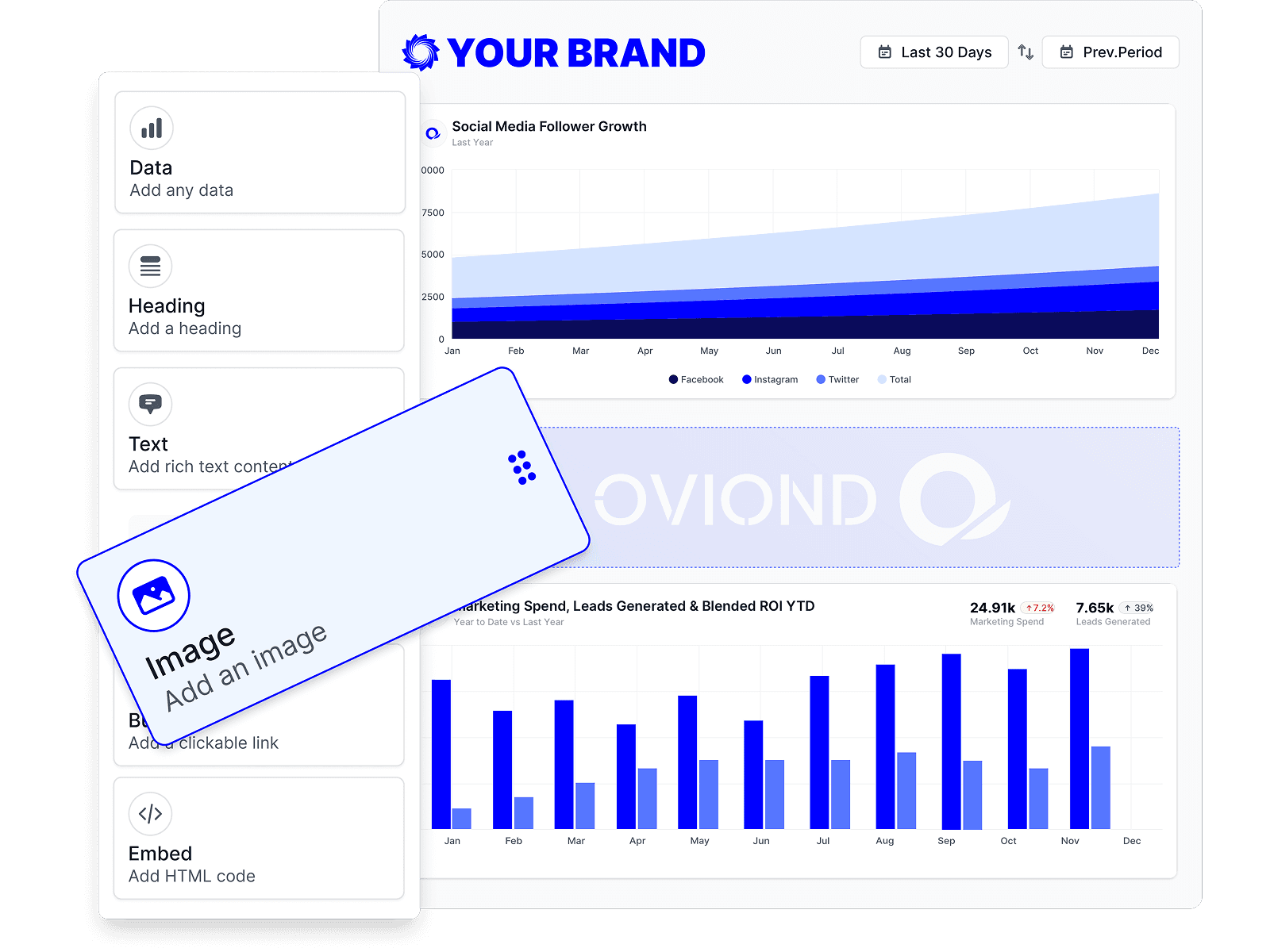
Drag-and-drop Google Analytics 4 reports
Customize Google Analytics 4 reports to match each client's goals with a no-code, drag-and-drop builder.
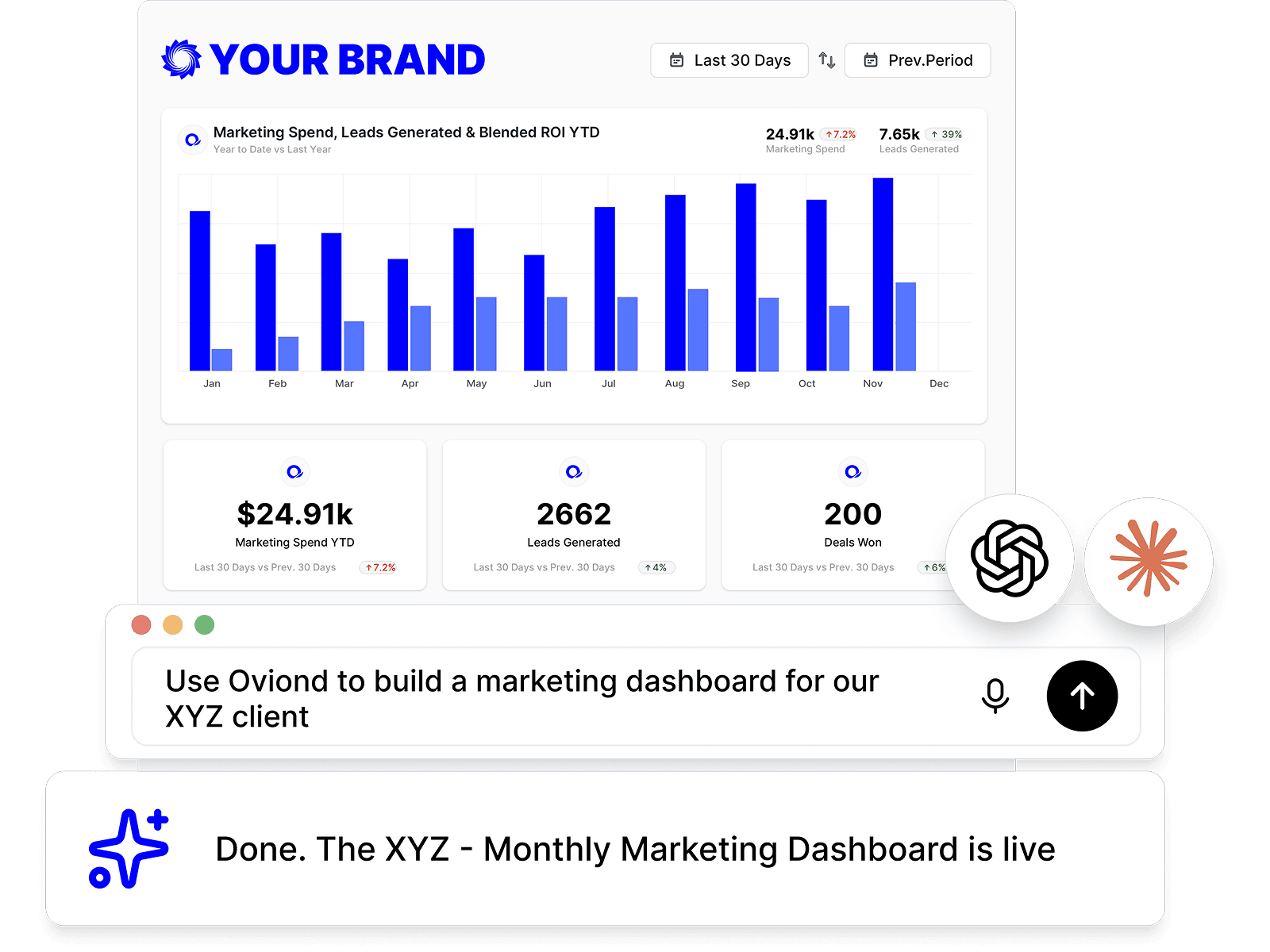
Google Analytics 4 reporting, inside your AI
Pull Google Analytics 4 data and build reports right from Claude, ChatGPT, or any MCP-ready AI tool your agency already uses.
Automate Google Analytics 4 reporting
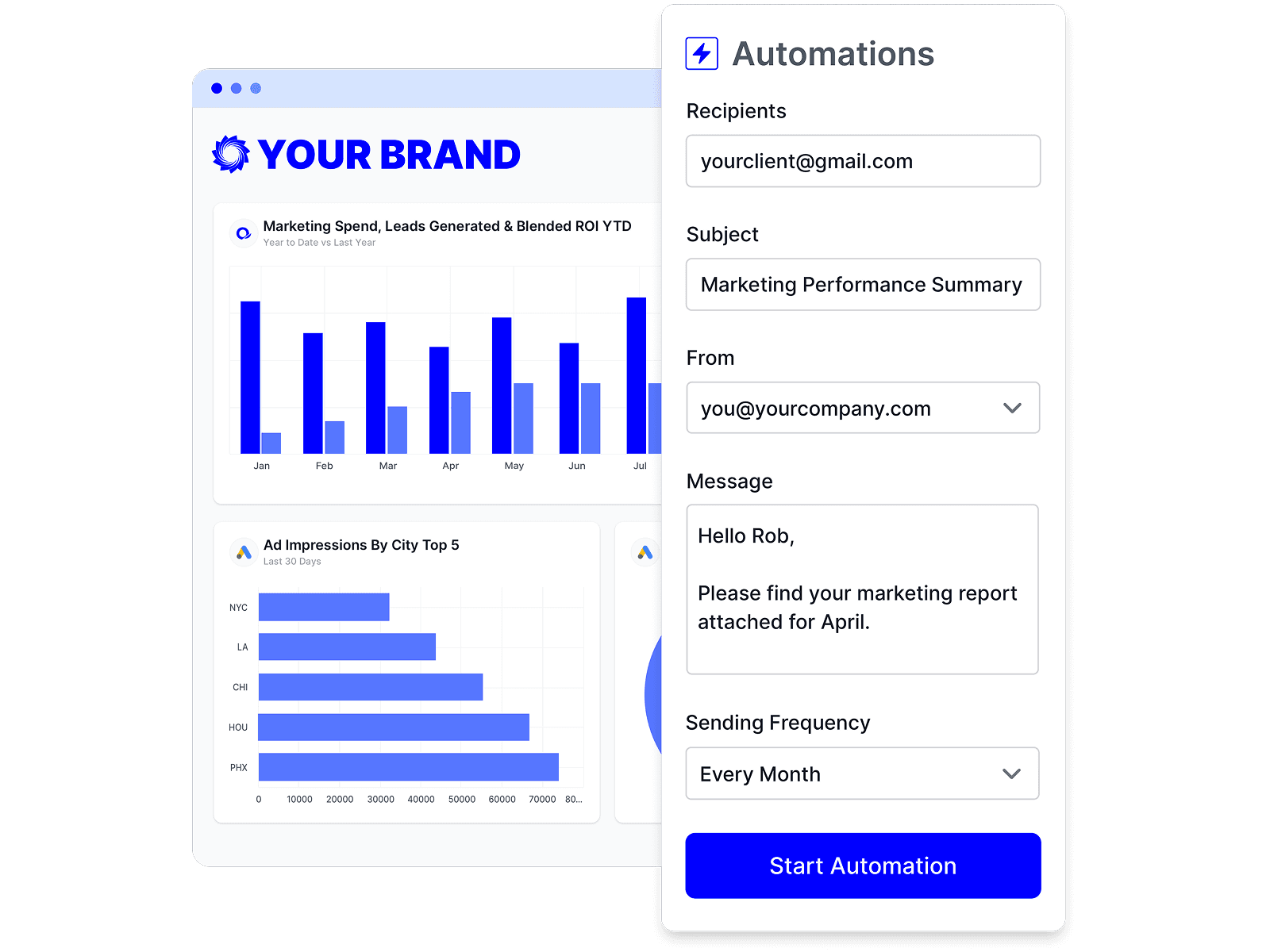
Schedule Google Analytics 4 reports once and let them send themselves — on time, every time, without rebuilding it by hand.
Branded Google Analytics 4 reports
Deliver white-labeled Google Analytics 4 reports from your own domain, so every report looks like it came from your agency.

Share Google Analytics 4 reports clients love
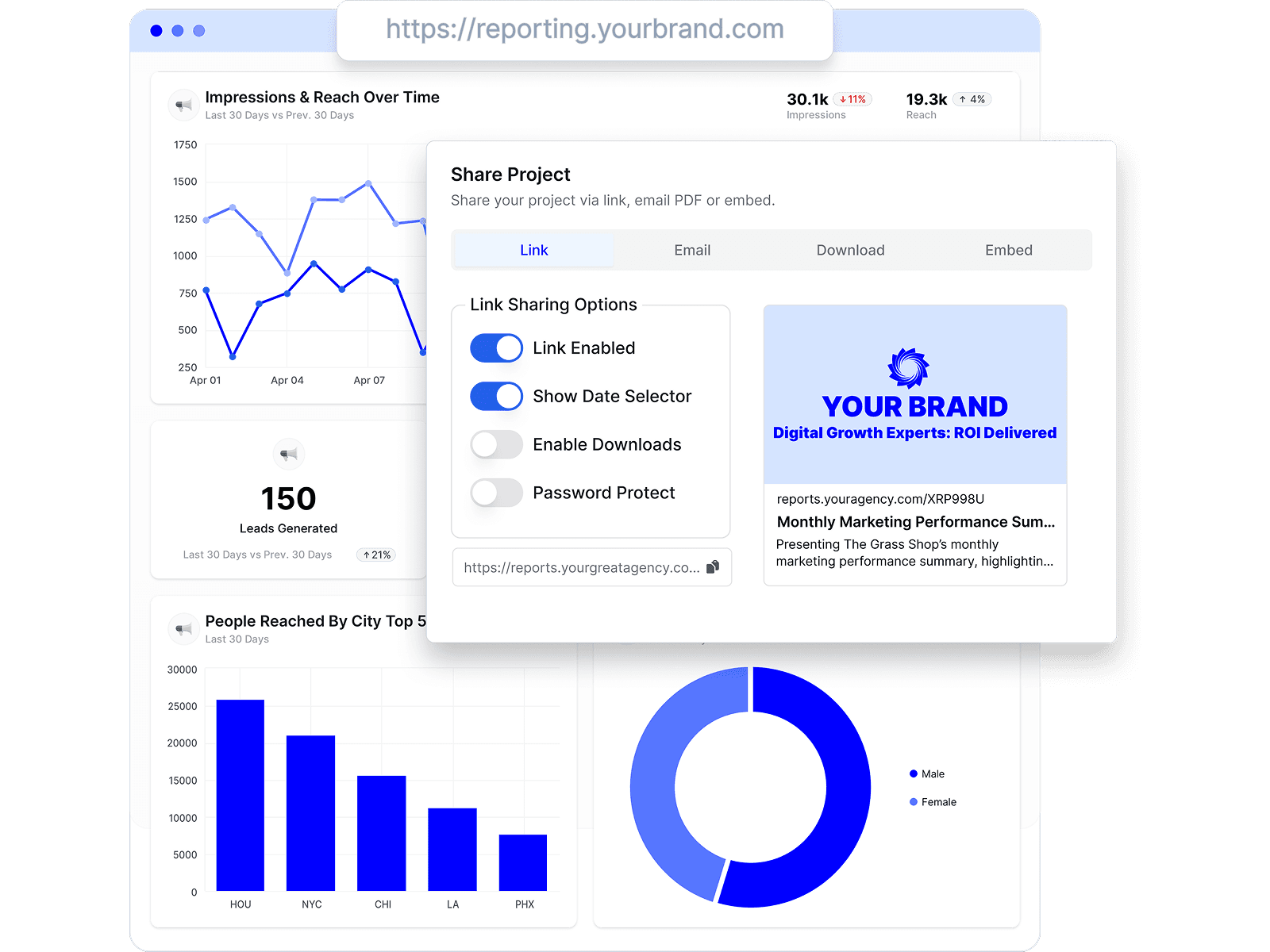
Share by link, email, or embed, and keep every client looking at the latest Google Analytics 4 numbers.
Combine Google Analytics 4 with every channel
Add Google Analytics 4 to the analytics, ads, social, search, and CRM data your agency already reports on.





Google Analytics 4 reporting FAQs
What GA4 metrics can I report on in Oviond?
Oviond's standard GA4 widgets cover sessions, total users, active users, new users, views, average session duration, bounce rate, purchases, and purchase revenue, and you can build custom queries when a client needs more.
Can I combine GA4 with Search Console and PageSpeed Insights?
Yes. The website performance template combines GA4, Search Console, and PageSpeed Insights in one report — how visitors behave, how the site ranks, and how fast it loads, for the same client.
Is there a GA4 report template?
Yes. Start from the Google Analytics 4 reporting template, adjust it per client, and save your version to reuse across your book.
How does Oviond compare to Looker Studio for GA4 client reporting?
Looker Studio is a free, build-it-yourself BI canvas; Oviond is client reporting for agencies — templates, white-labeling, scheduling, and client management out of the box. See the full Oviond vs Looker Studio comparison.
How do I connect Google Analytics 4 to Oviond?
Connect your GA4 account from your Oviond dashboard, choose the client it belongs to, and the data flows into your reports — no spreadsheets or manual exports.
Can I pull GA4 data into Claude or ChatGPT?
Yes. Oviond works with Claude, ChatGPT, and other MCP-ready AI tools, so you can pull GA4 data and build reports right from the AI your agency already uses.
Can I automate GA4 reporting?
Yes. Schedule reports to send to clients automatically on a schedule you set, so GA4 reporting goes out on time without the manual rebuild.
Can I send GA4 reports from my own domain?
Yes. Add your own custom domain so GA4 reports reach clients from your agency, not from Oviond.
Simplify Google Analytics 4 reporting today
Stop juggling exports and screenshots. Start sending polished, client-ready Google Analytics 4 reports — on schedule.