


Connect HubSpot to Oviond
Turn your clients' HubSpot CRM and marketing data into branded reports that go out on schedule — leads, deals, forms, and emails next to the channels that fed them.
HubSpot pipeline data in the client report
Clients on HubSpot want to know what marketing did to the pipeline, not just to the website. Oviond pulls HubSpot contacts, leads, marketing- and sales-qualified leads, deals, form submissions, marketing email performance, and workflow enrollment into white-label reports and live dashboards, blended with the ad, search, and social data that fed the funnel. Connect HubSpot, pick the client, and add the widgets that show the pipeline moving.
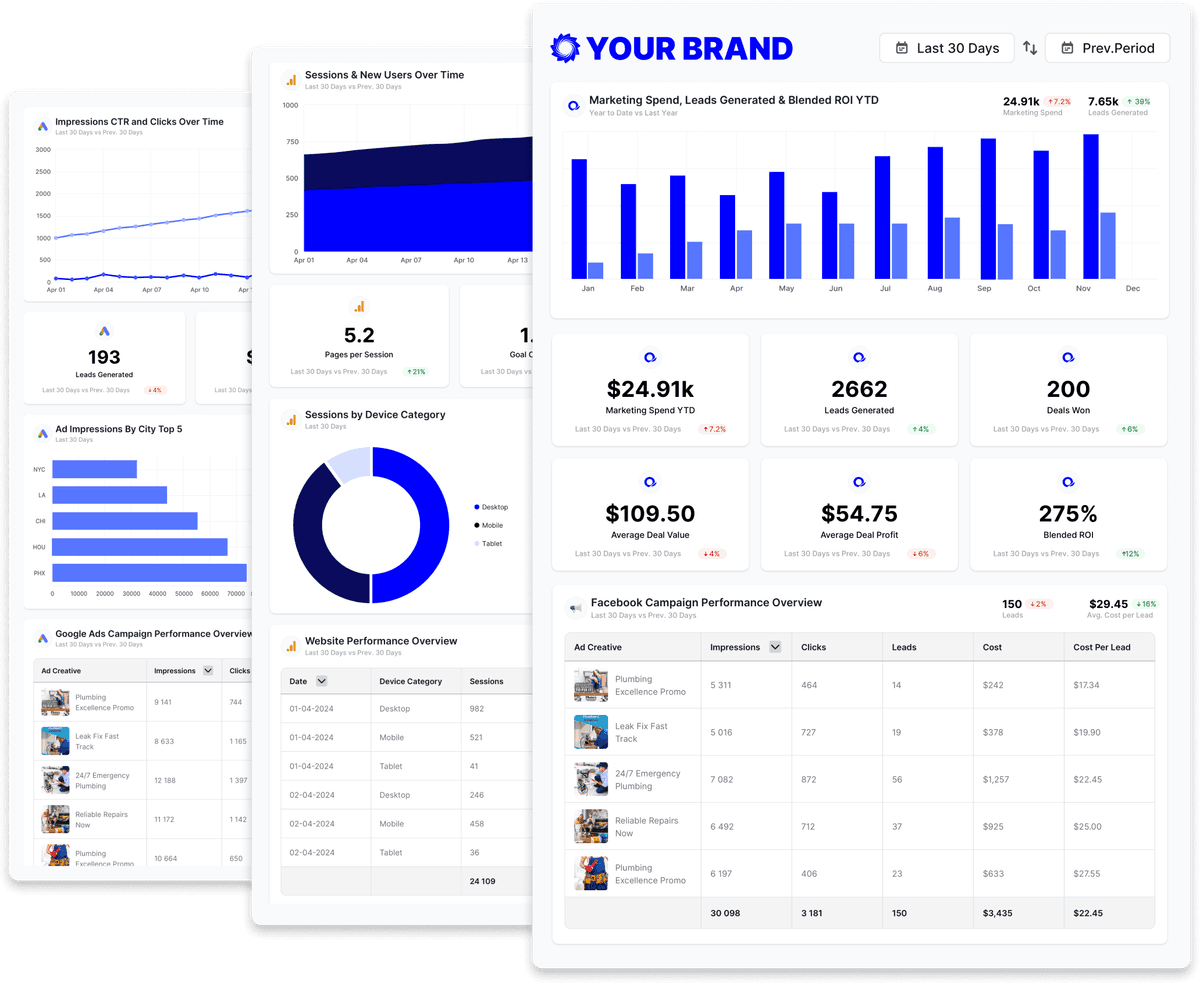
What you can report on from HubSpot
The HubSpot connector spans seven data views, from website analytics and lifecycle stages to deals, forms, marketing emails, and workflows. These are the metric names as they appear in Oviond's report builder.
- Data views
- PerformanceContactCompanyFormMarketing EmailsDealWorkflow
- Traffic and lifecycle
- Visits
- Visitors
- Raw Views
- Pageviews Per Session
- New Visitor Session Rate
- Contacts
- Leads
- Marketing Qualified Leads
- Sales Qualified Leads
- Opportunities
- Customers
- Session To Contact Rate
- Contact To Customer Rate
- Forms
- Form Views
- Submissions
- Contact Submissions
- Non Contact Submissions
- Submissions Per Form View
- Interactions
- Marketing emails
- Sent
- Delivered
- Open
- Clicked
- Bounced
- Unsubscribed
- Open Ratio
- Click Ratio
- Click Through Ratio
- Delivered Ratio
- Bounce Ratio
- Unsubscribed Ratio
- Deals
- Deal Amount
- Deal Stage
- Deal Pipeline
- Deal Created Date
- Deal Close Date
Deal fields render as tables, so a report can list the month's deals with amount, stage, and pipeline.
- Workflows
- Workflow Enrolled
- Workflow Active
- Workflow Completed
- Workflow Succeeded
- Total Enrolled
- Total Active
- Break it down by
- Traffic Source · UTM Sources · UTM Mediums · UTM Campaigns · Geolocation · Form Name · Campaign Name · Campaign Subject · Deal Pipeline · Deal Stage · Workflow Name · Date, Month, Year
42 of the HubSpot metrics available in Oviond, shown as named in the report builder. Read from the Oviond API on ; the full catalog is longer and grows as HubSpot adds fields.
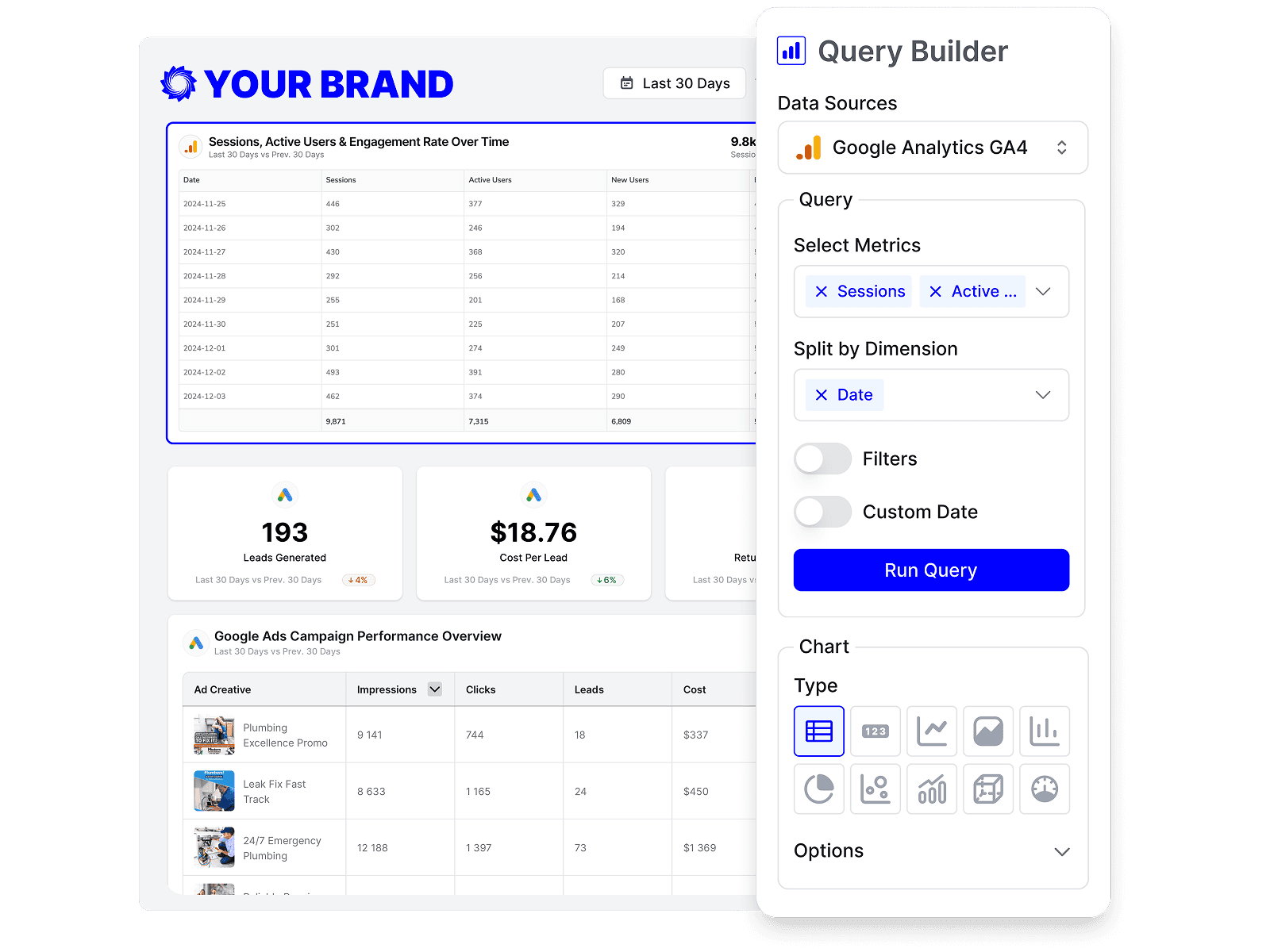
Build custom HubSpot queries
Start from prebuilt HubSpot queries or build your own, so each report shows exactly the metrics that matter to the client.
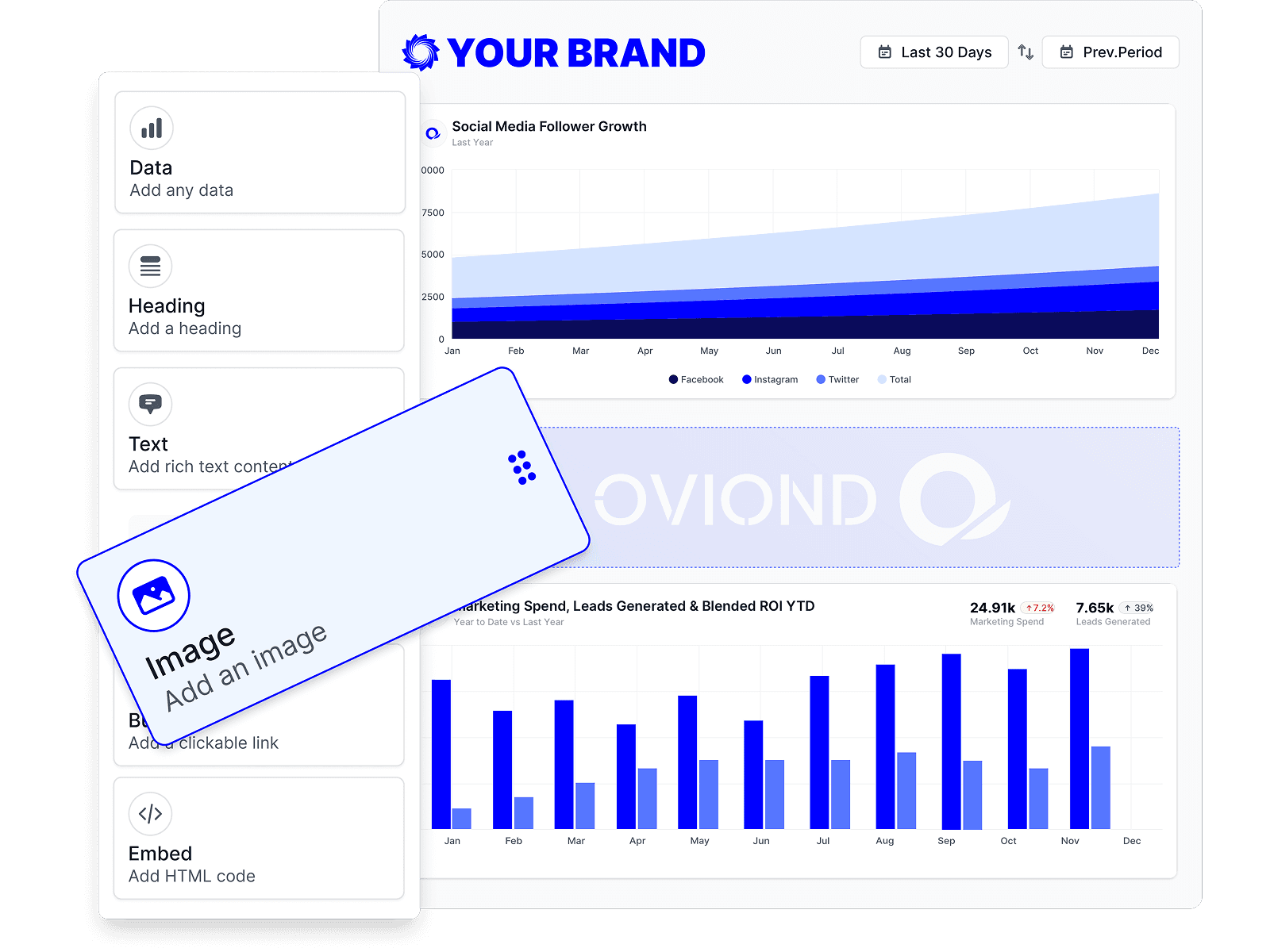
Drag-and-drop HubSpot reports
Customize HubSpot reports to match each client's goals with a no-code, drag-and-drop builder.
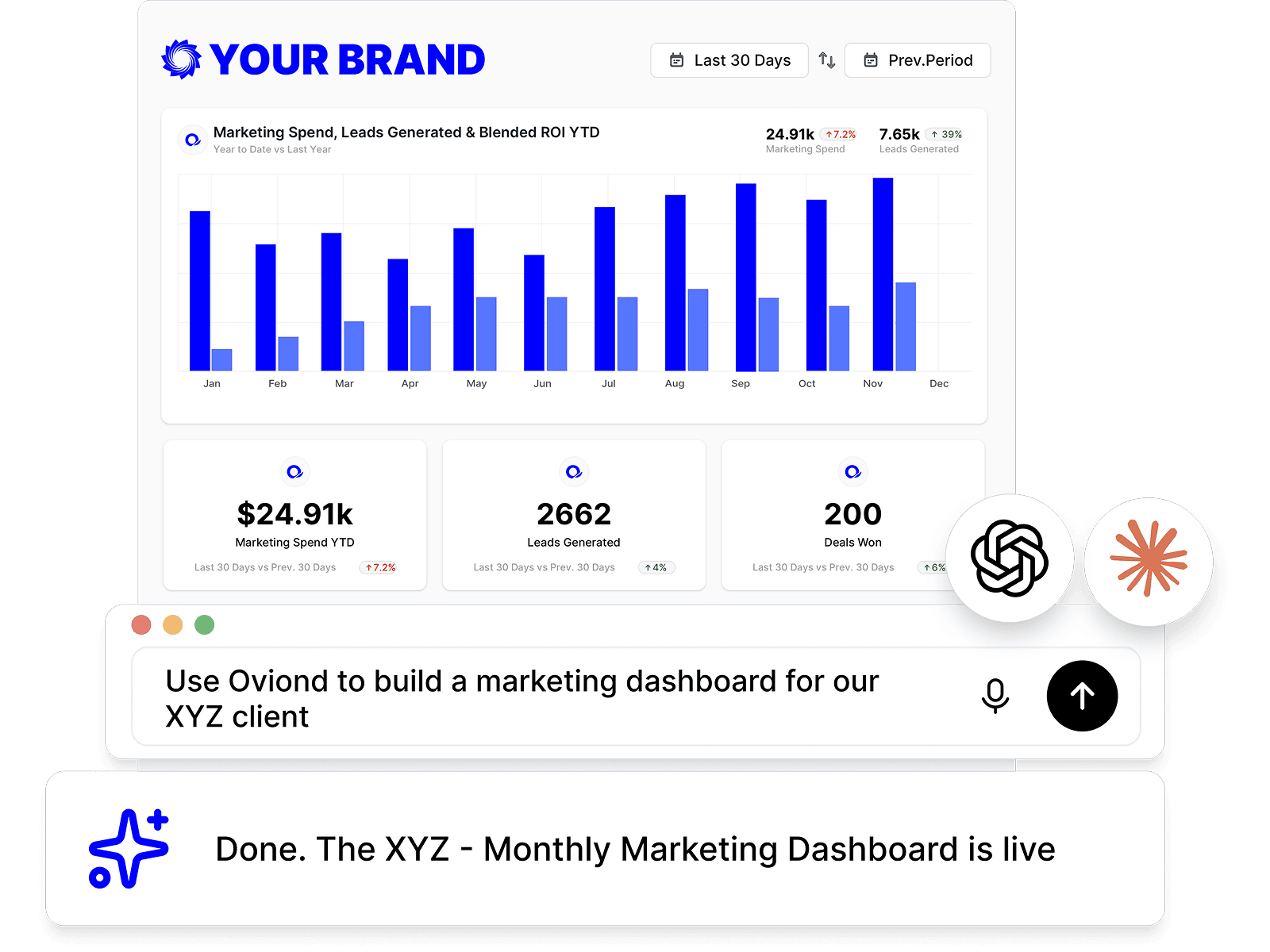
HubSpot reporting, inside your AI
Pull HubSpot data and build reports right from Claude, ChatGPT, or any MCP-ready AI tool your agency already uses.
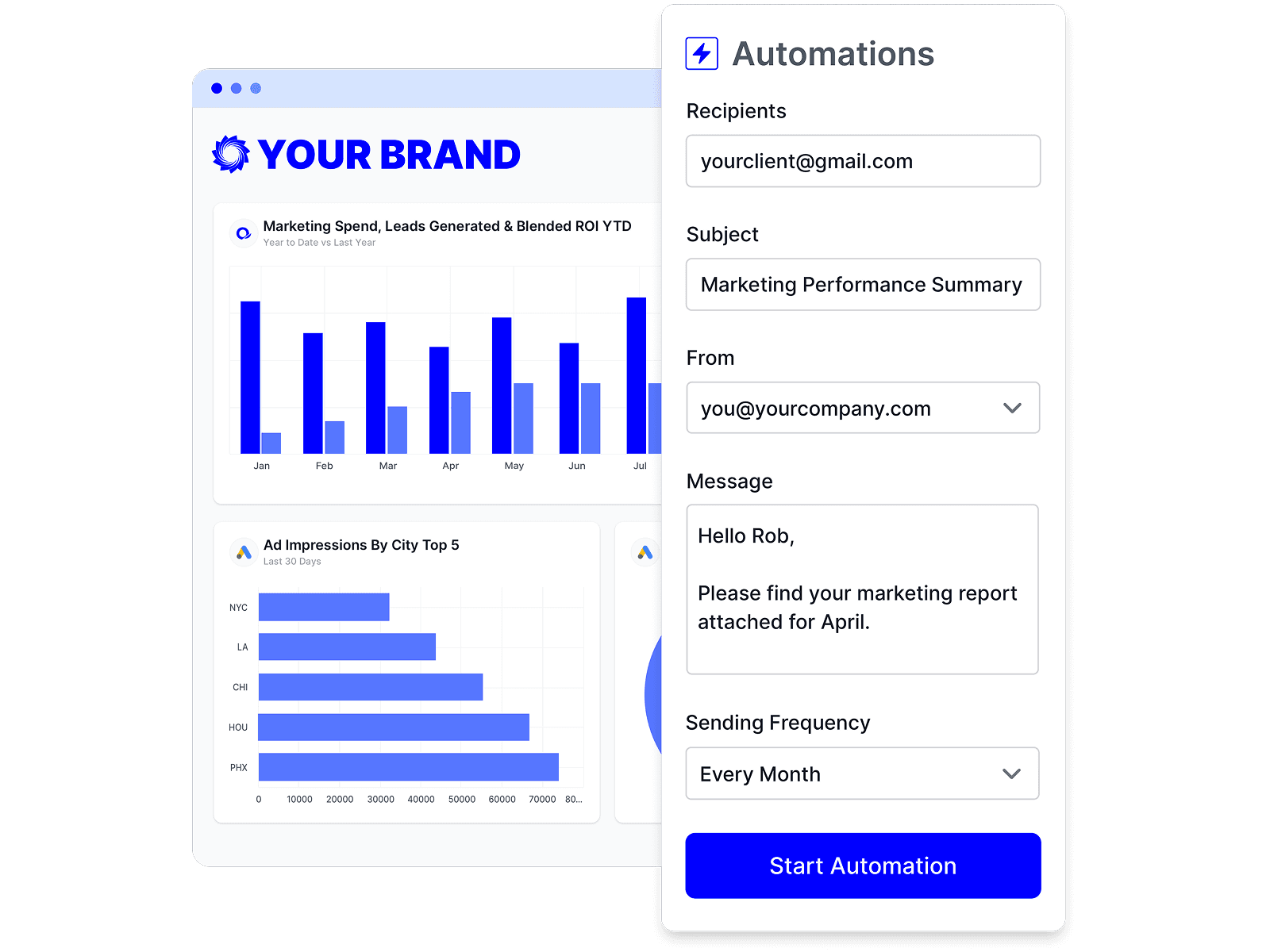
Automate HubSpot reporting
Schedule HubSpot reports once and let them send themselves — on time, every time, without rebuilding it by hand.
Branded HubSpot reports
Deliver white-labeled HubSpot reports from your own domain, so every report looks like it came from your agency.

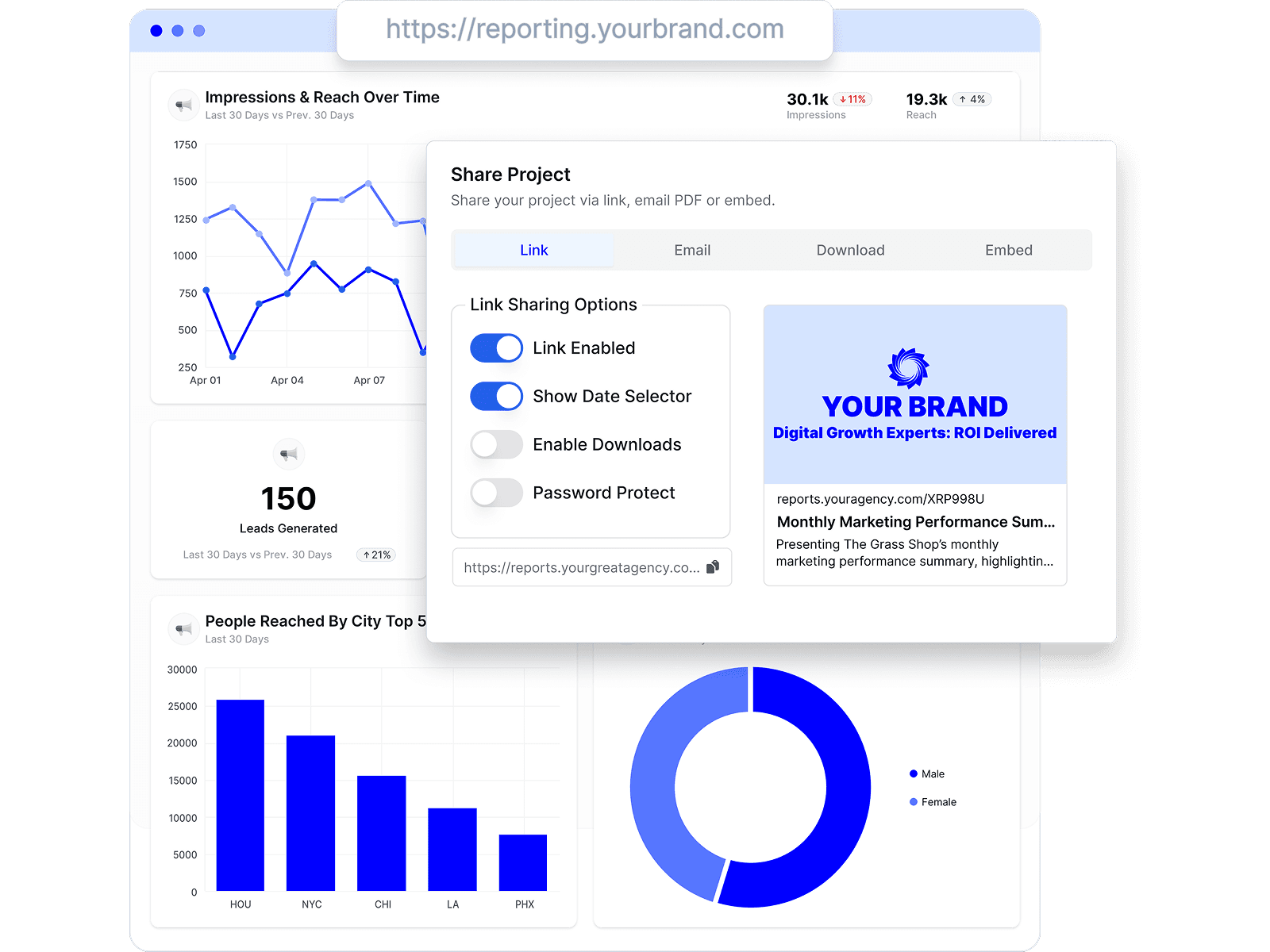
Share HubSpot reports clients love
Share by link, email, or embed, and keep every client looking at the latest HubSpot numbers.
Combine HubSpot with every channel
Add HubSpot to the analytics, ads, social, search, and CRM data your agency already reports on.









HubSpot reporting FAQs
What HubSpot metrics can I report on in Oviond?
Seven data views: Performance (Visits, Visitors, Contacts, Leads, Marketing Qualified Leads, Sales Qualified Leads, Opportunities, Customers, Session To Contact Rate), Form (Form Views, Submissions, Submissions Per Form View), Marketing Emails (Sent, Delivered, Open, Clicked, Open Ratio, Click Ratio, Unsubscribed Ratio), Deal (Deal Amount, Deal Stage, Deal Pipeline), Workflow (Workflow Enrolled, Workflow Completed), plus Contact and Company record views.
Can I show HubSpot leads and deals next to the ad spend that created them?
Yes. Connect HubSpot alongside Google Ads, Meta Ads, and LinkedIn Ads for the same client, then use a calculated metric for cost per MQL or cost per SQL on the same page as the pipeline numbers.
Can I break HubSpot traffic down by source or campaign?
Yes. The Performance view offers Traffic Source, UTM Sources, UTM Mediums, UTM Campaigns, UTM Terms, and Geolocation as dimensions, so contacts and leads can be attributed to the channel that produced them.
Does Oviond report HubSpot marketing email performance?
Yes. The Marketing Emails view exposes Sent, Delivered, Open, Clicked, Bounced, Unsubscribed, and the matching ratios (Open Ratio, Click Ratio, Click Through Ratio, Bounce Ratio), broken down by Campaign Name or Campaign Subject.
How do I connect HubSpot to Oviond?
Connect your HubSpot account from your Oviond dashboard, choose the client it belongs to, and the data flows into your reports — no spreadsheets or manual exports.
Can I pull HubSpot data into Claude or ChatGPT?
Yes. Oviond works with Claude, ChatGPT, and other MCP-ready AI tools, so you can pull HubSpot data and build reports right from the AI your agency already uses.
Can I automate HubSpot reporting?
Yes. Schedule reports to send to clients automatically on a schedule you set, so HubSpot reporting goes out on time without the manual rebuild.
Can I send HubSpot reports from my own domain?
Yes. Add your own custom domain so HubSpot reports reach clients from your agency, not from Oviond.
Simplify HubSpot reporting today
Stop juggling exports and screenshots. Start sending polished, client-ready HubSpot reports — on schedule.