


Connect Shopify to Oviond
Turn your clients' Shopify store data into branded reports that go out on schedule — sales, orders, customers, and sessions next to the ads that drove them.
Shopify results next to the marketing that drove them
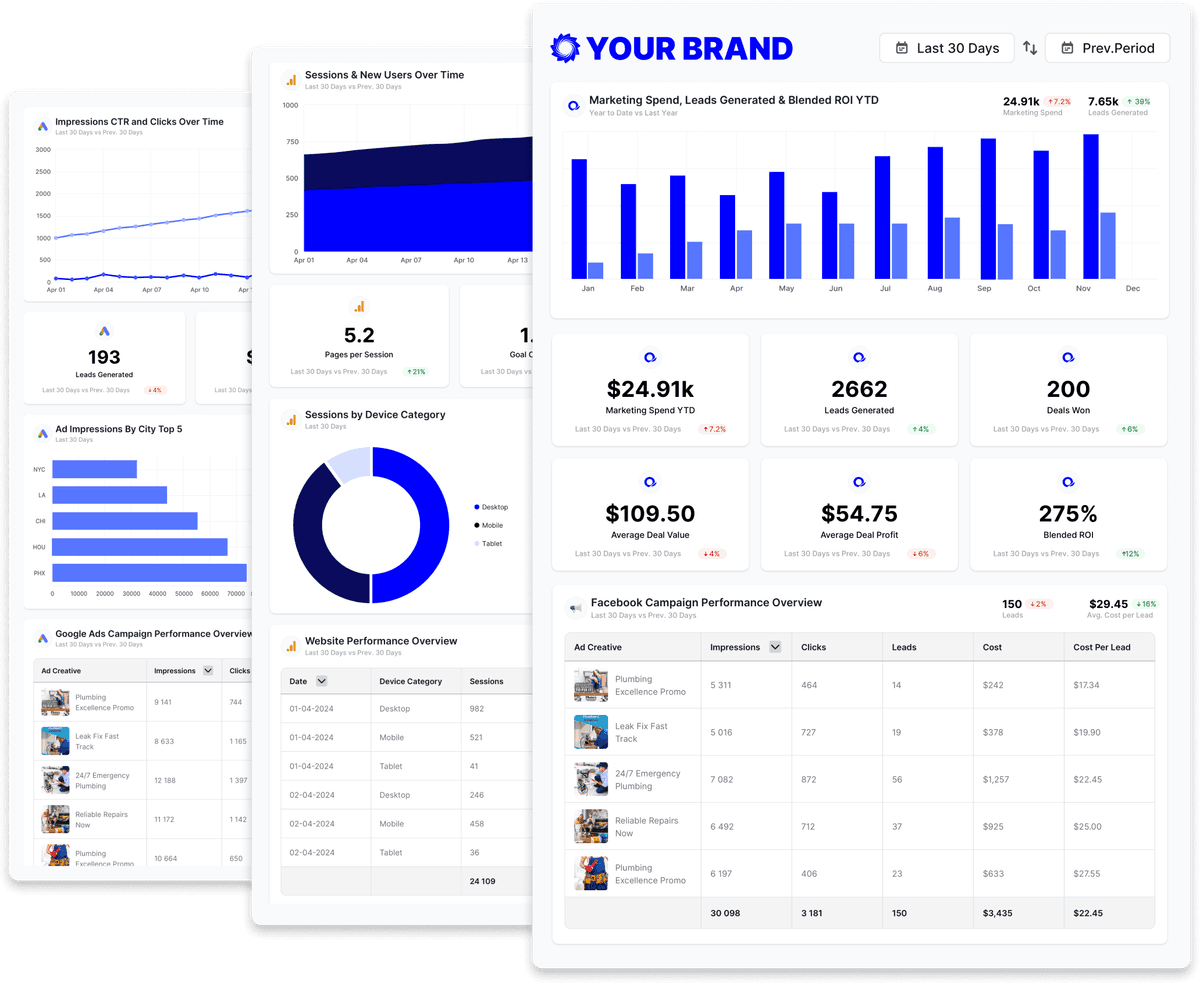
E-commerce clients judge marketing by revenue, not clicks. Oviond pulls Shopify sales, orders, average order value, returning-customer rate, and store sessions into white-label reports and live dashboards, and puts them beside Google Ads, Meta Ads, GA4, and Klaviyo so the report closes the loop from spend to sales. Start from the e-commerce report template.
What you can report on from Shopify
The Shopify connector reads the store's Sales data — more than 200 metrics spanning sales, orders, customers, sessions, payments, and inventory. These are the ones that belong on a client report, named as the report builder shows them.
- Data views
- Sales
- Sales
- Total Sales
- Gross Sales
- Net Sales
- Discounts
- Returns
- Shipping
- Taxes
- Gross Profit
- Gross Margin
- Cost of Goods Sold
- Total Sales (First-Time)
- Total Sales (Returning)
- Orders
- Orders
- Avg. Order Value
- Orders (first-time)
- Orders (returning)
- Quantity Ordered
- Quantity Ordered Per Order
- Orders Fulfilled
- Orders Shipped
- Orders Delivered
- Customers
- Customers
- New Customers
- Returning Customers
- Returning Customer Rate
- Amount Spent Per Customer
- Number of Orders Per Customer
- New Customer Records
- Store traffic
- Sessions
- Bounces
- Bounce Rate
- Attribution, payments, and inventory
- First Click Sales
- Last Click Sales
- Last Non-Direct Click Average Order Value
- Shop Campaign Sales
- Shop Campaign Return on Ad Spend
- Gross Payments
- Net Payments
- Chargebacks
- Chargeback Rate
- Ending Inventory Units
- Days of Inventory Remaining
- Sell-through rate
- Break it down by
- Order UTM Source · Order UTM Campaign · Order Referrer Source · Order Sales Channel · Product Title · Product Type · Product Vendor · Product Variant SKU · New Or Returning Customer · Customer Cohort Month · Shipping Country · Discount Code · Session Device Type · Date, Month, Year
43 of the Shopify metrics available in Oviond, shown as named in the report builder. Read from the Oviond API on ; the full catalog is longer and grows as Shopify adds fields.
Shopify reporting templates
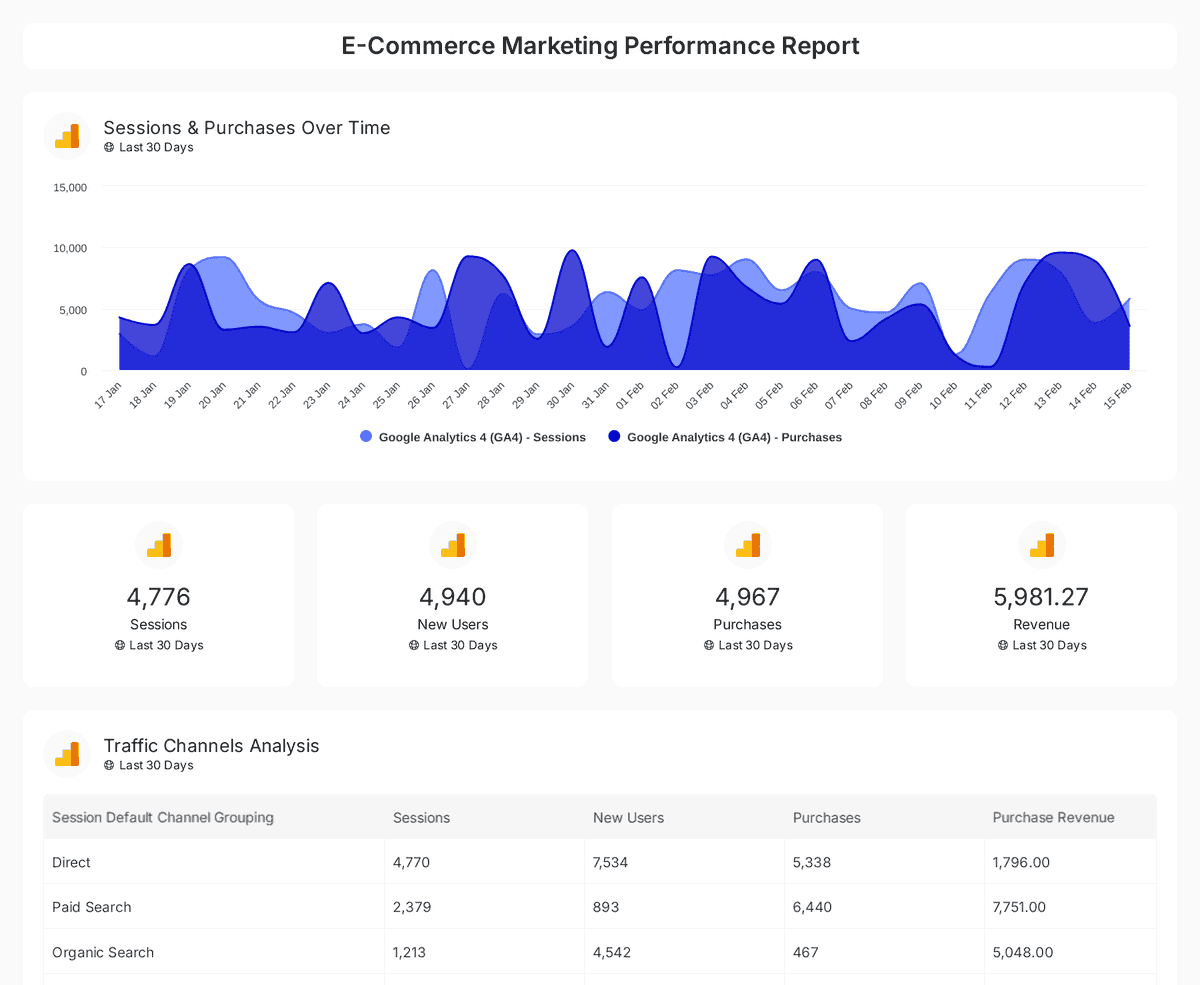
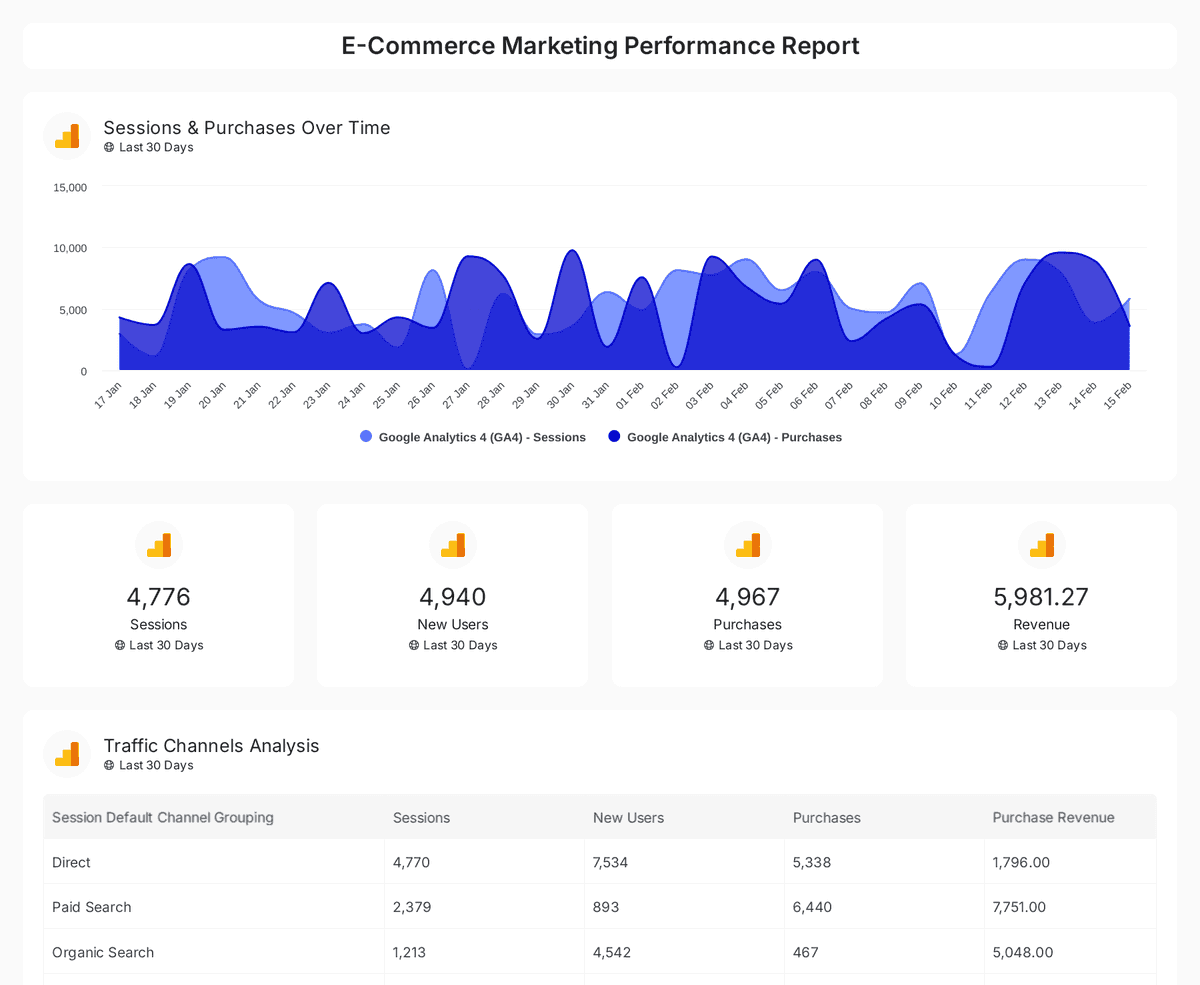
Start from an agency-ready Shopify template and send a polished client report in minutes.


Build custom Shopify queries
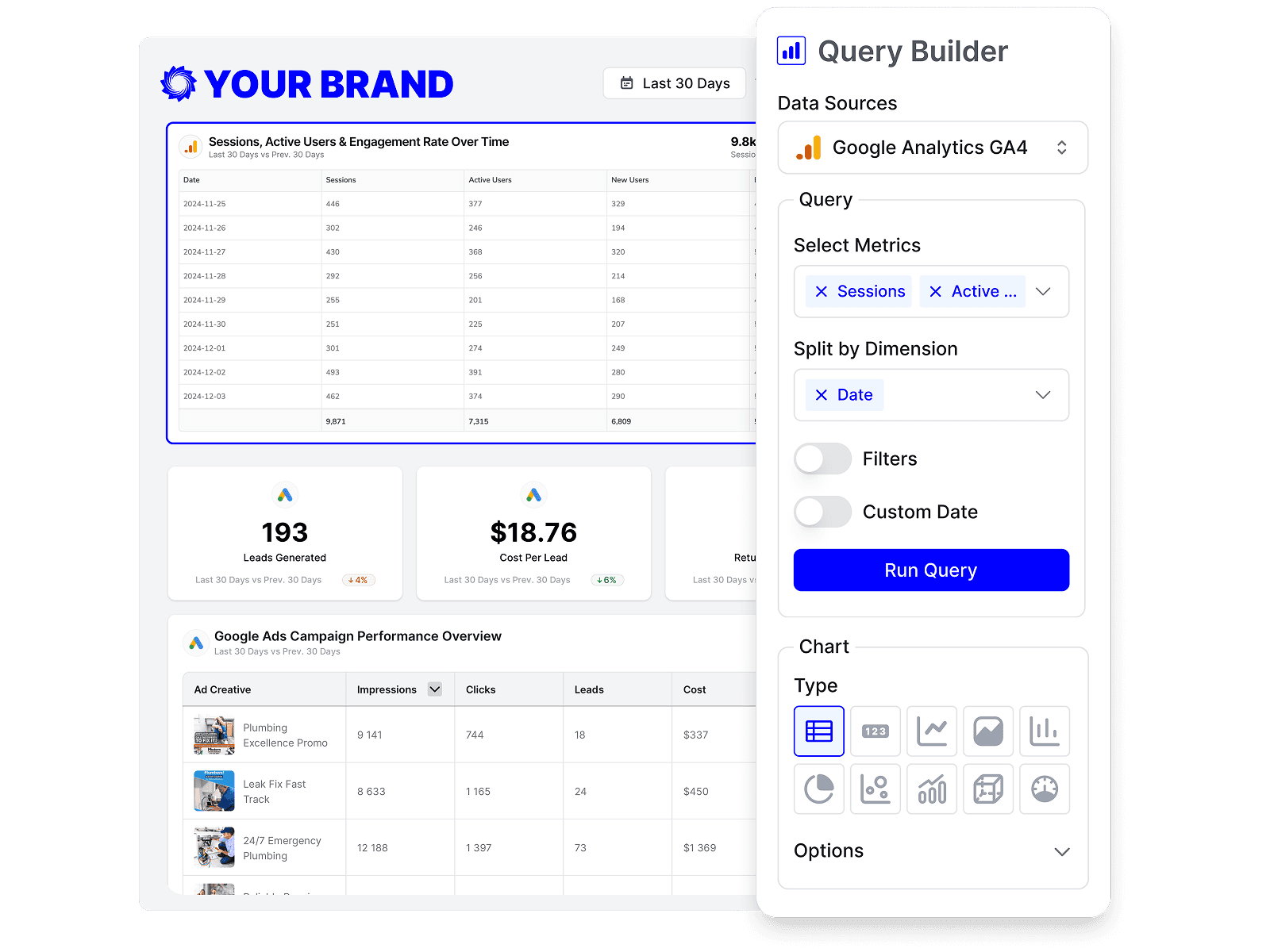
Start from prebuilt Shopify queries or build your own, so each report shows exactly the metrics that matter to the client.
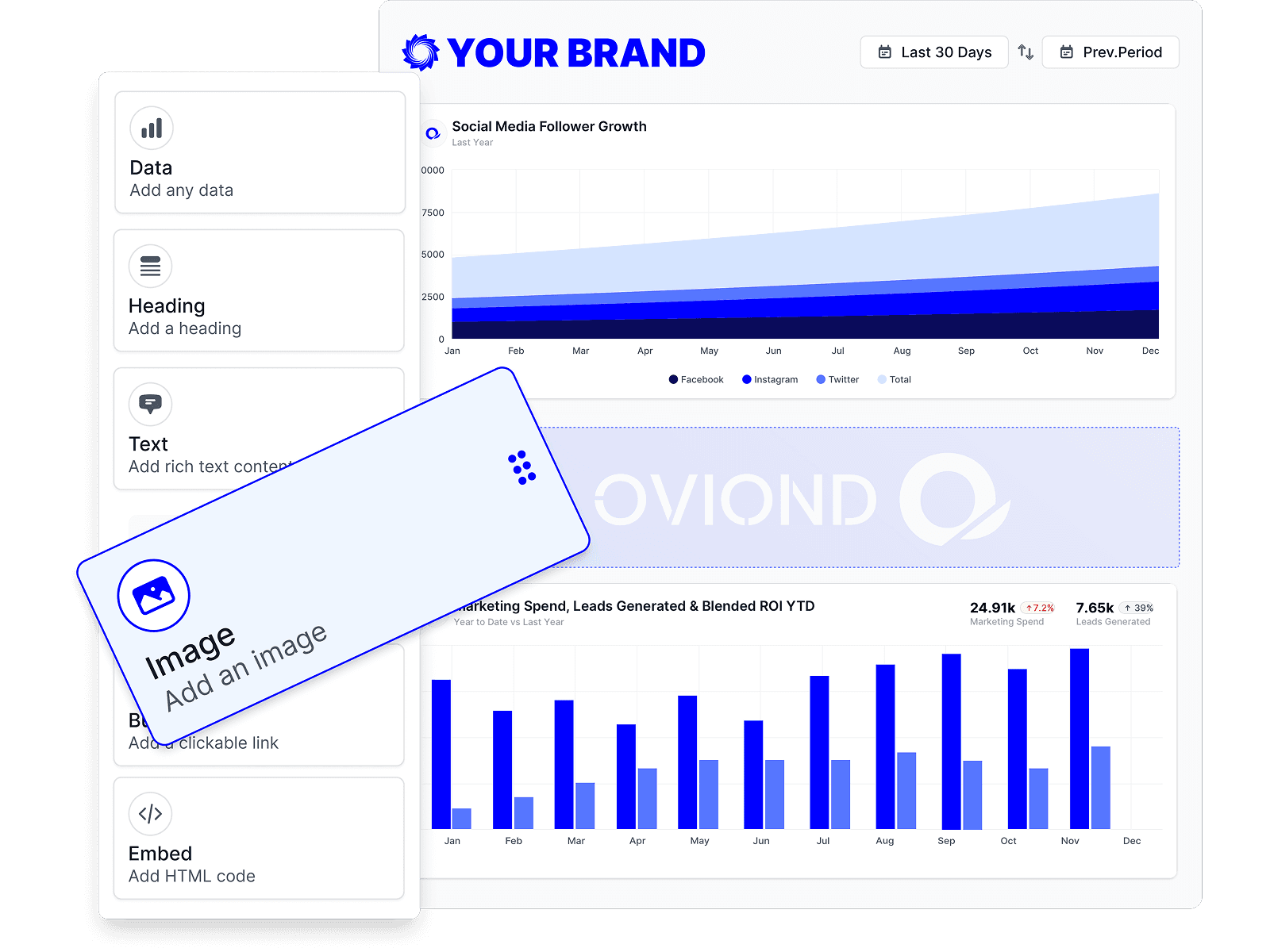
Drag-and-drop Shopify reports
Customize Shopify reports to match each client's goals with a no-code, drag-and-drop builder.
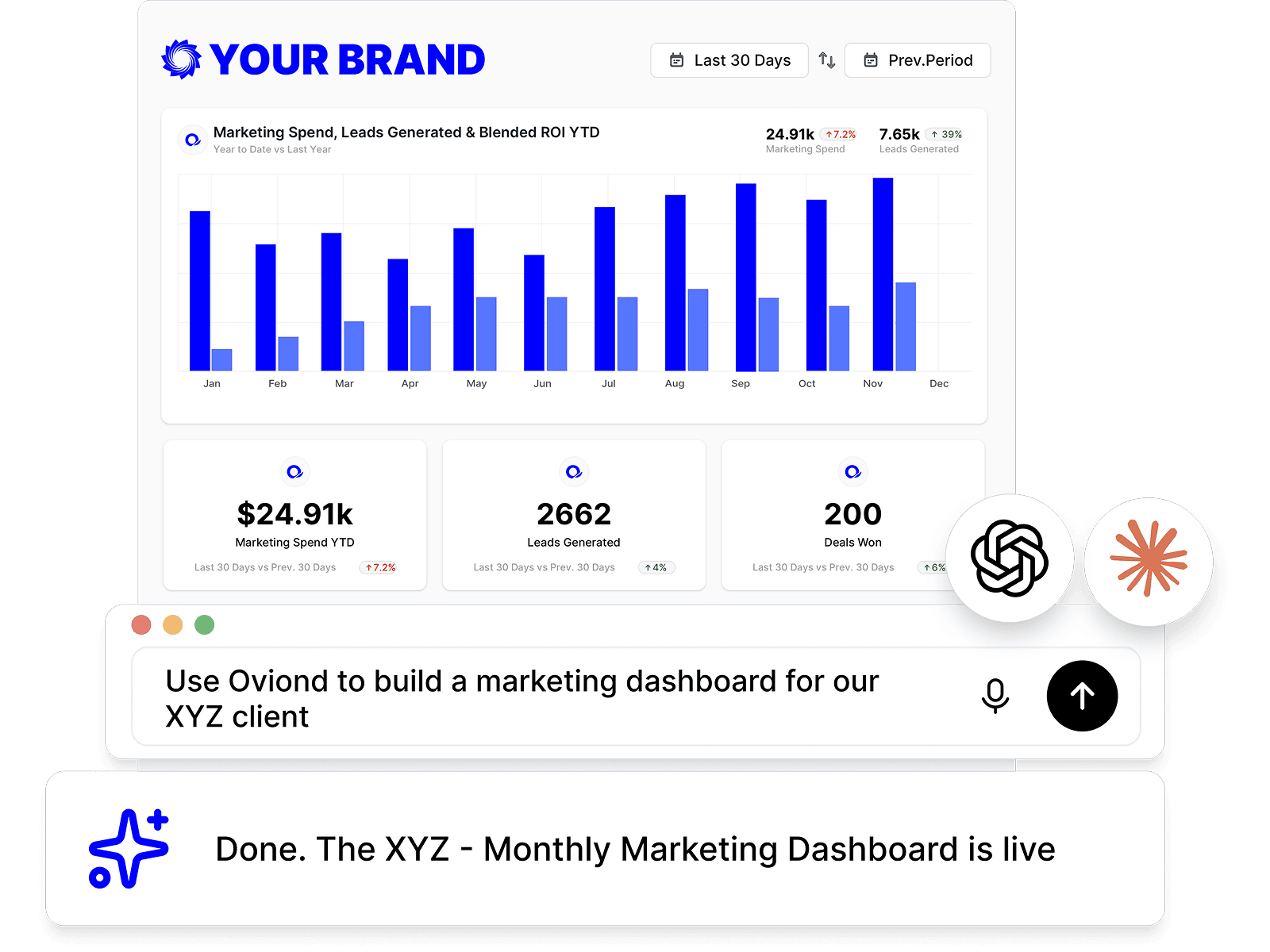
Shopify reporting, inside your AI
Pull Shopify data and build reports right from Claude, ChatGPT, or any MCP-ready AI tool your agency already uses.
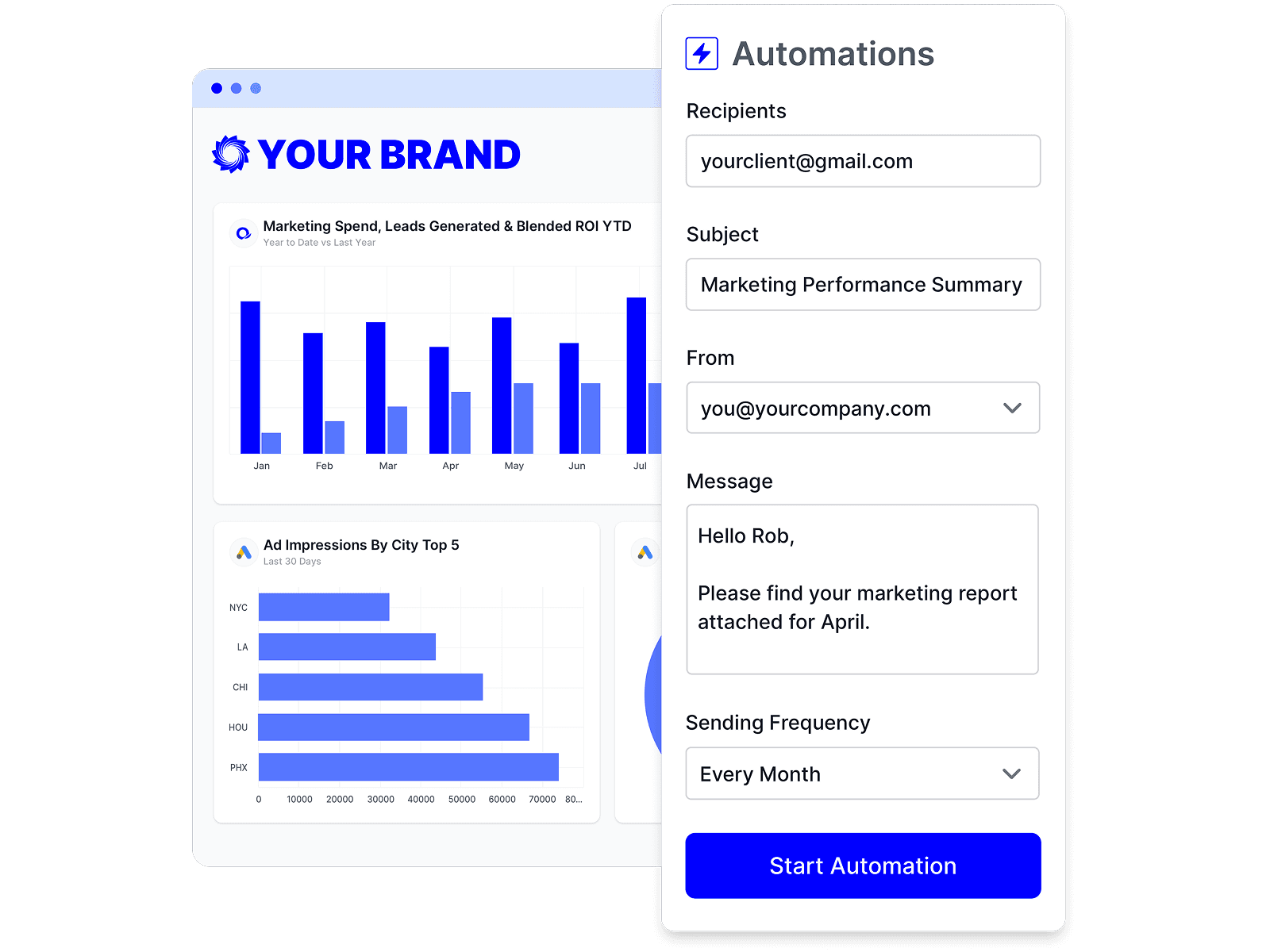
Automate Shopify reporting
Schedule Shopify reports once and let them send themselves — on time, every time, without rebuilding it by hand.
Branded Shopify reports
Deliver white-labeled Shopify reports from your own domain, so every report looks like it came from your agency.

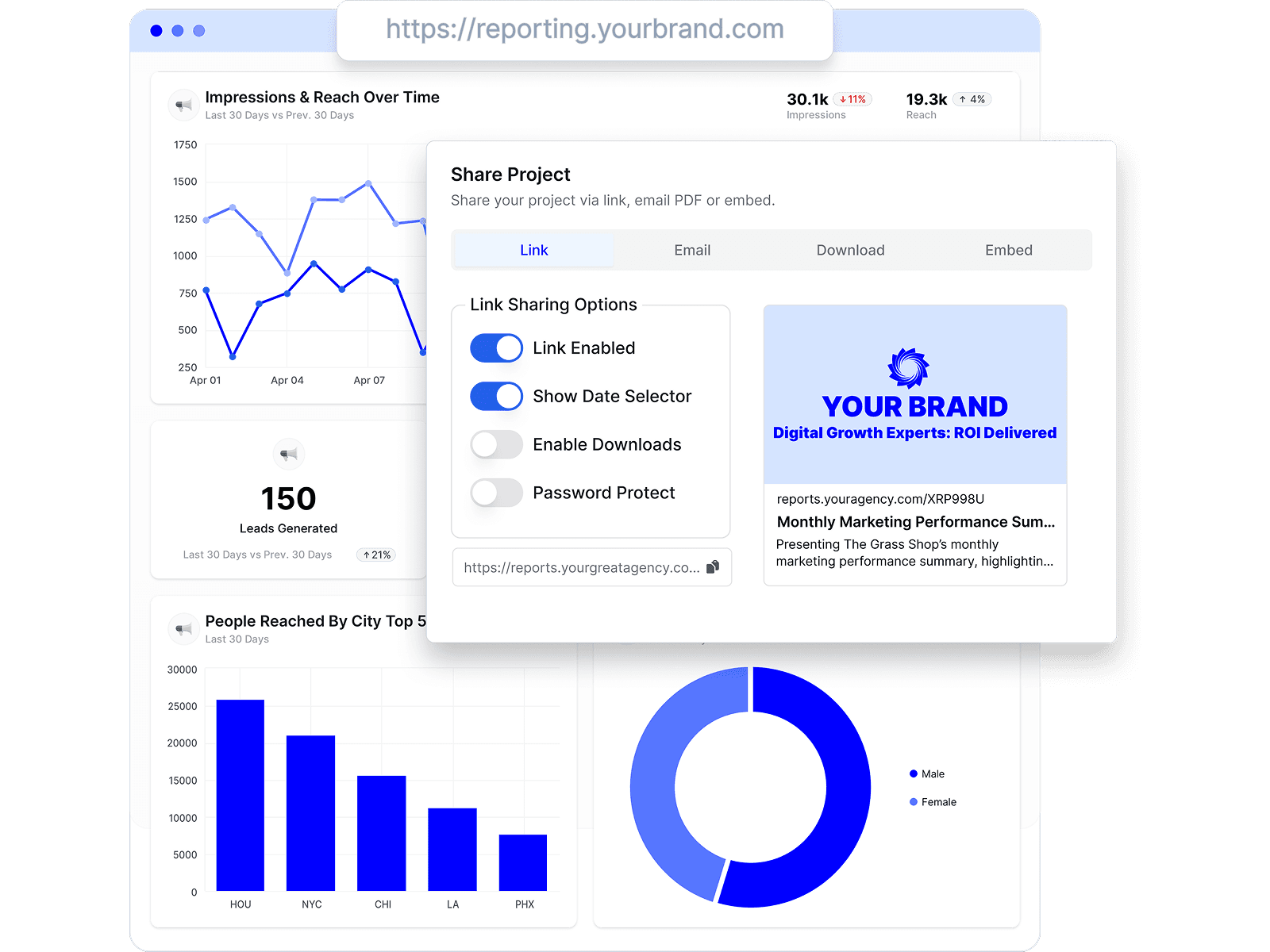
Share Shopify reports clients love
Share by link, email, or embed, and keep every client looking at the latest Shopify numbers.
Combine Shopify with every channel
Add Shopify to the analytics, ads, social, search, and CRM data your agency already reports on.








Shopify reporting FAQs
What Shopify metrics can I report on in Oviond?
The Shopify connector's Sales view exposes more than 200 metrics. The ones agencies use most are Total Sales, Gross Sales, Net Sales, Discounts, Returns, Gross Profit, Orders, Avg. Order Value, Orders (first-time), Orders (returning), Customers, Returning Customer Rate, Sessions, and Bounce Rate — plus attribution metrics such as First Click Sales and Last Click Sales, and Shop Campaign Return on Ad Spend.
Can I break Shopify sales down by campaign or product?
Yes. Dimensions include Order UTM Source, Order UTM Campaign, Order Referrer Source, Order Sales Channel, Product Title, Product Type, Product Vendor, Product Variant SKU, Discount Code, and New Or Returning Customer, so a report can show which campaigns and products drove the month's revenue.
Can I show Shopify revenue next to ad spend in one report?
Yes. Connect the client's Shopify store alongside Google Ads, Meta Ads, and GA4, then use a calculated metric to put blended return on ad spend on the same page as store sales. The e-commerce template is the fastest starting point.
Does the Shopify integration cover multiple stores?
Each connected store is its own data source, linked to the client it belongs to. Store Name and Store ID are available as dimensions, so an agency running several storefronts for one client can report them together or apart.
How do I connect Shopify to Oviond?
Connect your Shopify account from your Oviond dashboard, choose the client it belongs to, and the data flows into your reports — no spreadsheets or manual exports.
Can I pull Shopify data into Claude or ChatGPT?
Yes. Oviond works with Claude, ChatGPT, and other MCP-ready AI tools, so you can pull Shopify data and build reports right from the AI your agency already uses.
Can I automate Shopify reporting?
Yes. Schedule reports to send to clients automatically on a schedule you set, so Shopify reporting goes out on time without the manual rebuild.
Can I send Shopify reports from my own domain?
Yes. Add your own custom domain so Shopify reports reach clients from your agency, not from Oviond.
Simplify Shopify reporting today
Stop juggling exports and screenshots. Start sending polished, client-ready Shopify reports — on schedule.