


Connect Keyword.com to Oviond
Turn your clients' Keyword.com data into branded reports that go out on schedule — no exports, no manual rebuild.
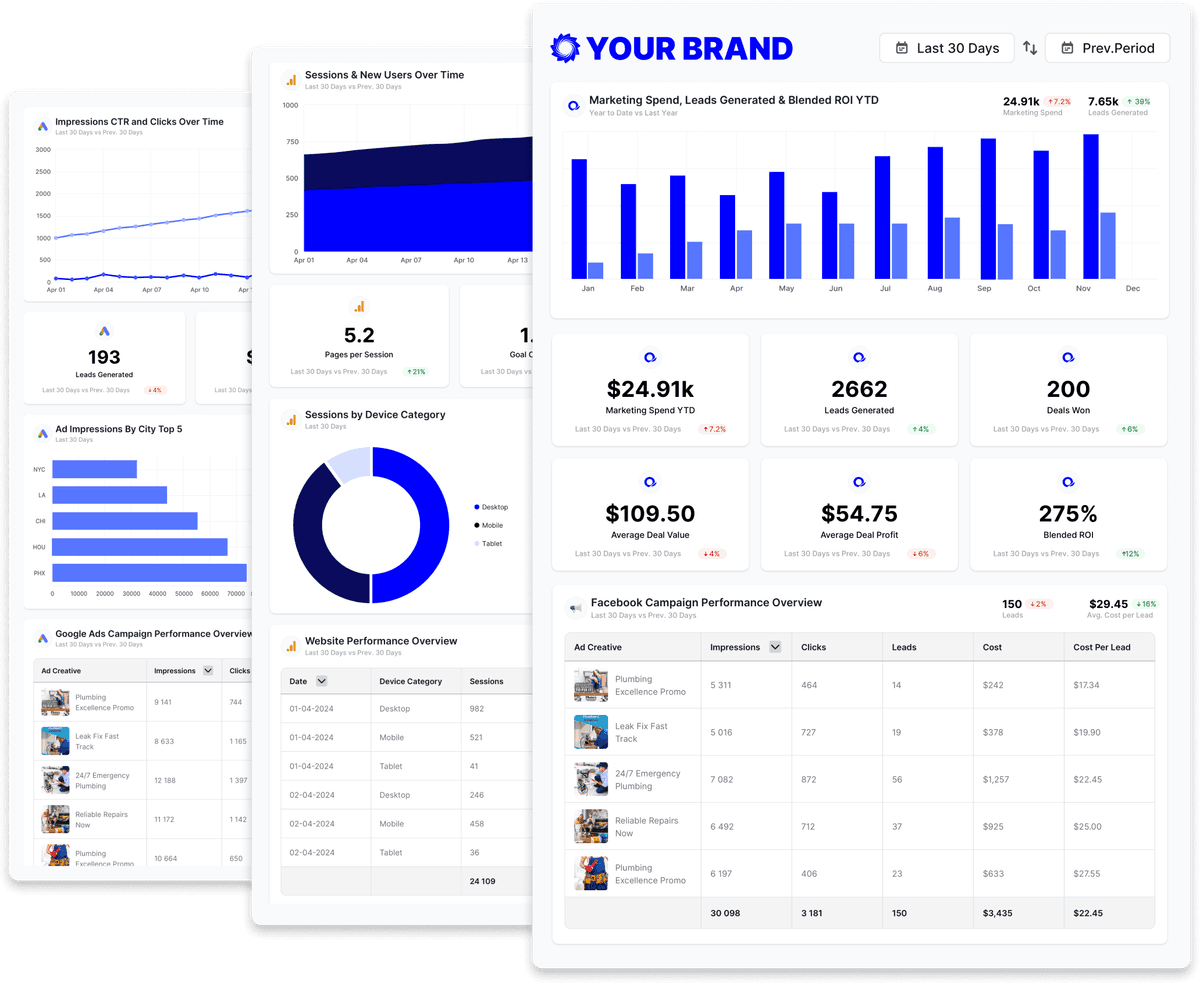
Keyword.com data, unified
Bring your clients' Keyword.com data into Oviond alongside the rest of their marketing stack, so every number lives in one place — refreshed automatically and styled like your agency.
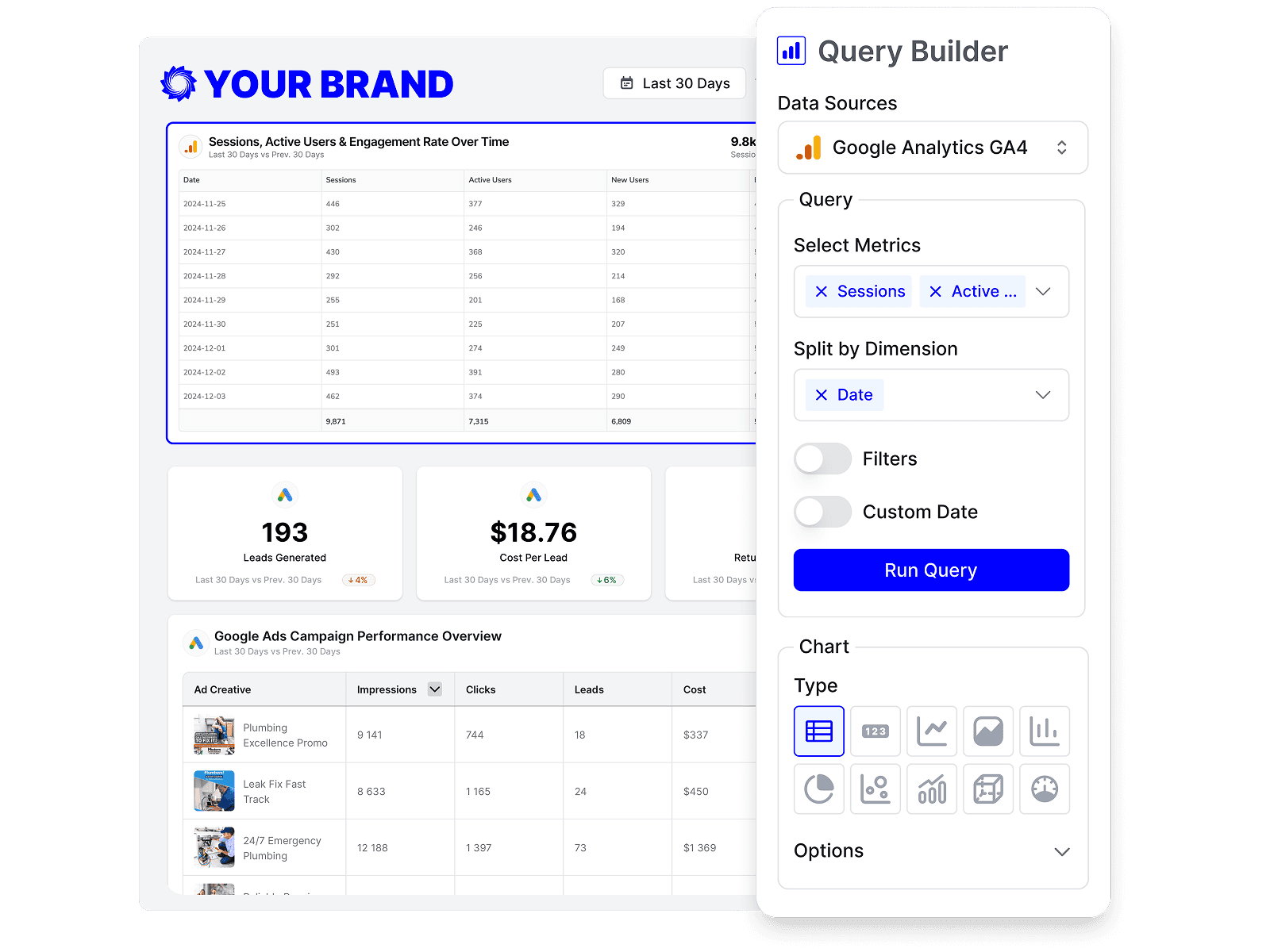
Build custom Keyword.com queries
Start from prebuilt Keyword.com queries or build your own, so each report shows exactly the metrics that matter to the client.
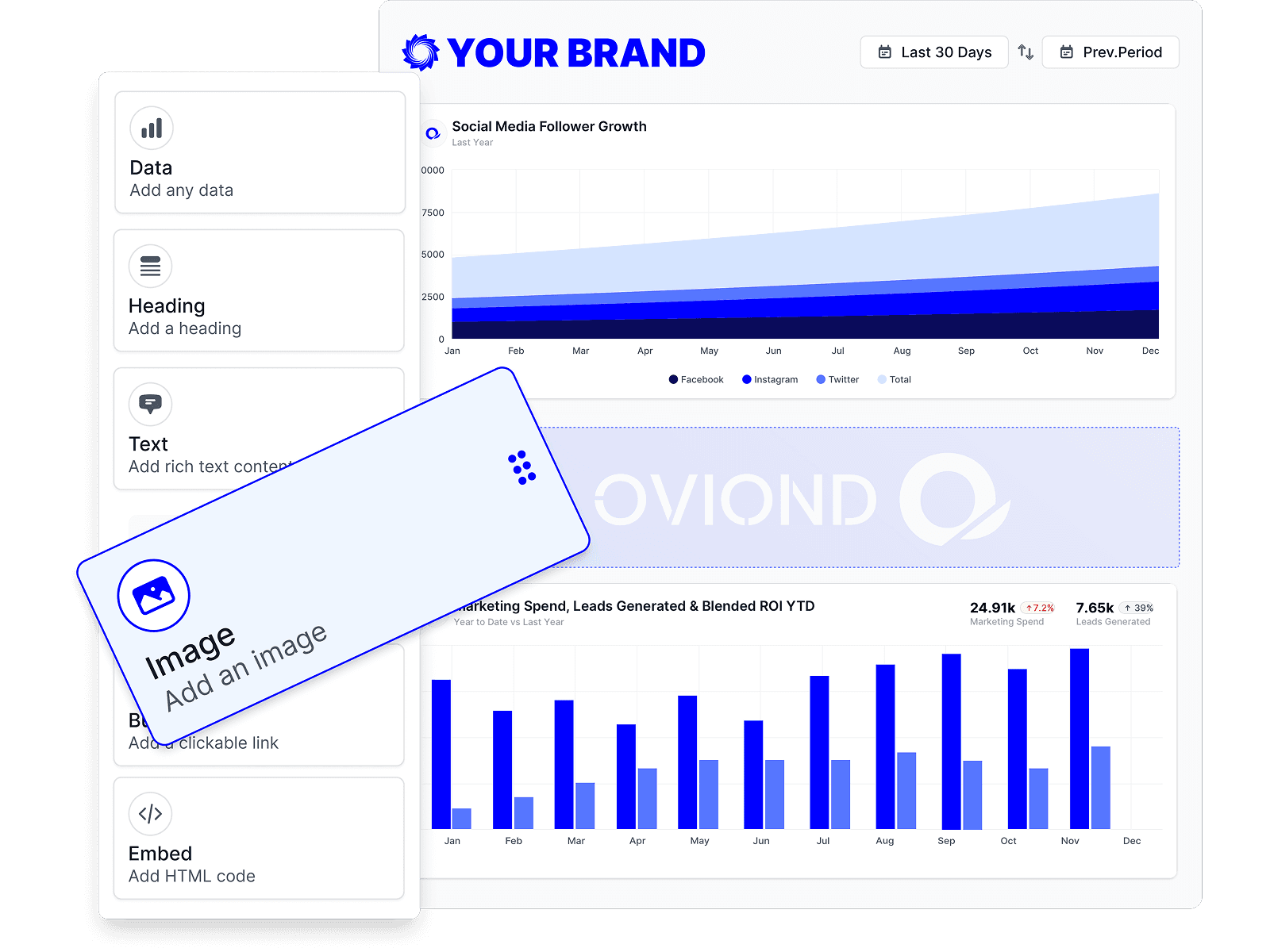
Drag-and-drop Keyword.com reports
Customize Keyword.com reports to match each client's goals with a no-code, drag-and-drop builder.
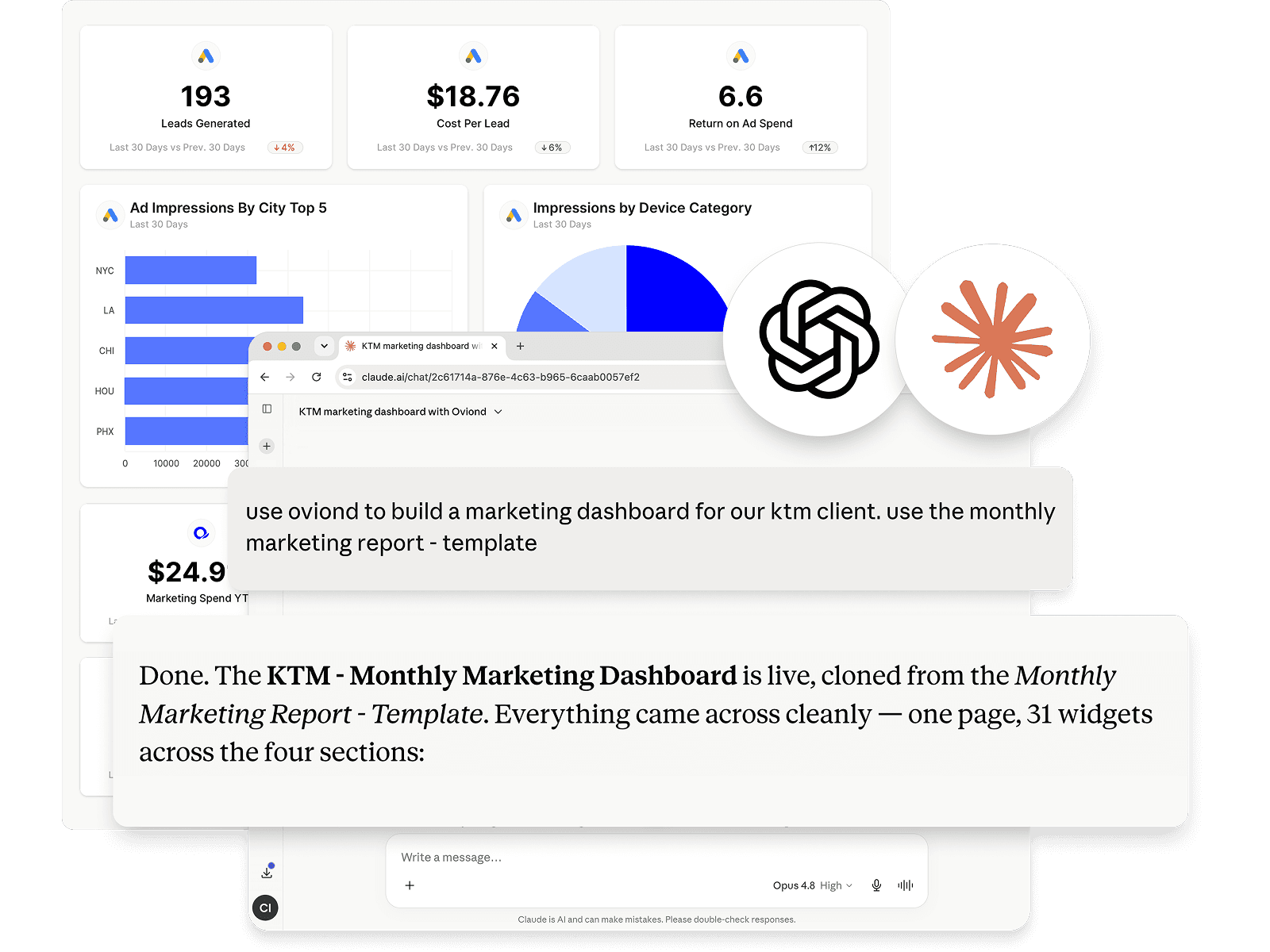
Keyword.com reporting, inside your AI
Pull Keyword.com data and build reports right from Claude, ChatGPT, or any MCP-ready AI tool your agency already uses.
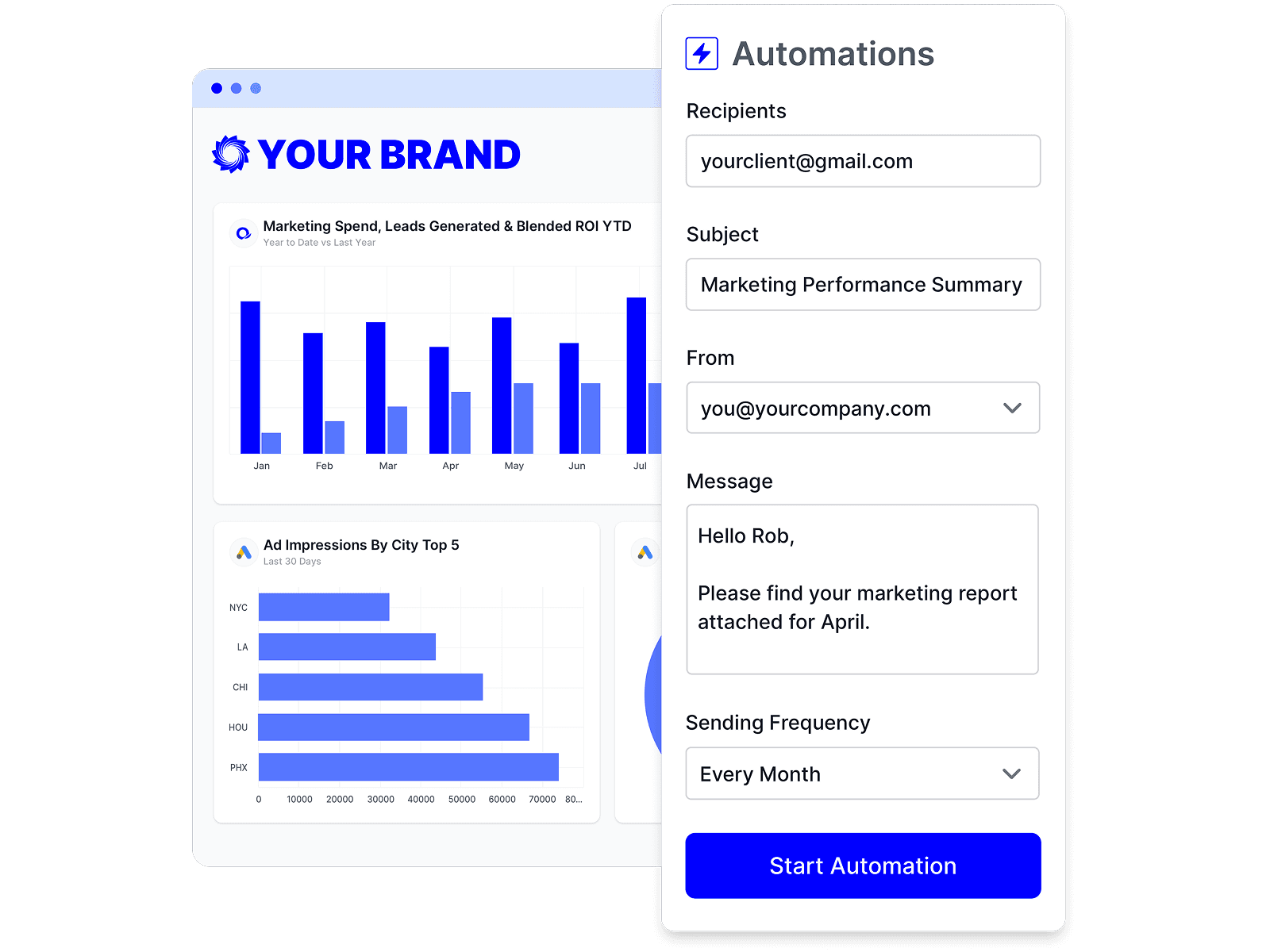
Automate Keyword.com reporting
Schedule Keyword.com reports once and let them send themselves — on time, every time, without rebuilding it by hand.
Branded Keyword.com reports
Deliver white-labeled Keyword.com reports from your own domain, so every report looks like it came from your agency.

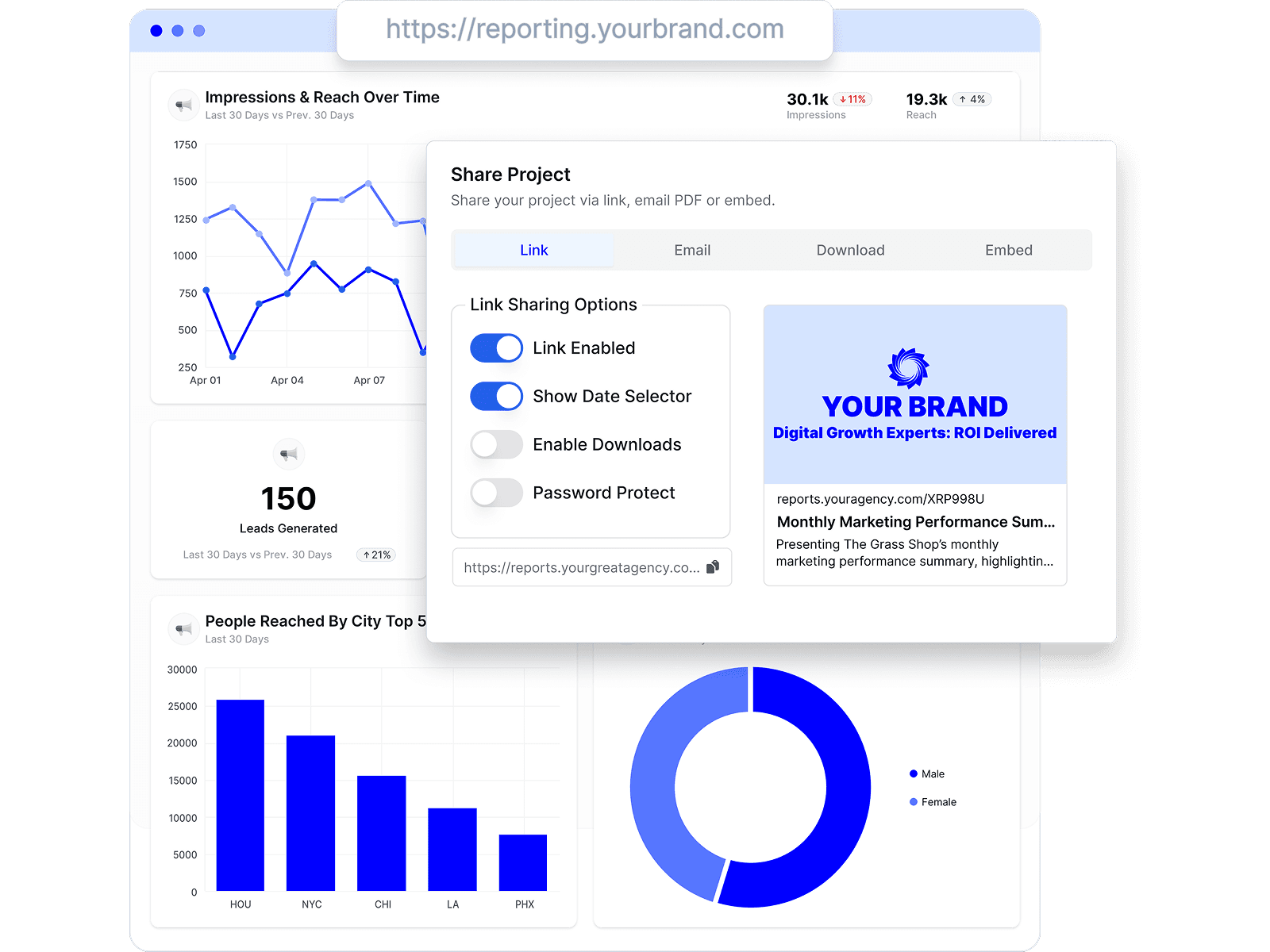
Share Keyword.com reports clients love
Share by link, email, or embed, and keep every client looking at the latest Keyword.com numbers.
Combine Keyword.com with every channel
Add Keyword.com to the analytics, ads, social, search, and CRM data your agency already reports on.









Keyword.com reporting FAQs
How do I connect Keyword.com to Oviond?
Connect your Keyword.com account from your Oviond dashboard, choose the client it belongs to, and the data flows into your reports — no spreadsheets or manual exports.
What can I report on from Keyword.com?
Build client-ready reports around your Keyword.com data and combine it with the other channels you report on in Oviond, so each client sees everything in one place.
Do I need a developer to set up Keyword.com reporting?
No. You don't need a developer or a data team — connect Keyword.com, pick the client, and build your first report yourself.
Can I connect to Oviond with my AI?
Yes. Oviond works with Claude, ChatGPT, and other MCP-ready AI tools, so you can pull Keyword.com data and build reports right from the AI your agency already uses.
Can I change the colors and design of my reports?
Yes. Customize the theme, colors, and layout of every Keyword.com report to match your agency's brand and each client.
Can I send Keyword.com reports from my own domain?
Yes. Add your own custom domain so Keyword.com reports reach clients from your agency, not from Oviond.
Can I automate Keyword.com reporting?
Yes. Schedule reports to send to clients automatically on a schedule you set, so Keyword.com reporting goes out on time without the manual rebuild.
Can I share Keyword.com reports with clients?
Yes. Share Keyword.com reports by link, email, or embed, and keep every client looking at the latest numbers.
Simplify Keyword.com reporting today
Stop juggling exports and screenshots. Start sending polished, client-ready Keyword.com reports — on schedule.