


Connect Semrush to Oviond
Turn your clients' Semrush data into branded reports that go out on schedule — no exports, no manual rebuild.
Semrush data in your client reports
Turn Semrush data into reports your clients actually read. Oviond blends Semrush with Google Analytics 4, Search Console, and ads platforms, so SEO effort and results appear side by side — white-labeled, automated, and sent on your schedule instead of another manual export.
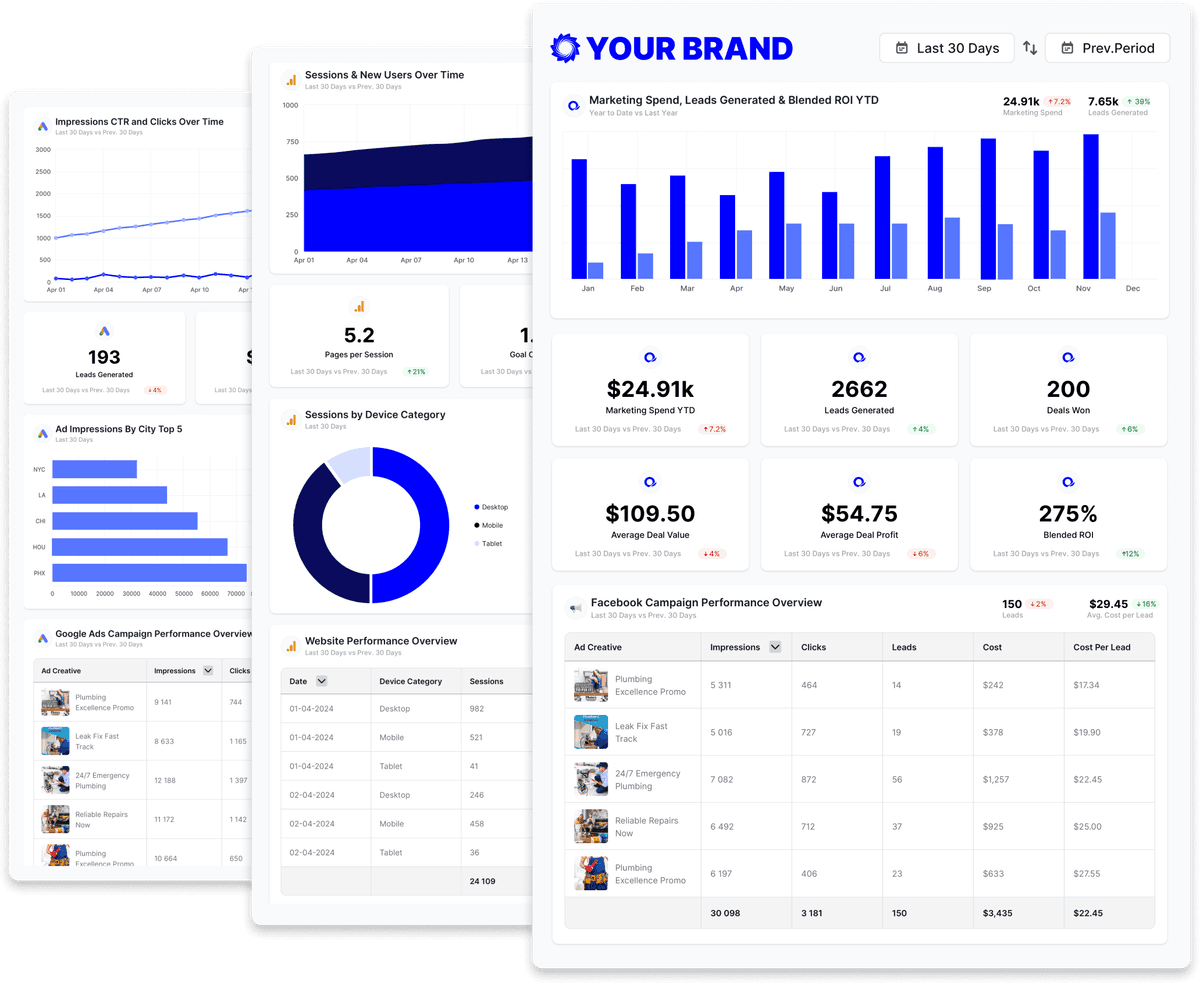
Build custom Semrush queries
Start from prebuilt Semrush queries or build your own, so each report shows exactly the metrics that matter to the client.
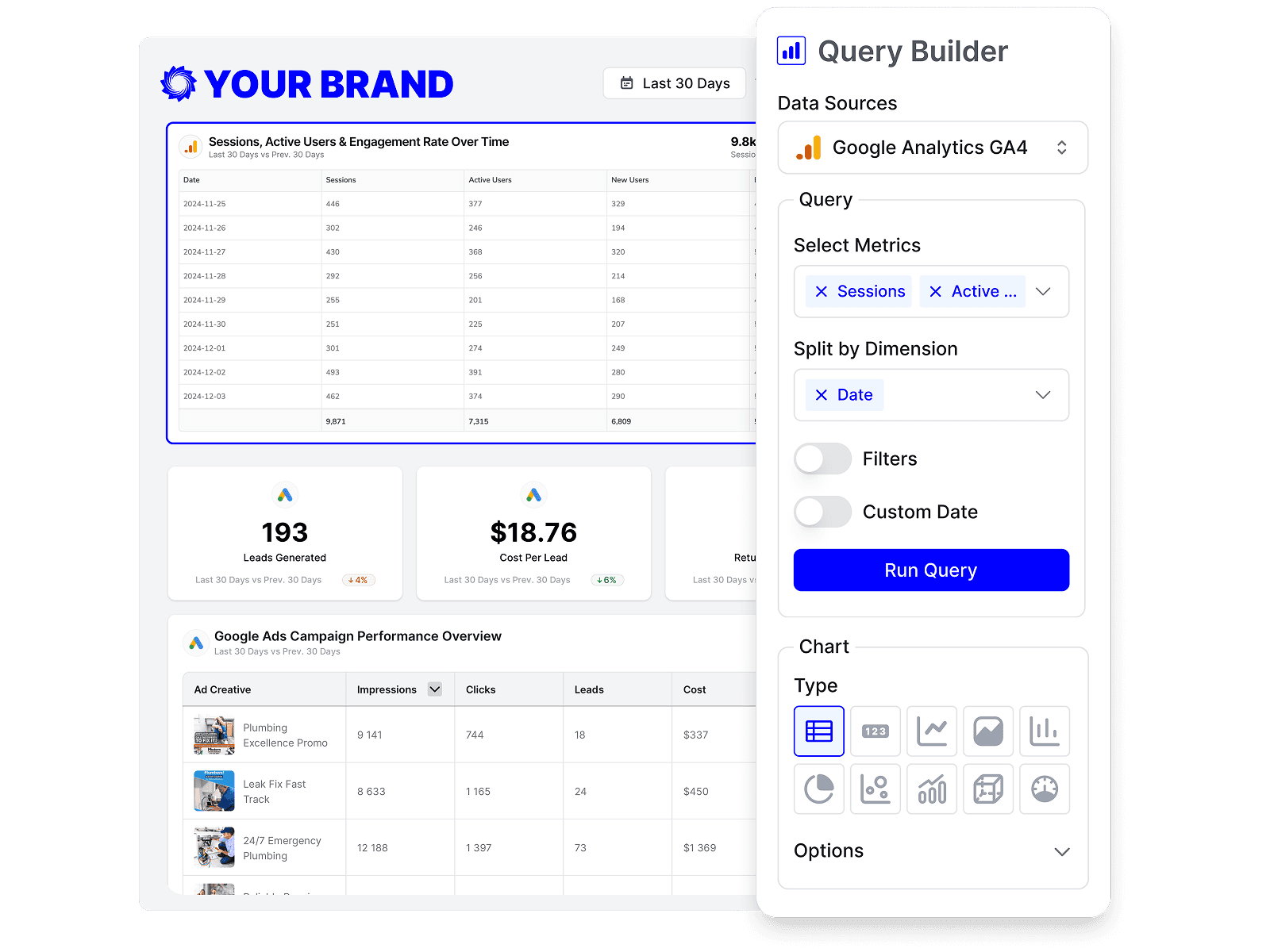
Drag-and-drop Semrush reports
Customize Semrush reports to match each client's goals with a no-code, drag-and-drop builder.
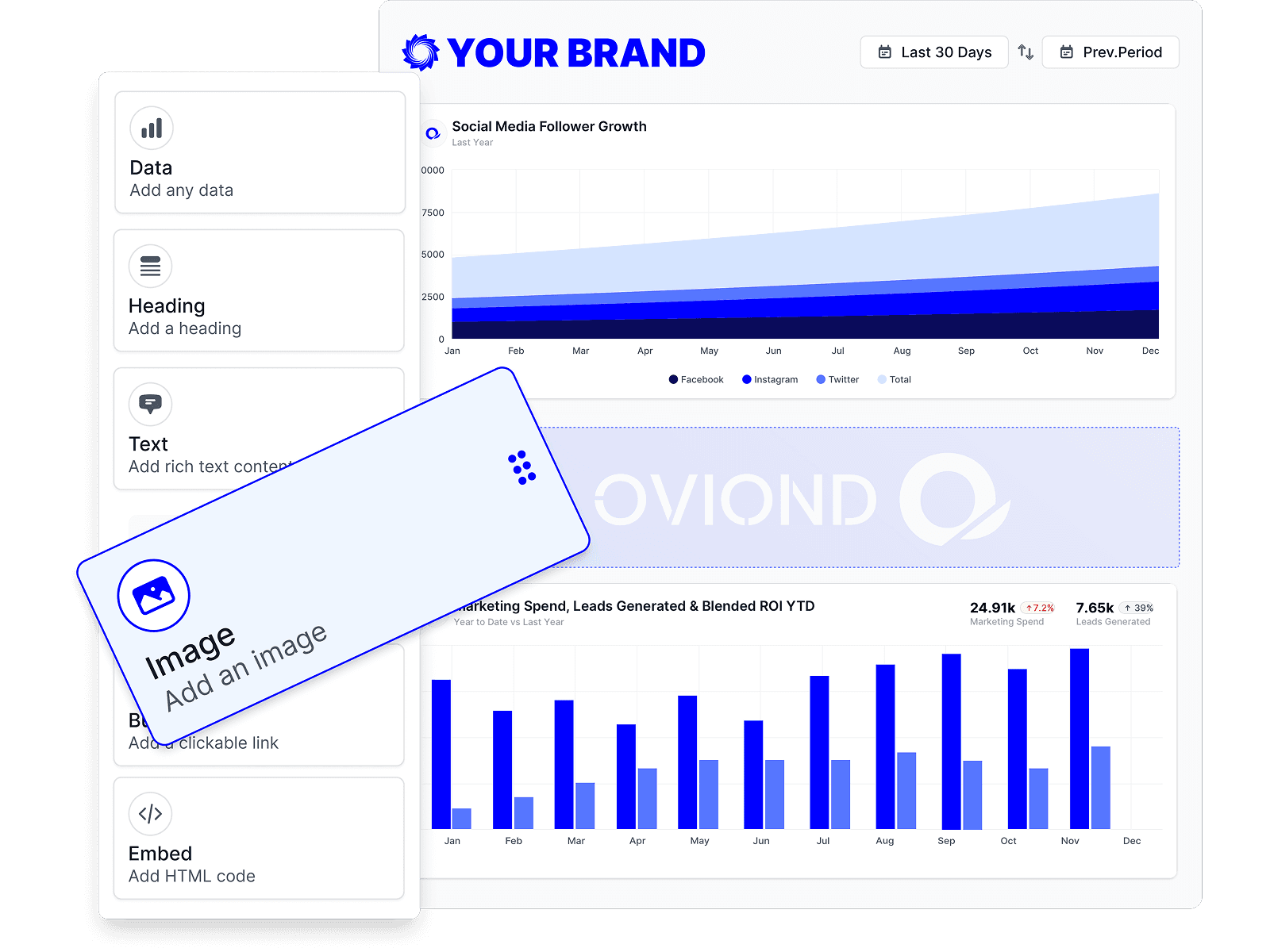
Semrush reporting, inside your AI
Pull Semrush data and build reports right from Claude, ChatGPT, or any MCP-ready AI tool your agency already uses.
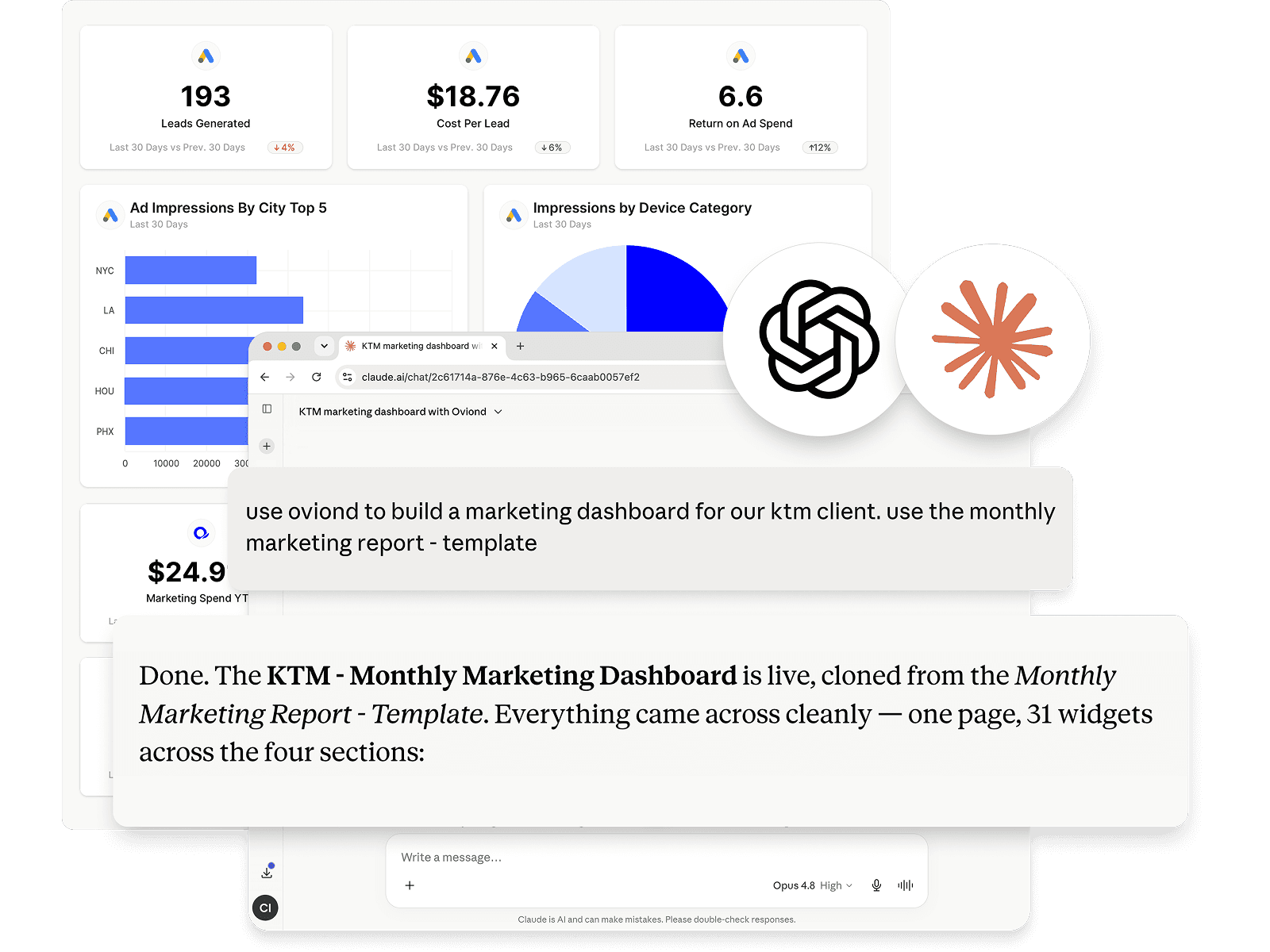
Automate Semrush reporting
Schedule Semrush reports once and let them send themselves — on time, every time, without rebuilding it by hand.
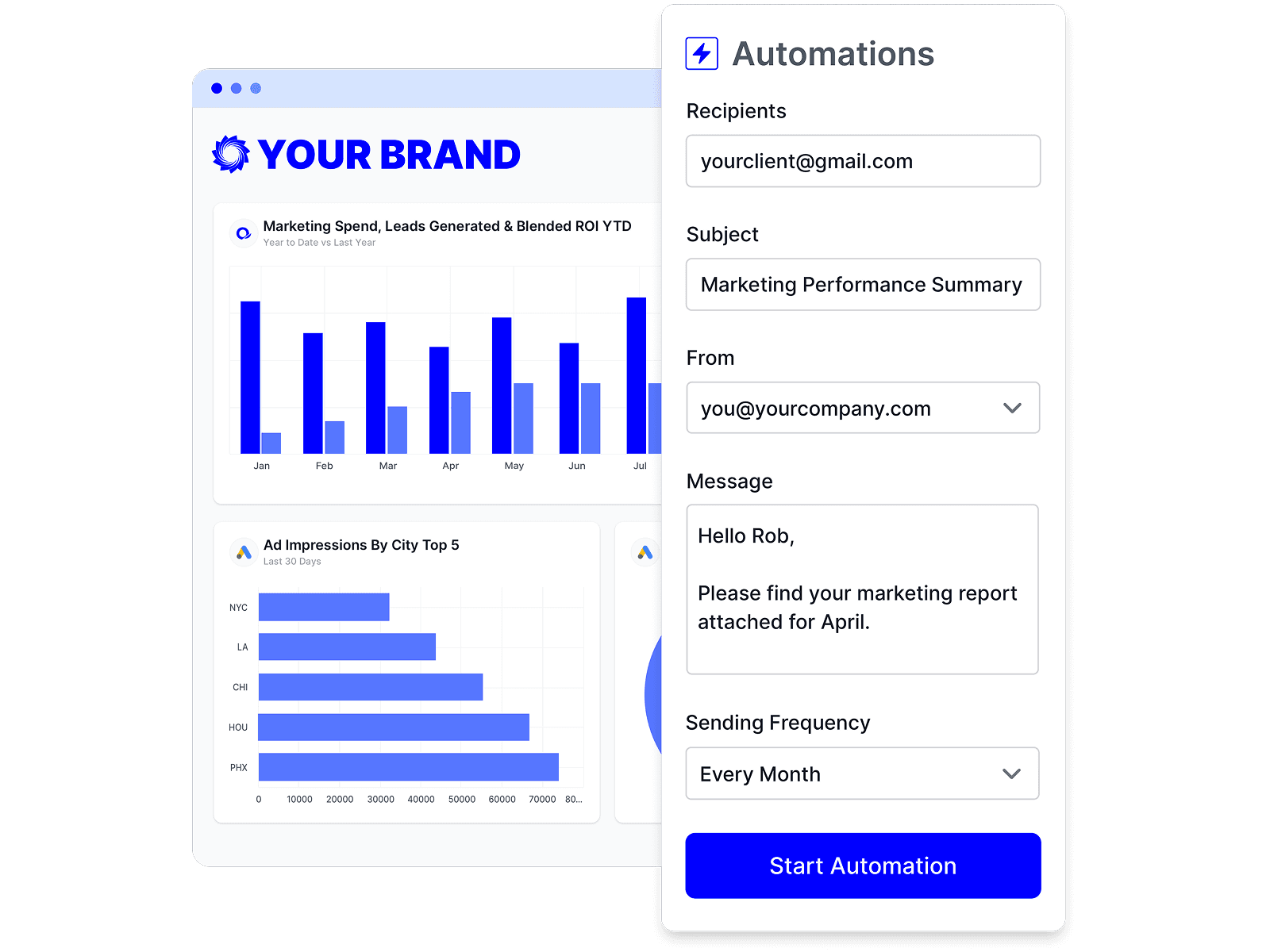
Branded Semrush reports
Deliver white-labeled Semrush reports from your own domain, so every report looks like it came from your agency.

Share Semrush reports clients love
Share by link, email, or embed, and keep every client looking at the latest Semrush numbers.
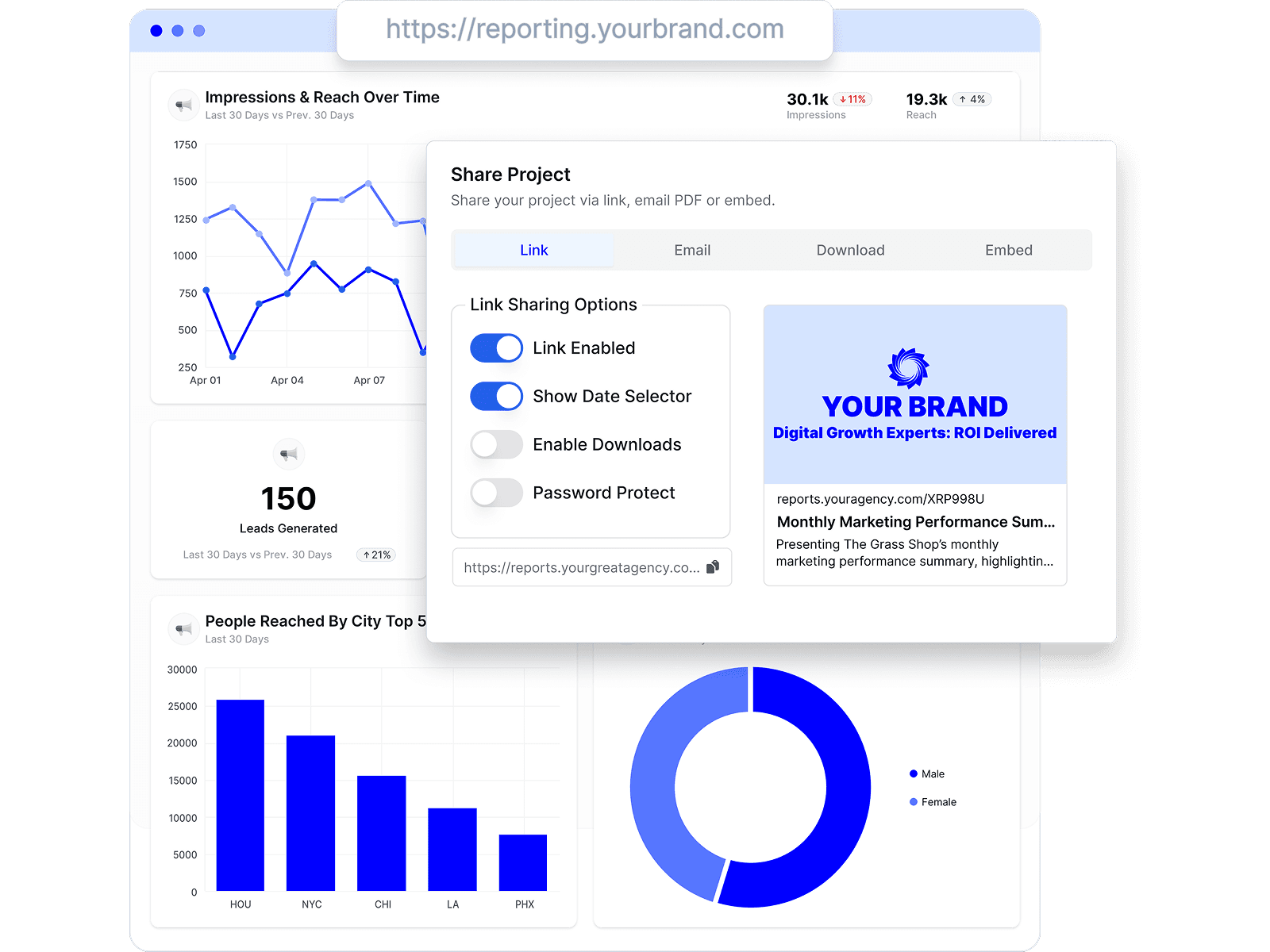
Combine Semrush with every channel
Add Semrush to the analytics, ads, social, search, and CRM data your agency already reports on.









Semrush reporting FAQs
What is Semrush reporting in Oviond?
Oviond turns your clients' Semrush SEO data into branded, client-ready reports alongside the rest of their marketing stack. Connect Semrush to a client once, and the monthly report stops being a copy-paste job.
Can I combine Semrush data with Google Search Console or GA4?
Yes. Connect each source to the client and report them side by side — the client's Semrush data next to the clicks, impressions, and average position Google itself reports — so the SEO story holds together in one report.
Is there a Semrush report template?
Not a standard one today. Build your Semrush report layout once, save it as a reusable template, and apply it across your SEO clients.
Why report Semrush data in Oviond instead of Semrush itself?
Semrush's built-in reports cover its own toolset well. Agencies use Oviond when the client report needs more than SEO — one white-labeled report that combines Semrush with analytics, ads, and social, sent on a schedule across every client.
How do I connect Semrush to Oviond?
Connect your Semrush account from your Oviond dashboard, choose the client it belongs to, and the data flows into your reports — no spreadsheets or manual exports.
Can I pull Semrush data into Claude or ChatGPT?
Yes. Oviond works with Claude, ChatGPT, and other MCP-ready AI tools, so you can pull Semrush data and build reports right from the AI your agency already uses.
Can I automate Semrush reporting?
Yes. Schedule reports to send to clients automatically on a schedule you set, so Semrush reporting goes out on time without the manual rebuild.
Can I send Semrush reports from my own domain?
Yes. Add your own custom domain so Semrush reports reach clients from your agency, not from Oviond.
Simplify Semrush reporting today
Stop juggling exports and screenshots. Start sending polished, client-ready Semrush reports — on schedule.