


Connect Switchy to Oviond
Turn your clients' Switchy data into branded reports that go out on schedule — no exports, no manual rebuild.
Switchy data, unified
Bring your clients' Switchy data into Oviond alongside the rest of their marketing stack, so every number lives in one place — refreshed automatically and styled like your agency.
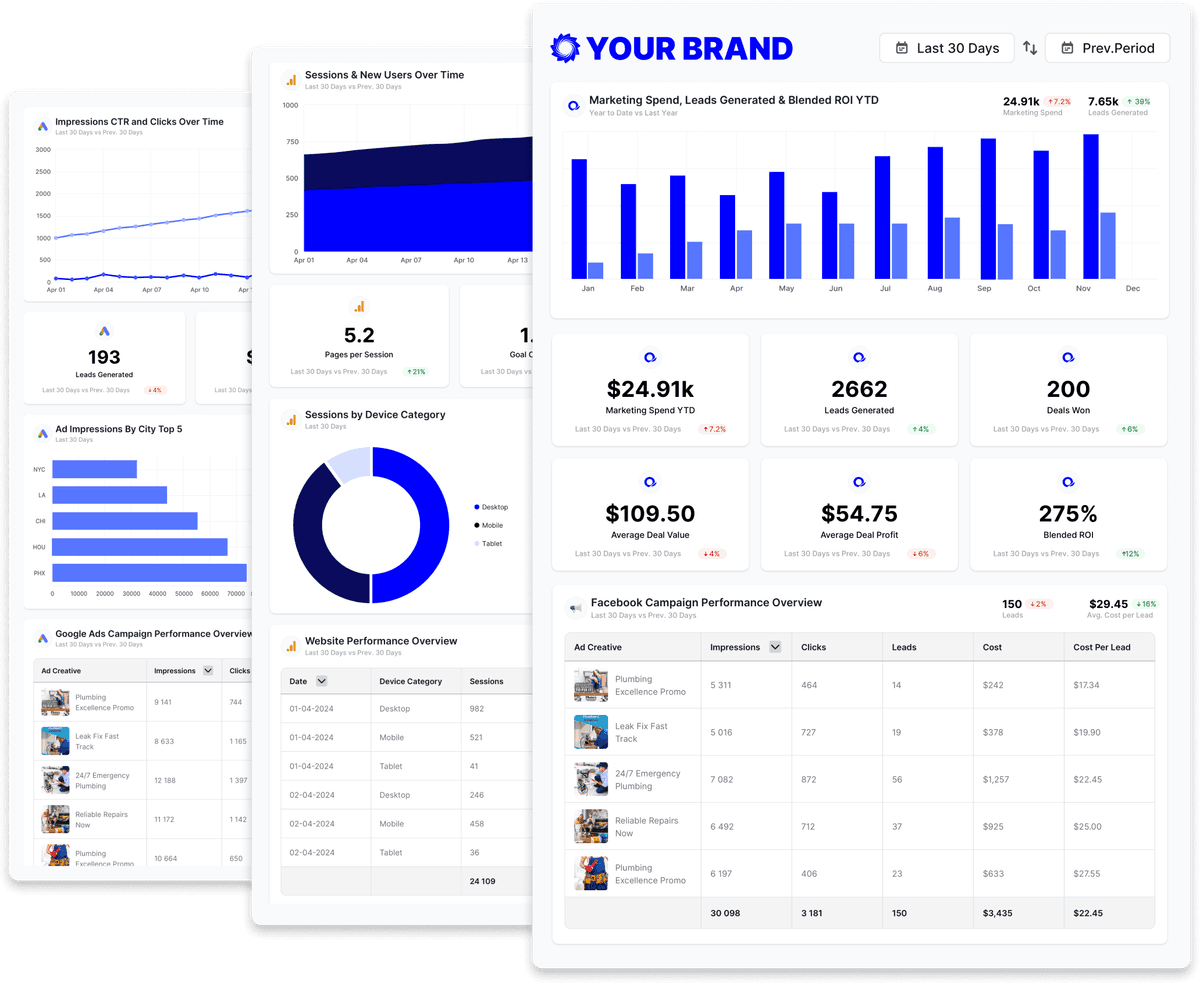
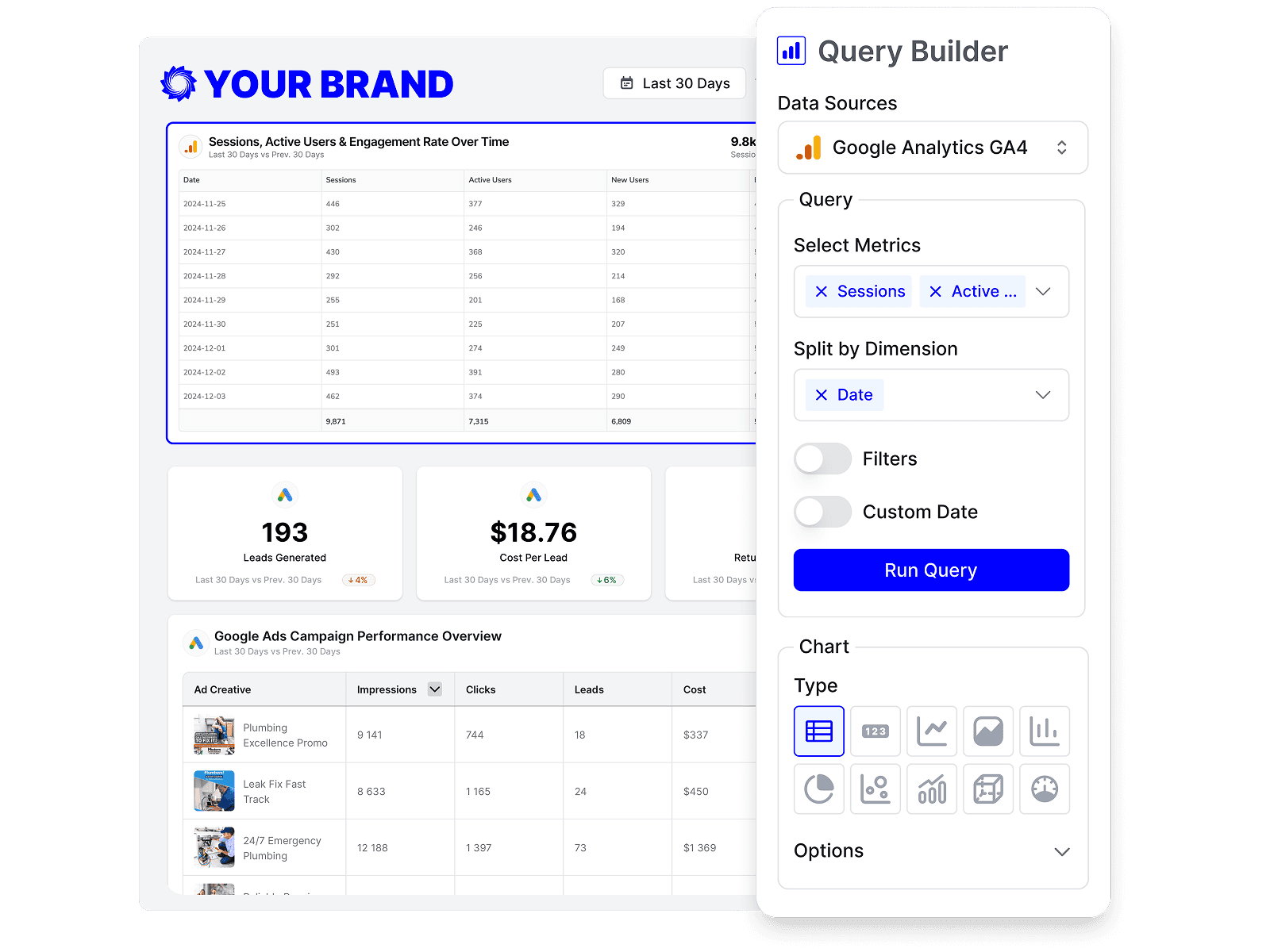
Build custom Switchy queries
Start from prebuilt Switchy queries or build your own, so each report shows exactly the metrics that matter to the client.
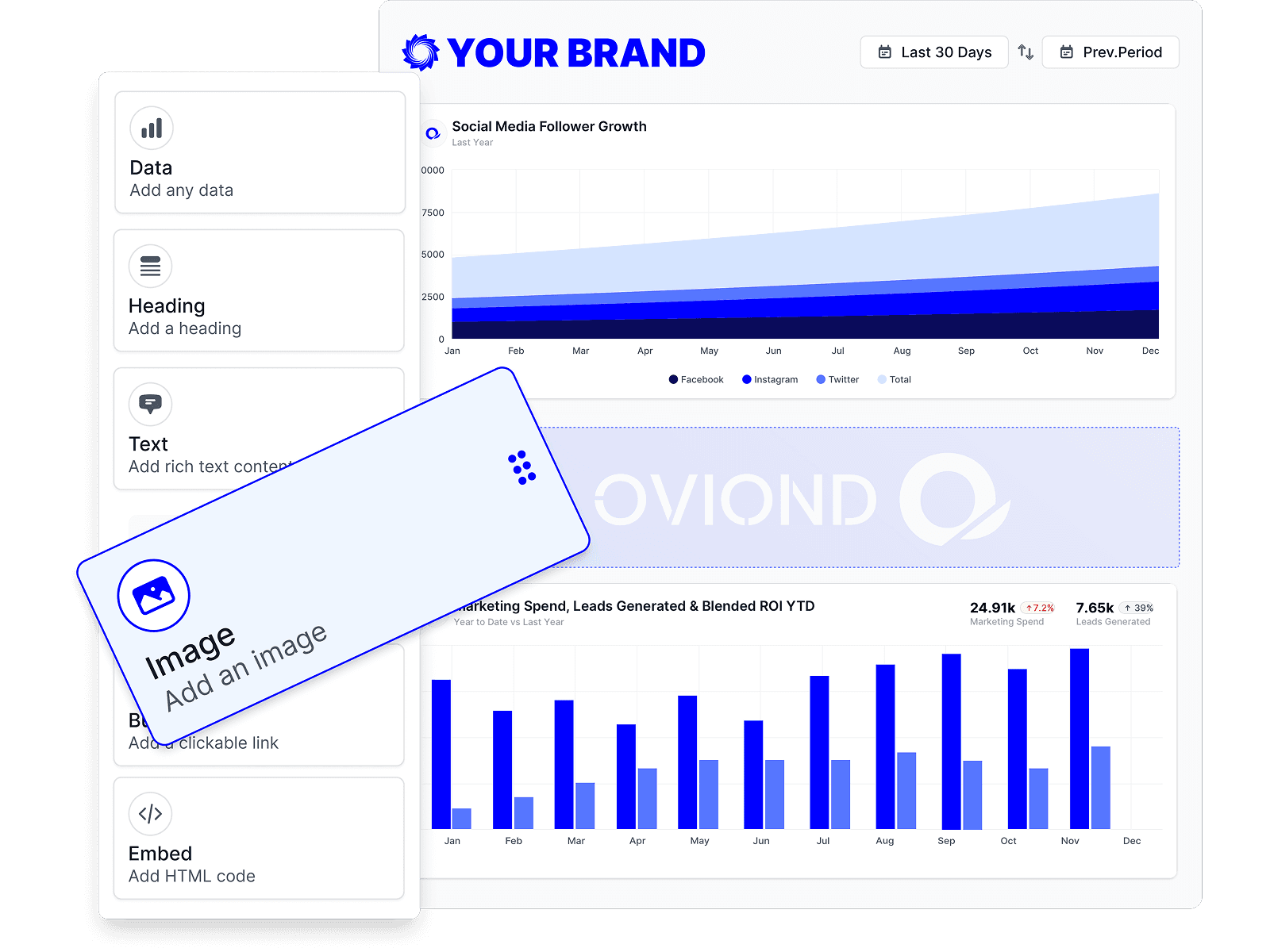
Drag-and-drop Switchy reports
Customize Switchy reports to match each client's goals with a no-code, drag-and-drop builder.
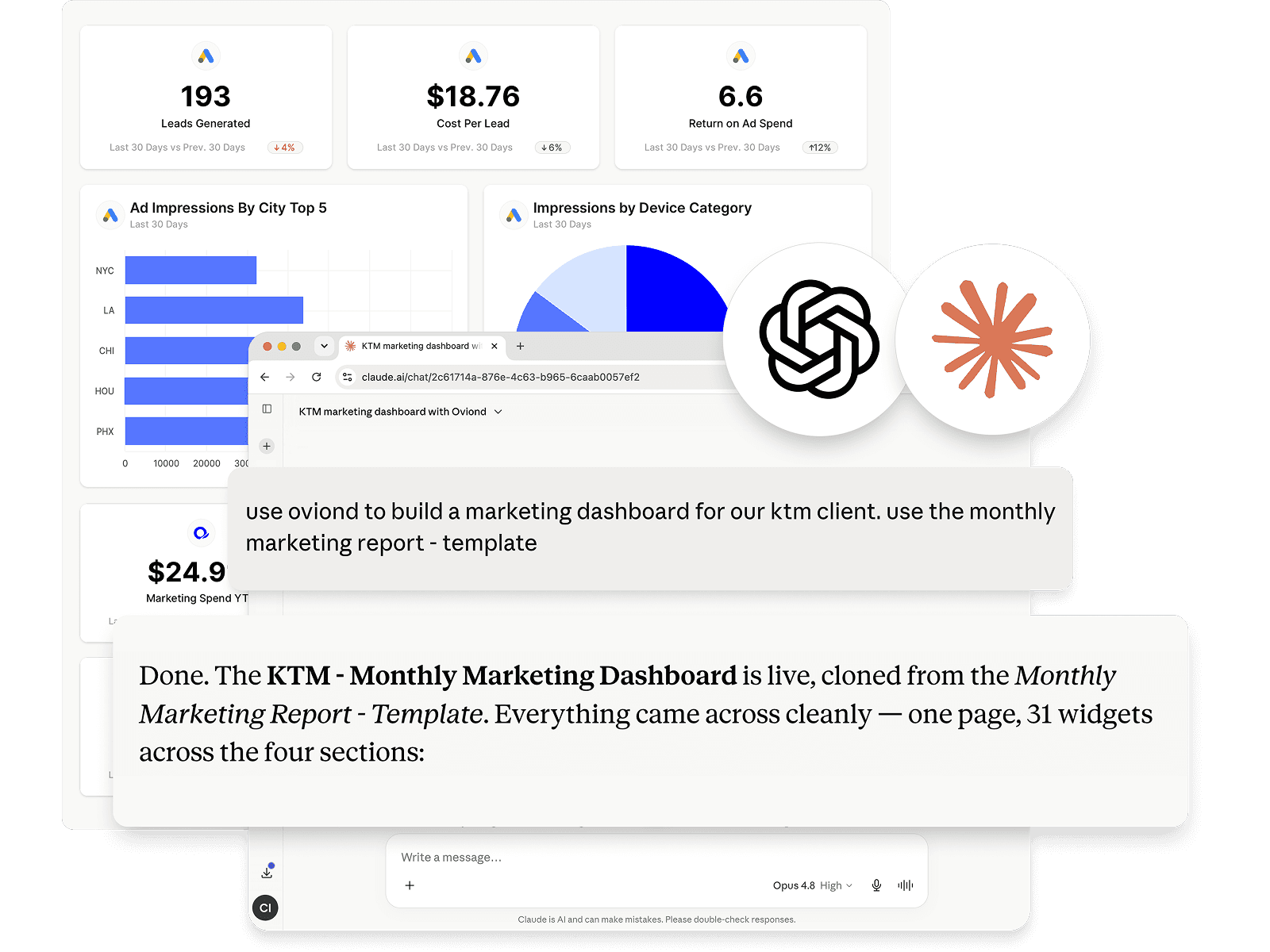
Switchy reporting, inside your AI
Pull Switchy data and build reports right from Claude, ChatGPT, or any MCP-ready AI tool your agency already uses.
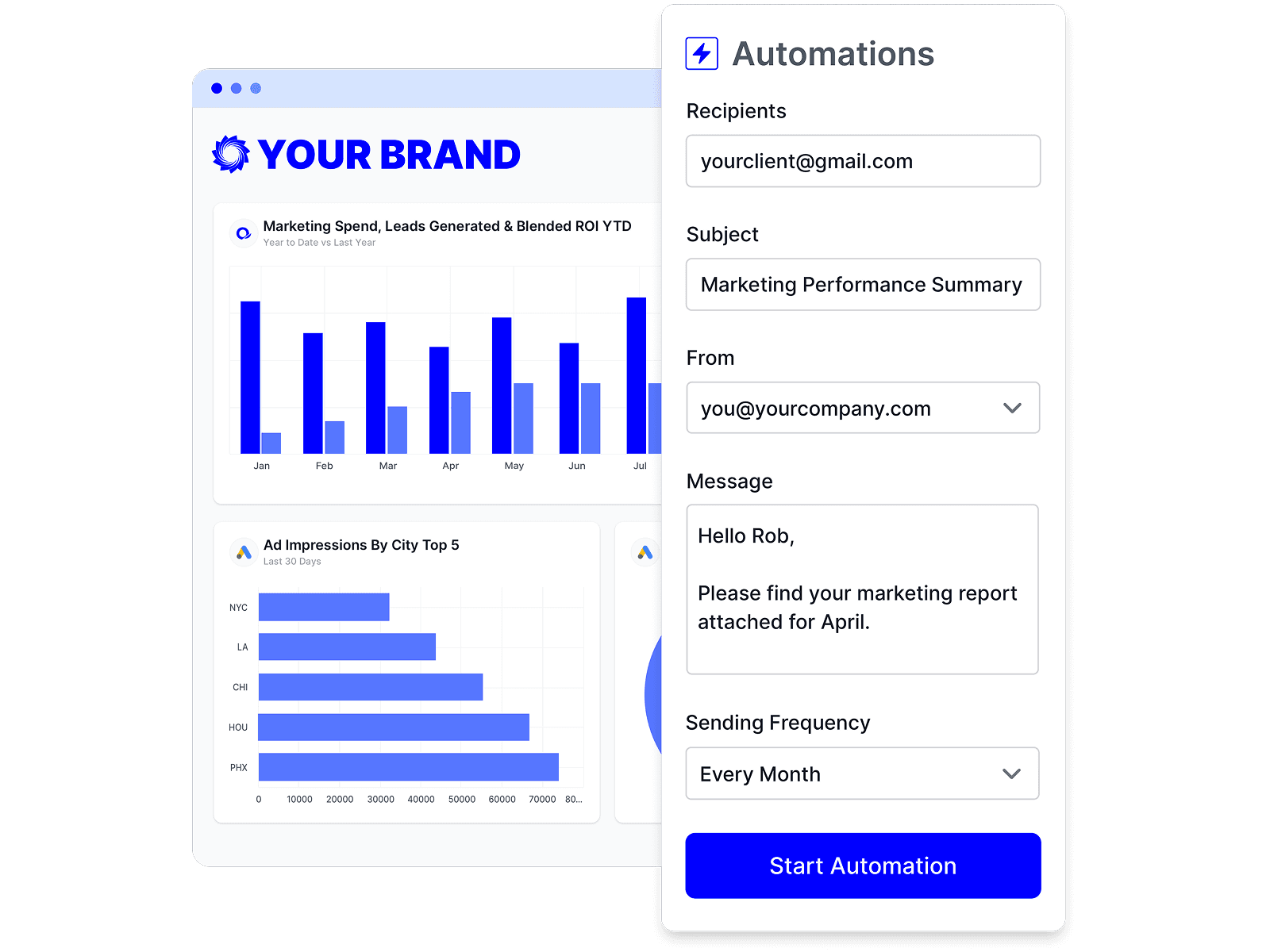
Automate Switchy reporting
Schedule Switchy reports once and let them send themselves — on time, every time, without rebuilding it by hand.
Branded Switchy reports
Deliver white-labeled Switchy reports from your own domain, so every report looks like it came from your agency.

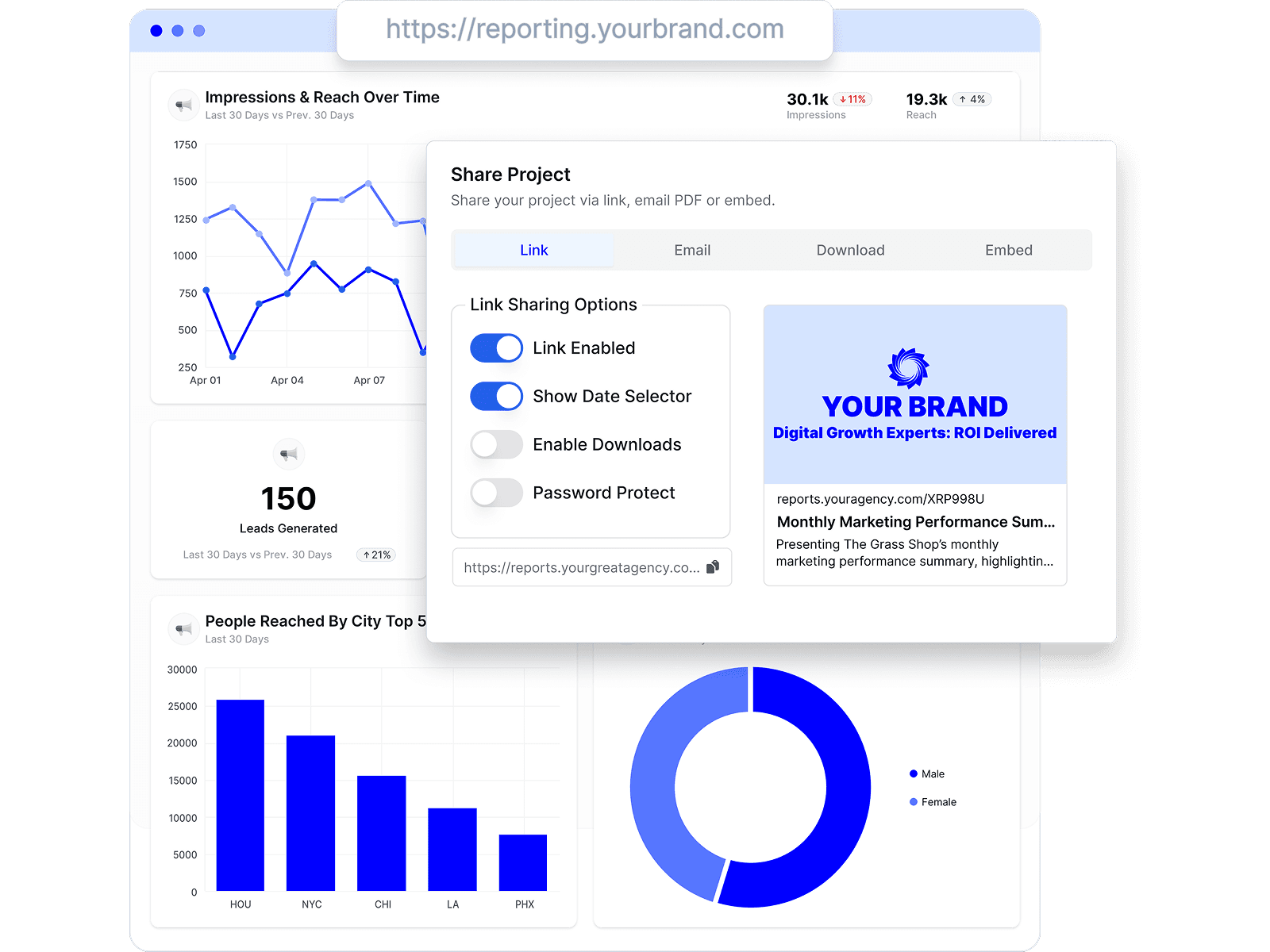
Share Switchy reports clients love
Share by link, email, or embed, and keep every client looking at the latest Switchy numbers.
Combine Switchy with every channel
Add Switchy to the analytics, ads, social, search, and CRM data your agency already reports on.









Switchy reporting FAQs
How do I connect Switchy to Oviond?
Connect your Switchy account from your Oviond dashboard, choose the client it belongs to, and the data flows into your reports — no spreadsheets or manual exports.
What can I report on from Switchy?
Build client-ready reports around your Switchy data and combine it with the other channels you report on in Oviond, so each client sees everything in one place.
Do I need a developer to set up Switchy reporting?
No. You don't need a developer or a data team — connect Switchy, pick the client, and build your first report yourself.
Can I connect to Oviond with my AI?
Yes. Oviond works with Claude, ChatGPT, and other MCP-ready AI tools, so you can pull Switchy data and build reports right from the AI your agency already uses.
Can I change the colors and design of my reports?
Yes. Customize the theme, colors, and layout of every Switchy report to match your agency's brand and each client.
Can I send Switchy reports from my own domain?
Yes. Add your own custom domain so Switchy reports reach clients from your agency, not from Oviond.
Can I automate Switchy reporting?
Yes. Schedule reports to send to clients automatically on a schedule you set, so Switchy reporting goes out on time without the manual rebuild.
Can I share Switchy reports with clients?
Yes. Share Switchy reports by link, email, or embed, and keep every client looking at the latest numbers.
Simplify Switchy reporting today
Stop juggling exports and screenshots. Start sending polished, client-ready Switchy reports — on schedule.