Oviond Blog
10 Swydo Alternative Tools for Agency Reporting in 2026
Searching for a Swydo alternative? We compare 10 top agency reporting tools on features, white-labeling, and pricing to help you scale client reports.

Beyond Swydo: Finding a Reporting Tool That Scales With Your Agency
That end-of-month reporting scramble feel familiar? Juggling logins, copy-pasting screenshots into spreadsheets, and sending out slightly-off-brand PDFs that clients barely open. If your current process, whether on Swydo or something else, feels more like a manual chore than a scalable system, you're in the right place.
As your agency grows from 5 to 50+ clients, your reporting stack needs to move from a handy reporting tool to a core ops system. The pressure points are usually the same. Too many disconnected data sources, weak white-label delivery, and pricing that starts to hurt once you add more clients or more team members. That's where most agencies start looking for a serious Swydo alternative.
This guide gets to the point. It compares 10 tools through the lens that matters most for agencies: data connectivity, white-label execution, and pricing model. If you're also cleaning up your revenue ops stack, this guide on finding the right sales tools is worth a read.
Table of Contents
- 1. Oviond
- 2. AgencyAnalytics
- 3. DashThis
- 4. Databox
- 5. Whatagraph
- 6. Klipfolio
- 7. Google Looker Studio and Looker Studio Pro
- 8. ReportGarden
- 9. TapClicks
- 10. NinjaCat
- Top 10 Swydo Alternatives, Features & Pricing
- Final Verdict From Manual Reports to a Scalable System
1. Oviond

Monday morning is when Swydo gaps usually show up. A client adds a new ad platform, another wants a cleaner portal under your domain, and the account team is still stitching exports together because one source does not flow cleanly into the report. Oviond is the kind of switch agencies make when reporting has started to consume delivery time instead of supporting it.
What makes it credible as a Swydo replacement is not one flashy feature. It is the mix that matters for scale: wider connector coverage, agency-grade white-label delivery, and pricing that does not punish you for every extra user or report. If your team is managing recurring reporting across paid media, SEO, social, email, and ecommerce accounts, that combination matters more than dashboard aesthetics.
Why agencies move here
For agencies migrating off Swydo, the first question is usually data coverage. If the reporting stack cannot pull from the tools your clients already use, the rest of the product does not matter. Oviond is positioned for broader agency use, with connectors across the channels agencies commonly need to bring into one reporting layer instead of splitting work between dashboards, spreadsheets, and PDFs.
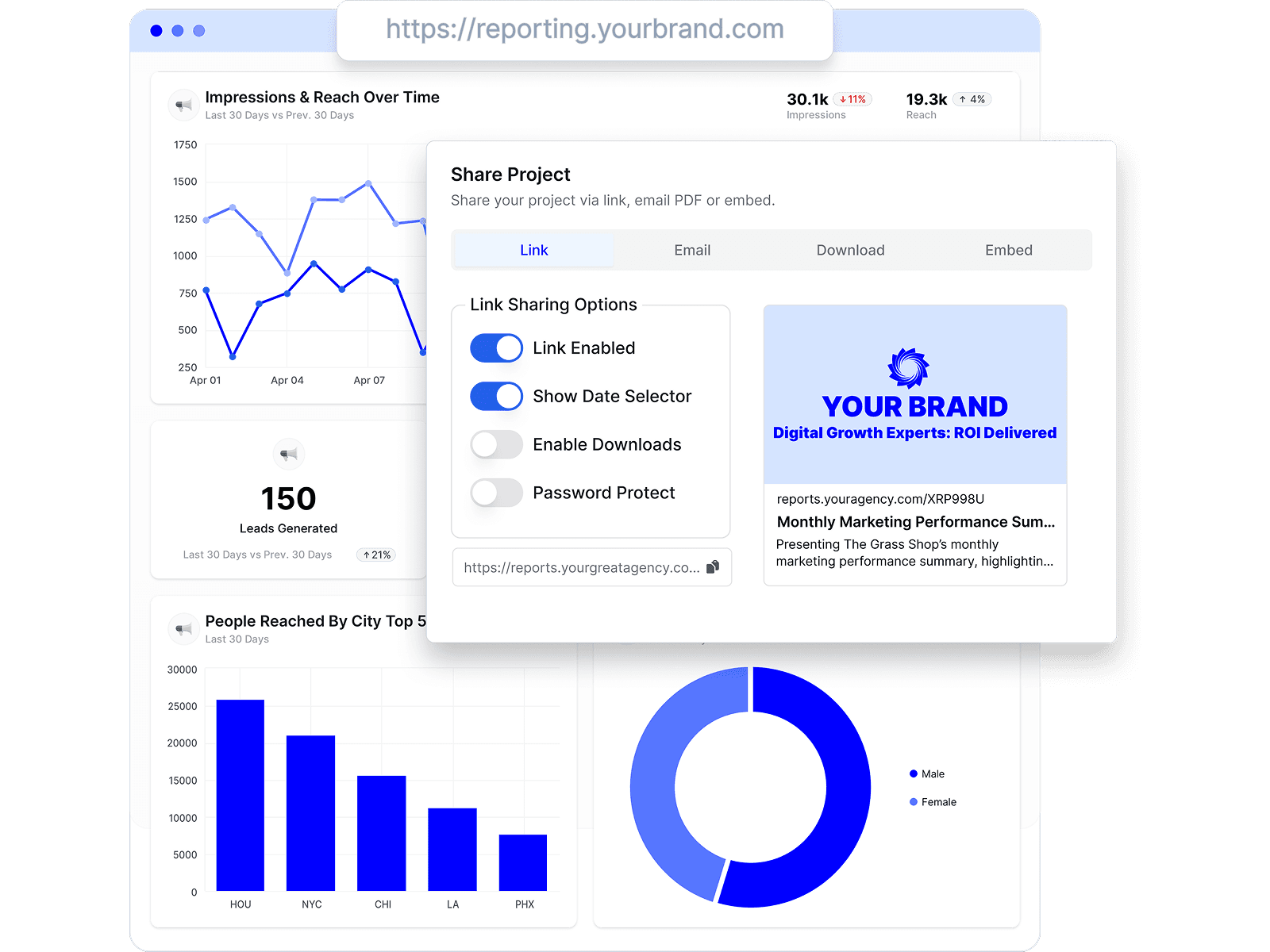
White-label execution is the second reason. Clients do notice when reports come from a vendor-branded subdomain or generic sender address, even if they never say it directly. Oviond gives agencies more control over branded delivery, including custom domains and email sender options, which helps reporting feel like part of your service operation rather than third-party software bolted onto it.
There is also a practical migration angle. Agencies comparing reporting tools often look at how Oviond differs from DashThis for agency reporting workflows because the core decision is rarely about charts alone. It is about whether account managers can set up, clone, brand, schedule, and maintain reports without constant ops cleanup.
Practical rule: If reporting still depends on manual exports, hand-built branded decks, and team memory, the bottleneck is your process.
Where Oviond fits best
Oviond fits agencies that want one reporting system for many clients without micromanaging seat counts, dashboard limits, or feature gates. It is a better fit than Swydo for teams trying to standardize delivery across accounts while still keeping reports client-facing and agency-branded.
The pricing point that matters here is straightforward. Oviond pricing is commonly cited from $39/month for up to five clients, which puts it in the range agencies usually test before committing to a larger rollout. I would still verify current plan details directly before migration, because reporting vendors change packaging often and old directory listings go stale fast.
Key practical details include:
- Cleaner scaling model: Unlimited team users, reports, and live dashboards are easier to manage than plans that make ops teams track internal seats or output caps.
- White-label delivery that feels client-ready: Custom branding, domain options, and branded email delivery support an agency-owned reporting experience.
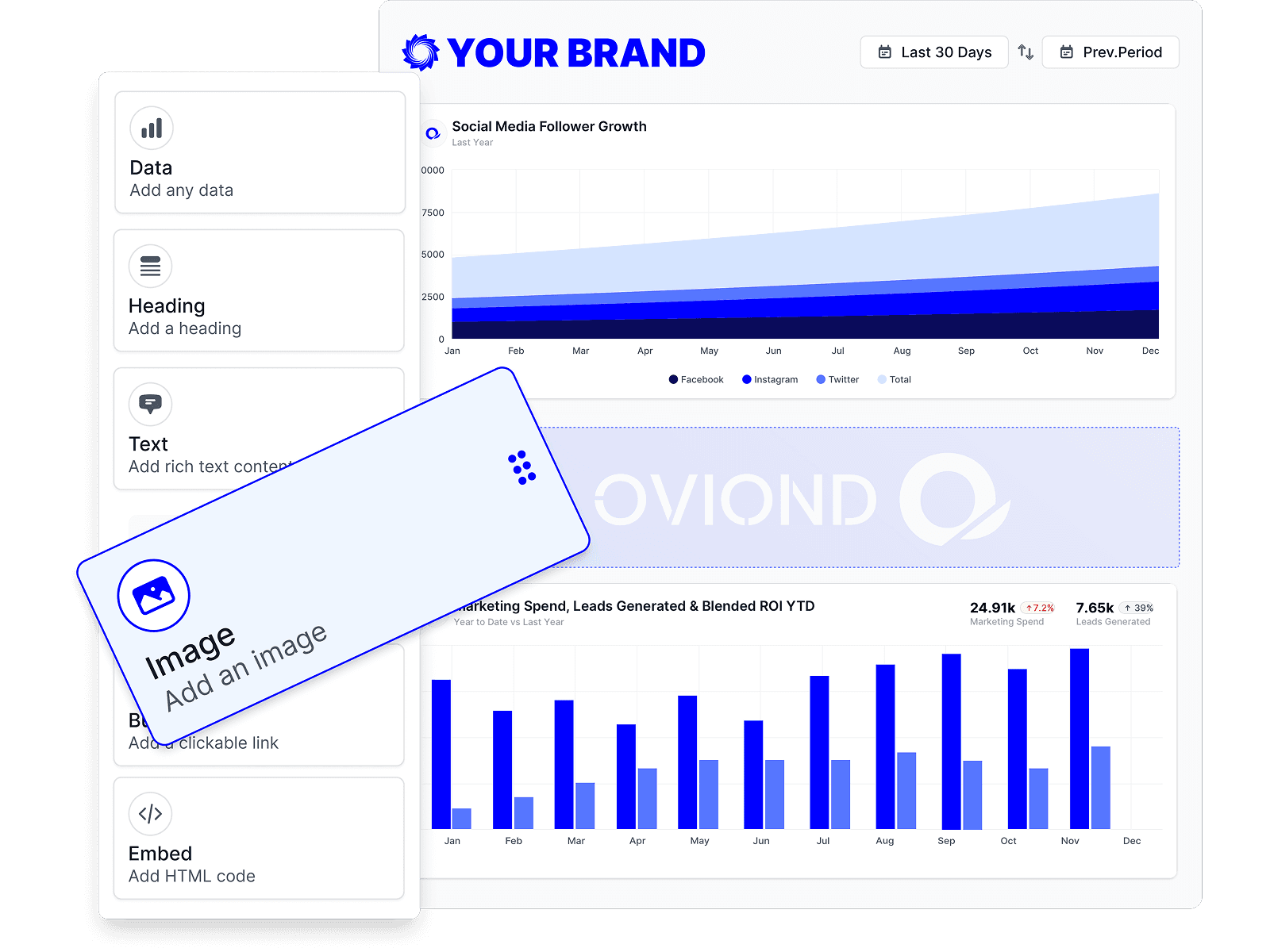
- Faster rollout across accounts: Template-based setup and assisted configuration reduce the time it takes to launch reporting for new clients.
- Real trade-offs: Connector issues and export quirks can still happen. Teams used to very simple tools may need a short adjustment period during setup.
Oviond is not the lightest option on this list. That is the trade-off. But for agencies outgrowing Swydo, it usually solves the right problems first: getting more client data into one place, delivering reports under your brand, and keeping pricing predictable as the team grows.
2. AgencyAnalytics

AgencyAnalytics usually comes up right after an agency hits the same Swydo ceiling. A new client adds another ad platform, another SEO tool, and a call tracking source. The report still has to go out on time, under your brand, without your team stitching screenshots and CSV exports together.
That is where AgencyAnalytics tends to earn its place. It is built for agencies first, and that shows in the areas that matter once reporting volume grows: connector coverage, client-ready white-label delivery, and account structures that do not create friction for account managers.
Where it fits
AgencyAnalytics works best for agencies that want a broad prebuilt connector library and do not want to move into a more technical BI setup yet. For teams migrating off Swydo, that usually means less time spent on workaround imports and fewer edge cases where one client's stack breaks your reporting process.
The white-label side is also strong. Branded dashboards, custom domain options, and branded email delivery are all available, which matters if your agency treats reporting as part of the client experience rather than an internal ops task.
A few trade-offs matter in practice:
- Good connector depth for mixed-service agencies: It covers the common agency stack well, which helps when PPC, SEO, social, email, and call data all need to live in one client view.
- Agency-friendly delivery model: Unlimited users, dashboards, and reports are easier to manage than plans that force ops teams to count internal seats.
- Client access is easier to operationalize: Agencies that want clients logging into live dashboards instead of waiting for static exports usually find the workflow cleaner here.
- Pricing still needs scrutiny: The platform can get more expensive as client count rises, and some advanced connectors or extras may sit outside the base plan.
If you are leaving Swydo, check two things before migrating. First, list every data source you use today, including the odd one-off tools that only appear on three client accounts. Second, test your white-label workflow end to end, including domain setup, scheduled emails, and what clients see on login. Those are the places where a migration succeeds or creates a new ops mess.
AgencyAnalytics is a solid choice for agencies that want a familiar reporting platform with better room to scale. The main trade-off is pricing model simplicity. If your client roster grows quickly, per-client economics matter a lot more than the demo suggests.
3. DashThis

DashThis takes a different approach. It's less about deep platform sprawl and more about helping agencies get recurring dashboards out the door fast. If your team wants a lower learning curve and doesn't need a huge amount of customization, DashThis is easy to understand.
That simplicity is the appeal. Small and mid-sized agencies often choose it because templates are straightforward, scheduled reports are easy to set up, and the UI doesn't ask much from account managers who just need client reporting to happen reliably.
Where it works
DashThis tends to work best when your reporting stack is fairly standard and your clients don't expect advanced blended metrics inside every dashboard. It offers 30+ native connectors plus Google Sheets and CSV support, which can be enough for agencies with a narrower service mix.
It's a reasonable fit if your team wants speed over depth. It's less compelling if your agency is expanding service lines and each new client seems to add another source, dashboard, or blended KPI requirement.
- Fast deployment: Teams can get client-facing dashboards live without much setup pain.
- Simple scoping: Source and dashboard limits make it easier to define what each client package includes.
- Unlimited users: Collaboration is less restricted than in seat-based tools.
- Growth pressure: Source caps and dashboard caps can force upgrades once accounts get more complex.
If you're weighing it against a more agency-native all-in-one setup, this Oviond vs DashThis comparison is a useful side-by-side.
4. Databox

Databox sits a little closer to the analytics side of the spectrum than some agency-first reporting tools, but plenty of agencies still shortlist it. The attraction is flexibility. If your team wants dashboarding plus no-code data prep and merging, Databox gives you more room than a lightweight report builder.
That room can be useful when client reporting gets messy. Agencies with mixed sources, spreadsheet inputs, and a need to reshape data before it hits the dashboard often find Databox easier to work with than tools that expect cleaner source data.
The trade-off
Databox offers 130+ native cloud integrations plus database and spreadsheet support, and its Datasets feature is one of the stronger options for teams that need no-code data prep. That can reduce dependence on external pipelines or manual transformations in Sheets.
Still, it's not always the cleanest fit for white-label agency delivery. White-labeling and some security features sit behind paid add-ons, and the platform can take longer to master than simpler client reporting tools.
Watch for this: The more powerful the prep layer gets, the easier it is for agencies to drift from reporting software into maintaining a mini data system.
Choose Databox when flexibility matters more than a polished, agency-native white-label experience. Skip it if your main goal is simple branded dashboards and automated delivery across a growing client base.
5. Whatagraph

Whatagraph usually enters the conversation after an agency has hit a familiar reporting problem. The data is there, the client expects branded deliverables, and the team is tired of stitching together screenshots, exports, and last-minute formatting fixes before every monthly review.
That is where Whatagraph tends to earn its keep. It is built for agencies that care about client-ready output, but it also covers the operational side that matters once you are managing reporting at scale: pulling in data from multiple sources, standardizing presentation, and delivering reports under your own branding.
Where it stands out
Compared with Swydo, Whatagraph generally gives agencies more room on data connectivity and report presentation. Native connectors are only part of the story. It also supports fallback options through Google Sheets, BigQuery, and custom API imports, which matters during migration. If one or two client sources are not covered natively, you still have a path to keep the report live while you clean up the stack.
White-label execution is another reason agencies shortlist it. Reports look polished without much manual design work, and that saves account teams time. For agencies selling a premium reporting experience, that visual consistency can help retention. Clients notice when every dashboard and PDF looks finished instead of assembled from templates that almost match the brand.
The trade-off is pricing. Whatagraph is rarely the budget choice, and agencies usually feel that once they need broader access, more users, or stronger delivery options. I would put it on the shortlist for agencies that charge enough to protect margin on reporting, not for teams trying to keep software cost per client as low as possible.
- Stronger presentation layer: Good fit for agencies that need reports to look client-ready with minimal cleanup.
- Useful migration fallback options: Sheets, BigQuery, and API imports can cover source gaps while moving off Swydo.
- Agency-friendly branded delivery: White-label reporting is a real strength if presentation is part of your service model.
- Higher pricing pressure: Works better for agencies with premium retainers than high-volume, low-margin reporting.
Choose Whatagraph if your agency needs a better balance of connectivity, white-label delivery, and client-facing polish than Swydo can offer. Skip it if your main goal is the lowest-cost path to automated reporting across a large book of smaller accounts.
6. Klipfolio

Klipfolio isn't the first tool I'd hand to a busy account manager who just wants monthly reports done. It's a better fit for agencies with an ops lead, a data-minded strategist, or someone who doesn't mind getting deeper into setup and modeling.
That's not a criticism. Some agencies need that control. If your reports involve unusual joins, custom metrics, or governance requirements that lighter tools don't handle well, Klipfolio earns its place on the list.
Who should consider it
Klipfolio offers 130+ integrations plus REST and URL connectors for custom sources, providing agencies with strong modeling and calculated metric capabilities that can be a better fit when client reporting depends on more than basic widgets and prebuilt templates.
Its white-label pathway is mature, but not everything is bundled. Some white-label and enterprise features are add-ons, and the setup burden is higher than in template-first agency reporting software.
- Deep customization: Strong for agencies building dashboards designed to precise specifications.
- Custom-source support: REST and URL connectors open up edge-case reporting needs.
- Agency white-label path: Viable for branded delivery if you're willing to configure it.
- Heavier lift: More setup, more learning, more ongoing ownership.
Klipfolio makes sense when your agency wants control first and simplicity second. Most smaller reporting teams want the opposite.
7. Google Looker Studio and Looker Studio Pro

A common agency scenario looks like this. You replace Swydo with Google Looker Studio because it is free, familiar, and easy to spin up for Google Ads and GA4. Three months later, reporting still works, but the process around it gets heavier. Someone is managing connectors, someone is fixing broken fields, and someone is duplicating branded templates across accounts.
That is the trade-off with Looker Studio. The dashboard layer is flexible. The operating model behind it often is not, especially once you need stable multi-client reporting across paid media, SEO, social, call tracking, and CRM data.
Where agencies get stuck
Data connectivity is the first pressure point. Looker Studio handles Google-owned sources well, but agencies with mixed-channel reporting usually end up depending on third-party connectors or warehouse setups. That can be fine if you already have ops support. It becomes expensive in team time when account managers are expected to troubleshoot refresh failures and schema changes.
White-label execution is the second issue. Agencies can make Looker Studio reports look clean, but branded delivery, client-friendly access control, and repeatable template governance take more manual work than they do in agency-first reporting tools. The output can look polished. The back-end process usually needs discipline to stay that way.
Pricing is where many teams misread the tool. The core product is free, which makes it attractive during a Swydo review. The actual cost shows up later in paid connectors, setup time, QA, and maintenance.
Looker Studio works best for agencies that are willing to assemble their own reporting stack and own the process around it.
It is a solid fit if most client reporting lives inside the Google ecosystem and your team can maintain templates centrally. If you are migrating away from Swydo because you want stronger white-label delivery, broader native connectivity, and less reporting admin per client, Looker Studio usually solves the software bill before it solves the scaling problem.
8. ReportGarden
ReportGarden is one of those tools that doesn't get discussed as much as AgencyAnalytics or Whatagraph, but it still has a practical place for smaller agencies. Its appeal is value. You get reporting, budgeting, and optional invoicing or CRM-style functions in one platform.
That combination can be useful when your agency wants fewer systems overall. Not every team needs a dedicated reporting layer plus separate ops tools if one platform can handle the basics well enough.
Why some small agencies stay with it
ReportGarden offers 100+ integrations, data blending, custom metrics, templates, and automated delivery. It also includes budget pacing and spend tracking, which can be useful for agencies managing paid media retainers and wanting tighter account oversight in the same environment.
The limitation is polish. Its UI and templates are generally less refined than some premium reporting platforms, and it doesn't bring the same governance feel as larger or more specialized systems.
- Good operational mix: Reporting plus budgeting and invoicing can reduce tool sprawl.
- Agency-friendly basics: Templates, automation, and custom metrics cover common reporting needs.
- Value-oriented option: Useful for smaller agencies watching software overhead.
- Less polished output: Client-facing presentation may need more care.
If your team values utility over presentation and wants more than just dashboards, ReportGarden can still be a sensible Swydo alternative.
9. TapClicks

TapClicks is what happens when agency reporting expands into full marketing operations. This isn't usually the right tool for a lean shop with a handful of clients. It's built more for large agencies, media groups, and multi-account teams that need a central marketing data layer plus reporting.
That larger scope shows up in its connector library, implementation style, and general complexity. If your agency has outgrown simpler reporting tools and now cares about centralization across many accounts and teams, TapClicks starts to make more sense.
When it makes sense
TapClicks offers 250+ data connectors, AI reporting features such as SmartSlides and SmartStory, plus dashboard chat-style querying. That kind of breadth can remove a lot of connector headaches for agencies managing broad channel mixes across a large portfolio.
The catch is predictable. It's more complex, quote-based, and usually better suited to agencies with a clear internal owner for data operations.
- Massive connector coverage: Helpful when your client stack is all over the place.
- Enterprise-oriented workflow: Better for multi-account environments than lighter tools.
- AI-assisted communication: Useful for decks and reporting summaries.
- Premium complexity: Smaller agencies usually won't need this much platform.
TapClicks is less about making agency reporting feel simple and more about making large-scale marketing operations governable.
10. NinjaCat

NinjaCat is another platform aimed at larger, more operationally mature agencies. It combines managed marketing data, reusable reporting templates, and AI-driven monitoring in a way that appeals to teams trying to reduce manual oversight across many accounts.
This is not a plug-and-play dashboard tool. It's closer to a governed reporting environment with automation layered into pacing, anomaly detection, QA, and narrative generation.
What stands out
NinjaCat is attractive when your agency needs consistency across accounts and wants more than dashboard assembly. Teams looking to standardize how data is cleaned, structured, and turned into presentation-ready outputs often find the model appealing.
The trade-off is the usual enterprise one. Pricing isn't listed publicly, and the platform is more involved than lighter agency tools that focus on quick white-label dashboards and scheduled reports.
If your agency still debates who owns monthly reporting, NinjaCat is probably too much tool. If you already have reporting ops discipline, it can be a strong fit.
For large agencies, that extra structure can be worth it. For most 5-to-50-client agencies, it's probably more system than they need.
Top 10 Swydo Alternatives, Features & Pricing
If your team is replacing Swydo, the shortlist usually gets decided by three operational questions. Can the platform pull in the data you report on, can you ship client-facing reports under your own brand without workarounds, and does pricing stay sane once client count grows?
That's the lens that matters here. A flashy dashboard builder is easy to demo. Reporting scale shows up later, when account managers need reusable templates, ops needs fewer exceptions, and finance wants to know why reporting software costs jumped after ten new clients landed.
| Product | Core features | UX / Quality (★) | Value / Price (💰) | Target audience (👥) | Unique strengths (✨) |
|---|---|---|---|---|---|
| 🏆 Oviond | 60+ connectors, live dashboards, white‑label, automation, templates, API | ★★★★☆ | 💰 Starts at $49/mo billed annually for up to 10 clients. Cost per client drops as you scale | 👥 Agencies & in‑house multi‑channel teams | ✨ AI via MCP (ChatGPT/Claude), custom domains & senders, unlimited dashboards/users, migration & human support |
| AgencyAnalytics | 85+ integrations, white‑label dashboards, goals, API | ★★★★☆ | 💰 Predictable per‑client pricing, with core agency features included | 👥 Agencies scaling client reporting | ✨ Strong white‑label controls, alerts, rank tracking add‑ons |
| DashThis | Template-driven dashboards, 30+ connectors, data blending | ★★★★☆ | 💰 SMB‑friendly, with clear dashboard and source caps | 👥 Small teams focused on recurring reports | ✨ Very fast deployment, simple UX |
| Databox | 130+ integrations, no‑code data prep (Datasets), AI 'Genie' | ★★★★☆ | 💰 Free tier plus paid plans. Some advanced capabilities sit on higher tiers | 👥 Teams needing flexible data merging & analytics | ✨ Built‑in data prep, broad DB/warehouse connectors, AI assistant |
| Whatagraph | Marketing connectors, AI summaries, Sheets/BigQuery import | ★★★★☆ | 💰 Mid‑to‑high entry pricing. Advanced features require higher plans | 👥 Agencies wanting polished, client‑facing reports | ✨ AI‑built summaries, strong visual polish, flexible ingestion |
| Klipfolio | 130+ integrations, data modeling/joining, calculated metrics | ★★★★☆ | 💰 Core pricing plus white‑label and enterprise add‑ons | 👥 Teams needing deep customization & governance | ✨ Powerful data modeling and enterprise white‑label path |
| Google Looker Studio | Vast connector ecosystem, pixel‑level layout control, BigQuery integration | ★★★★☆ | 💰 Free core product. Pro is available through Google Cloud or Workspace | 👥 Google‑centric teams & enterprises | ✨ Free, highly flexible visual and layout control, native Google integrations |
| ReportGarden | 100+ integrations, budgeting/pacing, invoicing & templates | ★★★★☆ | 💰 Value‑oriented tiers, with client caps on lower plans | 👥 Small agencies wanting reporting + ops features | ✨ Built‑in budgeting/invoicing, good lower‑tier value |
| TapClicks | 250+ connectors, centralized marketing data, AI slide/deck generation | ★★★☆☆ | 💰 Quote‑based, premium enterprise pricing | 👥 Large multi‑account agencies & media groups | ✨ Enterprise scale, SmartSlides/SmartStory, implementation services |
| NinjaCat | Unified marketing data cloud, AI agents, scheduled reports & slides | ★★★☆☆ | 💰 Enterprise pricing (quote) | 👥 Large, multi‑account agencies seeking automation | ✨ AI agents for pacing, QA, narratives, governed multi‑account data |
Use this table to narrow the field fast.
For smaller agencies leaving Swydo, the practical first cut is usually Oviond, AgencyAnalytics, DashThis, and ReportGarden. For teams with heavier data shaping needs, Databox, Klipfolio, and Looker Studio deserve a closer look. For larger agencies with formal reporting ops, Whatagraph, TapClicks, and NinjaCat start to make more sense, but the cost and implementation burden rise with them.
Final Verdict From Manual Reports to a Scalable System
A lot of agencies do not replace Swydo because one feature is missing. They replace it when reporting starts eating margin. A team gets to 20, 30, 50 clients, and the cracks show up in the same places every time. Connectors break or fall short, white-label delivery feels half-finished, and pricing gets harder to defend as the account list grows.
Those are the three filters that matter most. Data connectivity decides how much manual cleanup your team still does. White-label execution decides whether reports feel like your agency's product or rented software. Pricing model decides whether growth improves margin or erodes it.
Swydo still works for a lot of agencies, especially if the job is scheduled reports and straightforward client dashboards. But agencies with mixed-channel accounts usually outgrow the limits faster than they expect. The problem is not whether a platform can produce a report. The problem is whether it can support more clients, more services, and more reporting variations without adding exceptions, workarounds, and QA overhead.
AI is raising the bar too. According to Gartner, 87% of marketers were using generative AI in recurring workflows by Q1 2026. That does not mean every reporting tool needs flashy AI copy. It means agency teams now expect faster setup, better anomaly detection, and cleaner summaries without extra manual effort.
Pricing is where a lot of agencies make the wrong call. A platform can look affordable at 10 clients and become expensive at 40 once client-based fees, user caps, and add-ons stack up. Industry pricing roundups show that many Swydo alternatives bill per client, often in roughly the $12 to $19+ per-client range, depending on plan structure and features, as summarized by Alpomi's Swydo alternatives pricing analysis. If you are migrating, model the cost at your current client count and again at double that number. That one exercise usually rules out a few tools immediately.
The shortlist depends on how your agency operates. AgencyAnalytics is a strong pick for teams that want mature agency workflows and broad connector coverage. Whatagraph earns a place when presentation quality carries real weight in client delivery. Looker Studio fits teams that can tolerate more setup in exchange for control and low entry cost.
My practical advice is simpler. Pick the platform that reduces reporting exceptions.
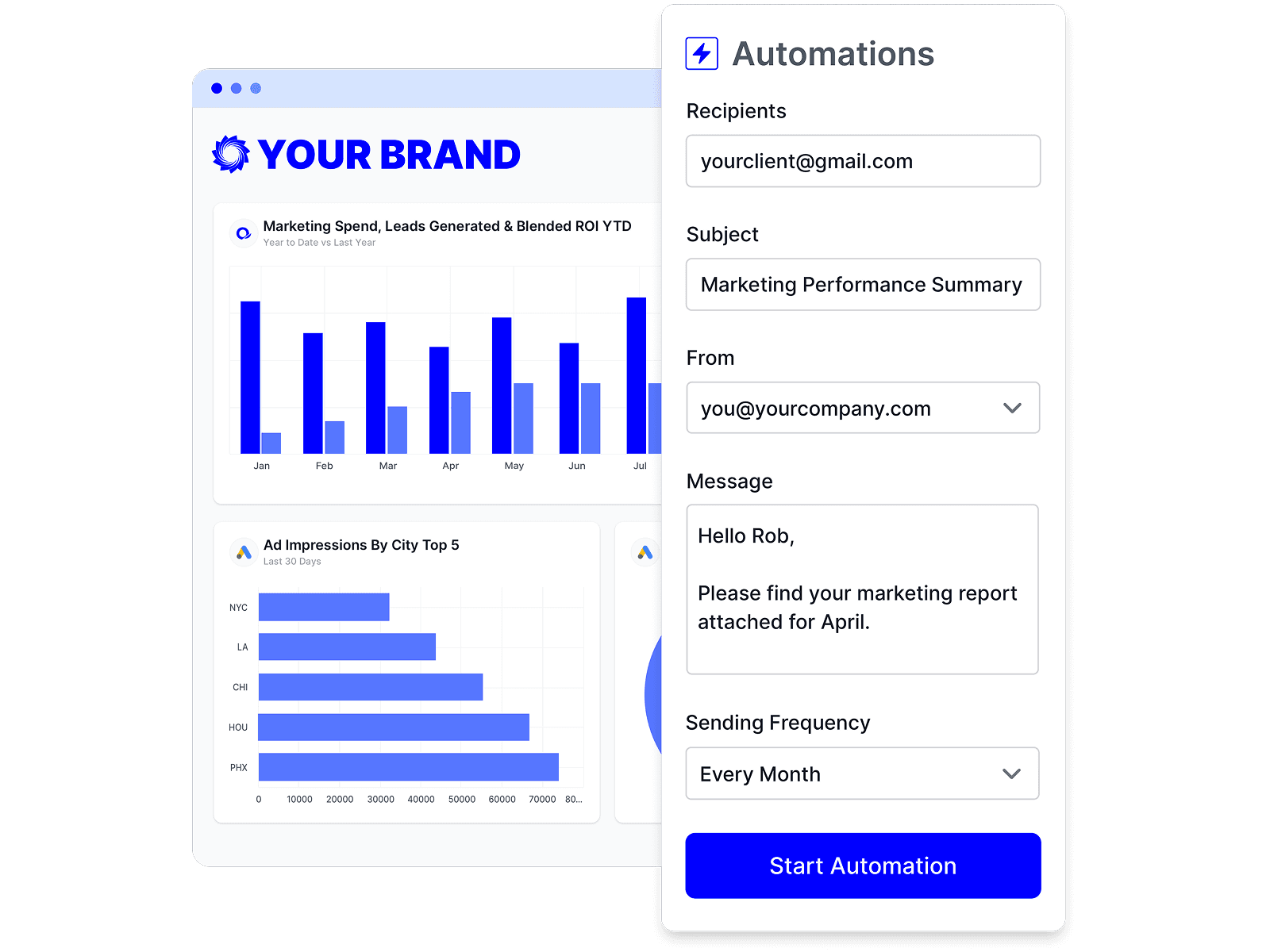
For many agencies, Oviond is the strongest fit because it stays focused on agency reporting operations instead of forcing agencies to piece together reporting, branding, delivery, and access rules across different pricing tiers. Broad enough connectivity, full white-label presentation, custom domain support, automated delivery, and predictable scaling matter more than an extra chart type your team will rarely use.
If you are moving off Swydo, run the migration in three passes. First, audit every recurring report and group clients by channel mix. Second, rebuild your top 20% of templates first, because those usually cover most accounts. Third, test white-label delivery, permissions, and scheduled sends before you migrate the long tail. That is how you avoid a messy half-migration where two reporting systems stay alive longer than planned.
The right Swydo alternative is the one your team can standardize on. That is what turns reporting from a monthly production task into a system.
Related articles
Simplify marketing reporting today
Stop juggling multiple tools. Start presenting clear, automated reports your clients will love