
Oviond Blog
10 Best SEO Reporting Software for Agencies in 2026
Find the best SEO reporting software for agencies. Compare 10 top tools on white-labeling, integrations, and pricing to automate and scale your client reports.

Tired of monthly reporting chaos? There's a better way.
You know the drill. It's the end of the month, and your team is pulling data from Google Search Console, GA4, Google Ads, and a stack of other platforms into spreadsheets and slide decks. Then someone spots a mismatch, someone else updates the wrong version, and suddenly a “simple” client report turns into a multi-day clean-up job.
This guide compares the software. If you're designing the workflow itself — what goes in the report, how often to send it, and a free report template — start with our SEO client reporting guide.
That process gets ugly fast once you're managing 5 to 50+ clients. Manual reporting doesn't just eat time. It makes it harder to keep branding consistent, harder to show progress clearly, and harder to scale without adding more ops work. Teams using manual workflows still spend a lot of time rebuilding recurring reports, while automated platforms with templates and scheduling cut that reporting burden dramatically according to Oviond reporting workflow data.
That's why seo reporting software for agencies has shifted from a nice-to-have to basic infrastructure. More than 72% of agencies say fragmented data across 5+ tools is their top reporting challenge, which explains why consolidation matters so much in day-to-day client delivery, based on agency reporting feedback collected by Oviond.
If you're trying to get out of spreadsheet mode, this report automation guide is worth a read. For now, here's the short list of tools that agencies consider when they want client reporting that finally feels manageable.
Table of Contents
- 1. Oviond
- 2. AgencyAnalytics
- 3. Whatagraph
- 4. Swydo
- 5. SE Ranking
- 6. Semrush
- 7. Looker Studio formerly Google Data Studio
- 8. BrightLocal
- 9. DashThis
- 10. AccuRanker
- Top 10 Agency SEO Reporting Tools Comparison
- Choosing the Right SEO Reporting Software for Your Agency
1. Oviond
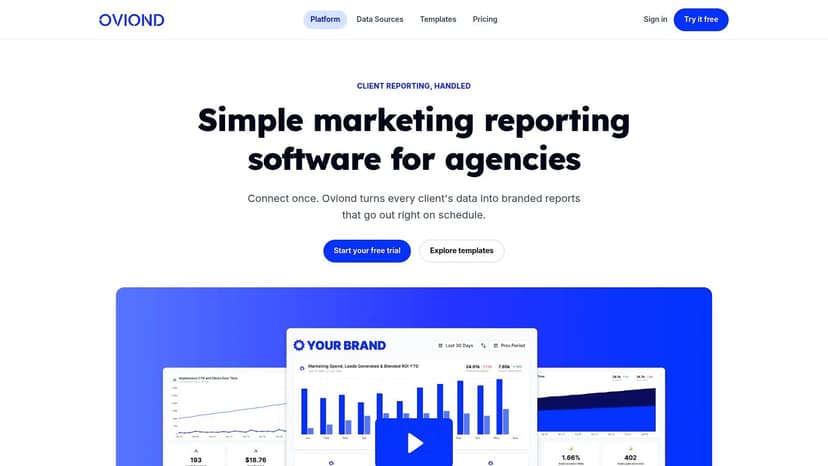
Monday morning. Your team has 18 client reports to send, three account managers are asking for last-minute metric changes, and one client wants the dashboard to match their board deck exactly. That is the critical reporting test for an agency. It is not whether a tool can display charts. It is whether your team can repeat the process across 5 clients, then 25, then 50, without adding hours or headcount every month.
Oviond fits agencies that want reporting operations under control. It pulls SEO, PPC, social, email, analytics, CRM, and e-commerce data into one reporting system, then gives teams the white-label pieces agencies usually end up chasing separately. That includes branded dashboards, scheduled delivery, custom domains, custom email senders, reusable templates, and a pricing model that does not get messy as more team members need access.
Why agencies pick Oviond
The main reason is operational. Oviond reduces the amount of account-manager time spent assembling reports client by client. Teams can standardize templates, clone working setups, and keep delivery consistent without relying on one technical person to maintain a fragile stack.
That matters more as the client roster grows.
Agencies also tend to care about cost predictability once reporting becomes a shared function across account management, SEO, paid media, and leadership. Oviond prices by client count, which is often easier to forecast than tools that add charges for seats, dashboards, or report volume. For an agency owner, that makes margin planning simpler.
A few strengths stand out:
- Branded client experience: Custom domains, branded dashboards, and custom email senders help agencies present reporting as part of their own service.
- Scalability without seat pressure: Unlimited users, reports, and dashboards make it easier to add account managers and specialists without revisiting access costs.
- Cross-channel reporting in one place: SEO reporting can sit next to paid, analytics, social, email, CRM, and e-commerce metrics, which helps during monthly reviews.
- Faster rollout: Prebuilt templates, drag-and-drop editing, reusable assets, and AI/MCP-assisted setup cut down setup time for new accounts.
If white-label presentation is a priority, this guide to white-label digital marketing reports and dashboards for agencies is worth reviewing because it shows what agencies usually need beyond a basic PDF export.
Practical rule: If your reporting process depends on one ops person who knows every workaround, you have a reporting bottleneck.
Where it fits and where it does not
Oviond makes the most sense when the problem is delivery, standardization, and client presentation. Agencies that already have execution tools for keyword research, audits, and backlink work often need a reporting layer that is easier to manage and easier to brand. That is the gap Oviond addresses.
There is a trade-off. Agencies looking for a full SEO workbench inside the same platform may find a dedicated SEO suite more useful for day-to-day execution. Oviond is stronger on reporting workflow than on deep SEO research.
For many agencies, that is the right split. Clients judge the reporting experience every month, and teams feel the operational cost of bad reporting every week.
2. AgencyAnalytics
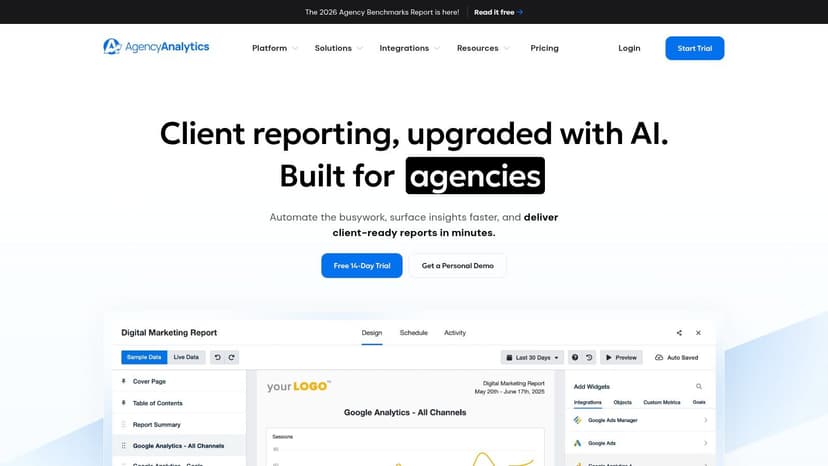
AgencyAnalytics is one of the most familiar names in agency reporting. That's not surprising. It's designed around the same core needs most agency owners talk about every month. Pull data from a lot of places, package it cleanly, automate delivery, and give clients something that looks polished.
It's especially appealing for agencies that want an all-in-one reporting platform with a broad integration library and a client-facing experience that feels easy to understand. The interface is clean, and that matters more than people admit when you've got account managers presenting reports every week.
Where AgencyAnalytics works well
AgencyAnalytics is strong when you want reporting software that your team can adopt quickly without much training overhead. It also works well for agencies that need SEO, PPC, social, and email metrics in the same client reporting flow.
As noted earlier, agencies care a lot about branded delivery. If that's high on your list, the difference between basic exports and fully white-labeled dashboards is worth understanding. This short piece on white-label digital marketing reports and dashboards explains the agency-side value clearly.
The trade-off is cost creep. AgencyAnalytics can be a good operational fit, but some SEO-focused functionality such as rank tracking may sit behind add-ons, which can change the total spend once you expand usage across clients.
AgencyAnalytics is easy to recommend when your team wants breadth and a smooth client experience. It's less appealing if you're trying to keep pricing simple as accounts grow.
If you want the side-by-side detail, this Oviond vs AgencyAnalytics comparison breaks down pricing, white-label, and scaling.
3. Whatagraph
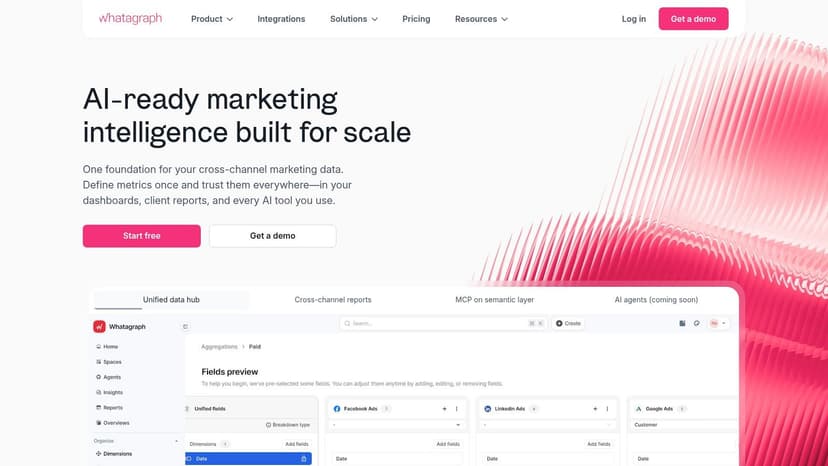
Whatagraph has a clear strength. It makes reports look good fast. For agencies that care about presentation, client-facing polish, and clean visual summaries, that matters.
That design-first approach is one reason it keeps showing up in agency shortlists. It also connects reporting across multiple channels, which helps when clients don't want separate SEO, paid, and social updates. They want one report that tells the story without forcing them to decode five platforms.
Whatagraph is strongest when presentation matters
According to Fluent's 2025 study, agencies spend an average of 20 to 30 hours per client each month on reporting tasks alone, and that can reach up to 300 hours monthly for an agency with 10 clients, as summarized by Whatagraph's reporting software analysis. That's the pain Whatagraph is trying to reduce through automated data consolidation and scheduled delivery.
The catch is pricing predictability. For some agencies, source-based pricing can feel less stable than pricing by client count, especially when accounts add channels over time.
- Good fit: Agencies that want visually polished reports with straightforward automation.
- Watch for: Cost planning if clients use a lot of platforms or reporting scope expands often.
If your current workflow still depends on copy-paste reporting, this breakdown of manual reporting vs automated digital marketing reporting explains why that model starts breaking once account volume climbs.
For a closer look at how the pricing models differ, see this Oviond vs Whatagraph comparison.
4. Swydo
Swydo has been around long enough to earn trust with agencies that want a stable reporting workflow without a lot of noise. It doesn't try to be everything. It focuses on recurring marketing reports, templates, scheduling, and client reporting operations.
That focus makes it appealing for growing agencies that need repeatable delivery. Unlimited users and clients are a practical plus when you've got account managers, strategists, and leadership all needing access.
Swydo makes sense for template-driven teams
Swydo works best when your team likes standardized report structures and wants to spin them up across many accounts. If you've already got your core data coming from other tools, Swydo can serve as the reporting layer that packages it for clients.
The trade-off is that it's still a reporting tool, not an SEO suite. So if your team wants built-in keyword research, site auditing, or backlink analysis, you'll still need separate tools for that side of the job.
Swydo is a solid middle ground for agencies that want less build time and don't mind relying on outside platforms for the actual SEO data collection.
The interface can feel a bit less modern than some competitors, but some ops teams won't care if the workflow is reliable and repeatable.
If you're weighing the two reporting layers directly, this Oviond vs Swydo comparison lays out the trade-offs.
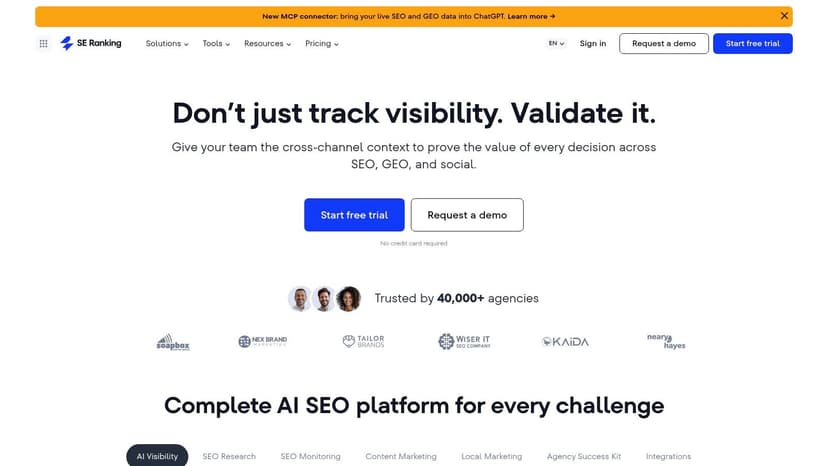
5. SE Ranking
SE Ranking sits in a different category from pure reporting platforms. It's an SEO suite first, with reporting built in. That makes it attractive for agencies that want to execute SEO work and package client reporting from the same system.
You get rank tracking, audits, keyword research, and reporting under one roof. For smaller SEO-led agencies, that can reduce tool sprawl and keep more of the team inside one workflow.
SE Ranking suits SEO-led agencies
SE Ranking becomes more interesting if your agency wants to explore newer AI-connected workflows too. According to SE Ranking's overview of SEO reporting tools, MCP connectors now let agencies pull organic search and LLM visibility data alongside social analytics into a single AI session. The same source says 89% of agencies report confusion about AI integration readiness, while only 12% are actively using MCP-enabled tools.
That gap is real. Most agency teams are curious about AI-assisted reporting, but they're still figuring out setup, permissions, and how to make it useful across multiple clients.
- Strong for: SEO agencies that want execution and reporting in one platform.
- Less ideal for: Agencies that need broader multi-channel reporting across paid, social, email, and CRM first, with SEO as one part of the picture.
Its white-label options are meaningful, but they depend on the Agency Pack. So this is one of those tools where the fit is good if you know exactly what you need, but less clean if you expect full agency packaging from the base product.
6. Semrush
Semrush is the obvious choice for agencies that already run a lot of their SEO process inside Semrush. If your team is using it daily for keyword research, competitive analysis, site audits, and visibility tracking, the built-in reporting layer is convenient.
That convenience is the primary selling point. You're not trying to force your SEO data into another ecosystem first. You're packaging what your team is already using.
Semrush is logical if your team already lives in Semrush
In 2025, mid-market adoption rates for enterprise SEO reporting tools were led by Semrush at 76%, ahead of Ahrefs at 27% and Screaming Frog at 13%, according to Grand View Research's SEO software market report. That lines up with what many agencies want now. Fewer isolated tools, more consolidated reporting across channels.
Semrush isn't the simplest choice for every agency, though. It can get expensive, especially if several team members need access or if you're layering multiple Semrush products into your process. It's also stronger for SEO execution than for a fully agency-native client reporting experience.
If your team needs a simpler overview of what SEO reporting should include before choosing a platform, this guide on what SEO reporting is is a helpful baseline.
Semrush is often the right call when SEO depth matters more than white-label reporting flexibility.
7. Looker Studio formerly Google Data Studio
Looker Studio is the tool agencies keep using because it's free, flexible, and already tied into the Google ecosystem. It can absolutely work. But it asks for more from your team than most agency owners want to keep giving month after month.
For technical teams, Looker Studio can become a custom reporting machine. For most agencies, it becomes maintenance work. You build one dashboard, then another, then a duplicate for another client, and eventually nobody wants to touch the reporting stack because every edit risks breaking something.
Looker Studio gives freedom but asks for work
This is the classic trade-off. You get control, but you also inherit setup, QA, connector management, permissions, design consistency, and client-facing workarounds for white-label delivery.
That's why agencies often describe the experience as Looker Studio chaos once they scale. It's not that the product is bad. It's that it isn't agency-native.
Marketing agencies managing 5 to 50+ clients lose roughly 15 to 20 hours per month per agency on manual report compilation and data aggregation across fragmented channels, according to Capterra's Oviond listing. Looker Studio can reduce some of that if you build it well, but it rarely removes the ops burden the way a dedicated reporting platform does.
If you still want to go deeper on it, this guide to mastering data reporting with Looker Studio is a useful external resource.
Or, to see how a managed reporting platform removes that maintenance load, compare Oviond vs Looker Studio.
8. BrightLocal
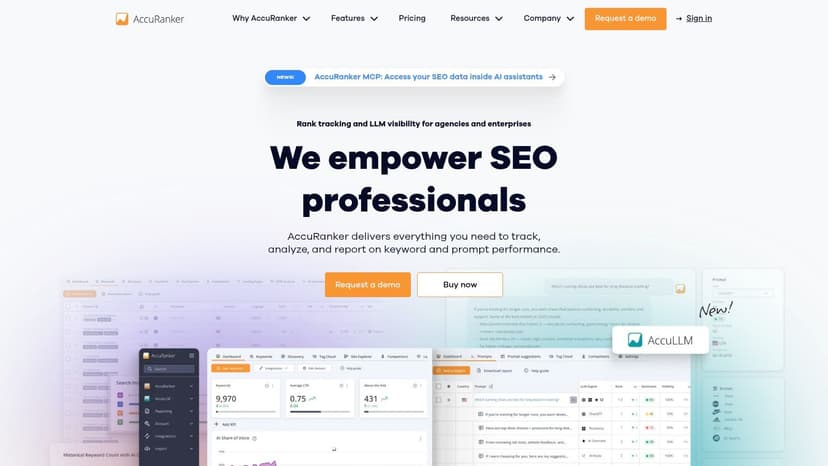
BrightLocal is the specialist pick on this list. It's not trying to handle all agency reporting. It's built for local SEO, and that focus is exactly why local agencies keep it in the stack.
If your clients care about map pack visibility, reviews, citations, and Google Business Profile performance, BrightLocal gives you reporting that aligns with that reality. It shows the kind of local proof clients recognize.
BrightLocal is built for local SEO proof
This is one of the easier tools to justify when your niche is clear. A local service business usually doesn't need a broad cross-channel dashboard first. They need to see whether local visibility is improving and whether location-based work is moving the needle.
The downside is just as clear. BrightLocal isn't your answer for multi-channel agency reporting. It won't replace a broader client reporting platform if your agency also needs PPC, social, email, and analytics in one branded reporting flow.
- Use BrightLocal when: Local SEO is central to the service and client expectations.
- Don't use it alone when: Your reporting needs to cover the whole marketing program.
For local SEO agencies, though, it remains one of the most practical specialist tools available.
9. DashThis
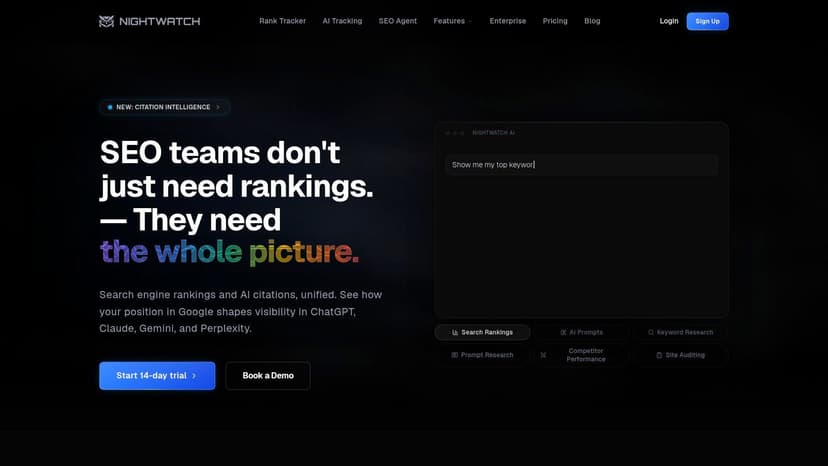
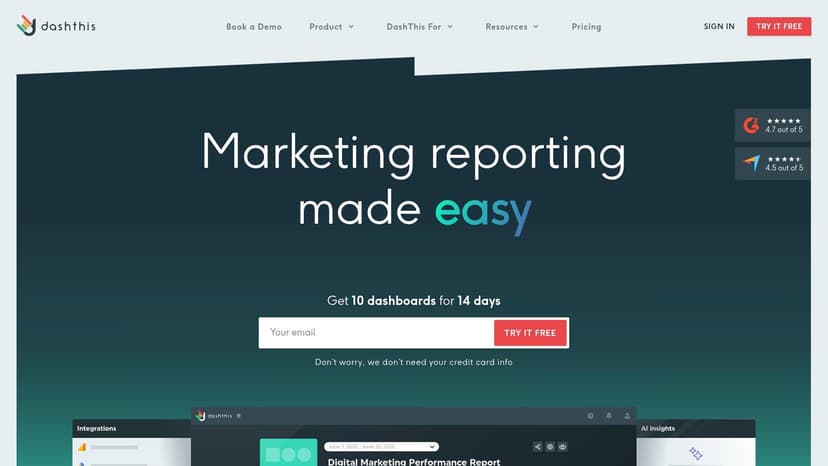
DashThis is a good example of a tool that wins by being straightforward. Agencies that don't want a complex setup often like it because they can get recurring dashboards live quickly and keep the team moving.
That simplicity makes DashThis useful for smaller agencies or for teams that are just moving away from manual reporting. Prebuilt widgets and templates help. White-label options are there. Setup is usually not the hard part.
DashThis is about speed and simplicity
The limitation is ceiling, not entry. If your reporting process is fairly standard, DashThis can do the job well. If clients want heavy customization, deeper cross-source metric blending, or a more personalized branded dashboard experience, you may hit its limits sooner than with more agency-native platforms.
Some agencies are happy with that trade-off. They don't need a big reporting system. They need a reliable one that their account team can use without constant support.
“Simple” is a feature when your team is drowning in delivery work. It becomes a limitation only when client demands outgrow the template.
DashThis is worth considering if your main goal is to stop rebuilding the same reports every month and get to a cleaner recurring workflow fast.
Deciding between the two? This Oviond vs DashThis comparison covers where each one fits.
10. AccuRanker
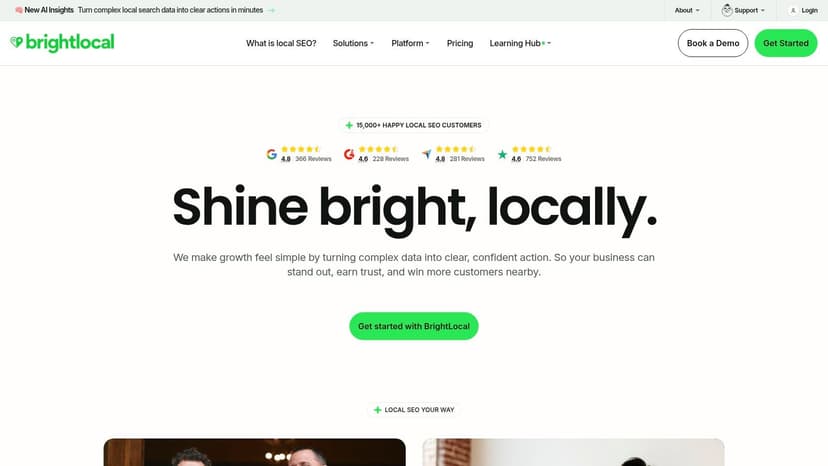
AccuRanker isn't a full reporting platform, and that's exactly the point. It's a specialist tool for rank tracking. Agencies that care a great deal about accurate keyword movement often use it as one layer in a larger reporting stack.
That makes it a different kind of buy. You're not choosing AccuRanker instead of a client reporting platform. You're choosing it because ranking data is mission-critical and you want a dedicated source for it.
AccuRanker is a specialist, not a full reporting stack
For agencies with large keyword sets, local variations, or a heavy SEO reporting workload, a specialist tracker can be worth the extra complexity. You can then pipe that data into another dashboard or reporting system, depending on how your stack is set up.
The trade-off is obvious. AccuRanker won't replace your multi-client reporting layer, your branded dashboards, or your cross-channel reporting process. It solves a narrow problem very well, but it still leaves other reporting needs on your plate.
Agencies using AI-powered SEO reporting software show a 34% increase in client retention rates due to automated insight generation and always-current dashboard updates, according to Market Growth Reports on AI-powered SEO software. That trend matters here because specialist tools like AccuRanker are strongest when they plug into a broader system that can translate ranking movement into client-ready reporting.
Top 10 Agency SEO Reporting Tools Comparison
| Platform | Core features | UX & Quality (★) | Price / Value (💰) | Target (👥) | Standout / USP (✨) |
|---|---|---|---|---|---|
| Oviond 🏆 | 60+ data sources, live dashboards, drag‑drop builder, templates, AI | ★★★★☆, agency‑native, always‑current | 💰 From $39/mo (ann.), client‑based scaling | 👥 Multi‑client marketing agencies | ✨ Full white‑label (custom domains/email), unlimited dashboards/users, AI-assisted setup |
| AgencyAnalytics | 80+ integrations, automated reports, client portal | ★★★★, clean, intuitive | 💰 Solid value; can be costly at scale | 👥 Agencies wanting easy client portals | ✨ Strong integration library; ready‑made client portal |
| Whatagraph | Visual, branded reports, templates, automation | ★★★★, design‑forward | 💰 Pricing by data sources (variable) | 👥 Agencies prioritizing report aesthetics | ✨ Fast, polished branded deliverables |
| Swydo | Unlimited users/clients, KPI monitoring, templates | ★★★☆, reliable but dated UI | 💰 Pricing by data‑source connections | 👥 Growing agencies needing scale | ✨ Unlimited clients/users; transparent connection pricing |
| SE Ranking | Rank tracking, site audits, keyword research + reporting | ★★★★, SEO‑focused | 💰 Cost-effective for SEO; Agency Pack for white‑label | 👥 SEO-centric agencies | ✨ Combines SEO execution + white‑label reporting |
| Semrush | Comprehensive SEO tools, My Reports, GA4/GSC links | ★★★★, powerful, feature‑rich | 💰 Premium; can be expensive | 👥 Agencies in Semrush ecosystem | ✨ Industry‑leading SEO data + custom reports |
| Looker Studio | Free, highly customizable dashboards, Google native | ★★★, extremely flexible, steep setup | 💰 Free (high time/maintenance cost) | 👥 Technical teams/agencies on budget | ✨ Unlimited customization; native Google integration |
| BrightLocal | Local rank tracking, citations, reviews, GMB audits | ★★★★, local reporting specialist | 💰 Scales by number of locations | 👥 Local SEO agencies | ✨ Local Search Grid & citation/review management |
| DashThis | Preset widgets, templates, quick white‑label reports | ★★★★, very easy to use | 💰 Pricing by dashboards (can restrict growth) | 👥 Small agencies / beginners | ✨ Simplicity & rapid setup for recurring reports |
| AccuRanker | Fast, accurate rank tracking with powerful API | ★★★★★, best‑in‑class rank accuracy | 💰 Premium specialist pricing | 👥 Agencies needing daily rank data | ✨ Ultra‑fast rank updates + robust API integration |
Choosing the Right SEO Reporting Software for Your Agency
A common agency scenario looks like this. One account manager is copying last month's report for 12 clients, another is fixing a broken connector, and a client asks why their dashboard link shows another company's branding. The tool choice shows up in operations long before it shows up in a feature comparison.
The right platform depends on the reporting job your agency needs to run every month. Agencies managing 5 clients can often tolerate a few manual steps. Agencies managing 25 or 50 usually cannot. At that point, the primary issue is repeatability: building reports fast, keeping branding consistent, controlling who has access, and avoiding pricing surprises as new clients and channels get added.
That is why agency buyers should judge these tools by workflow fit, not by longest feature list.
If recurring client reporting is the bottleneck, a dedicated reporting platform will usually serve the team better than forcing an SEO suite or a custom Looker Studio setup to cover every use case. Account managers need templates they can reuse. Ops teams need fewer connector problems. Clients need one clear, branded reporting experience instead of a mix of PDFs, spreadsheets, and live dashboard links.
Oviond fits agencies that want white-label reporting built around that delivery model. As noted earlier, the product centers on branded dashboards, automated reporting, custom domain options, and multi-client management. The practical advantage is operational: one pricing structure, no seat pressure for growing teams, and less time spent rebuilding the same reporting workflow for each new account.
Other tools make more sense in specific agency setups. Semrush is a reasonable choice if the agency already runs a large part of its SEO work inside Semrush and wants reporting close to execution. BrightLocal is the stronger fit for agencies selling local SEO at the location level. SE Ranking works well for teams that want rank tracking, audits, and reporting in one SEO-focused system. DashThis and Swydo are often enough for smaller agencies that need straightforward recurring reports without a heavy setup.
Pricing deserves a harder look than many agencies give it. Entry-level cost rarely tells the full story. Source-based pricing can get expensive as service lines expand. Dashboard-based pricing can become restrictive when each client wants multiple views. Seat limits create friction once account managers, specialists, and leadership all need access. The question is not what the tool costs today. The question is what it costs when you add 20 clients, 3 channels, and 4 team members.
Clients also judge the reporting experience itself. A clean report reduces follow-up calls, cuts meeting time spent explaining metrics, and makes your agency look more organized. A messy report does the opposite, even if the underlying SEO work is solid. Two Minute Reports makes a similar point in its SEO client reporting breakdown: reporting needs to connect performance data to a client's business context, not just list metrics.
Choose the software that removes the most friction from your current delivery model. If the pain is scaling monthly reporting, prioritize repeatable templates and predictable pricing. If the pain is white-label presentation, prioritize branding controls and client-facing dashboards. If the pain is tool sprawl, prioritize a platform that fits how your team already works.
If you want a broader agency-growth perspective beyond reporting, this detailed guide for agency owners is a worthwhile read.
If your agency wants white-label client reporting that's easier to run, easier to scale, and easier to present, Oviond is worth a close look. It brings your SEO, PPC, social, analytics, email, CRM, and e-commerce data into branded dashboards and automated reports without the usual spreadsheet mess. For agencies managing recurring reporting across multiple clients, it gives the team a more consistent way to deliver reports and keep the client experience on-brand.
Related articles
Simplify marketing reporting today
Stop juggling multiple tools. Start presenting clear, automated reports your clients will love