
Oviond Blog
The Top Google Ads Reporting Software for Agencies in 2026
Find the best Google Ads reporting software for your agency. We review 10 tools for automated, white-label client reporting and scaling your operations.

Tired of manual Google Ads reports?
It's the first week of the month. You've got 15 Google Ads clients, and that means 15 reports to build, screenshot, and annotate. Your team is bouncing between spreadsheets and Looker Studio tabs, trying to turn last month's numbers into something client-ready, on-brand, and easy to explain. Scaling that process across 5 to 50+ clients gets messy fast.
That's why Google Ads reporting software matters for agencies. Google Ads sits at the center of a massive reporting workflow, with Google handling over $500 billion in annual ad spend globally for more than 2 million businesses, while the native interface offers only 52 predefined report options according to Ryze's breakdown of Google Ads reporting complexity. If you're managing recurring client reporting, native reports alone usually won't cut it.
The bigger issue is fragmentation. Agencies need to pull Google Ads together with GA4, paid social, CRM, and e-commerce data, then package it into something clients can use. If you're still stitching exports together manually, you're not building a reporting system. You're running a monthly reporting fire drill.
This guide is built for agencies that need white-label client reporting, multi-client workflows, and automated delivery that doesn't collapse once the client count grows. If you want another useful read alongside this one, check Keywordme's agency tools review.
Table of Contents
- 1. Oviond
- 2. Google Looker Studio
- 3. Supermetrics
- 4. Swydo
- 5. Whatagraph
- 6. AgencyAnalytics
- 7. DashThis
- 8. NinjaCat
- 9. Funnel
- 10. Improvado
- Top 10 Google Ads Reporting Tools Comparison
- Agency Reporting That Finally Feels Simple
1. Oviond

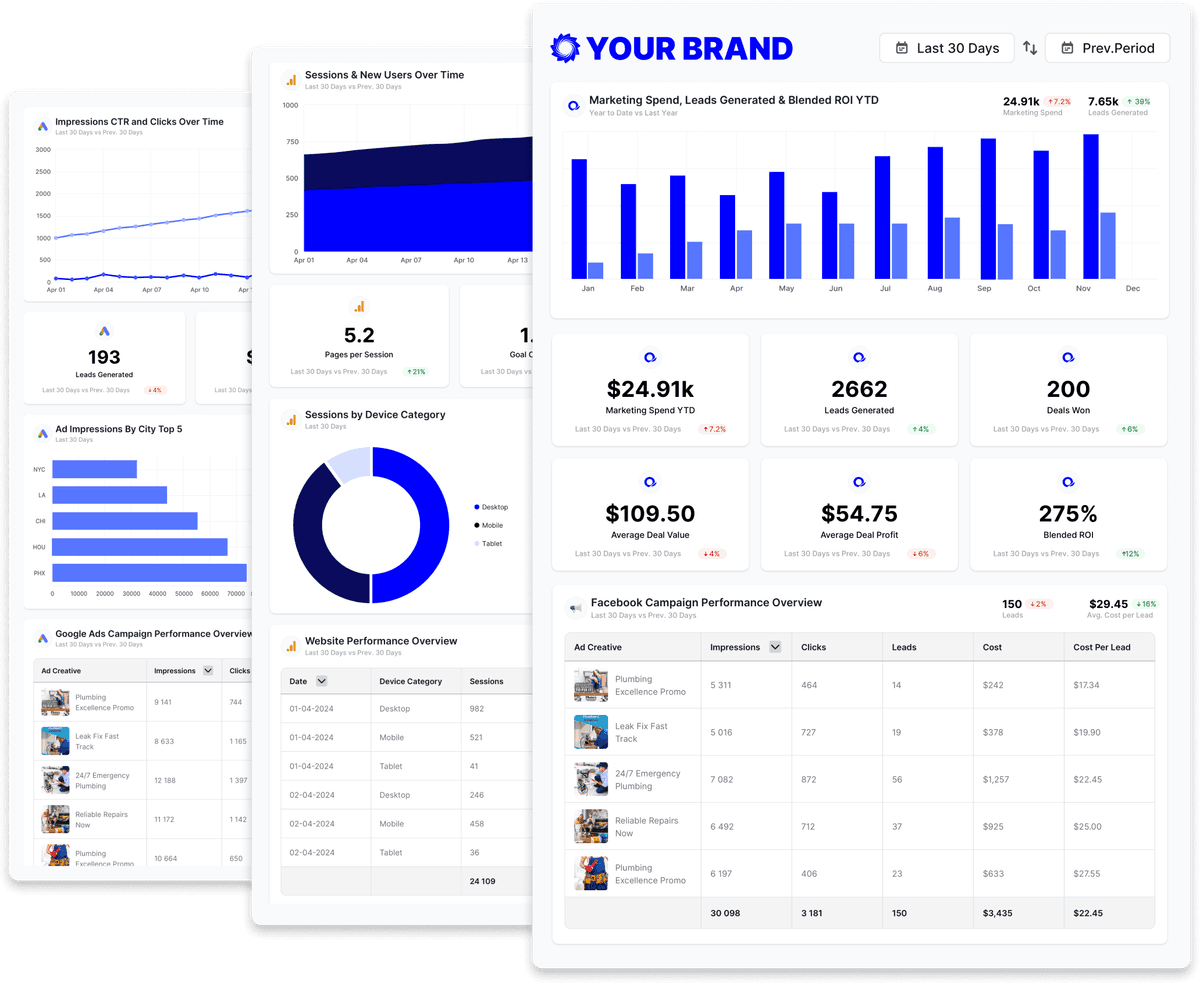
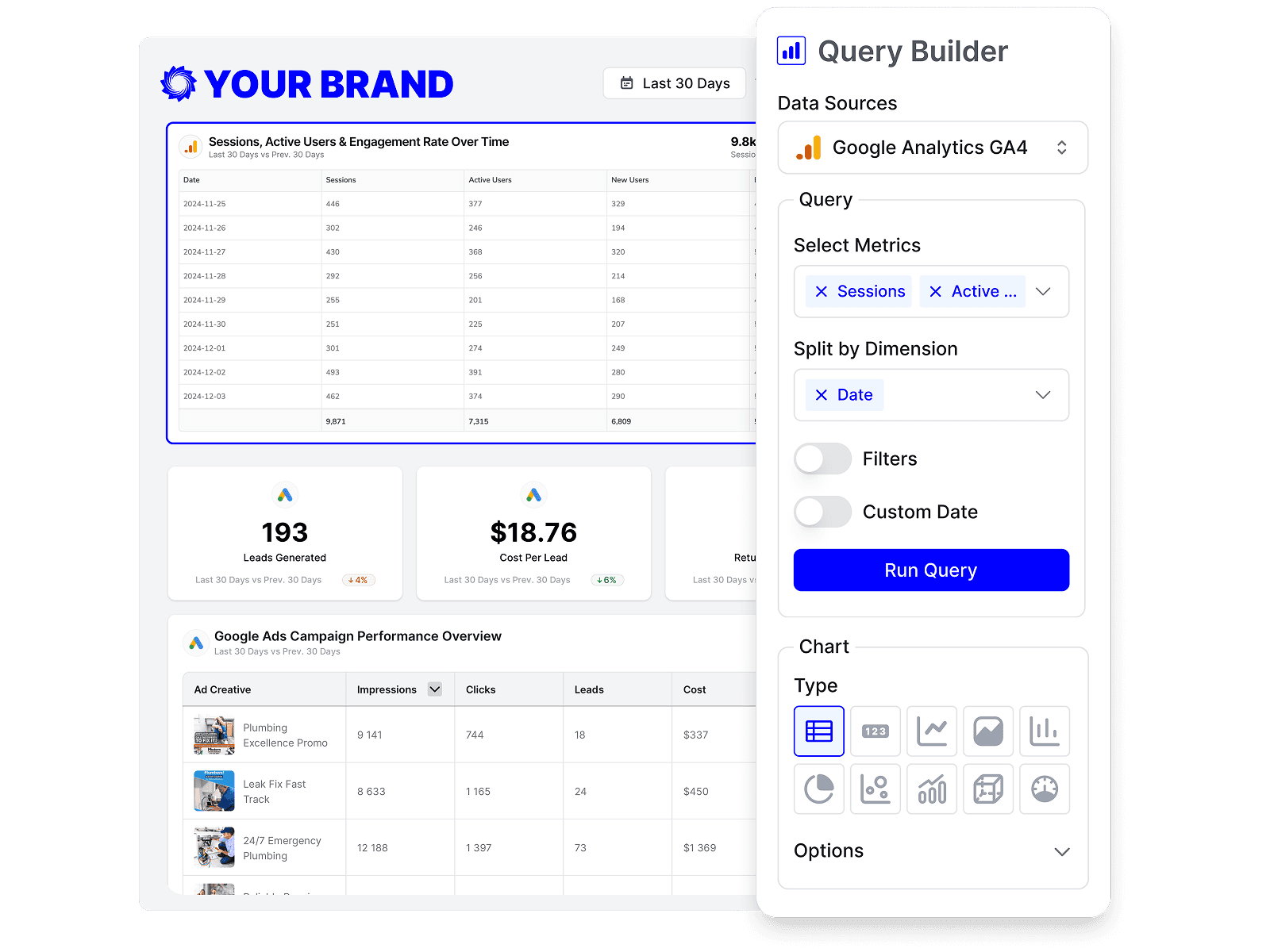
If your agency wants Google Ads reporting software that feels built for recurring client delivery instead of analyst-heavy setup, start here. Oviond is the cleanest fit for agencies that need branded dashboards, scheduled reporting, and one place to manage Google Ads alongside the rest of the client stack.
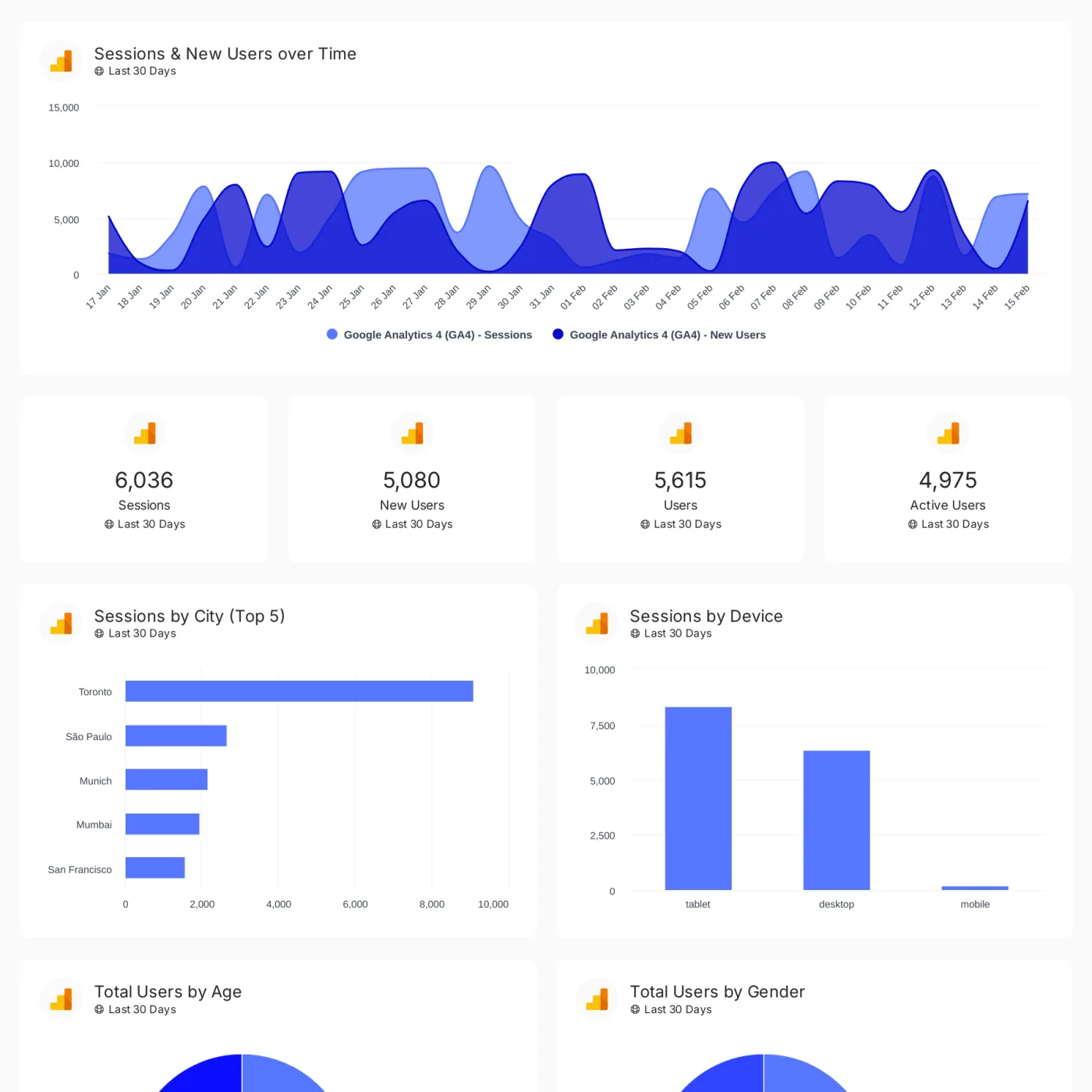
It connects to 60+ data sources on Oviond's platform site, including Google Ads, Google Analytics 4, Facebook Ads, LinkedIn Ads, Microsoft Ads, Google Search Console, Mailchimp, and YouTube. That matters when your account managers are juggling PPC, SEO, social, email, CRM, and e-commerce reporting across multiple clients.
Why Oviond fits agency operations
The pricing model is agency-friendly. Oviond starts at $39/month billed annually for up to five clients, with all features included and unlimited users, reports, and dashboards. You're not forced into feature tiers just because you need branded dashboards, white-label delivery, or more team access.
That structure is what agencies need when reporting becomes operational, not occasional. You standardize templates, reuse assets, set up automated delivery, and stop rebuilding the same report every month in slightly different ways.
Practical rule: If your reporting process depends on one person knowing which spreadsheet to update, you don't have a system yet.
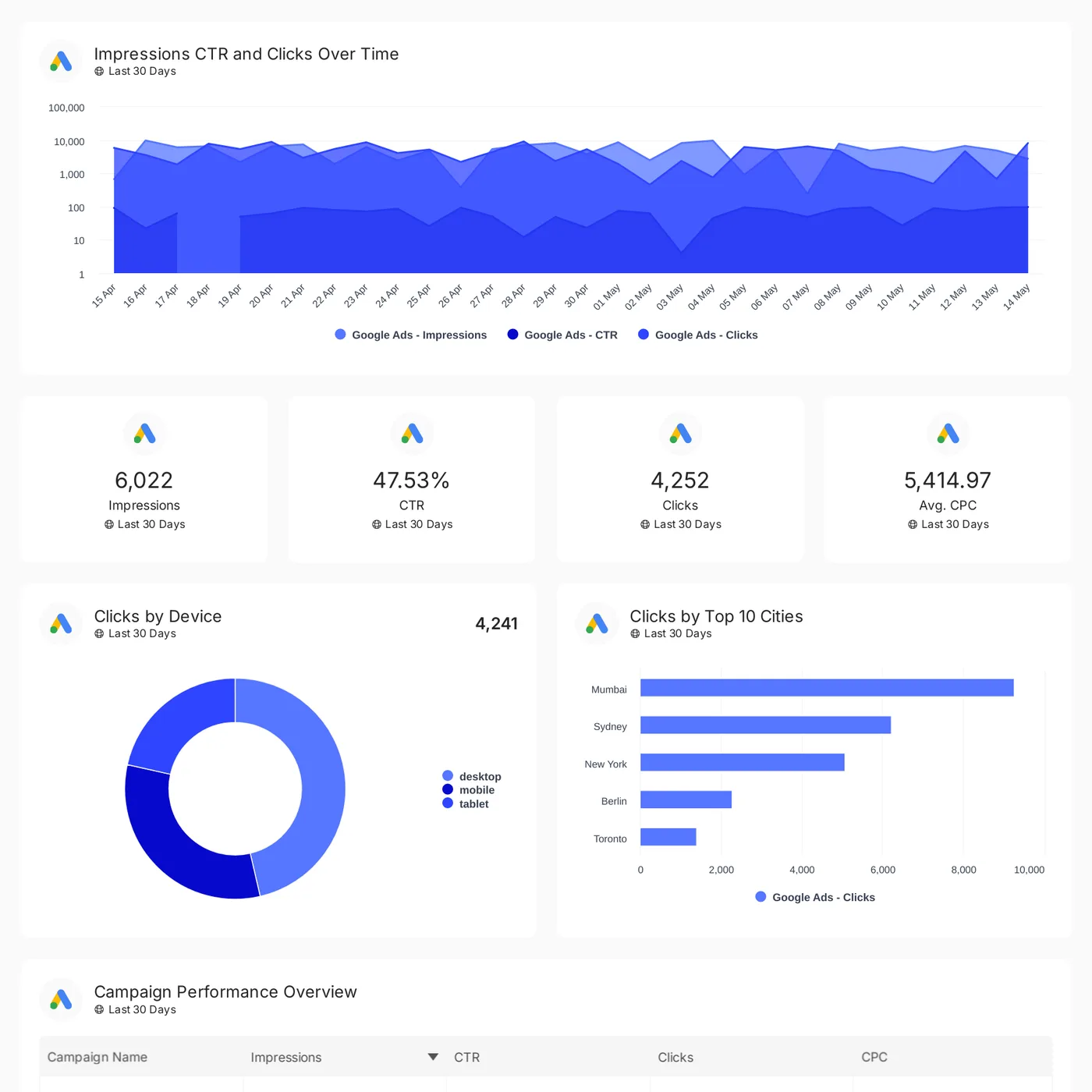
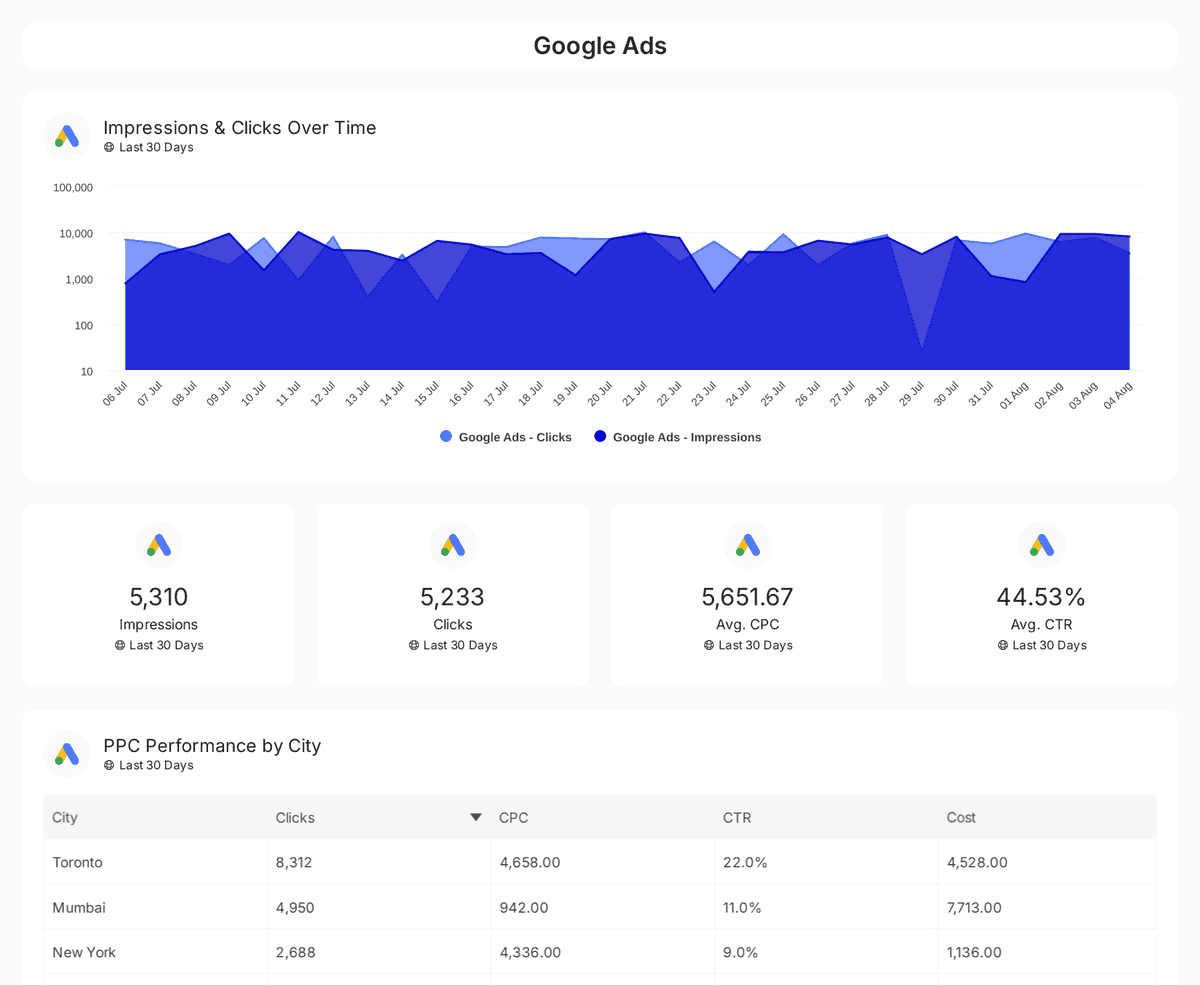
For Google Ads specifically, Oviond gives agencies a direct path to centralize spend, clicks, conversions, and supporting channel data in one reporting flow. If you want to see how the platform handles the channel, Oviond's Google Ads reporting setup is worth a look.
Where Oviond wins
What stands out is how well it matches real agency reporting pain:
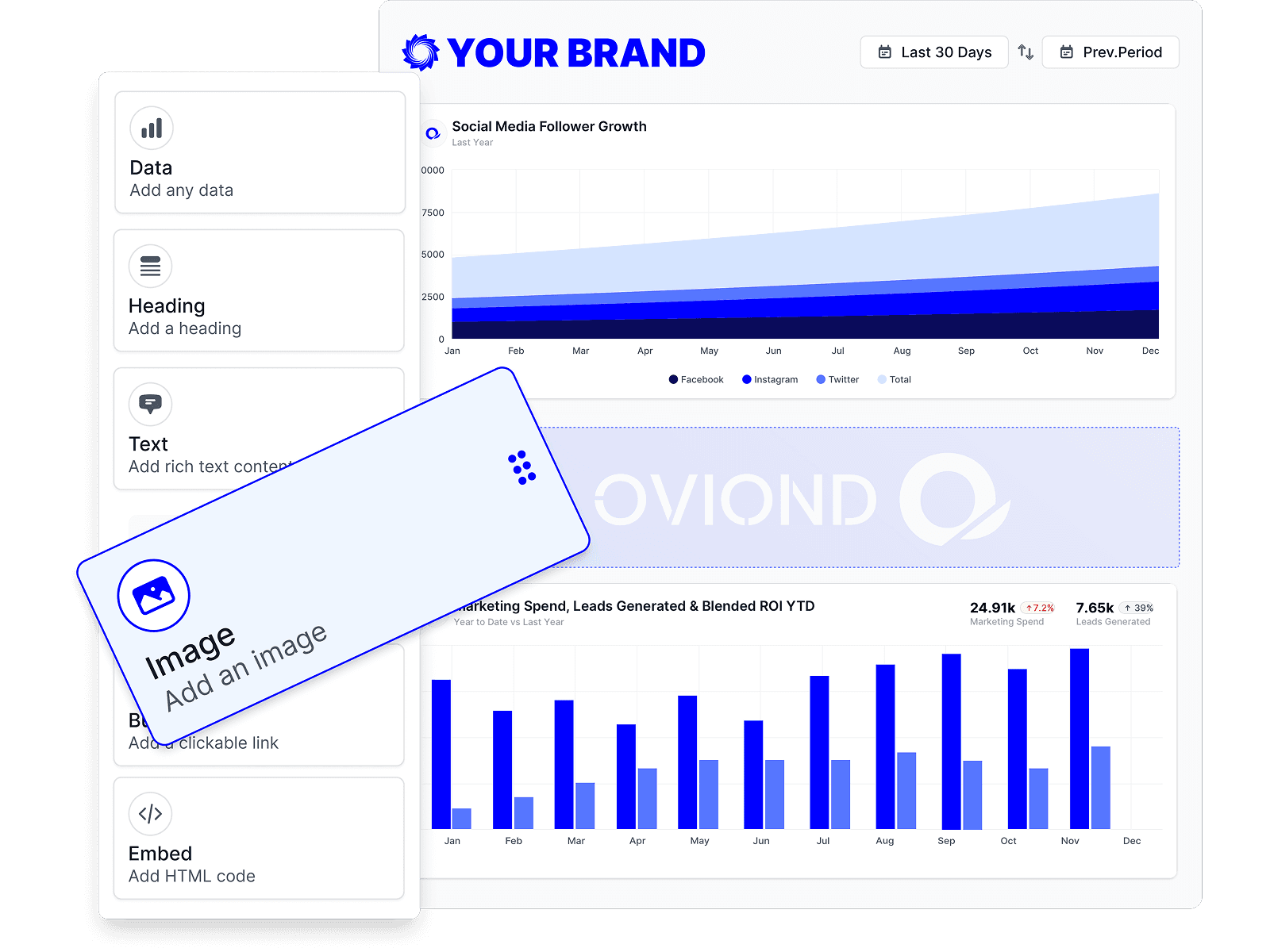
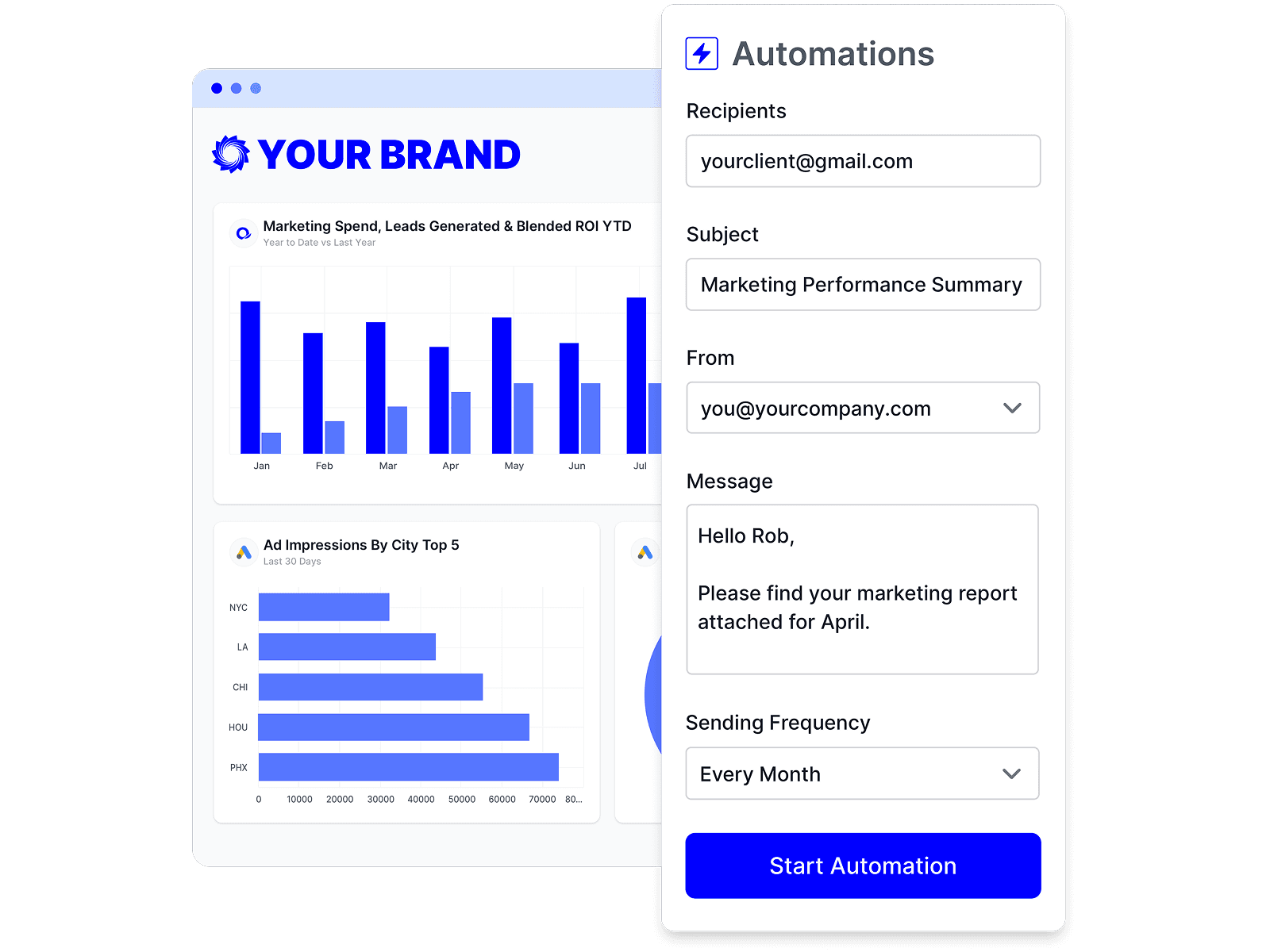
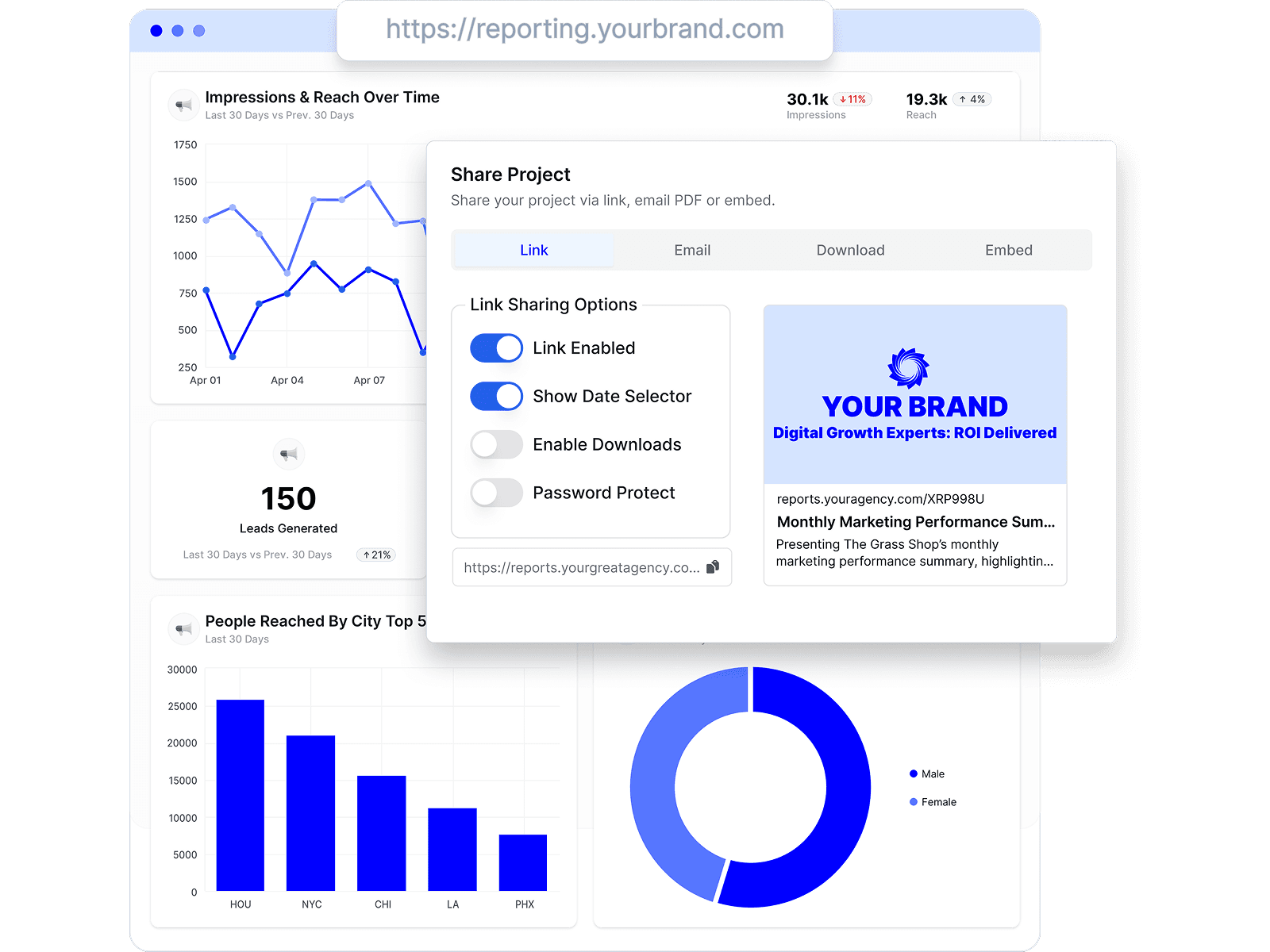
- White-label delivery: Branded dashboards, scheduled reports, custom domain support, and custom email sender options keep the client experience consistent.
- Multi-client workflow: It's built for agencies handling 5 to 50+ clients, not one-off internal reporting.
- All features in one plan: You don't hit the usual friction of paying extra for core reporting capabilities.
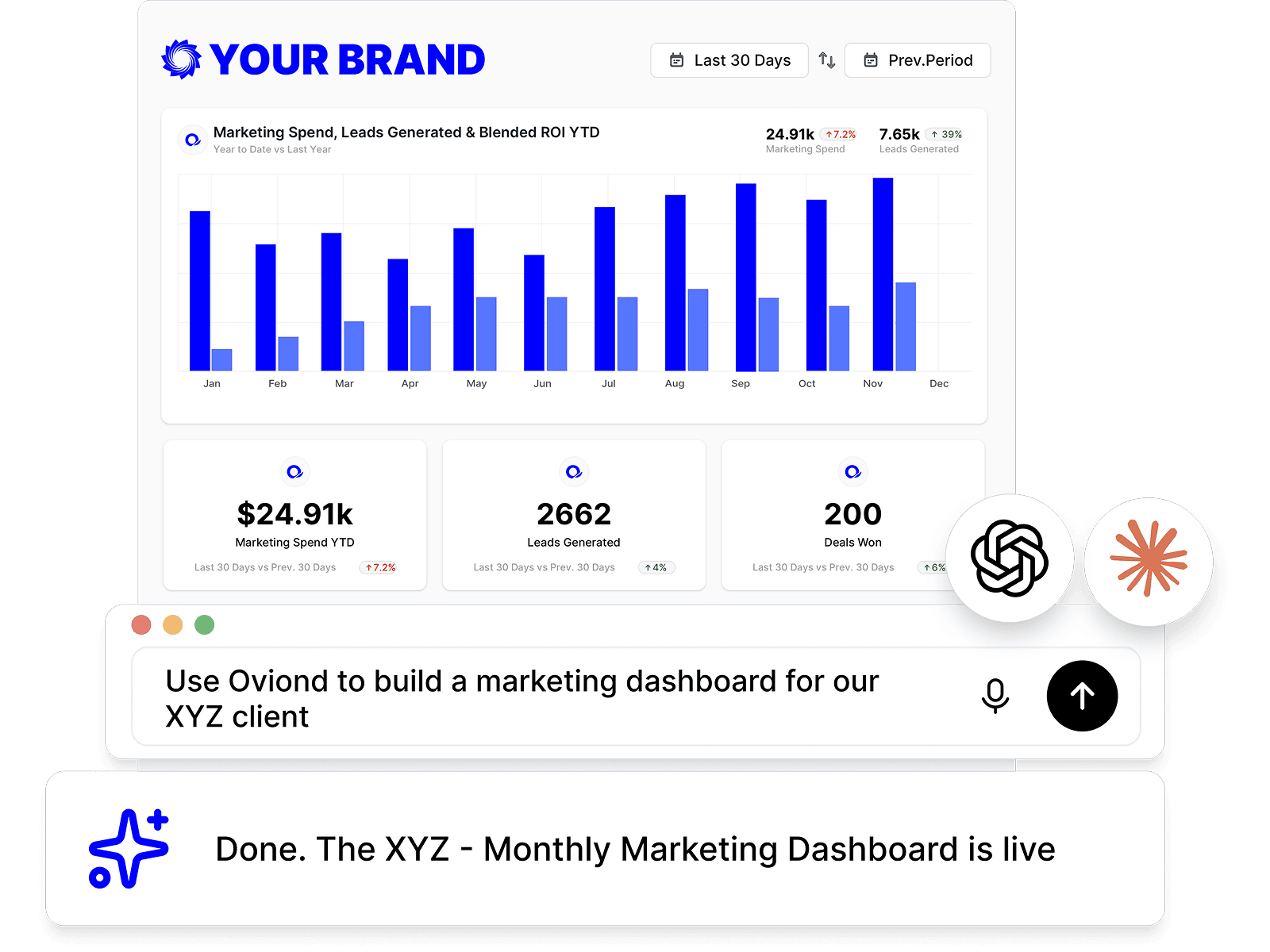
- AI and setup support: MCP-assisted setup and AI-generated summaries help teams move faster without turning reporting into a dev project.
The tradeoff is straightforward. Oviond has a lot in it, so new users may need a little time to get comfortable. Some teams also report occasional connector reconnects and a few export quirks. That's manageable if your priority is replacing spreadsheet chaos with agency reporting that finally feels simple.
2. Google Looker Studio

Most agencies have used Looker Studio at some point. It's free to start, it connects cleanly to Google Ads and GA4, and it's usually the first thing a team reaches for when a client wants a dashboard fast.
For Google-first agencies, that's still useful. You can build shareable dashboards, create templates, and schedule delivery without buying another platform on day one. The problem starts when your client reporting needs to be polished, repeatable, and easy for multiple account managers to maintain.
Where Looker Studio makes sense
Looker Studio works fine when your reporting stack stays close to the Google ecosystem. But Google Ads reporting changed when GA4 became the mandatory reporting standard in July 2023, and that shift forced third-party reporting tools to adapt to event-based metrics and newer definitions, as explained in this GA4 adoption overview. For agencies, that means simple dashboards often turn into more cleanup work than expected.
You also need to be realistic about operations. Once clients want cross-channel views, tighter branding, stakeholder-specific dashboards, and fewer broken connectors, Looker Studio starts feeling like a collection of workarounds.
Looker Studio is fine for building dashboards. It's less fine when your agency needs a repeatable reporting product.
A lot of agencies keep Looker Studio in the stack but pair it with connector tools or eventually replace it with a platform that handles white-label delivery and multi-client reporting better. If your team is still deep in Data Studio habits, Oviond's take on Google Looker Studio for digital marketers is a practical comparison. For teams pushing deeper into custom reporting workflows, this guide to mastering Looker Studio API reports is also useful.
3. Supermetrics

Supermetrics is not your finished client reporting layer. It's the plumbing. That distinction matters.
If your agency likes working in Looker Studio, Google Sheets, Excel, or a warehouse, Supermetrics is one of the most common ways to move Google Ads and other channel data into those destinations. It's a strong fit for ops teams that already know how they want to visualize or model the data and just need reliable connectors.
What Supermetrics is actually for
Choose Supermetrics when your team wants flexibility more than an all-in-one reporting experience. You can centralize cross-channel data before it hits a dashboard, and that's useful when different clients need different output formats.
The downside is that you're adding another layer to manage. You still need a reporting front end, and your team still owns more of the setup, maintenance, and QA than it would in a single platform built around white-label client reporting.
- Good fit: Agencies with an established reporting process in Sheets, Excel, Looker Studio, or a BI layer.
- Less ideal: Agencies that want a simpler, agency-native system for branded dashboards and automated delivery.
- Operational reality: Pricing can get more complicated because it depends on destination, users, sources, and account setup.
If your current stack is βSupermetrics plus several other things,β that's not unusual. It works. It's just not always simple. This Oviond Supermetrics review is a solid read if you're weighing connector-first reporting against an all-in-one agency platform. If Amazon reporting also sits in your workflow, this Hopted comparison with Supermetrics adds another angle.
4. Swydo

Swydo has stayed in the agency reporting conversation for a reason. It's focused, practical, and easier to get running than more technical reporting setups. If your team mainly needs PPC reporting with white-label presentation and scheduled delivery, it's a credible option.
Where Swydo gets especially relevant is the revenue conversation. A 2025 agency survey cited by Swydo found that 68% of agencies say difficulty connecting ad spend to revenue is their top reporting pain point, while only 12% of reviewed tools offered pre-built, no-code CRM-to-Ads revenue blending. That's the real line between a nice dashboard and a reporting system that proves business impact.
Where Swydo helps
Swydo is strong for agencies that want client-ready Google Ads reports without overcomplicating the process. It supports white-label reports and dashboards, recurring scheduling, and a low-friction setup for ongoing PPC reporting.
That said, the same revenue blending gap hits most dashboard tools. If your clients want to see spend tied to CRM or e-commerce outcomes, you may still need imports, workarounds, or manual cleanup.
Operational note: If your team still exports Shopify or Salesforce data into spreadsheets before every monthly review, your reporting stack isn't finished.
Swydo works well when the agency priority is speed to delivery and polished recurring reports. It's less compelling if you need broader cross-channel modeling or deeper no-code blending of sales data into ad reporting.
5. Whatagraph

Whatagraph is usually shortlisted by agencies that care a lot about presentation. The dashboards look polished, the template library is broad, and it's built for teams that need to deliver recurring client reports without building everything from scratch.
If your account managers want something cleaner than spreadsheets and less patchwork than Looker Studio, Whatagraph has obvious appeal. It's one of the easier ways to centralize Google Ads with other channel data and turn that into branded reporting.
What agencies usually like about it
Whatagraph fits agencies that want visual consistency and team structure without going deep into warehouse-style reporting. Prebuilt templates help, and workspace controls matter once multiple team members are touching client reporting.
A few tradeoffs are worth being honest about:
- Visual polish: Strong client-facing dashboards and reports.
- Template support: Helpful when you're standardizing recurring reporting across many clients.
- Sales-led pricing: You'll need to talk to sales, which can slow down evaluation.
- Less modeling depth: Fine for most reporting workflows, less ideal for teams that want heavier transformation and governance.
Whatagraph is a good middle-ground option. It's more agency-friendly than a DIY dashboard stack, but it won't satisfy teams that want the flexibility of a more technical data pipeline.
6. AgencyAnalytics

AgencyAnalytics is one of the most familiar names in agency reporting, and that's because it understands the core agency job. Connect client channels, give clients branded access, automate recurring delivery, and keep reporting manageable as the account list grows.
If your agency wants a purpose-built client reporting platform instead of trying to force a BI tool into an agency workflow, AgencyAnalytics deserves consideration. It's especially practical for agencies that want role-based access, portals, and fast setup across multiple accounts.
Why agencies keep shortlisting it
This category exists because native Google Ads reporting has limits. In the 2026 market, Google Ads generated $294.69 billion in revenue for Google, with analyst projections pointing to $318 billion by the end of 2026, according to Hooked Marketing's Google Ads market review. As ad spend grows, agencies need stronger systems for cross-channel reporting, stakeholder delivery, and account oversight.
AgencyAnalytics addresses that need well. The platform is agency-centric, quick to roll out, and easier to hand off across team members than a home-built reporting stack.
Still, you should watch the pricing model as you scale. Oviond calls this out directly in its AgencyAnalytics alternative comparison, especially around feature packaging and client-count-based growth. That doesn't make AgencyAnalytics a bad choice. It just means agencies should model total reporting cost early, before a solid reporting process turns into another line item that keeps climbing.
7. DashThis

DashThis is for agencies that want less setup, fewer moving parts, and client dashboards that look clean from the start. It's not trying to be a warehouse tool or a heavy analytics stack. It's trying to get recurring marketing reports out the door without much drama.
That makes it attractive for smaller ops teams or agencies that don't want account managers wrestling with custom data logic every month. If your reporting process needs to be simple enough for the whole team to maintain, DashThis earns a spot on the shortlist.
Where DashThis fits
DashThis is strongest when speed and consistency matter more than deep customization. Native Google Ads support, white-label options, custom domain capability, and automated email delivery cover the basics many agencies need.
The limit shows up when you try to roll it out very broadly or do more complex analysis:
- Fast setup: Good for agencies standardizing PPC and channel reporting quickly.
- Client-friendly output: Dashboards are easy to share and easy for clients to read.
- Pricing pressure: Dashboard-based pricing can become restrictive if you create many views per client.
- Less depth: Not the right fit for agencies that want advanced modeling across CRM, e-commerce, and warehouse destinations.
DashThis works best when the agency priority is reliable recurring reporting, not highly customized analytics architecture.
8. NinjaCat

NinjaCat sits further upmarket than most tools on this list. Agencies with large client portfolios, layered approval chains, and heavier rollup reporting tend to look at it first.
If you're managing a broad book of accounts and need stronger governance around reporting, NinjaCat is built for that kind of environment. It's less about scrappy setup and more about managing reporting across a bigger operation.
Who should look at NinjaCat
NinjaCat makes sense for agencies that need centralized controls, multi-account rollups, and templated reporting at scale. It's heavier than lightweight dashboard tools, but that's also the point. Larger agencies often need structure more than simplicity.
What to expect:
- Large-portfolio support: Useful for teams managing many accounts and needing cross-client views.
- Template-driven reporting: Helps standardize reporting across departments or service lines.
- Custom pricing: You'll need a demo and quote.
- More platform than some teams need: Smaller agencies may find it more than they want to manage.
If your reporting process already involves layers of review, multiple client stakeholders, and portfolio-level summaries, lightweight tools can start to feel thin.
For agencies in that range, NinjaCat can be a better fit than simpler reporting products. For most 5 to 50+ client agencies, though, it's worth asking whether you need that much platform.
9. Funnel

Funnel is a data integration tool first and a reporting answer second. That's not a criticism. It's just the right way to evaluate it.
If your agency wants normalized data pipelines feeding several reporting outputs, Funnel is one of the stronger options. It's useful when client reporting isn't the only output, and your team also needs governed data pushed into Sheets, BI tools, or a warehouse.
What Funnel is good at
Funnel is strongest when the problem is data consistency across many inputs. Agencies with lots of platforms, custom taxonomies, and multiple delivery destinations usually appreciate that structure.
It's less ideal when you want one platform that handles both the data movement and the white-label client reporting layer with minimal setup.
- Pipeline strength: Good for normalization and source management across many channels.
- Flexible output: Works when you need data sent into multiple systems.
- Extra reporting layer often required: You may still need another tool for client-facing dashboards.
- Pricing complexity: Usage-based models need careful review.
Funnel is a serious option for agencies with mature data ops. It's not the simplest route if your immediate problem is monthly Google Ads reporting for clients.
10. Improvado

Improvado is the kind of platform agencies consider when reporting starts overlapping with data engineering. It brings together managed connectors, modeled data, dashboards, scheduled reporting, and external BI support in one broader analytics setup.
That's attractive if your agency has complex client portfolios and you want less internal effort spent maintaining pipelines. It's less attractive if all you really need is cleaner Google Ads client reporting and branded monthly delivery.
When Improvado is the right call
Improvado works for agencies that care about governance, AI-assisted analysis, and reducing pipeline maintenance across many sources. It can remove a lot of connector and modeling burden from internal teams.
The tradeoff is implementation weight. This is a bigger system than plug-and-play reporting tools, and for many agencies it will be more platform than they need.
- Strong fit: Agencies with broad multi-source reporting demands and heavier data governance needs.
- Useful extras: Prebuilt dashboards and AI support for analysis workflows.
- Main caution: Custom enterprise pricing and more setup overhead.
- Not ideal for: Straightforward PPC reporting where speed, branding, and agency usability matter most.
If your reporting stack is turning into a data platform, Improvado belongs in the conversation. If you want agency reporting that finally feels simple, there are easier paths.
Top 10 Google Ads Reporting Tools Comparison
| Product | Core features | UX & quality β | Price & value π° | Target audience & USP π₯β¨ |
|---|---|---|---|---|
| Oviond π | 60+ connectors, unlimited dashboards/reports, whiteβlabel, dragβdrop builder, AI (MCP) | β β β β β, agency workflow focused | π° Starts $39/mo (annual) up to 5 clients; scales cheaper per client | π₯ Agencies needing centralized, branded client reporting β¨ AI-assisted creation, unlimited users |
| Google Looker Studio | Free web BI, native GA/Ads, templates, sharing/embed | β β β β , flexible visuals for Google stack | π° Free core; paid connectors or Looker Studio Pro for governance | π₯ Google-first teams that want no-cost dashboards β¨ Strong native Google integration |
| Supermetrics | 100+ connectors to Sheets, BI, warehouses | β β β β β, reliable connector maintenance | π° Variable, pricing by destination, sources, accounts | π₯ Analysts needing βdata where you need itβ β¨ Broad connector library |
| Swydo | PPC-focused templates, whiteβlabel, scheduling | β β β β , quick to set up for PPC reports | π° Mid-tier; pricing rises with sources/accounts | π₯ PPC agencies wanting fast, client-ready reports β¨ Low learning curve |
| Whatagraph | Multi-source dashboards, templates, workspace controls | β β β β , polished visuals & templates | π° Gated pricing (contact sales) | π₯ Agencies scaling client workspaces β¨ Large template library, polished outputs |
| AgencyAnalytics | 80+ integrations, branded client portals, scheduling | β β β β , agency-centric UX | π° Per-client/pricing tiers; watch scale impact | π₯ Agencies managing many clients β¨ Client portals + role controls |
| DashThis | Turnkey dashboards, whiteβlabel, automated emails | β β β β , very quick setup, clean dashboards | π° Tiered; pricing tied to dashboard count | π₯ Agencies needing fast rollouts β¨ Custom domain & email sender options |
| NinjaCat | 150+ sources, multi-account rollups, AI insights | β β β β β, enterprise-grade for large portfolios | π° Custom enterprise pricing | π₯ Large agencies/enterprise portfolios β¨ Scalable rollups & governance |
| Funnel | ETL + modeling, 500+ connectors, exports to warehouses | β β β β β, strong normalization & governance | π° Complex (plan + flexpoints) | π₯ Teams needing governed data pipelines β¨ Multi-source normalization |
| Improvado | 500+ sources, AI analytics, pipelines to BI/warehouses | β β β β β, AI-assisted dashboards & modeling | π° Enterprise pricing; higher implementation cost | π₯ Agencies needing governed, AI-powered analytics β¨ Managed pipelines + AI insights |
Agency Reporting That Finally Feels Simple
Choosing Google Ads reporting software isn't a design decision. It's an ops decision. The right platform changes how your agency delivers value every month, how your team handles recurring work, and how easy it is to prove performance to clients without rebuilding the same story from scratch.
The pattern is pretty clear. If your team is still relying on spreadsheets, screenshots, and patched-together Looker Studio dashboards, reporting doesn't scale well. It gets slower as client count grows, harder to standardize across account managers, and more frustrating to keep on-brand. That's usually the point where agencies realize they don't have a reporting system. They have a reporting habit.
For agency teams managing 5 to 50+ clients, the tool choice should be brutally practical. You need white-label reporting, automated delivery, branded dashboards, and pricing that won't punish you for adding clients or users. You also need enough flexibility to bring in Google Ads alongside GA4, paid social, search, email, CRM, and e-commerce data, because clients don't judge channels in isolation. They judge outcomes.
Some tools on this list are better as connector layers. Some are stronger for enterprise-style governance. Some are good for fast dashboard rollout. But for most agencies, the question is simpler than that. Can your team build a repeatable reporting process that account managers can run, clients can understand, and leadership can scale?
That's where agency-native platforms pull ahead. They reduce the operational drag. They make templates reusable. They keep branded delivery consistent. They let you centralize client data in one workflow instead of asking your team to babysit multiple tools and manual exports every month.
Oviond stands out here because it aligns with agency workflows. It gives you white-label client reporting and dashboard software built for multi-client delivery, not generic BI. It supports 50+ integrations, branded dashboards, custom domain setup, automated delivery, unlimited reports and dashboards, unlimited users, and pricing by client count instead of forcing you into a maze of feature tiers. That combination makes it a strong fit for agencies trying to replace spreadsheet chaos and Looker Studio patchwork with something cleaner and easier to run.
If your reporting process already feels heavier than it should, fix that first. Better Google Ads reporting software won't just make reports look nicer. It will make your operation more stable, your client communication more consistent, and your team less dependent on manual work that doesn't scale.
If you want white-label Google Ads client reporting that's built for agencies, take a look at Oviond. It's a straightforward way to centralize client data, automate recurring delivery, and give every client a branded reporting experience without the usual spreadsheet and dashboard sprawl.
Related articles
Simplify marketing reporting today
Stop juggling multiple tools. Start presenting clear, automated reports your clients will love