
Feature
Marketing dashboards for agencies
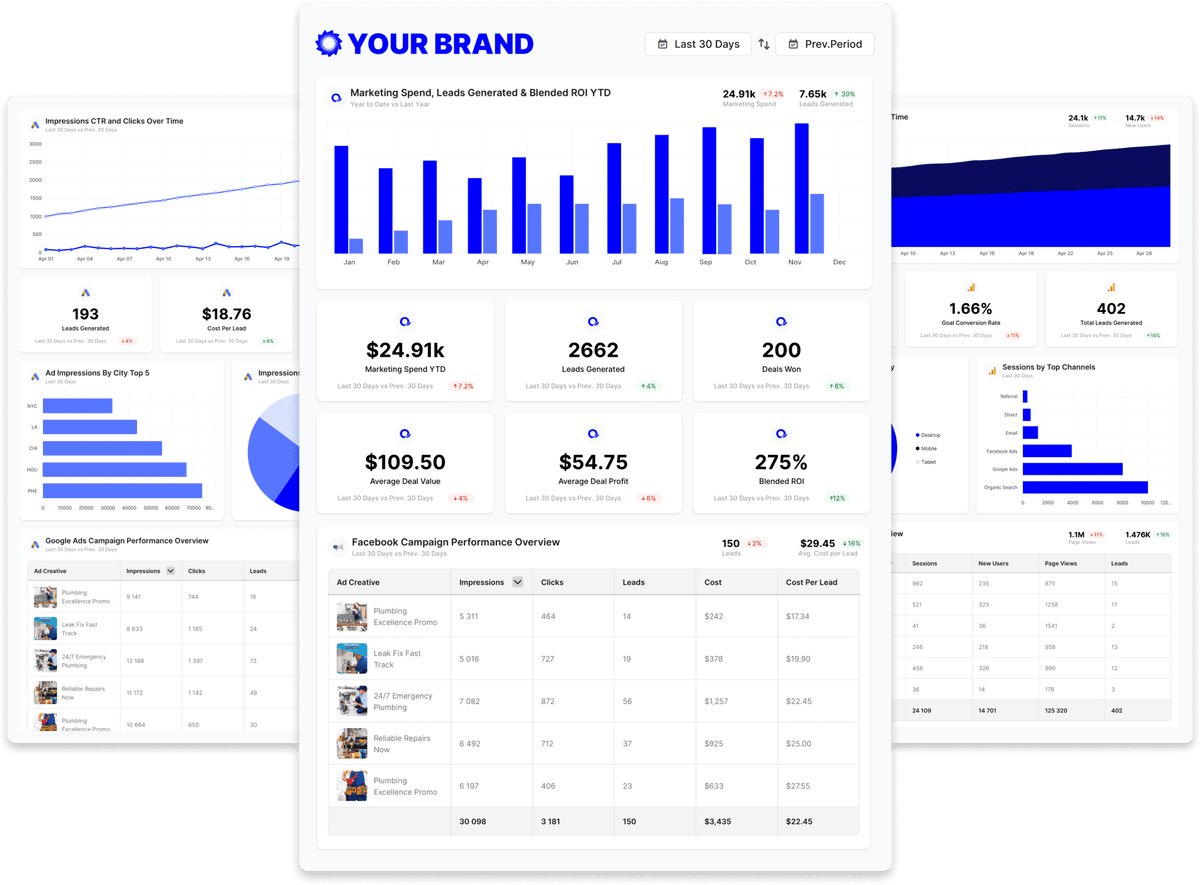
A marketing dashboard is a live, shareable view that puts a client's analytics, ads, social, and SEO data on one branded page — Oviond builds one per client from 70+ connected sources and keeps it current without manual updates.
Why marketing dashboards
Everything clients want to see, in one connected view
Marketing dashboards turn scattered channel data into a single story your clients can understand.
Every channel in one place
Pull analytics, ads, social, SEO, and email into one dashboard, so clients see the full picture without logging into ten tools.
Connected data, less manual work
Connected data updates according to each source's availability and API limits, reducing manual exports, rebuilds, and stale screenshots.
Branded as your own
Apply your logo, colors, and domain, so each dashboard looks like your agency built it, not like a third-party tool.
Marketing dashboard tools compared
Entry price and white-label terms for the dashboard and client-reporting platforms agencies shortlist — restated from the dated fact tables on our comparison pages.
| Tool | Starting price | White-label |
|---|---|---|
| Oviond | From $40/month billed annually ($50 month-to-month) — 10-client minimum, $4/$5 per client | Included on every plan — unlimited white-label theme profiles, one house style or a distinct theme per client |
| AgencyAnalytics | $20 per client/month billed annually, or $25 per client/month month-to-month (the "Save 20% annually" toggle on their pricing page) | Included on every plan |
| Swydo | €62/month billed annually (€69 monthly) — first 10 data sources included | White-label branding and custom domain hosting included |
| DashThis | Individual: $44/month billed annually ($54 monthly) — 3 dashboards, 15 data sources, no full white-label | Full white-label (branding removal, custom domain, custom email) from the Professional tier ($139/month annual); Individual gets logo + preset themes only |
| ReportGarden | — | White-labeled dashboards and client-portal custom domain (CNAME) offered; tier inclusion not specified on the pricing page |
| Octoboard | "For Agencies" from €25/month for 5 clients (~€5/client), 30% off annual; the separate "for Business" plans from €12/month | Included on the Agencies product from the €25 base tier — white-label client portal, your branding, custom email domain (a genuine strength) |
| Reporting Ninja | Starter: $20/month billed annually ($25 monthly) — 10 reports, 4 users, 10 accounts | Branded client portal on a custom domain, custom report branding, branded email delivery |
| Reportz | $9.90 per dashboard per month (volume slider; e.g. 8 dashboards ≈ $78.72/month) | Included — logo/colors/fonts, custom dashboard URL, white-label email |
| Whatagraph | Go: €199/month, 20 source credits; Max: from €699/month, 50+ credits; Prime: custom | Custom branding, custom domain (CNAME), and white-label emails — reserved for higher tiers |
Competitor facts restate the sourced, dated tables on the linked comparison pages (most recent check September 2, 2026); Oviond facts verified September 1, 2026. Vendors change pricing — the comparison pages carry the sources. See every comparison
Every channel your marketing dashboards need
Oviond connects the channels agencies report on—analytics, paid media, search, social, email, CRM, and e-commerce—into one dashboard.









Build marketing dashboards inside your AI
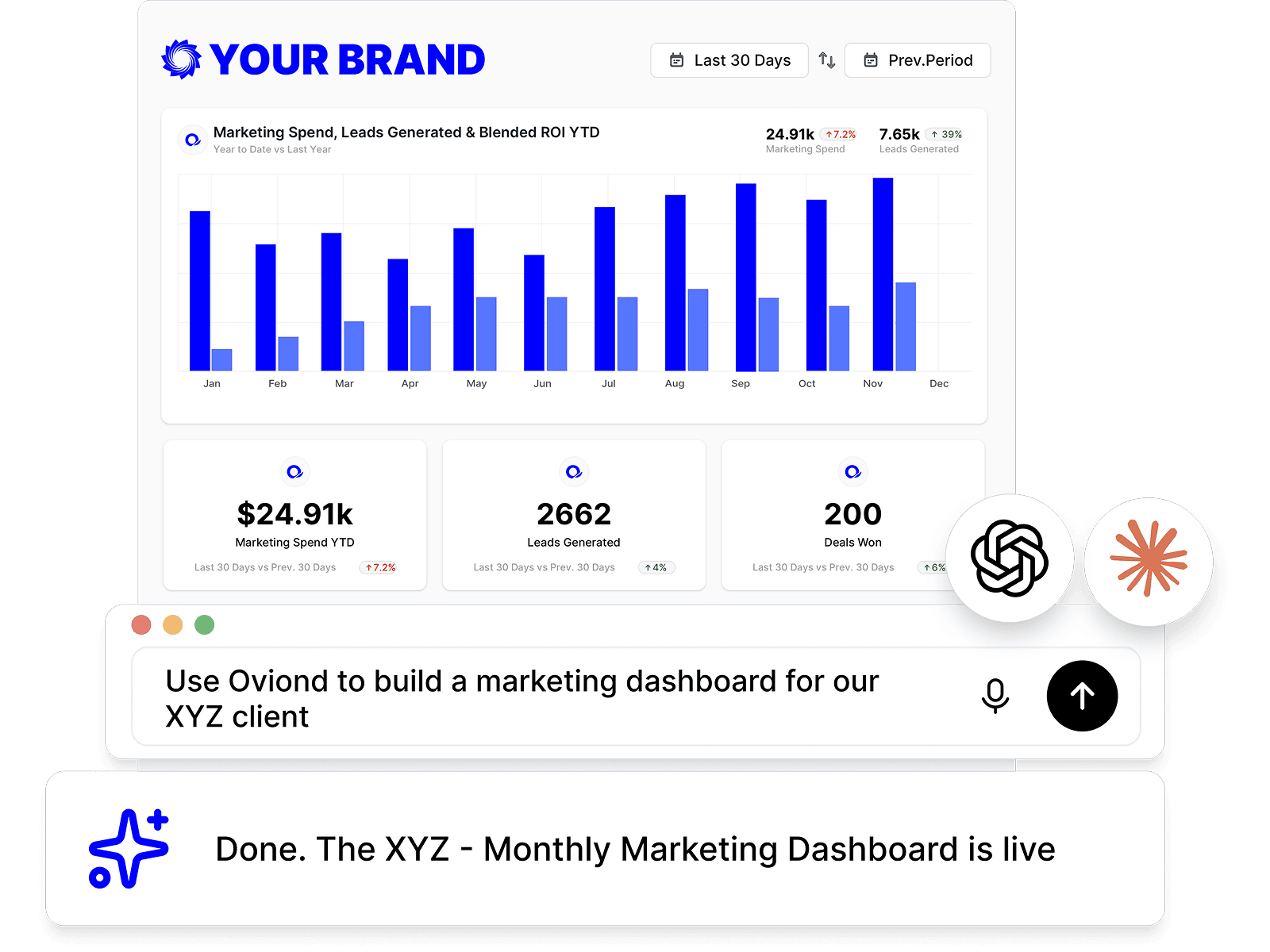
Connect Oviond to Claude, ChatGPT, or any MCP-ready assistant and spin up marketing dashboards with a prompt, right where you already work.
White-label every marketing dashboard
Apply your logo, colors, and a custom domain so every dashboard is unmistakably yours — clients see your agency, never Oviond.

Share dashboards clients actually open
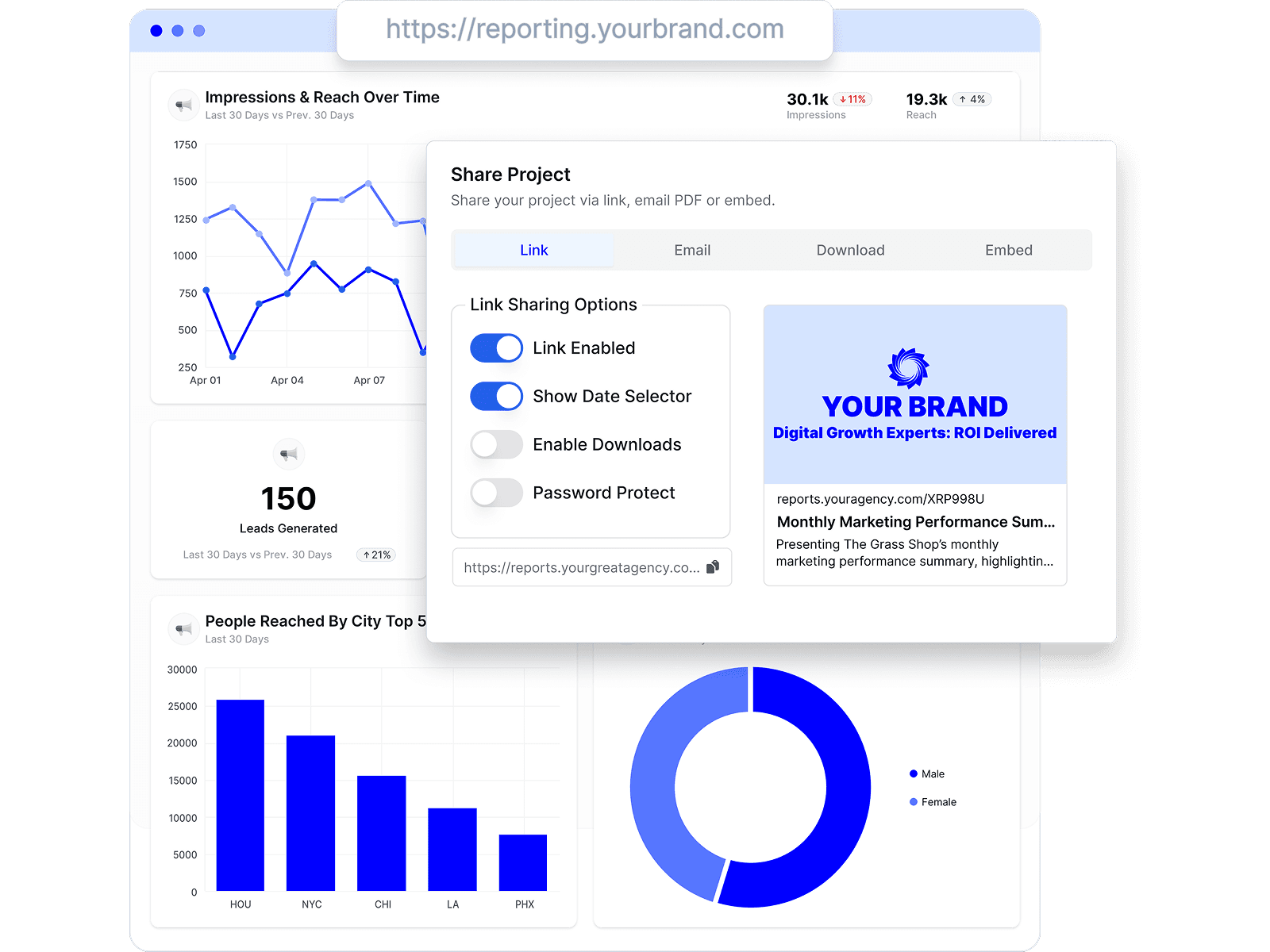
Send each marketing dashboard by link, email, or embed, and clients land on one connected view — no PDFs, no version chasing.
Reduce recurring dashboard upkeep
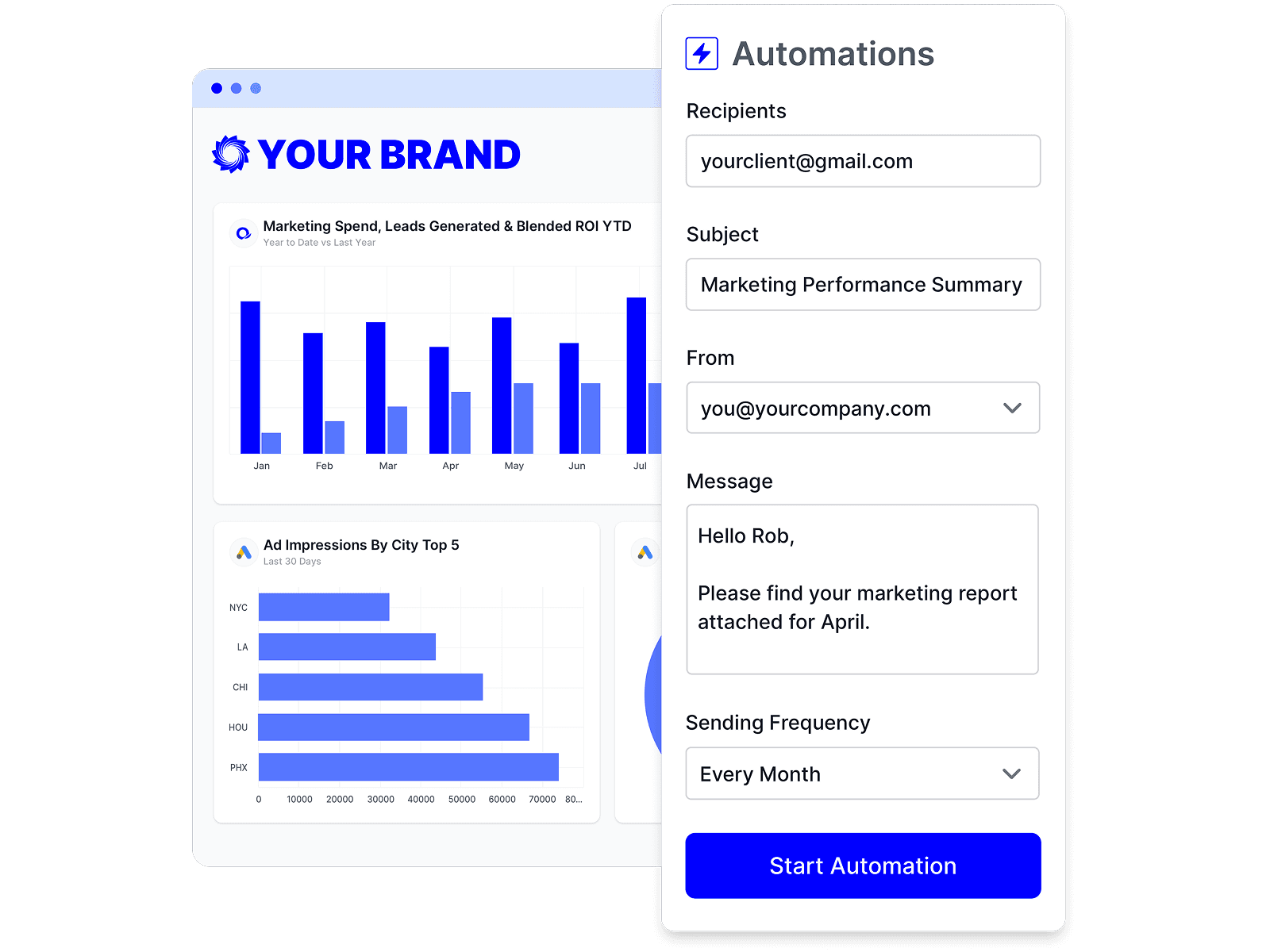
Keep each dashboard connected to its source accounts, with refresh timing governed by each source's availability and API limits.
Build any dashboard, no code required
Drag in the metrics, charts, and notes you need to assemble a custom marketing dashboard in minutes — no data team, no spreadsheets.
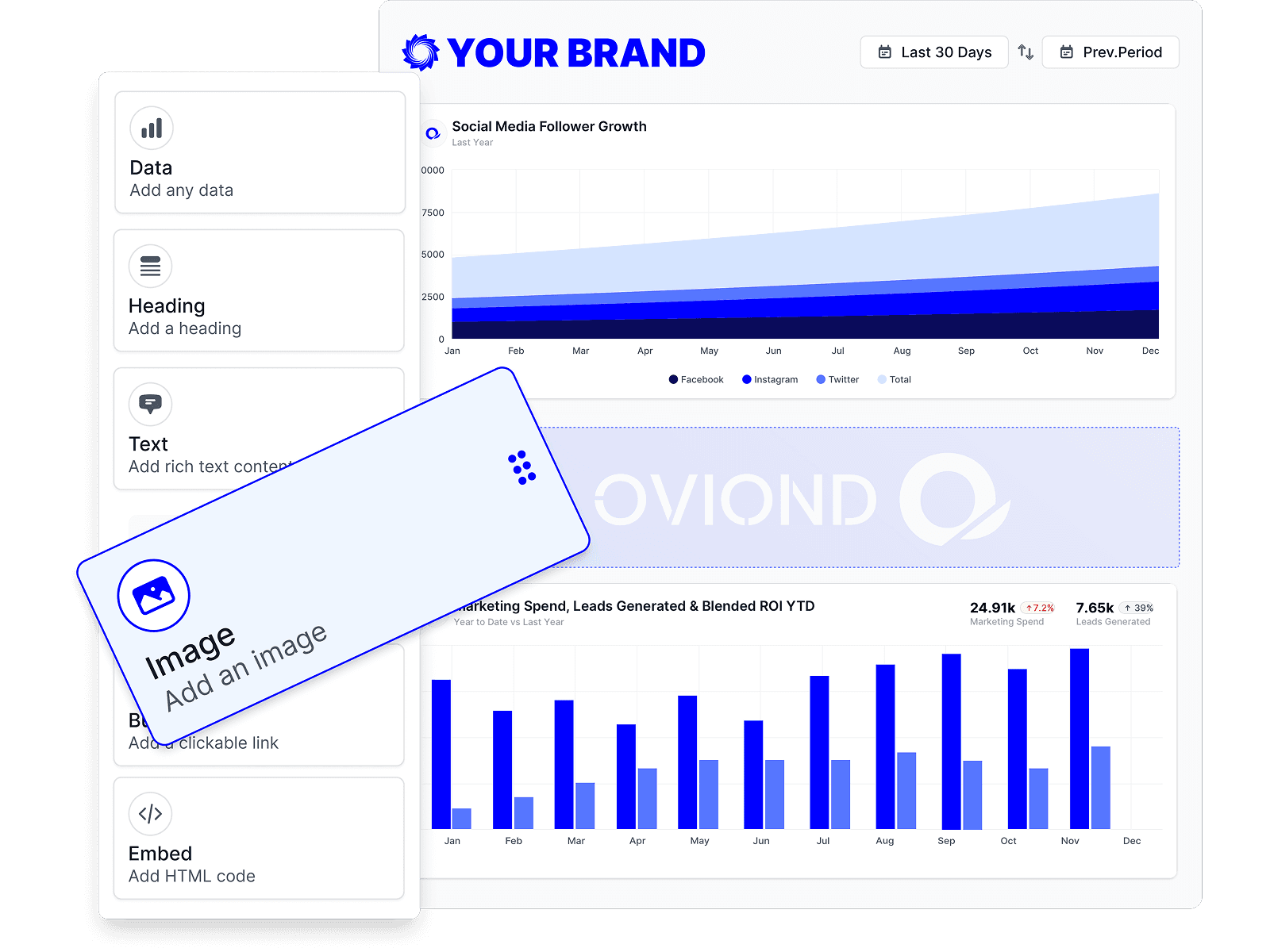
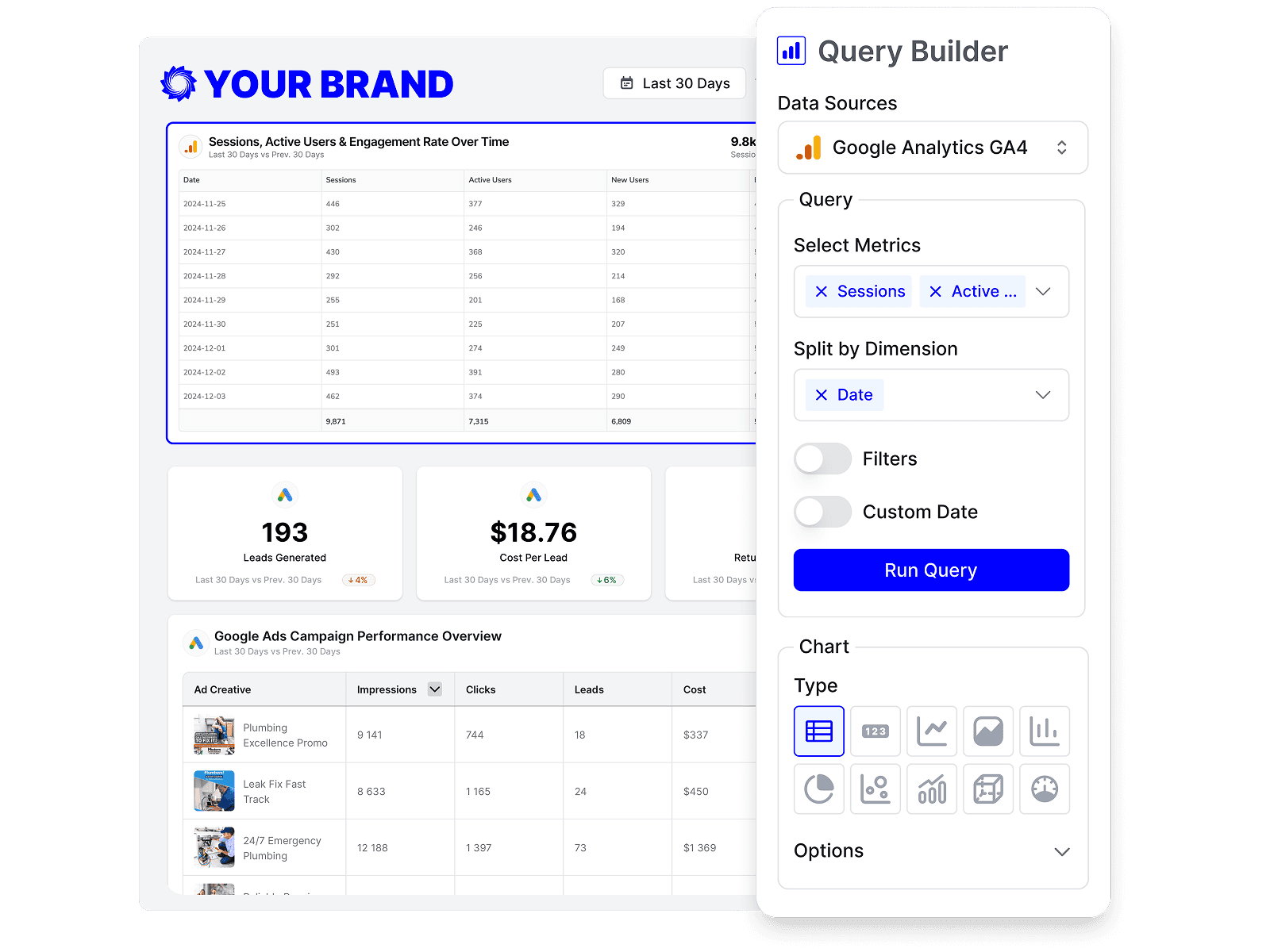
Show the exact metrics each client cares about
Start from prebuilt queries or build your own, so every marketing dashboard highlights the KPIs that matter to that client.
Start with a marketing dashboard template
Pick an agency-ready template and launch a polished marketing dashboard in minutes—not hours.
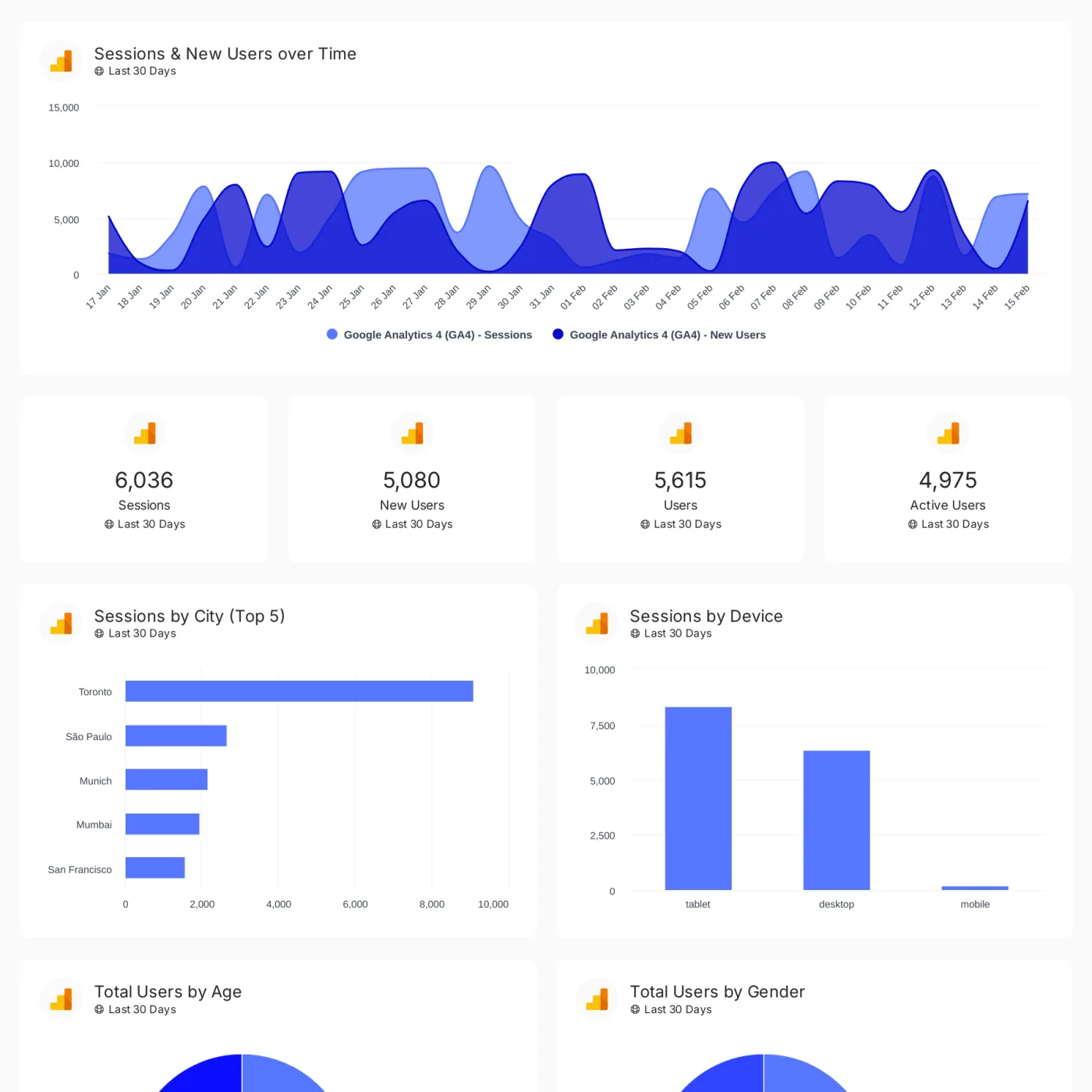
Digital marketing dashboard
Track conversions, revenue, traffic, and customer engagement across your client's full marketing stack in one branded dashboard.
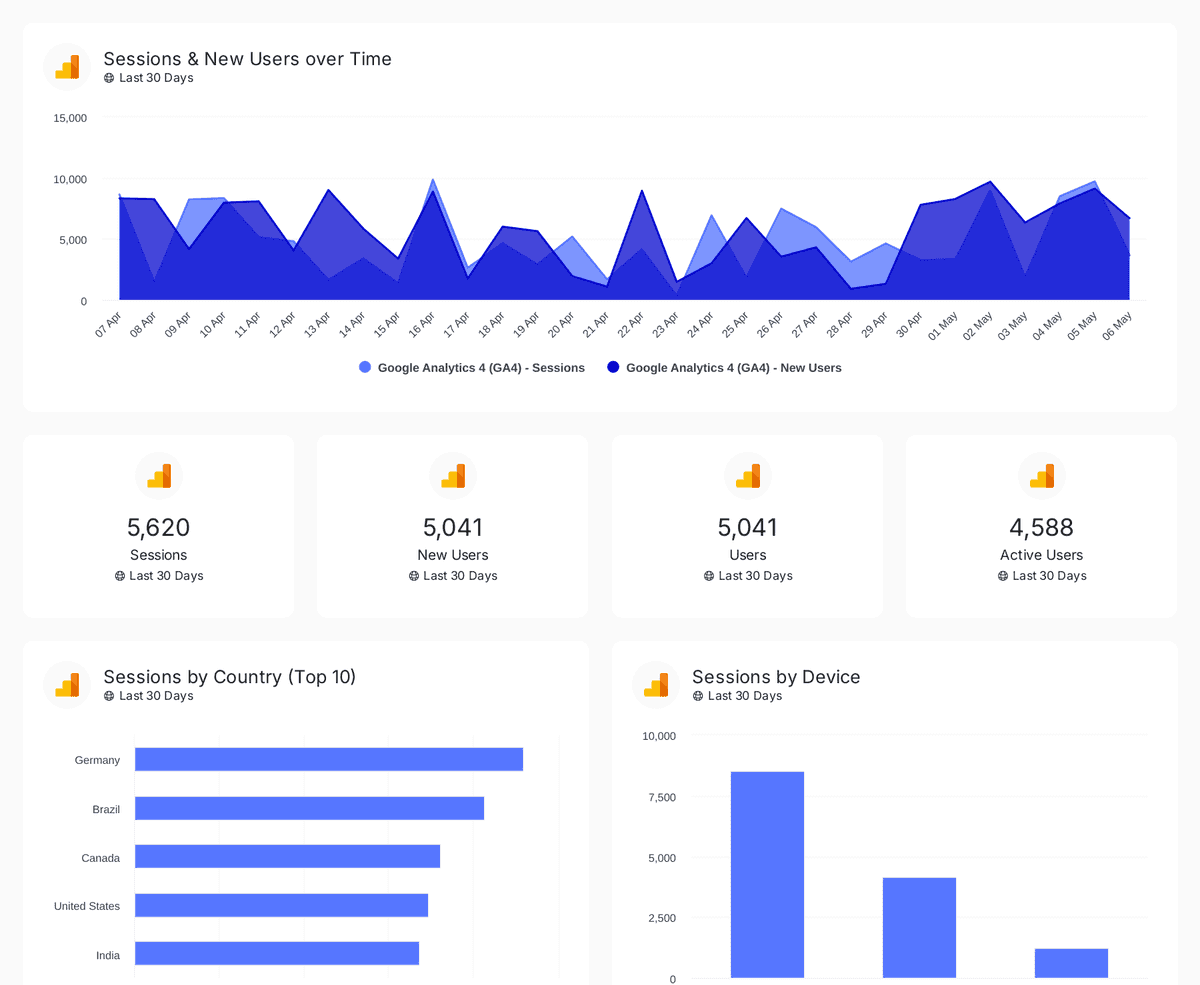
Google Analytics 4
Track sessions, users, and traffic sources with insights by country, device, age, gender, and channel performance analysis
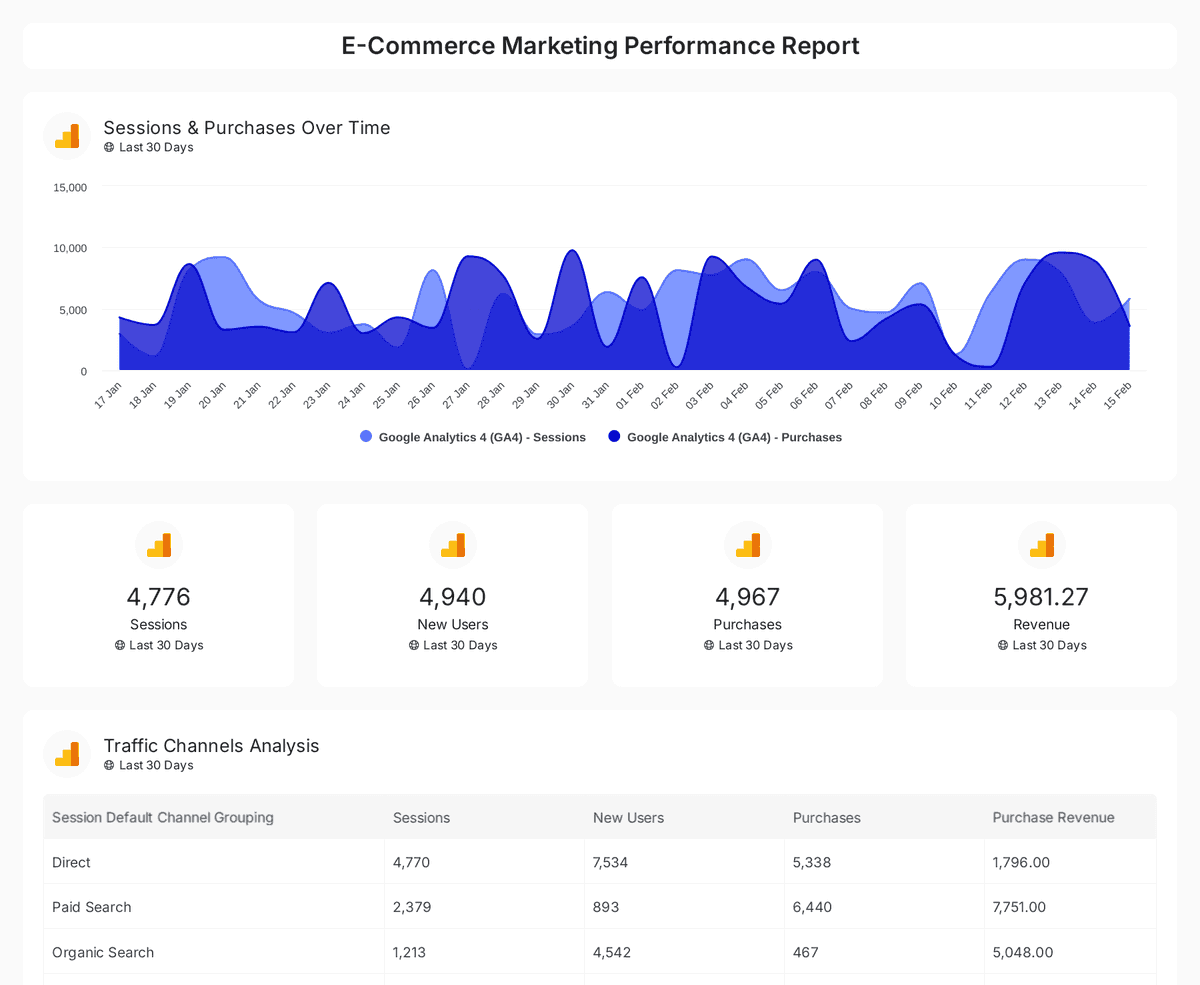
E-commerce
Analyze e-commerce sales, conversions, and traffic insights with interactive, real-time performance metrics.



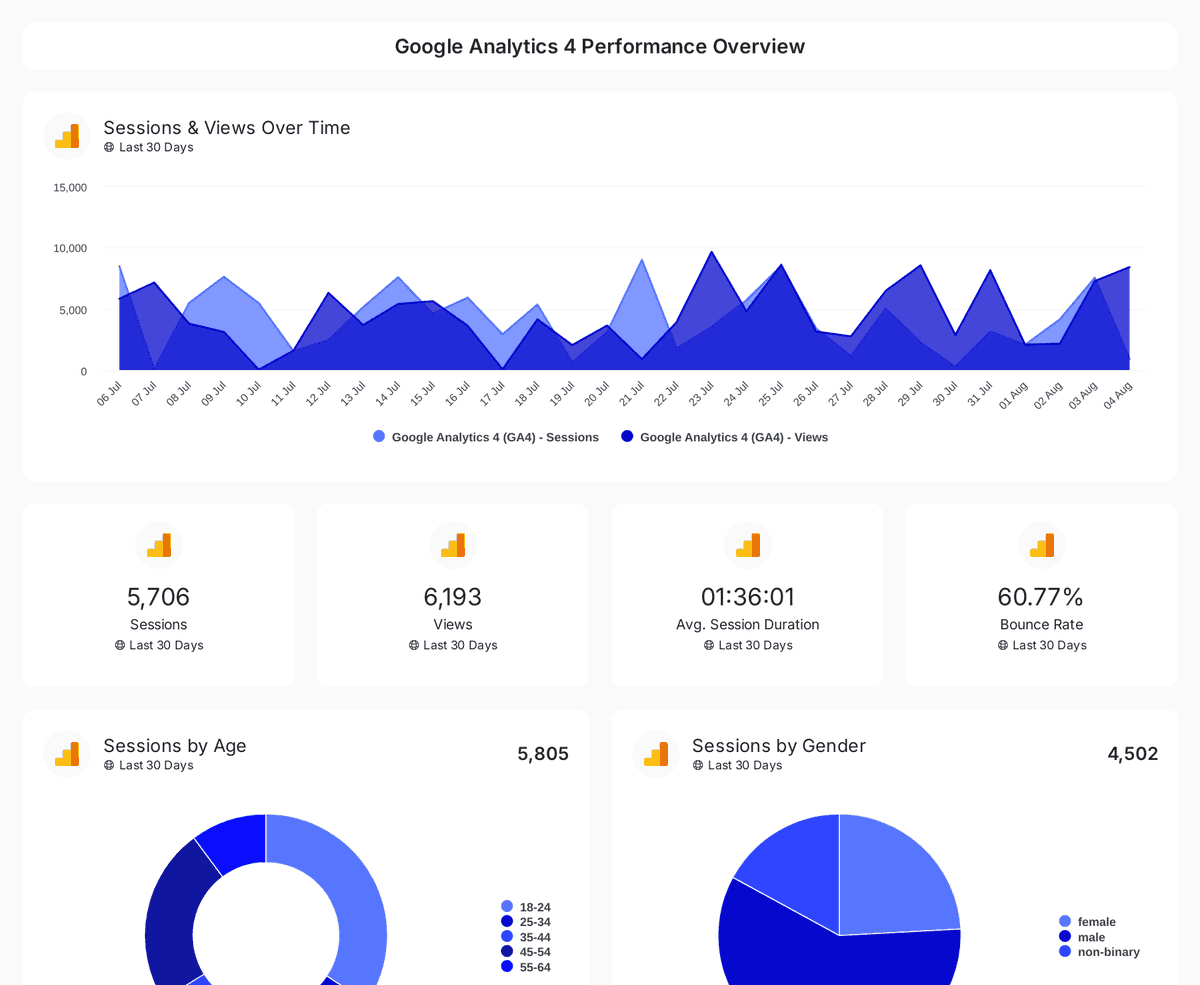
Website performance
Monitor website traffic, user demographics, and page performance with insights from Google Analytics 4, Search Console, and Page Speed Insights.
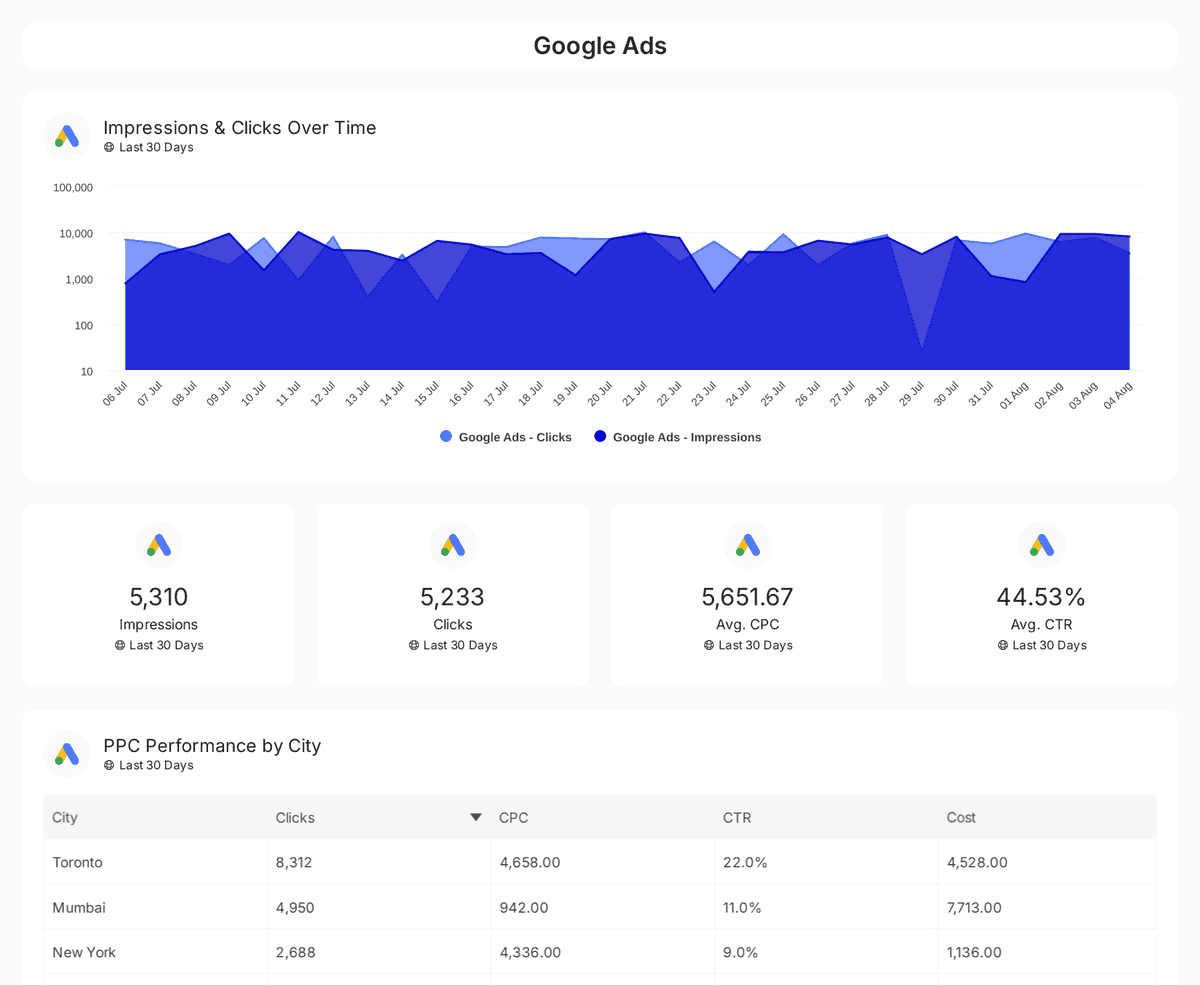
PPC dashboard
Track and compare reach, clicks, impressions, and CTR across Google, Facebook, Instagram, LinkedIn, and Twitter Ads over time.

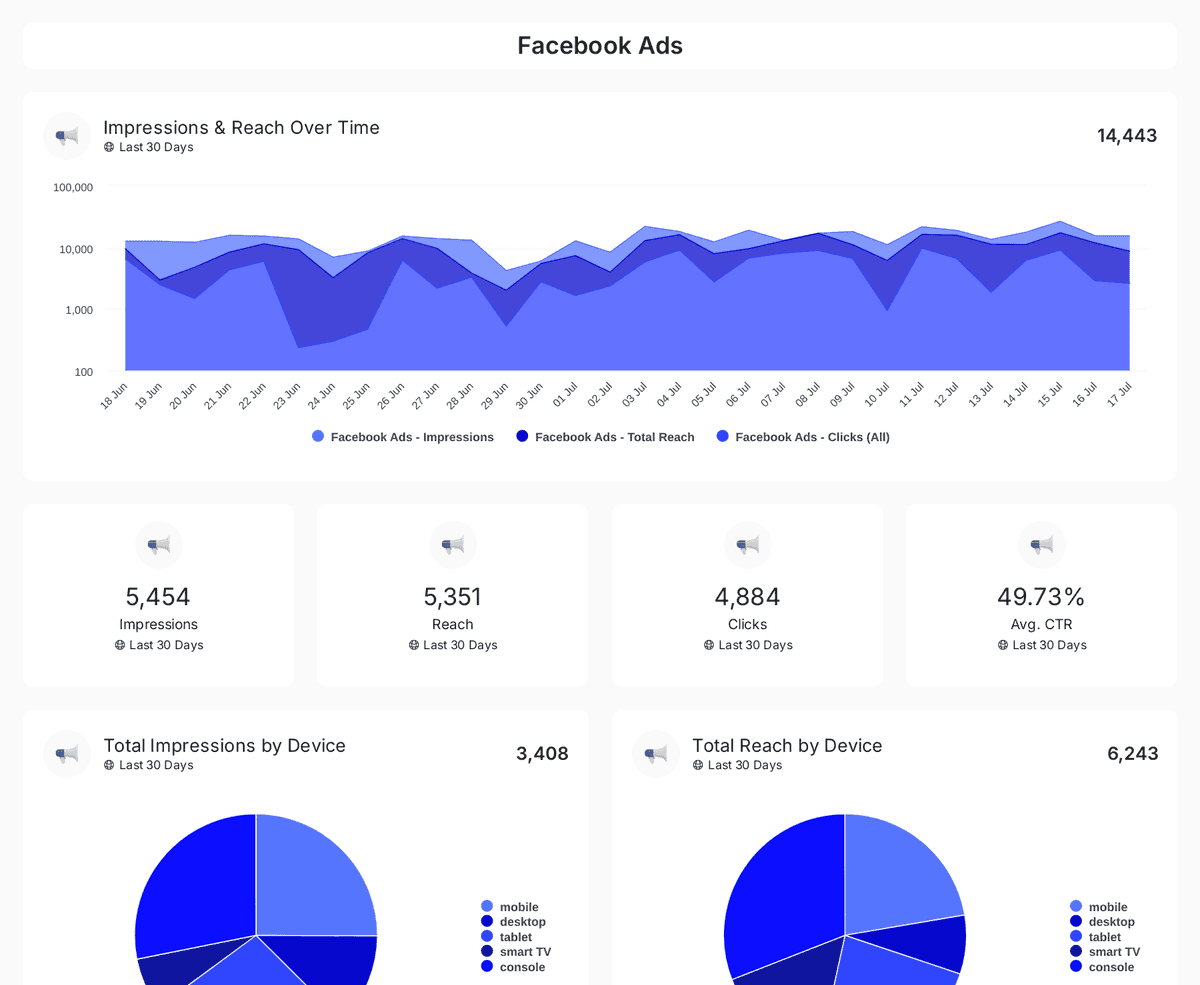
Social media ads
Track impressions, clicks, CTR, and ad spend across Facebook, Instagram, LinkedIn, TikTok, and Twitter Ads with insights on engagement & conversions.
Marketing dashboards in Oviond at a glance
| Fact | Oviond |
|---|---|
| Reports & dashboards | Unlimited reports and unlimited live dashboards on every plan |
| Data sources | 70+ marketing data sources, no source credits or per-connection fees |
| White-label | Included on every plan — unlimited white-label themes |
| Custom domains | One custom-domain slot per client slot, included |
| Starting price | $40/month billed annually ($50 month-to-month) for 10 clients |
Oviond facts verified September 1, 2026 by Oviond Product. Pricing in USD. See full pricing
Marketing dashboard FAQs
Everything you need to build, brand, and automate marketing dashboards in Oviond.
What is a marketing dashboard?
A marketing dashboard is a single, live view that pulls metrics from your marketing channels — analytics, paid ads, social, SEO, email, and more — into one place, so you can track performance and report to clients without switching between tools.
How do I build a marketing dashboard in Oviond?
Start from a ready-made template or a blank canvas, connect your data sources, and drag in the metrics, charts, and notes you want. Most agencies have a branded marketing dashboard live in minutes.
Can I build a marketing dashboard with AI?
Yes. Oviond runs an MCP server, so you can connect it to AI assistants like Claude or ChatGPT and build marketing dashboards with natural-language prompts — pulling client data and assembling the view right where you already work.
Which data sources can I add to a marketing dashboard?
Oviond connects 70+ data sources across analytics, paid media, search, social, email, CRM, and e-commerce — including Google Analytics 4, Google Ads, Facebook Ads, LinkedIn Ads, Microsoft Ads, Google Search Console, Mailchimp, and YouTube.
Can I white-label my marketing dashboards?
Yes. Apply your own logo, colors, and brand styling so every dashboard looks like your agency's product. White-labeling removes Oviond's branding entirely for a seamless client experience.
Can I use my own domain for marketing dashboards?
Yes. Serve your dashboards from your own custom domain (for example, reports.youragency.com) so clients see a fully branded URL instead of a third-party one.
Can I share marketing dashboards with clients?
Yes. Share each dashboard by live link, email, or embed. Clients always see the latest data — with no exports or PDF version chasing.
Do marketing dashboards update automatically?
Yes. Connected data refreshes on its own, so dashboards stay current without manual rebuilds. You can also schedule recurring email delivery to clients.
Do I need to know how to code to build a dashboard?
No. Oviond's dashboard builder is fully drag-and-drop — no code, no spreadsheets, and no data team required.
Where to go next
Dashboards keep clients informed day to day; automated marketing reporting handles the scheduled deliverables. Comparing dashboard tools? See Oviond vs Databox and Looker Studio.
Build clearer marketing dashboards today
Live client dashboards, handled — connected, branded, and always up to date.