
Oviond Blog
10 Alternative Google Analytics for Agencies in 2026
Searching for an alternative Google Analytics? We review 10 top options for agencies, comparing features, pricing, and privacy for multi-client reporting.

GA4 Isn't Built for Agency Reporting. What Is?
If you're managing reports for 5, 10, or 50+ clients, you've likely felt the friction of Google Analytics 4. It's powerful, but it isn't designed for the speed and scale of agency reporting. The interface can be hard for clients to follow, and turning raw analytics into simple, branded client reporting usually means extra work in spreadsheets, Looker Studio, or both.
That gap gets expensive fast. Agencies managing recurring reports for multiple clients waste an average of 18 hours per month rebuilding reports manually. On top of that, over 60% of digital marketing agencies say fragmented data across analytics, ad platforms, SEO, and social tools creates inconsistent KPI tracking. If that sounds familiar, the problem isn't only GA4. It's the reporting system around it.
This guide focuses on the tools that make sense as an alternative Google Analytics stack for agencies. Some are privacy-first traffic tools. Some are event-driven product analytics platforms. Some are better used as a companion rather than a full replacement. And because reporting delivery matters as much as data collection, you'll also see where a white-label layer fits in.
If you still need help with GA4 setup while you evaluate alternatives, this GA4 conversion tracking guide is a useful reference.
Table of Contents
- 1. Matomo
- 2. Piwik PRO Analytics Suite
- 3. Plausible Analytics
- 4. Fathom Analytics
- 5. Simple Analytics
- 6. Clicky
- 7. Umami
- 8. PostHog
- 9. Mixpanel
- 10. Microsoft Clarity
- Top 10 Google Analytics Alternatives Comparison
- How to Choose, Pilot, and Report on Your New Analytics Tool
1. Matomo
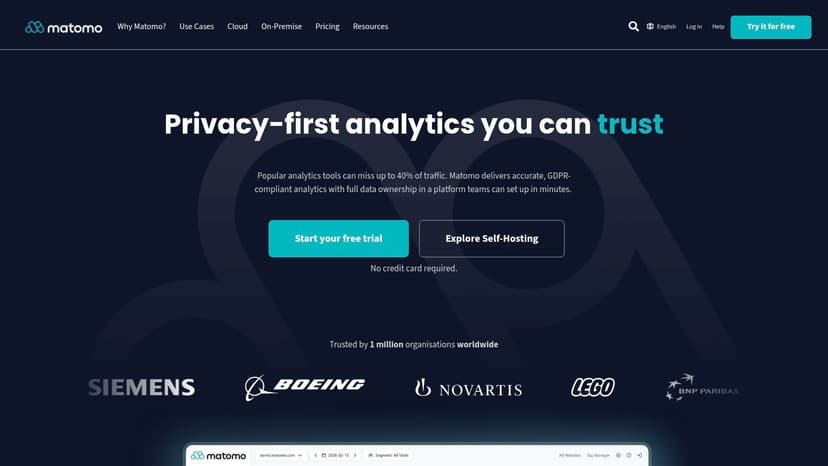
A client asks two questions before they sign the retainer. Where is our data stored, and can you report on it without sending everything through Google? Matomo usually makes the shortlist because it gives agencies a familiar analytics model with more control over privacy, hosting, and ownership.
That combination matters most on accounts where analytics is part of procurement, not just marketing. Legal teams, healthcare providers, finance brands, and public sector clients often want clear answers on data handling before they care about dashboards.
Where Matomo fits for agencies
Matomo is a strong option for agencies that need standard web analytics plus tighter control over how the setup is configured. You can self-host it, keep data ownership closer to the client, and in some cases reduce consent friction depending on how the implementation is set up. It also supports historical migration from Google Analytics, which helps when a client wants continuity instead of a hard reset.
The trade-off is operational weight.
Matomo can cover a lot. Beyond traffic reporting, it includes features like heatmaps, session recordings, A/B testing, and tag management. That range is useful for a single demanding client, but across a portfolio it can create two common problems. The first is cost forecasting on cloud plans tied to traffic volume. The second is reporting sprawl if every account uses a different mix of modules and metrics.
What usually works best:
- Use Matomo for privacy-sensitive accounts: It suits clients that ask where data lives, who owns it, and whether self-hosting is possible.
- Use it when clients want more than top-line traffic stats: The broader feature set can replace a few separate tools for some engagements.
- Set reporting boundaries early: Agencies need a consistent monthly view across clients, or Matomo's flexibility turns into custom dashboard work every cycle.
That last point matters more than the software comparison itself. A good GA alternative still creates reporting friction if each client ends up with a different metric set, naming structure, and export process. The cleaner approach is to decide upfront what to include in your website analytics report and keep that framework consistent across accounts.
For agencies, Matomo gets more practical when it feeds a shared reporting layer instead of another standalone login. If you want to pull Matomo into multi-client dashboards, Oviond's Matomo reporting connection helps turn raw analytics into white-label reporting without the usual spreadsheet cleanup.
Website: Matomo
2. Piwik PRO Analytics Suite
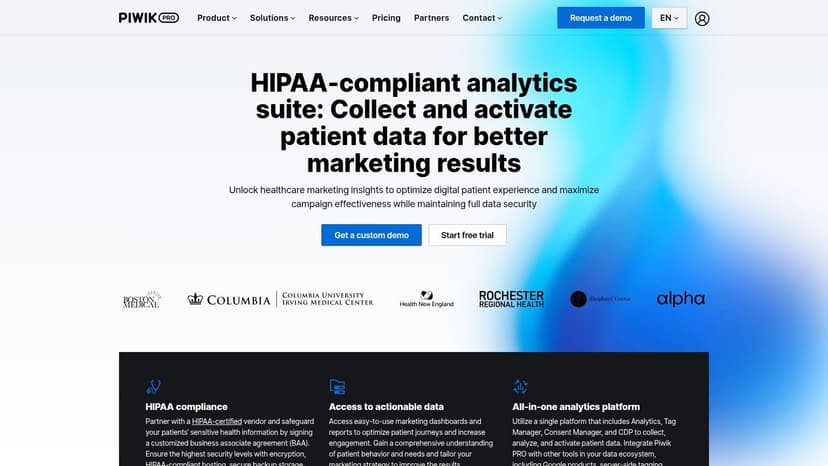
A client in healthcare or finance usually changes the selection criteria fast. The conversation stops being about pageviews and starts being about data hosting, consent records, user access, and procurement review. That is the context where Piwik PRO tends to make sense.
Piwik PRO is built for teams that want analytics, tag management, consent management, and customer data controls in one platform. For agencies, the upside is clear. Fewer separate vendors to explain, fewer compliance gaps between tools, and a cleaner answer when clients ask who controls the data and where it sits.
The trade-off is just as clear. Piwik PRO can be heavier to implement and harder to standardize across a mixed client roster than simpler website analytics tools. If your agency handles both regulated enterprise accounts and small lead gen sites, you probably do not want this to become the default stack for everyone.
Best fit for governance-heavy accounts
Piwik PRO is strongest when governance is part of the buying decision, not an afterthought. That usually means healthcare, public sector, finance, or any account where legal and IT are involved before marketing signs off.
What usually works in practice:
- Use it for clients with strict privacy and hosting requirements: Those buyers need clear answers on compliance, permissions, and data control.
- Choose it when consolidation matters: The bundled modules can reduce tool sprawl if the client would otherwise buy separate analytics, tag management, and consent solutions.
- Skip it for basic monthly traffic reporting: Agencies serving smaller SMB accounts often end up paying for complexity the client never uses.
I have seen agencies make the same mistake with Piwik PRO more than once. They buy for the hardest compliance scenario on their roster, then try to force every other client into the same setup. That creates reporting friction, training overhead, and dashboards full of features the client never asked for.
The better approach is to separate tool selection from reporting delivery. Pick Piwik PRO for the accounts that need stronger governance, then keep your agency reporting format consistent across clients with a defined website analytics reporting framework.
If you do adopt it, avoid pushing clients into the native interface unless they need day-to-day platform access. Oviond's Piwik PRO integration is a better fit for agencies that want white-label reporting, simpler executive dashboards, and one reporting layer across multiple analytics tools.
Website: Piwik PRO
3. Plausible Analytics
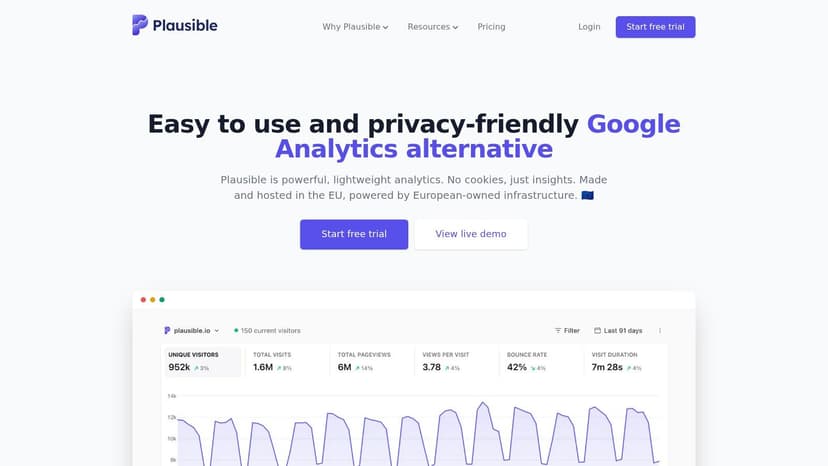
Plausible is one of the easiest tools to recommend when a client wants straightforward website stats without the baggage of GA4. The dashboard is simple, setup is light, and the privacy-first approach is easy to explain in plain English.
For agencies, that simplicity is the main selling point. If you manage a lot of brochure sites, lead gen sites, or content sites where clients mainly care about channels, landing pages, and conversions, Plausible keeps reporting clean.
Good for simple traffic reporting, not deep product questions
The biggest mistake agencies make is forcing Plausible into jobs it wasn't built for. It handles website analytics well. It isn't the right answer for every funnel, retention, or product behavior question.
That distinction matters because the product analytics side of the market is different. In Amplitude's comparison of Google Analytics alternatives, 76% of product teams need cohort, funnel, and retention analysis, and 89% of alternative guides still recommend privacy-first pageview tools as replacements. That's the gap agencies need to explain clearly to clients.
Plausible is a strong option when:
- Clients want clean traffic reporting: It's easy to present and easy to understand.
- Privacy is part of the brief: Cookie-less tracking lowers compliance friction.
- You already have a client reporting layer: It becomes much stronger when merged with ads, SEO, and CRM data elsewhere.
What doesn't work is treating it like a full event analytics platform. If a SaaS client wants user journey analysis inside the product, you're usually better off elsewhere.
If your agency still has to support some GA4 reporting while testing simpler tools, these GA4 report options in Oviond can help bridge that transition.
Website: Plausible Analytics
4. Fathom Analytics
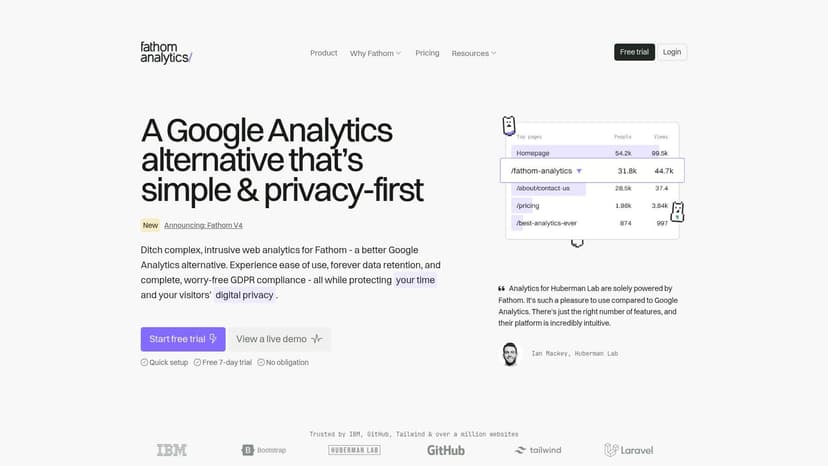
Fathom is one of the cleaner choices when your agency wants privacy-friendly analytics that clients can understand without a walkthrough. The product keeps the focus on website performance, not analytics theory.
That makes it useful for agencies with lots of recurring client reporting. You don't need every client to learn a complex event model. You need a tool that captures traffic clearly and gets out of the way.
Clean for client-facing traffic visibility
Fathom works best when the report itself matters more than in-platform analysis. Agencies with monthly client calls often need clear top-line trends, source breakdowns, and page performance without dragging clients into a complicated UI.
It also has a Google Analytics importer, which lowers some migration pain. That's especially useful when you want continuity but don't want to keep clients inside GA4 forever.
A few points worth keeping in mind:
- Simple is the value: If your client likes clean dashboards and uncomplicated metrics, Fathom is a comfortable fit.
- Multi-site views help agencies: Managing several websites from one account is practical.
- It won't replace deeper analysis tools: Advanced segmentation and experimentation still need another layer.
Fathom is easy to like. It becomes limiting when your agency starts needing more than website traffic answers.
For delivery, the smarter move is often to keep Fathom as the collection tool and publish a clearer client report elsewhere. If you're refining those deliverables, this guide on what to include in your website analytics report is a good benchmark for what clients need to see.
Website: Fathom Analytics
5. Simple Analytics
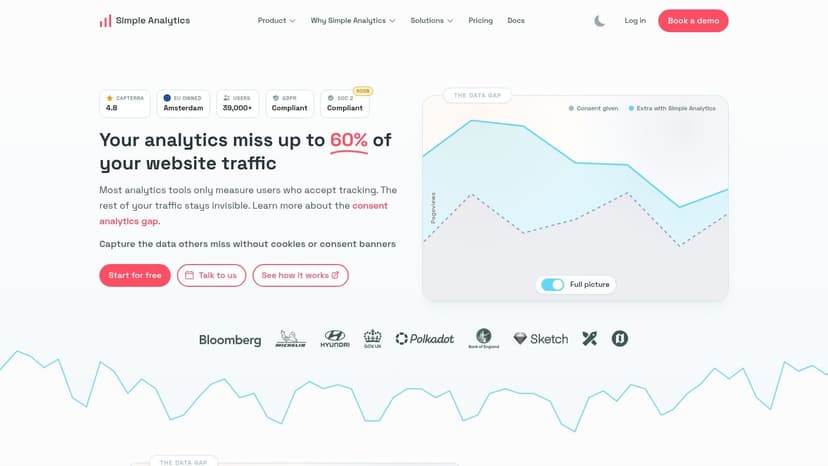
Simple Analytics is well named. It focuses on privacy-first website analytics without trying to become a product analytics platform or an all-in-one marketing suite. For agencies, that clarity can be a strength.
If you work with privacy-sensitive clients, the sales conversation is easier when the tool's data collection model is narrow and easy to explain. That tends to reduce back-and-forth with legal teams and stakeholders who don't want a long technical debate.
Strong privacy stance with a narrow reporting scope
Simple Analytics offers events, goals, funnels, embeds, email reports, and GA4 import capability. That's enough for a lot of standard agency website reporting. It also aims to recover some visibility lost when users reject cookie tracking or block scripts.
The trade-off is scope. It doesn't try to answer every attribution, retention, or behavioral question, and that's usually the right way to view it. Use it when the client needs a privacy-friendly website view. Don't use it when the client expects a full marketing intelligence stack from the analytics tool alone.
Here is a practical way to consider it:
- Good for privacy-led accounts: The no-cookies approach is straightforward to explain.
- Good for simple conversions: Goals and funnels cover a useful middle ground.
- Not enough for complex reporting on its own: Agencies still need a white-label reporting hub to combine channels and present a fuller picture.
A lot of teams get stuck. They replace GA4, but keep the same messy reporting workflow around it. The analytics tool changes. The spreadsheet chaos doesn't.
Website: Simple Analytics
6. Clicky
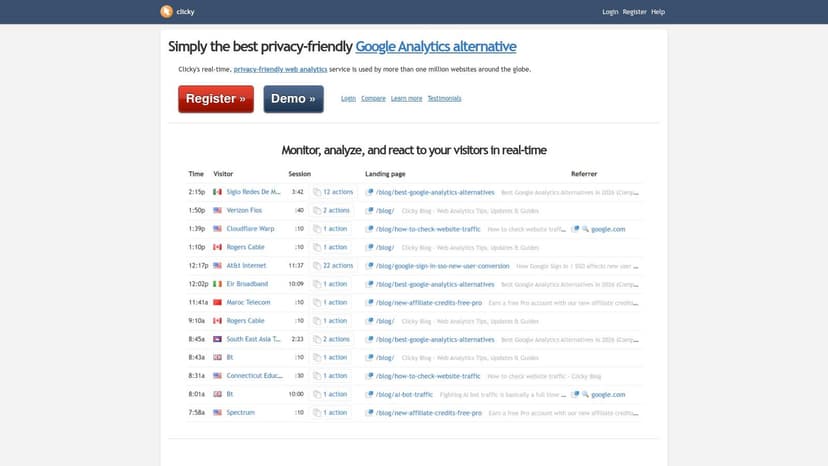
Clicky has been around long enough that some agency teams dismiss it too quickly. That's a mistake. It still solves a real problem for agencies that want classic web analytics, optional heatmaps, and a rare thing in this category: a white-label program you can run under your own domain.
That last part matters more than most alternative Google Analytics roundups admit. Agencies don't just need data. They need a client-friendly delivery layer that looks like their service, not somebody else's software.
Surprisingly agency-friendly if you want classic web analytics
Clicky feels more old-school than newer tools, but that isn't always a downside. For account managers who want direct traffic, referrer, and content metrics without a steep learning curve, the product stays practical.
Its white-label hosting option is also unusual. If branded experience matters, that's worth a serious look, especially for agencies that want clients logging into something under agency branding rather than a vendor domain.
Balanced view:
- Useful for agency branding: White-label hosting and custom domain options are a genuine differentiator.
- Fast to set up: You can get to core traffic reporting quickly.
- Less aligned with modern event analytics: If your client needs advanced product analytics, Clicky won't be the main tool.
A related reporting point matters here too. According to SourceForge's comparison of AgencyAnalytics and Oviond, agencies using white-label reporting tools with custom domain capabilities see a 34% increase in client engagement with reports compared to static PDFs. That's not about Clicky alone, but it supports the bigger agency case for branded, always-current dashboards over emailed attachments.
Website: Clicky
7. Umami
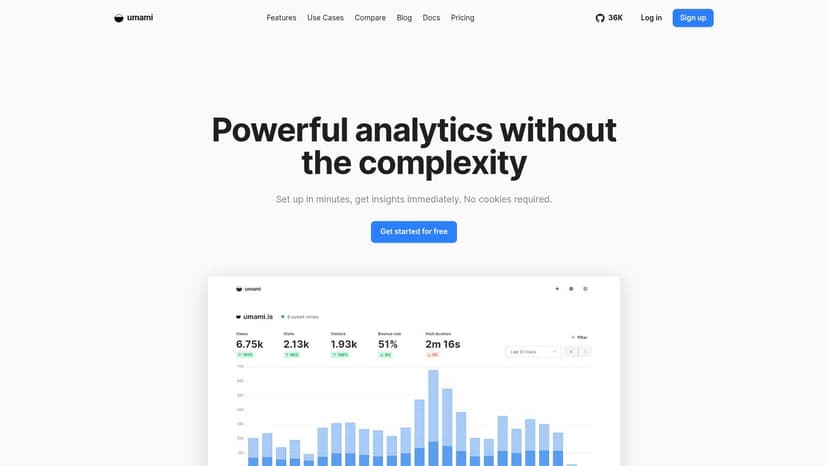
Umami sits in a useful middle ground. It's lighter than Matomo, more flexible than many simple pageview tools, and attractive for agencies that want open-source ownership without committing to a bulky analytics stack.
That's especially relevant if your agency has technical support in-house or clients who care about self-hosting. You can run it yourself with Docker or use the managed cloud version.
Open source control without Matomo-level bulk
Umami includes custom events, dashboards, funnels, retention, session replay, and performance monitoring. On paper, that's a strong package for a lightweight tool. In practice, the appeal is control. Agencies can keep a tighter grip on the data while still getting a modern interface.
The main hesitation is operational clarity. Public cloud pricing details can be harder to assess up front, and some details are only visible in-app. That doesn't kill the fit, but it does mean agencies should test carefully before rolling it across many clients.
A good rule with Umami is simple. If your team is comfortable owning a little more setup, it gives you more flexibility than many privacy-first hosted tools.
Umami is often a strong fit for agencies that want a privacy-first analytics layer but still need funnels and retention for selected clients. It just works better when paired with a separate white-label client reporting system rather than used as the whole client-facing experience.
Website: Umami
8. PostHog
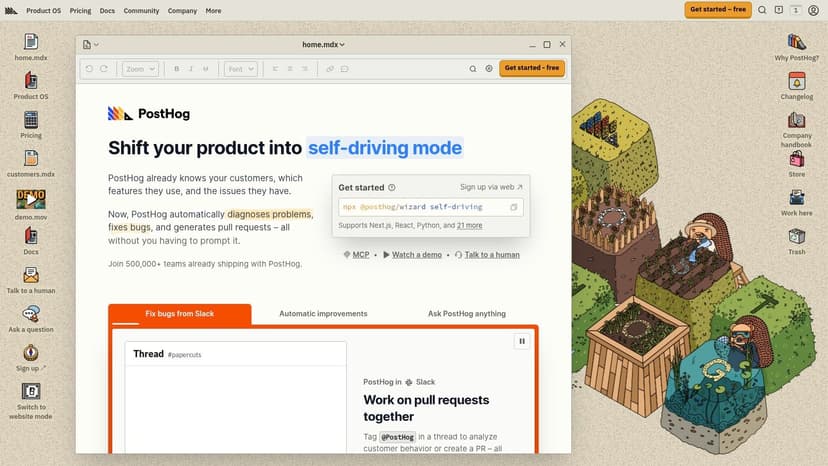
PostHog is where the conversation shifts from website analytics to product analytics. If your agency works with SaaS, platforms, or web apps, PostHog is often more relevant than the simple privacy-first tools that dominate most lists.
It combines event analytics, session replay, feature flags, and experimentation. That gives growth and product-focused clients a much better answer to user behavior questions than standard traffic tools.
Better for web apps than brochure sites
PostHog is a strong choice when clients care about funnels, cohorts, retention, and in-product actions. For a standard lead gen site, it's usually too much. For a software client trying to understand activation or drop-off, it's much closer to the right tool.
This is one reason agencies need to stop treating every Google Analytics alternative as interchangeable. As noted earlier in the broader alternatives market, many teams need deeper event analysis than pageview dashboards can provide. PostHog sits in that deeper category.
Where it lands in practice:
- Choose it for SaaS and product-led clients: It handles event depth far better than a basic traffic tool.
- Expect more implementation work: Event planning and setup take thought.
- Don't force it into simple reporting accounts: It adds complexity where it isn't needed.
PostHog can be excellent, but it's not the software you hand to a local service client and call done. If your agency supports both service businesses and product companies, this is a specialist tool in the stack, not the universal replacement.
Website: PostHog
9. Mixpanel
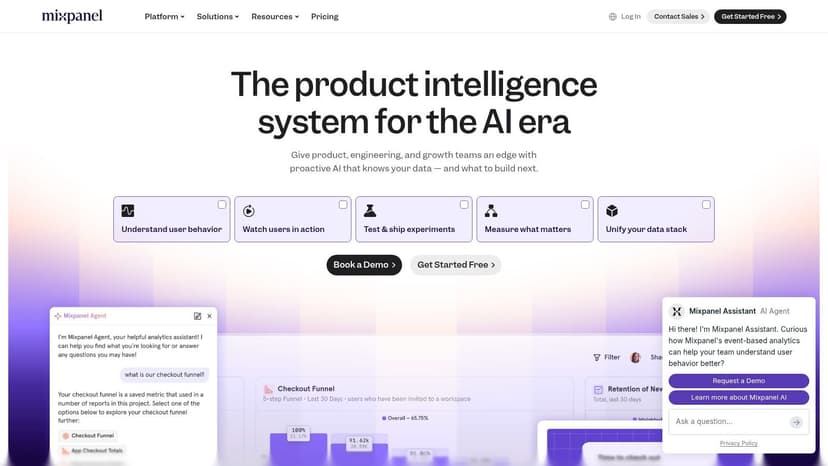
Mixpanel is one of the strongest choices on this list when your clients need event-based analytics rather than website traffic summaries. It handles funnels, retention, cohorts, flows, and journey analysis in a way that maps well to SaaS and app-style use cases.
For many agencies, though, that's also the catch. Mixpanel is excellent for the right client. It isn't the easiest fit for broad multi-client reporting across SEO, ads, content, and standard website metrics.
Strong event analysis, weaker fit for standard agency reporting
The interface and templates are solid, and the self-serve onboarding is friendlier than some enterprise tools. But agencies still need to think through tracking design before they get useful outputs. Mixpanel won't save a messy measurement strategy.
It's also worth framing this against the wider analytics market. In projected 2026 web analytics market data cited by Amra & Elma using W3Techs figures, GA4 holds 49.3% of websites using a known traffic analysis tool, while Matomo holds 6.8% and Adobe Analytics 3.1%. That gap shows how dominant GA4 still is, but it also highlights why alternatives often win by specializing. Mixpanel is one of those specialists.
Use Mixpanel when:
- The client needs behavioral depth: Funnels, retention, and cohorts are the point.
- Your team can define events properly: Planning matters more here than with a simple web analytics tool.
- You have a reporting layer above it: Most agency clients still need their analytics blended with paid media and SEO data.
Website: Mixpanel
10. Microsoft Clarity
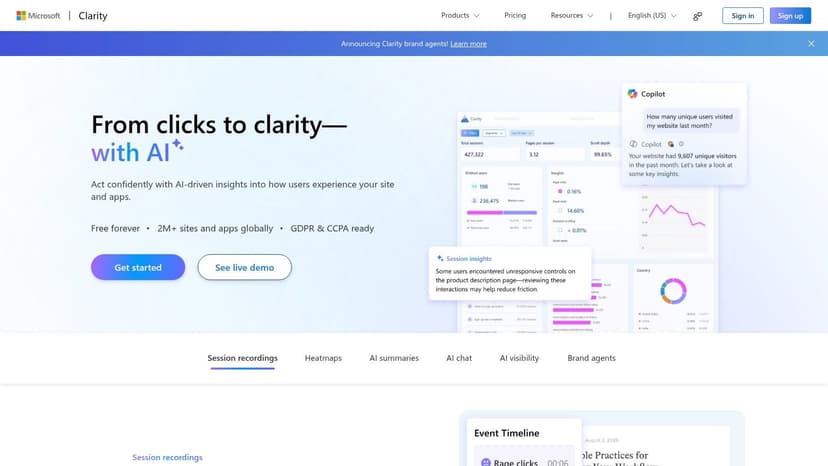
Microsoft Clarity is the easiest tool on this list to add, because it isn't trying to replace your whole analytics stack. It gives you behavior diagnostics. Heatmaps, session recordings, and user interaction patterns. For agencies, that's often enough to justify using it alongside another platform.
Clarity is free forever with unlimited heatmaps, session recordings, sites, and team members. That makes the budget decision simple when you want UX evidence to support CRO work or explain why a page underperforms.
Use it as a companion, not your whole reporting layer
Clarity is valuable when a client asks, "what are people doing on the page?" That's where session recordings and heatmaps help, especially when paired with performance metrics from another analytics source.
It isn't a full replacement for marketing analytics or KPI reporting. It doesn't solve channel reporting, white-label client reporting, or multi-source dashboarding by itself. Treat it as a companion tool and it performs well.
A simple agency use case looks like this:
- Use Clarity for UX diagnosis: Spot friction, dead clicks, and page-level issues.
- Pair it with another analytics tool: Keep traffic and conversion reporting elsewhere.
- Surface findings in a branded dashboard: Clients care more about the takeaway than the raw tool interface.
If you're using Clarity to support landing page reviews or CRO recommendations, it also helps to understand the visual analysis side of the work. This piece on how heat maps reveal user behavior is a useful primer for framing that conversation with clients.
Website: Microsoft Clarity
Top 10 Google Analytics Alternatives Comparison
| Tool | Core Features | Quality ★ | Value 💰 | Audience 👥 | Unique Strengths ✨🏆 |
|---|---|---|---|---|---|
| Matomo | EU cloud / self‑host, GA‑style reports, heatmaps & A/B, raw export | ★★★★ | 💰 Mid (traffic‑tiered; can scale) | 👥 Agencies & orgs needing privacy/compliance | ✨ Full data ownership, CRO tools, 🏆 strong compliance |
| Piwik PRO | Analytics + Tag Manager + CDP + CMP, enterprise hosting, long retention | ★★★★★ | 💰 Enterprise (quote‑based) | 👥 Regulated industries & enterprises | ✨ Integrated CMP/CDP, 🏆 ISO/SOC2 & HIPAA options |
| Plausible | Cookie‑less tracking, simple dashboards, goals & API, Looker connector | ★★★★ | 💰 Low‑mid (clear tiers; advanced features on higher plans) | 👥 Small teams / privacy‑first sites | ✨ Minimal footprint, fast setup |
| Fathom | Real‑time dashboard, cookie‑less, long/“forever” retention, multi‑site | ★★★★ | 💰 Low‑mid (simple pricing) | 👥 Teams wanting quick, simple insights | ✨ Forever retention option, quick embed |
| Simple Analytics | Consent‑free analytics, events/funnels, GA4 import, ad‑block bypass | ★★★★ | 💰 Low‑mid (local pricing, limited free tier) | 👥 Sites recapturing consent‑denied traffic | ✨ Captures blocked traffic, privacy by design |
| Clicky | Real‑time site metrics, heatmaps, uptime monitoring, white‑label resell | ★★★ | 💰 Low (transparent pricing + free tier) | 👥 Agencies wanting resellable white‑label | ✨ Rare agency white‑label, uptime checks |
| Umami | Open‑source, cookie‑less, funnels/retention, self‑host or managed cloud | ★★★★ | 💰 Low (self‑host cheap; cloud varies) | 👥 Dev teams & owners wanting data control | ✨ Open‑source + self‑hostable, lightweight |
| PostHog | Product analytics, session replay, feature flags, A/B testing | ★★★★ | 💰 Low‑mid (generous free quotas) | 👥 Product & engineering teams | ✨ Experimentation + analytics in one, 🏆 large free quota |
| Mixpanel | Event‑based funnels, cohorts, retention, dashboards & templates | ★★★★★ | 💰 Mid‑high (scales with events) | 👥 Growth & product teams needing deep journeys | ✨ Advanced user‑journey analytics, 🏆 enterprise scale |
| Microsoft Clarity | Unlimited session recordings & heatmaps, AI summaries, many filters | ★★★ | 💰 💰 Free (no traffic caps) | 👥 UX/behavior teams for diagnostic analysis | ✨ Unlimited recordings & AI insights, 🏆 zero cost |
How to Choose, Pilot, and Report on Your New Analytics Tool
A typical agency problem looks like this. One client wants stricter privacy controls, another wants cleaner website reporting, and a third wants product analytics tied to retention. The tool choice matters, but the reporting system around it usually decides whether your team saves time or burns it every month.
How to Choose the Right Tool
Start with the question the client needs answered.
If legal review, consent controls, or data residency come up early in onboarding, Matomo or Piwik PRO tend to be the safer shortlist. If the brief is simpler and the client mainly wants traffic trends, top pages, and campaign visibility without GA4 complexity, Plausible, Fathom, or Simple Analytics are usually easier to implement and easier for clients to read.
Product-led clients need a different lens. PostHog and Mixpanel are built for event data, funnels, retention, and user paths. They solve a different reporting problem than site analytics tools, and agencies get into trouble when they treat those categories as interchangeable.
The wrong analytics tool rarely fails because the product is weak. It fails because the client asked a product question and got a traffic report.
Agency leads also need to score tools on operational fit, not just feature lists. A good alternative to Google Analytics should be judged on four points: privacy fit, implementation effort, reporting clarity for non-technical clients, and how easily that data can be rolled into a repeatable multi-client reporting process. That last point gets missed in a lot of roundups, and it is usually the difference between a clean service line and another reporting headache.
Beyond Analytics. Simplify Your Entire Reporting Workflow
Analytics is only one input in a client report. Agencies still need paid media, SEO, social, email, CRM, and ecommerce data in the same place. If each source lives in a separate dashboard, account managers end up stitching screenshots, exports, and spreadsheet tabs into something a client can use.
For this reason, agency leads should think in two layers. Choose the right analytics source for the client first. Then send that source into a reporting platform that standardizes delivery across every account.
Pricing also changes once you look at the full workflow, not just the tracker. A low-cost analytics tool can still create expensive agency ops if every client report needs manual cleanup, custom formulas, or one-off dashboard maintenance. The cheaper stack on paper is often the slower stack in practice.
Agency Reporting That Finally Feels Simple
Oviond fits into that second layer. It gives agencies a white-label reporting system built for multi-client delivery, rather than another analytics tracker your team has to explain and manually repackage.
It connects to 70+ sources across analytics, paid media, search, social, email, CRM, and ecommerce platforms. The commercial model is also agency-friendly. Pricing is based on client count rather than user seats, and the plan includes unlimited reports, dashboards, and users, plus white-label delivery, custom domains, automated sends, calculated metrics, goals, reusable assets, and API access.
That structure matters in day-to-day operations. Ops leads get a cleaner reporting process. Account managers get branded dashboards clients can read without a walkthrough. Agency owners get a reporting setup that scales without adding another layer of spreadsheet maintenance.
AgencyAnalytics, Whatagraph, Swydo, and Looker Studio can all work in the right setup. Ultimately, if your priority is dashboard simplicity, on-brand delivery, and agency workflow fit, Oviond is closer to how agencies report across multiple clients.
Your Next Step. A Simple Pilot Plan
Do not replatform the whole agency at once. Pick one client with an obvious use case and run a pilot from collection through delivery.
Use a short test plan:
- Pick one analytics tool: Match the tool to a client with a clear reporting need.
- Start an Oviond trial: Build the reporting layer at the same time as the analytics change.
- Connect the full stack: Add the analytics source, then bring in ads, social, SEO, and any other channels the client expects in one report.
- Build branded dashboards: Start from a template, then adjust KPIs, naming, and commentary to fit the account.
- Turn on automated delivery: Remove the recurring task of rebuilding the same report every cycle.
- Review client response: Check whether the client uses the live dashboard, asks better questions, and needs fewer explanation calls.
That's the point where many agencies either gain an advantage or create another reporting mess.
One more practical point. Oviond's MCP server lets teams use compatible external AI tools during reporting setup, which can help them build a usable dashboard structure without starting every project from scratch.
If your agency is also tightening data quality while rebuilding its reporting stack, this explainer on how data observability and quality work together is worth reading.
If you're tired of patching together GA4 exports, spreadsheets, and client decks, Oviond gives you a cleaner way to run multi-client reporting. Connect your analytics, ads, SEO, social, email, and CRM data in one place, publish white-label dashboards on your custom domain, and automate branded report delivery without adding more reporting chaos to your team.
Related articles
Simplify marketing reporting today
Stop juggling multiple tools. Start presenting clear, automated reports your clients will love