







Oviond Blog

Social Media Monitoring Platform: An Agency Guide for 2026

Learn what a social media monitoring platform is and how to use one to streamline your agency's client reporting. A practical guide for multi-client workflows.

Co-Founder & CEO, Oviond
Social Media Monitoring Platform: An Agency Guide for 2026

Client reporting breaks down in a familiar place. A strategist pulls brand mentions from one tool, a paid media manager adds campaign results from another, someone exports web analytics, and an account manager still has to stitch the story together by hand before the client call. Social monitoring is part of that process, but it rarely arrives in a format that is ready to report.

For agencies, the primary job is not collecting chatter from social channels. The job is turning that signal into something a client can review next to ads, SEO, website performance, and leads without adding another round of copying, cleaning, and slide building. That is the gap many teams feel every month.

A social media monitoring platform only becomes useful at agency scale when its data fits the reporting workflow your team already runs. If mentions, sentiment, competitor activity, and spikes in conversation stay trapped inside a separate dashboard, account managers still end up doing manual work to explain what happened and why it matters. Agencies that want cleaner client comms usually need monitoring data to feed into the same reporting system as everything else. That is also why teams invest in a social media report clients can actually use, not just another listening screen.

Table of Contents

Why Social Media Monitoring Is More Than Just Watching Mentions

Month-end is where weak monitoring setups show their cost. An account manager exports Instagram comments, pulls LinkedIn engagement into a second sheet, grabs a sentiment chart from a listening tool, and pastes everything into Slides because none of it rolls into one client-ready view. The hours go to assembly, not analysis.

A modern agency strategist reviewing a unified client reporting dashboard with social media monitoring charts, sentiment

That is why monitoring on its own falls short for agencies. Teams managing multiple clients often lose a large chunk of reporting time to rebuilding the same monthly story across disconnected tools, as noted earlier. If monitoring data still has to be cleaned up, matched to campaign results, and rewritten by hand, the platform is only solving the collection step.

Focus on Client Reporting Outcomes

Clients do not pay for a mention count. They want an explanation. Why did sentiment shift? Which campaign sparked the response? Did competitor activity change audience attention? Did the conversation lead to traffic, leads, or sales?

Those questions expose the last-mile problem. Listening tools are good at gathering signals. Agency teams still have to turn those signals into something a client can review quickly and trust. That usually means placing social conversation beside paid performance, web analytics, conversion data, and campaign notes in one reporting workflow.

The agencies that run this well build around reporting, not around exports.

  • They connect conversation to business results so spikes in mentions, sentiment changes, and share of voice are shown next to traffic, leads, and conversions.
  • They standardize the reporting layer so each account team is not inventing a new monthly format for every client.
  • They control how insights are delivered with dashboards and reports that match the agency's process instead of a stack of vendor-branded screenshots.

Social data becomes useful when a client can read it, understand what changed, and decide what to do next without needing a live walkthrough.

This also affects how agencies use outside inputs. Teams pulling audience themes from creator outreach, community responses, or scraped social data still need to filter that information into the same reporting structure. For a related example, see HarvestMyData's guide to Instagram outreach.

If your process still depends on exports, screenshots, and last-minute commentary, monitoring is operating as raw input, not as part of a reliable reporting system. A strong reference point is this social media report guide for agencies. The practical takeaway is simple. Monitoring matters because it feeds a repeatable client reporting process your team can scale.

What Is a Social Media Monitoring Platform Exactly

A social media monitoring platform is a tool that tracks conversations around a brand, campaign, competitor, product, or topic across social networks and other online sources. For agencies, the practical value is simple. It helps your team see what people are saying when they aren't filling out a form, replying to an ad, or tagging the client directly.

Here's the scale behind that category. The global Social Media Monitoring Platform market was valued at USD 4.2 Billion in 2024 and is projected to reach USD 12.8 Billion by 2033, with a CAGR of 11.2% from 2026 to 2033, according to this market outlook on LinkedIn. That growth makes sense because agencies and brands now treat monitoring as operating infrastructure, not a nice-to-have.

A clean, modern infographic for an article section explaining social media monitoring platforms for agencies. Show a pol

Publishing tools and monitoring tools do different jobs

Teams frequently confuse the roles of these tools. A scheduling tool helps you publish, queue, reply, and manage calendars. A monitoring platform listens across channels for keywords, mentions, trends, sentiment shifts, and competitor activity.

Think of it this way:

  • Management tools help you speak.
  • Monitoring tools help you hear.
  • Reporting tools help you explain what happened to the client.

Those jobs overlap, but they're not the same.

If your agency also does outreach or prospecting work tied to social data, HarvestMyData's guide to Instagram outreach is a useful companion read because it shows how collected social signals can feed targeted contact workflows beyond standard publishing.

A quick visual helps here:

What agencies are really buying

Agencies aren't buying a mention counter. They're buying coverage and structure.

A solid platform lets an account manager monitor brand terms, product names, campaign hashtags, competitor names, and relevant industry topics in one place. It should also help filter out noise, because broad listening setups often surface junk unless your searches are tuned well.

The platform matters, but the search design matters just as much. Weak keyword logic gives you messy dashboards and weak client commentary.

The good setups feel operational. You can see patterns, flag issues, extract examples, and pass the useful bits into reporting without reinventing the format every month. The bad setups flood the team with raw mentions and leave analysis to a spreadsheet.

Core Capabilities Agencies Actually Use

Feature lists for monitoring tools usually read like a checklist. Agencies don't buy features. They buy outcomes they can use in client work.

Advanced platforms now use AI-driven engines to aggregate and analyze conversations across 30+ distinct channels, with sentiment analysis, emotion detection, and auto-clustering of threads by theme, according to Sprinklr's overview of social media monitoring. That matters because agencies need grouped insight, not a pile of posts.

Competitive tracking that informs client strategy

The first high-value use case is competitor monitoring. Clients want to know who's gaining attention, what messages are landing, and where the market conversation is moving.

A useful workflow looks like this:

  • Track direct competitors for campaign spikes, product launches, and changes in audience reaction.
  • Watch category keywords so your team sees broader demand signals, not just brand mentions.
  • Pull examples into reports with short commentary that explains what changed and why it matters.

If a client's competitor starts owning a conversation around pricing, service complaints, or a new offer angle, that's not just social context. It can shape paid messaging, landing page copy, and sales follow-up.

Sentiment and theme detection with human review

Sentiment analysis gets pitched as a clean answer. In practice, it needs supervision.

A monitoring platform can cluster recurring complaints, praise, feature requests, and campaign reactions much faster than a human can scan manually. That's useful for agencies running multiple accounts because it shortens the path from raw conversation to client recommendation.

But teams still need to review edge cases. Sarcasm, slang, and mixed reactions can throw off automated labels. For high-stakes campaigns, rely on the platform to surface patterns, then have a human sense-check the interpretation before it lands in a client report.

Practical rule: Use AI to narrow the pile. Use people to validate the story.

If your agency wants to pipe social mention data into a wider reporting stack, a connector matters as much as the listening feature itself. This Mention data source page is a useful example of how monitoring data can become reportable instead of staying trapped in a separate tool.

Crisis spotting and UGC discovery

Not every important conversation is negative. Good monitoring also helps agencies find:

  • Escalating complaints before a client review call gets awkward.
  • Organic praise that can support case studies, testimonials, or creative direction.
  • User-generated content opportunities where real customer language can improve ad copy or content themes.
  • Advocates and repeat posters who keep showing up in a positive context.

The common failure mode is over-monitoring and under-using. Teams collect alerts, skim them, and move on. The better approach is to define what happens after detection. Who reviews it, where it gets logged, how it enters monthly reporting, and whether it changes campaign action. Without that workflow, even a strong social media monitoring platform turns into noise.

Key Metrics to Track and Report for Clients

Most clients don't need a long list of social monitoring metrics. They need a small set that answers obvious business questions. Is brand visibility rising or falling. Is the conversation getting better or worse. Are competitors pulling attention away. Did the campaign change the tone of discussion.

The strongest reporting setups use a unified analytics layer. Expert-level monitoring tools combine demographic analysis, sentiment scoring, and content-centric analysis across multiple services into one interface, and that aggregation directly correlates to a 45% improvement in KPI tracking accuracy, according to this Salesforce document on selecting a social media platform.

Metrics that answer client questions

For agency reporting, these are usually the metrics worth surfacing:

  • Share of voice helps show whether the client is owning more or less of the conversation compared with competitors.
  • Net sentiment trend is more useful than a single sentiment snapshot because it shows direction over time.
  • Mention volume by theme turns raw chatter into categories such as product feedback, service issues, campaign response, or influencer pickup.
  • Top posts or top conversation drivers give clients real examples instead of abstract charts.
  • Audience or demographic splits matter when the client needs to know who is talking, not just how much.

The mistake is treating all of these equally in every report. A reputation-focused client might care most about sentiment and complaint themes. A challenger brand might care more about share of voice and competitor movement. A campaign report might lead with volume spikes and content resonance.

How to present monitoring data without clutter

A clean client report usually does three things well:

  1. Lead with the business question. Don't open with charts. Open with what changed.
  2. Show one supporting visual. A trend line or comparison chart is usually enough.
  3. Add short commentary. Explain the cause, not just the movement.

Clients don't struggle with data volume. They struggle with disconnected data.

If you need a practical benchmark for structuring social KPIs inside a dashboard, this guide to social media dashboard metrics and analysis is helpful because it focuses on reporting choices, not just channel outputs.

The goal is simple. Give the client a small number of monitoring metrics that support decisions. Don't dump the listening interface into a slide deck and call it strategy.

Choosing the Right Platform for Your Agency

A platform choice usually looks fine during procurement and starts to hurt three weeks later. The team has built the listening queries, the client wants weekly reporting, and now someone is pasting screenshots into slides because the monitoring tool does not fit the rest of the reporting stack. That is the agency version of a bad buy.

Agency selection is different from single-brand selection. The question is not just whether the tool can catch mentions. The question is whether your team can turn those mentions into repeatable, client-ready reporting without adding manual cleanup every month.

White-label plays into that more than many teams expect. Over 60% of agencies report that inconsistent client branding and non-white-labeled URLs in third-party dashboards reduce client trust and engagement, according to GetApp's Oviond profile. If a client opens a report and sees another company's brand, you have already weakened the handoff.

Agency buying criteria that matter in practice

Start with the reporting workflow, not the feature list.

  • White-label delivery
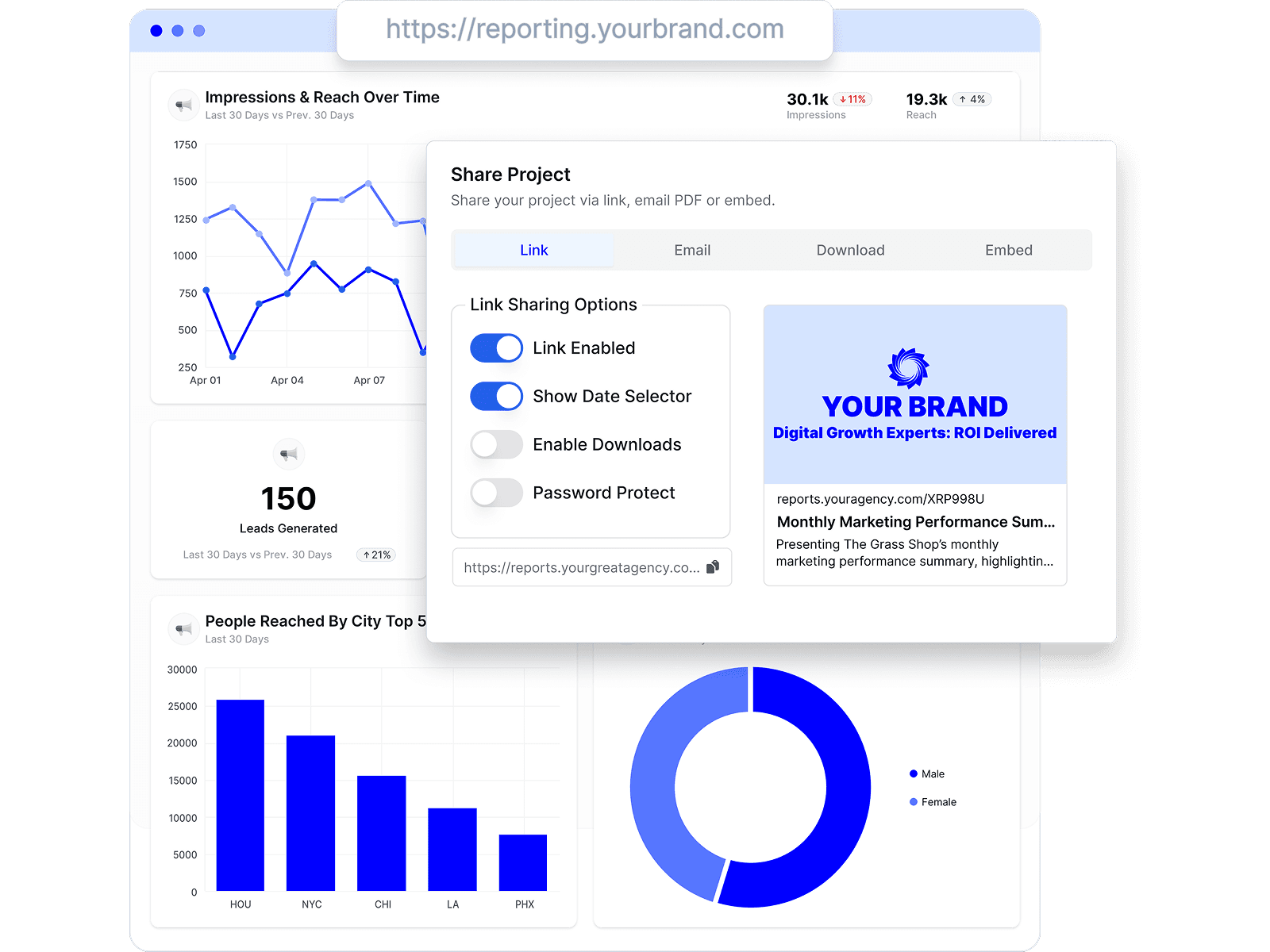
    Branded dashboards, custom domains, and clean client-facing links matter because agencies sell clarity and presentation as much as analysis. If the report still feels owned by the software vendor, the agency looks like a reseller instead of a strategic partner.

  • Pricing model fit
    Multi-client reporting breaks a lot of otherwise good tools. Per-seat pricing can get expensive fast once account managers, strategists, analysts, and leadership all need access. Pricing by client or by workspace is often easier to control.

  • Integration breadth
    Monitoring data becomes more useful when it can sit beside GA4, paid media, SEO, email, and CRM outcomes. If the platform forces social listening to live in its own corner, your team still has a last-mile problem.

  • Setup and repeatability
    Agencies need to copy a working structure across accounts, then adjust the details. Templates, reusable widgets, and consistent dashboard logic save more time than advanced visualizations your team rarely uses. A set of social media marketing reporting templates is often more valuable than a bigger chart library.

  • Client-readability
    Some tools are built for analysts and end up creating extra work for account managers. The right platform needs to be easy to maintain internally and easy for clients to scan without a walkthrough on every call.

Trade-offs matter here. Looker Studio gives agencies a lot of flexibility, but flexibility usually means more connector management, more testing, and more maintenance when sources change. AgencyAnalytics, Whatagraph, and Swydo can all work for agency reporting. Ultimately, the choice is whether you want a more packaged reporting workflow or you are willing to carry a more custom setup in exchange for control.

See how Oviond compares with each in our Oviond vs Looker Studio, AgencyAnalytics alternative, and Oviond vs Whatagraph comparisons.

Agency Reporting Platform Comparison

Feature Oviond Looker Studio AgencyAnalytics Whatagraph
Agency-native client reporting Strong fit Possible, but often DIY Strong fit Strong fit
White-label and custom domain Yes Partial workflow depends on setup Available Available
Pricing approach By client count No platform fee, but setup and connector complexity can grow Platform pricing varies by plan Platform pricing varies by plan
Unlimited reports, dashboards, and users Yes Depends on workspace setup and connected tools Plan-dependent Plan-dependent
Multi-channel agency reporting beyond social Yes Yes, with setup work Yes Yes
Ease of maintaining many client reports Built for it Can get messy fast Good Good

The best buying question is simple. Will this platform help your team produce a clean, branded, repeatable client report from monitoring data, or will it leave you stitching exports together at the end of every month?

That is the difference between a monitoring tool you can scale and one your ops team ends up managing around.

Integrating Monitoring into Unified Client Reports

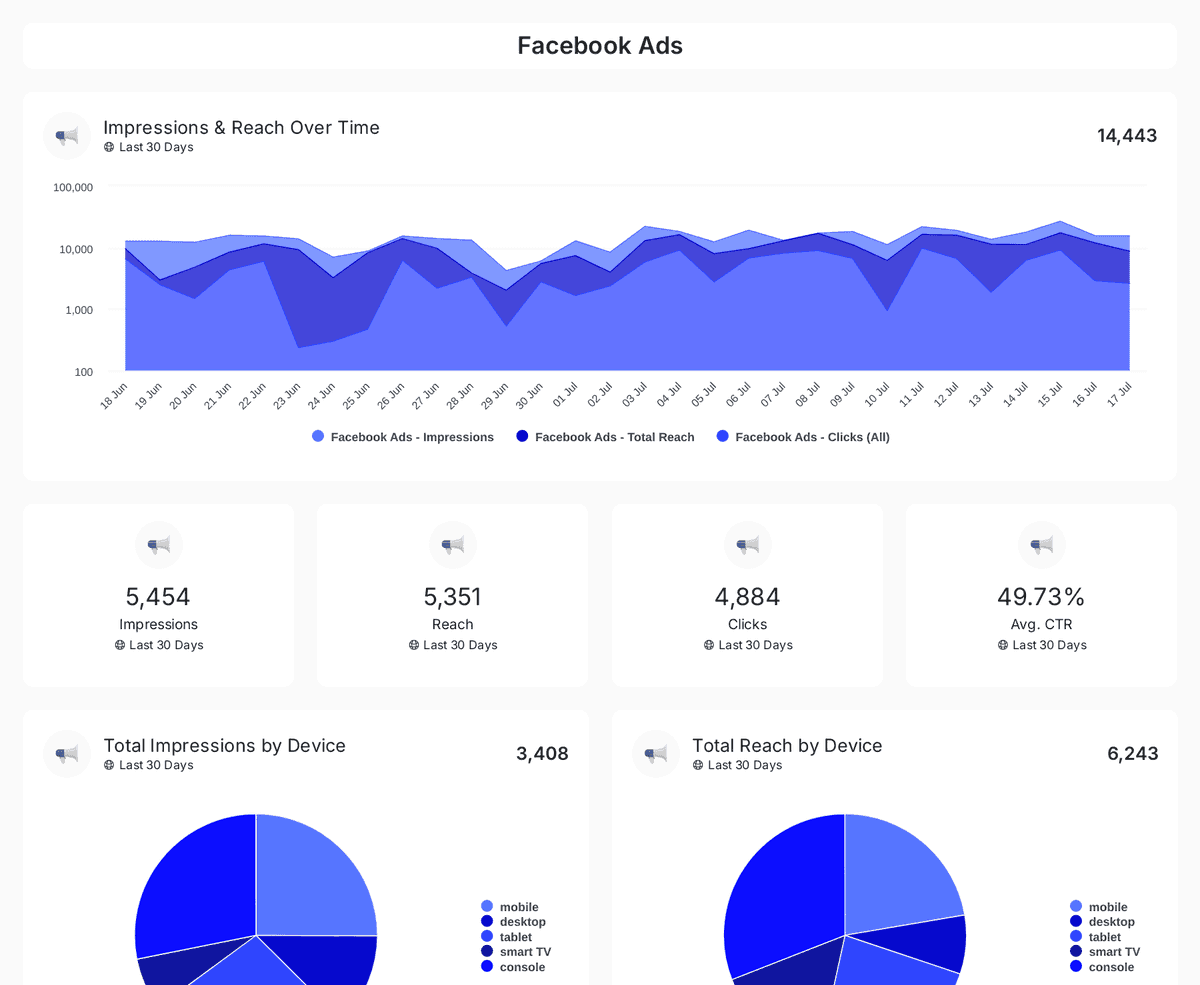
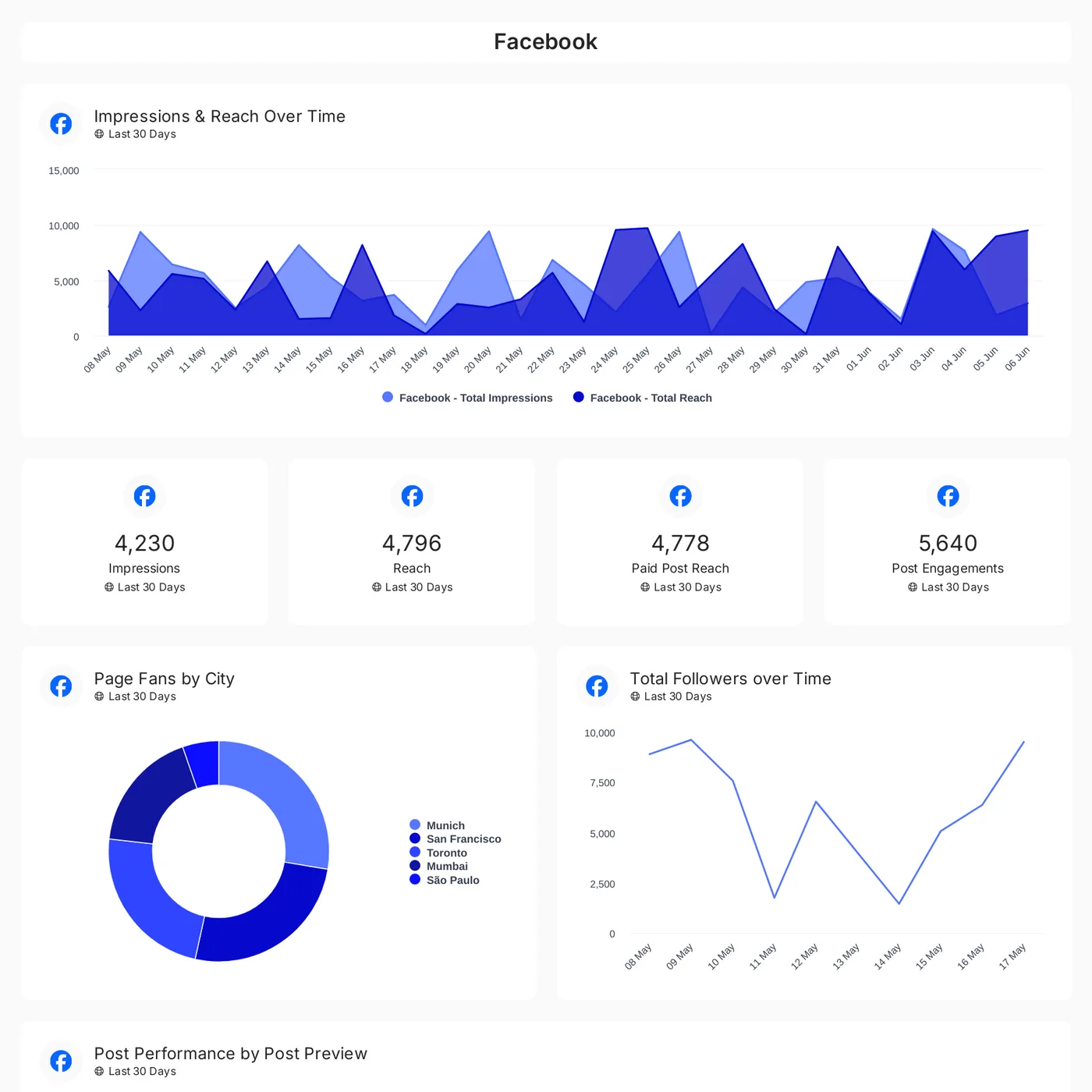
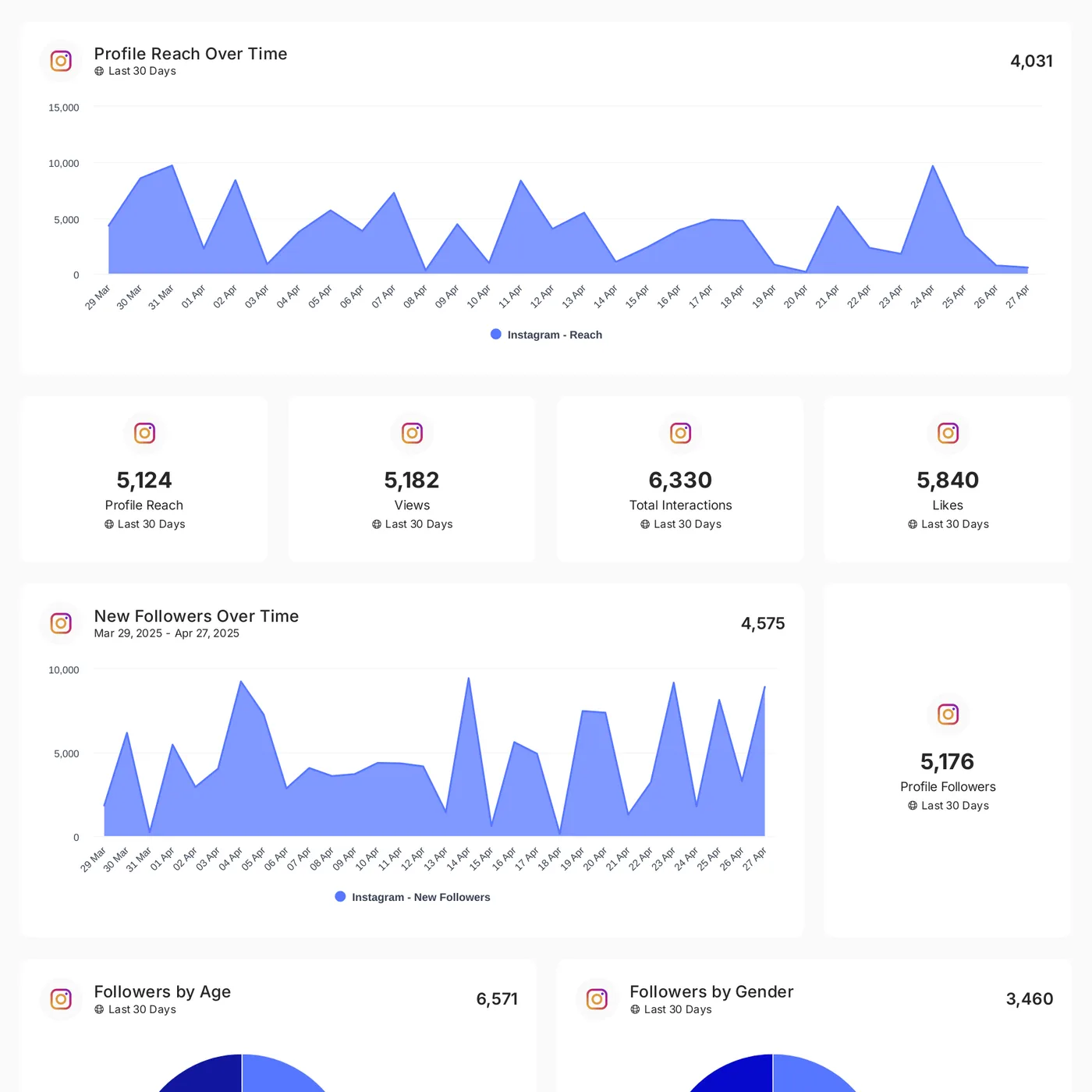
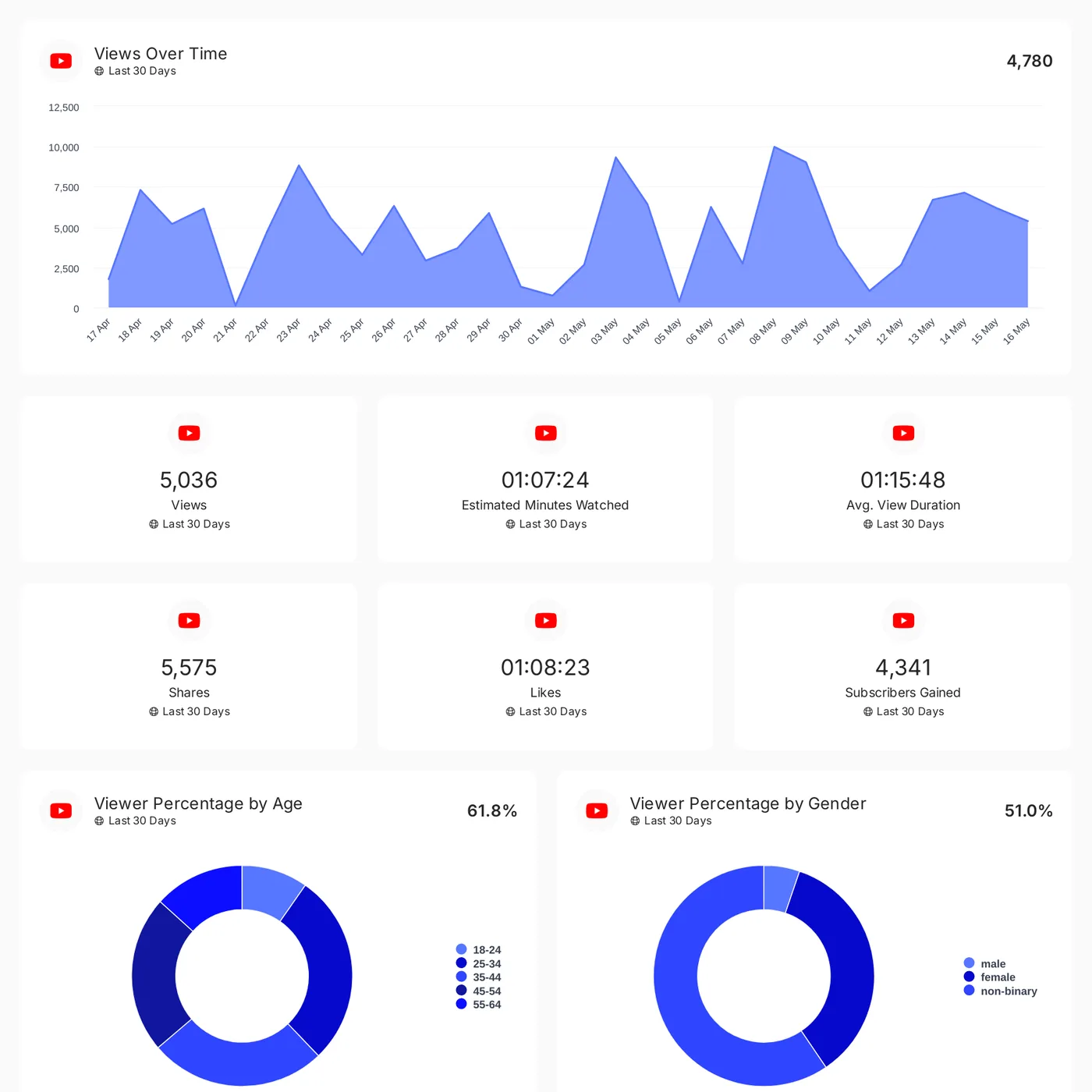
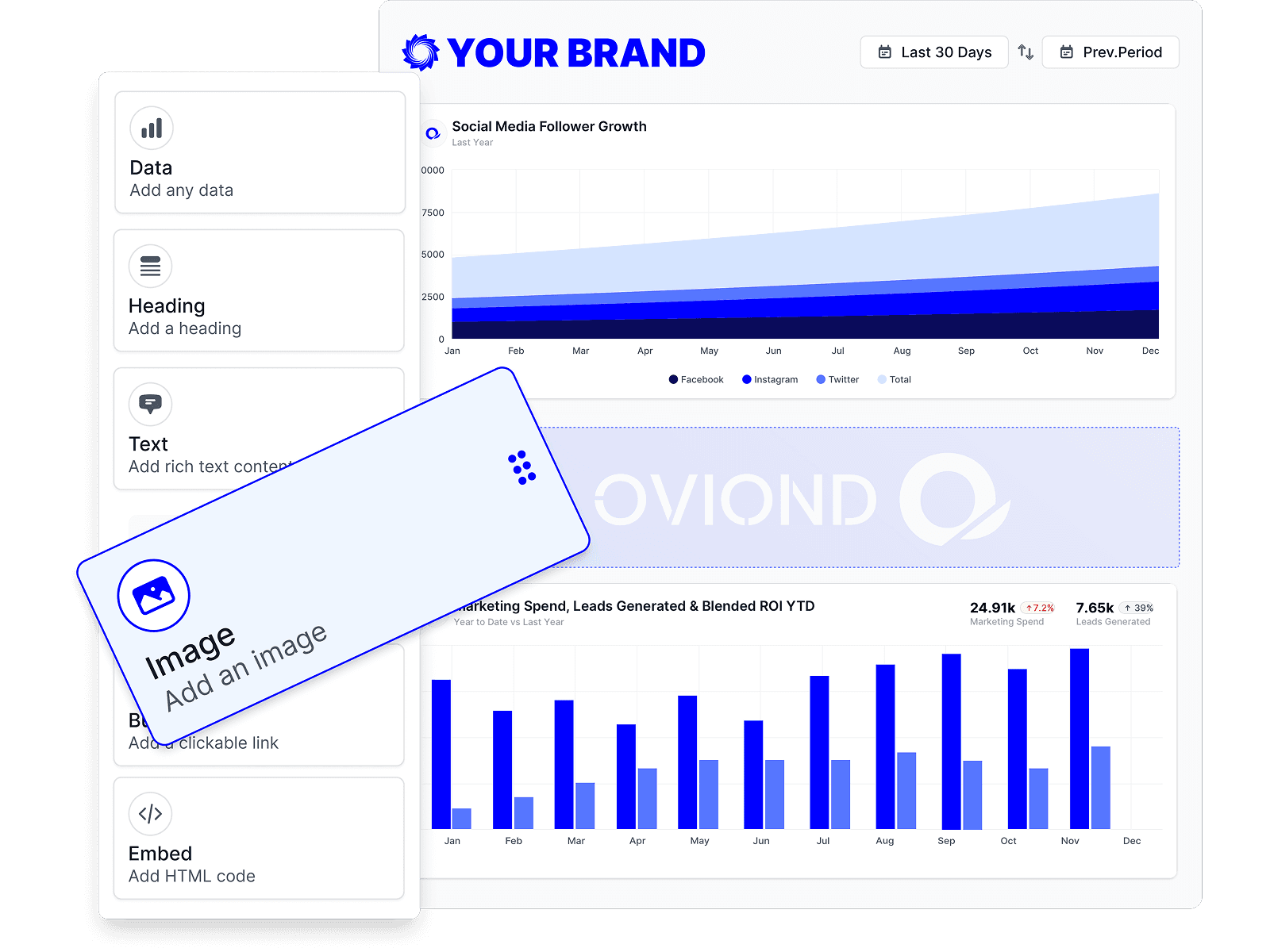
Agencies either create clarity or create confusion. A social media monitoring platform surfaces useful signals, but the client shouldn't have to jump between separate tools to understand them. Monitoring data needs to sit inside the same reporting environment as ads, analytics, search, and lead performance.

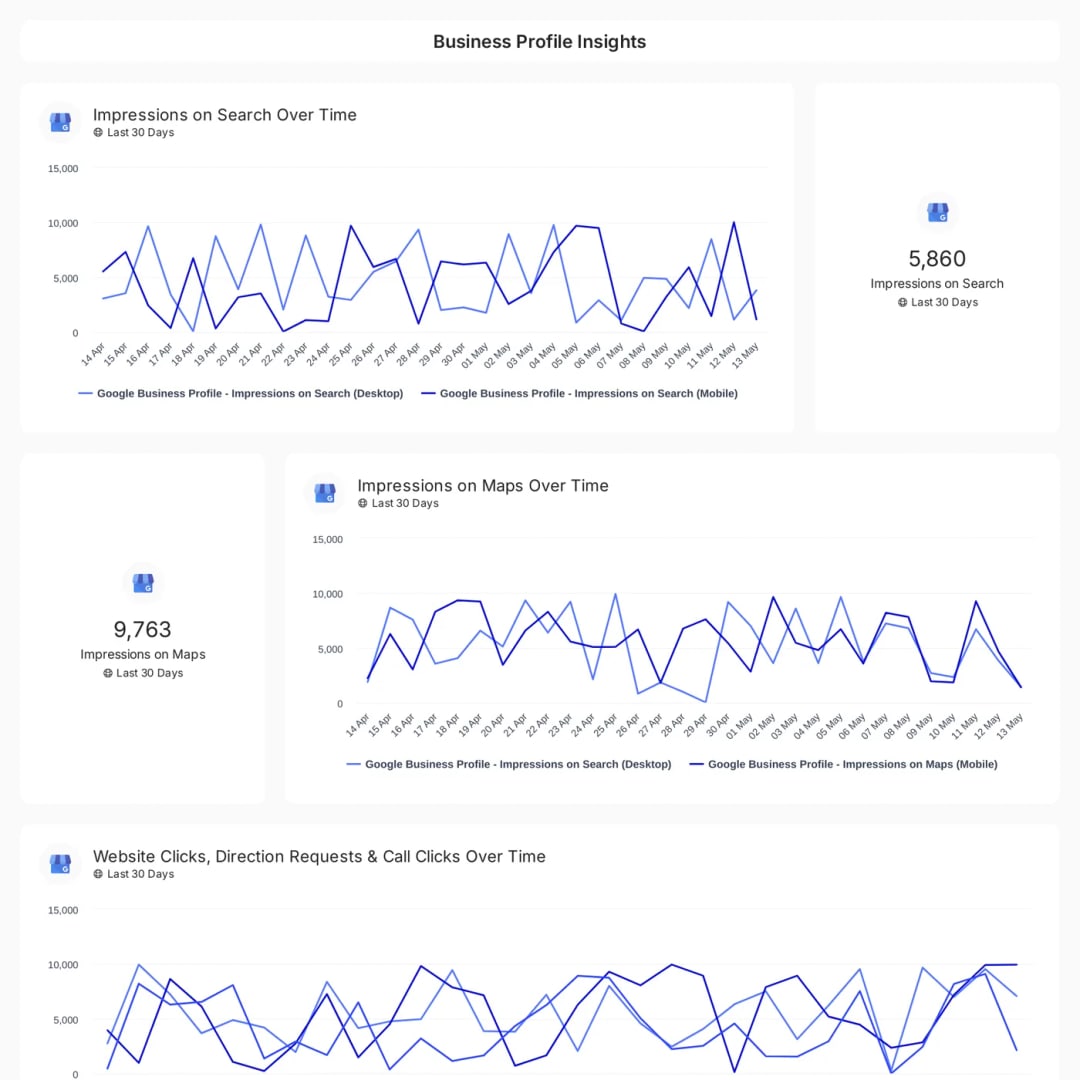
Screenshot from https://www.oviond.com

What a usable reporting workflow looks like

A clean workflow usually looks like this:

  1. Collect monitoring data from your listening source. Pull in brand mentions, sentiment trends, theme clusters, and competitor comparisons.
  2. Combine it with channel performance such as GA4, Google Ads, LinkedIn Ads, Meta Ads, email, or CRM outcomes.
  3. Build one branded dashboard that shows the relationship between conversation and performance.
  4. Automate delivery so clients always have an always-current view and your team isn't rebuilding decks from scratch.

A client report becomes more useful when it shows, for example, a sentiment dip next to a decline in branded traffic, or a spike in positive discussion next to stronger ad engagement. That's the last mile most agencies struggle with. They have the data, but not the unified view.

If you want a reference point for how social reporting templates can be structured inside a broader agency workflow, this social media marketing reporting template page is worth reviewing.

What breaks when reporting stays fragmented

Fragmented reporting causes predictable problems:

  • Clients see isolated metrics and can't tell what matters.
  • Account managers write too much manual commentary to bridge the gaps between tools.
  • Monthly reporting becomes a production task instead of a strategic review.
  • Scaling to more clients gets harder because every report has its own logic.

The better model is one source of presentation, even if the underlying data comes from several systems. Monitoring should feed the report. It shouldn't become a separate reporting product your team has to explain every month.

If the client needs three links and a call to understand one month of performance, the reporting workflow is still broken.

That's why agencies move away from spreadsheet-led reporting and scattered dashboards. Not because dashboards are trendy, but because multi-client operations need consistency. Once monitoring data lives in the same reporting process as the rest of the marketing stack, account managers spend less time assembling reports and more time advising clients.

Moving Beyond Monitoring to Simplified Agency Reporting

Social monitoring is useful. On its own, it's still incomplete.

Agencies don't win by collecting more screenshots of mentions, sentiment charts, and competitor posts. They win by turning those signals into a reporting process that works across a growing client base without dragging the team back into monthly manual work. That means combining social monitoring with ads, analytics, SEO, email, and CRM reporting in one place, then delivering it in a branded format the client wants to open.

The practical shift is from tool thinking to workflow thinking. A social media monitoring platform should help your team spot movement, explain context, and support strategy. Your reporting stack should handle the rest. It should keep dashboards live, support automated delivery, preserve your branding, and make multi-client reporting manageable when your agency grows from a handful of accounts to a much larger book.

For agencies exploring broader automation beyond reporting, this guide to AI automation efficiency is worth reading because it frames automation as process design, not just software adoption.

Agency reporting that finally feels simple comes from getting the handoff right. Monitoring finds the signal. Reporting turns it into a client-ready story. When those two pieces are connected, the monthly scramble starts to disappear.


If your agency is tired of spreadsheet-heavy reporting, scattered client data, and dashboards that don't feel fully yours, Oviond is built for that exact workflow. It gives agencies white-label client reporting, branded dashboards, custom domain options, automated delivery, 50+ integrations, AI/MCP-assisted setup, and one plan with unlimited reports, dashboards, and users. It's the agency-native alternative to Looker Studio chaos, with pricing by client count and a setup designed for multi-client reporting at scale.

Related articles

Simplify marketing reporting today

Stop juggling multiple tools. Start presenting clear, automated reports your clients will love