
A client-ready report, delivered how each client wants it
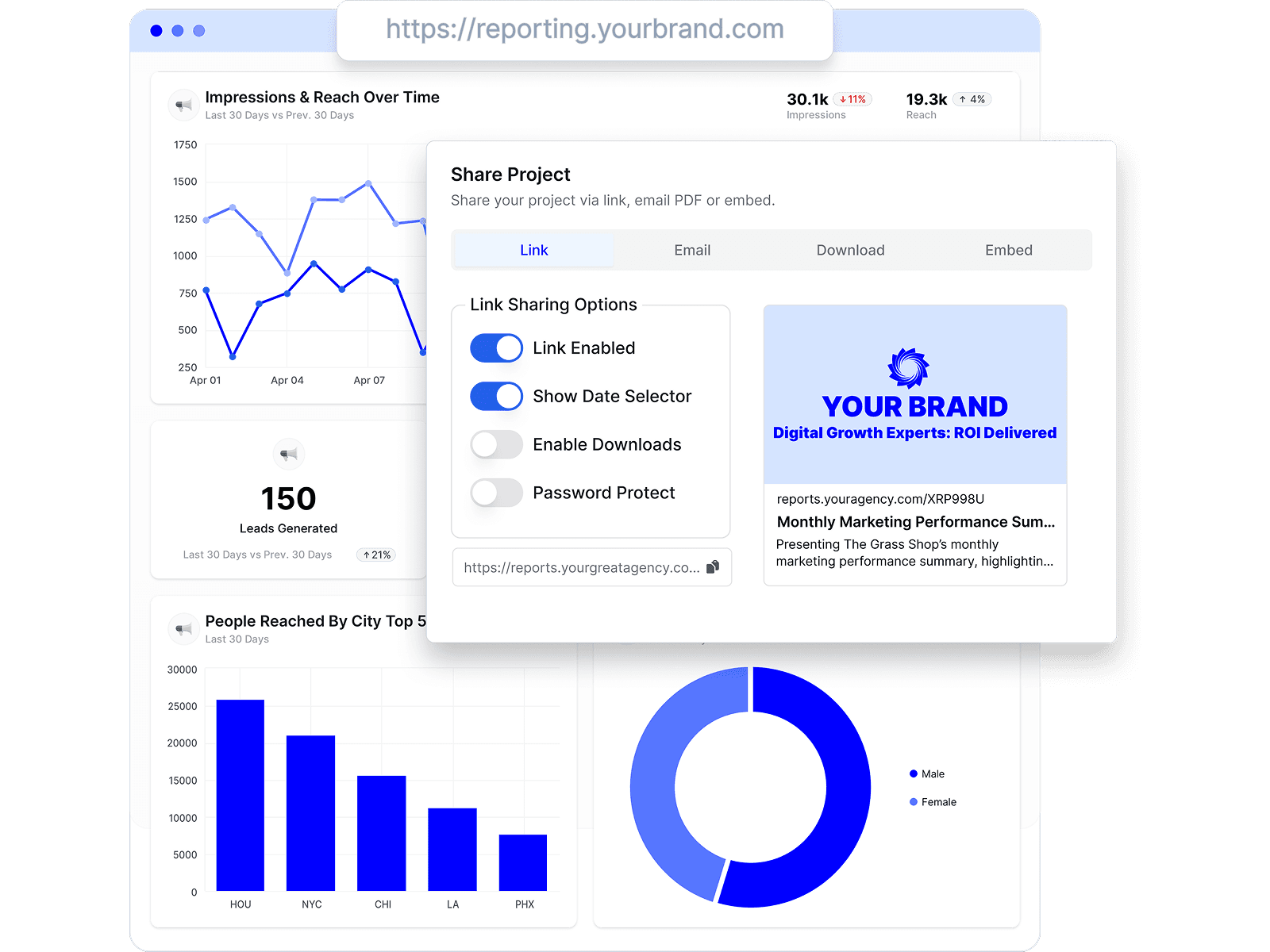
Reports live at a shared link, arrive by scheduled email, or embed where your clients already look — and every client keeps one connected view of their numbers, on your branding.
Looker Studio is genuinely free and endlessly flexible — that's why agencies try it first. The costs show up later: paid connectors for every non-Google source, no built-in white-label or client management, and hours of per-client maintenance. Here's the honest comparison, with published pricing and a date on every claim.
By Chris Irwin· Co-Founder & CEO, OviondLast updated
Looker Studio's core is free, and Looker Studio Pro is $9 per user per Google Cloud project per month. But for agency client reporting the real costs sit elsewhere. Non-Google data needs paid third-party connectors — Supermetrics for Looker Studio starts at €29/month and scales by sources, accounts, and users. White-label, custom domains, and client portals aren't built in — embedding is iframe-only, still governed by Looker Studio permissions. And every client report is a hand-built artifact you maintain yourself; reviewers rate its value 4.7/5 but its support just 3.7/5.
Oviond is purpose-built for the agency workflow Looker Studio makes you assemble: clients as first-class objects, 70+ integrations included, white-label with one custom domain per client, scheduled delivery, and an MCP server — all on every plan, from $40/month.
| Oviond | Looker Studio | |
|---|---|---|
| Price | From $40/month billed annually ($50 month-to-month) — 10-client minimum, every feature included | Free; Looker Studio Pro is $9 per user per Google Cloud project per month |
| Non-Google data sources | 70+ marketing integrations included (ads, social, SEO, email, CRM, e-commerce), plus Google Sheets and custom datasets for data beyond native integrations | ~21 free Google-built connectors; other platforms need paid partner connectors (e.g. Supermetrics from €29/month, scaling by sources/accounts/users) |
| White-label & custom domain | Included on every plan — unlimited white-label themes, one custom domain per client in your plan | Not built in — no white-label, custom domain, or client portal; official embedding is iframe/oEmbed, view-only |
| Client management | Clients are first-class: per-client sources, dashboards, reports, domains, and permissions | None — agencies model clients with folders, naming conventions, and per-project setups by hand |
| Scheduled report delivery | Automated branded report delivery on every plan, from your own domain | Free: 1 schedule per report (max 50 recipients) with daily quotas; Pro: up to 200 schedules per report |
| AI & MCP support | MCP server on every plan — pull data, build reports, and manage clients from Claude, ChatGPT, or any MCP-ready AI tool | Gemini features (calculated fields, Slides export) are Pro-only; no Looker Studio MCP server found as of July 2026 (Google's MCP is for the separate Looker enterprise product) |
| Reviews | 4.3/5 on Capterra (45 reviews) | 4.5/5 on Capterra (337 reviews); support sub-rating 3.7/5 |
Pricing tables only go so far. These are the screens agencies spend the most time in — real product, no mockups.
Reports live at a shared link, arrive by scheduled email, or embed where your clients already look — and every client keeps one connected view of their numbers, on your branding.
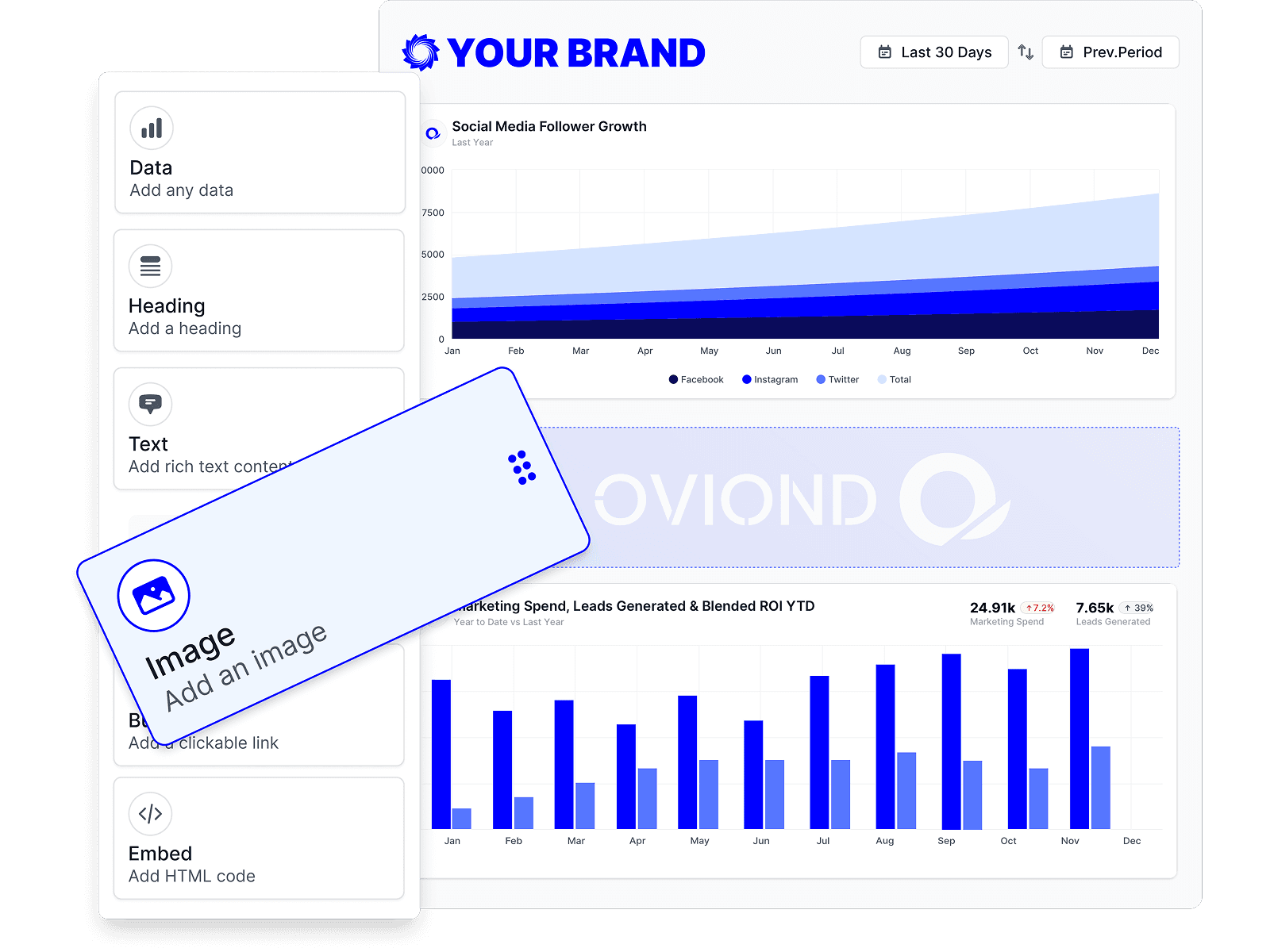
Start every client from the same template, then drag in the data, text, and visuals that client actually cares about. The structure stays repeatable; the exceptions stay manageable.
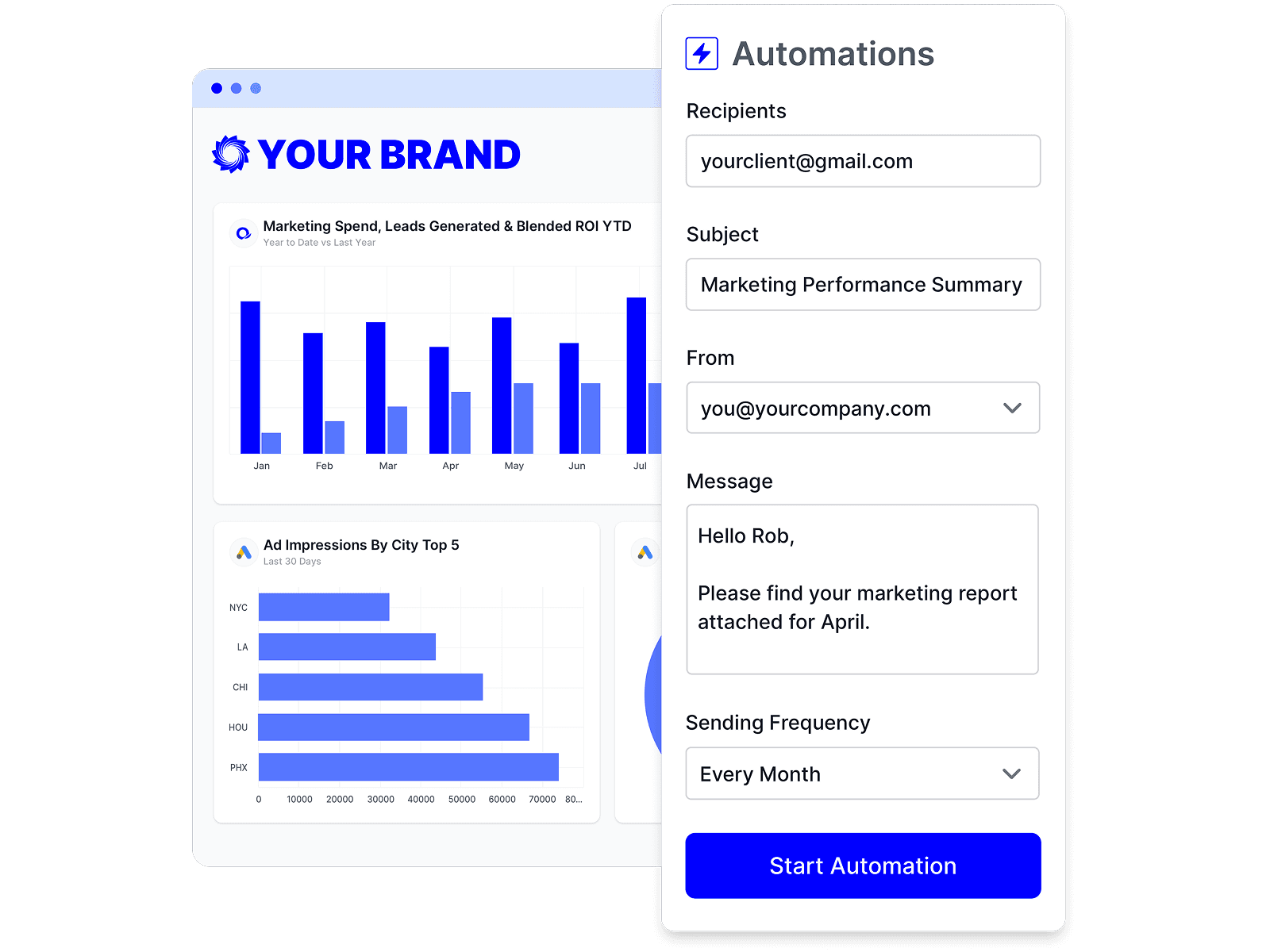
Schedule a report once and it refreshes and sends itself on your cadence. Your team's time goes to the commentary and next steps, not the copy-paste.
No single tool fits every agency. Here are other credible options and who each one suits best.
The full field: 8 Looker Studio alternatives — client-reporting platforms, Power BI, and Metabase — with what "free" really costs an agency.
Comparing packaged reporting tools? Our alternatives guide covers 8 platforms with published pricing modeled at 5–100 clients.
A managed cross-channel platform at a much higher price point — the other end of the spectrum from Looker Studio.
Every comparison claim above was checked against each vendor's public pricing and documentation, last verified . Spotted something out of date? Tell us and we'll fix it.
| Claim | Sources |
|---|---|
| Price | |
| Non-Google data sources | |
| White-label & custom domain | |
| Client management | |
| Scheduled report delivery | |
| AI & MCP support | |
| Reviews |
The core product is free, and it's excellent for Google-stack data. The agency costs appear when you add non-Google sources (paid partner connectors — e.g. Supermetrics from €29/month, scaling with sources and users), white-label workarounds, and the hours spent building and maintaining per-client reports. Looker Studio Pro adds team features at $9 per user per Google Cloud project per month (as of July 2026).
Not natively. Looker Studio has no built-in white-label, custom domain, or client portal — official embedding is an iframe that still shows Looker Studio chrome and respects its permissions. Oviond includes white-label theming (unlimited themes) and one custom domain per client on every plan.
That's the honest trade-off: every client report is a custom build you maintain — connector renewals, broken data sources, layout tweaks, sharing permissions. Reviewers love the flexibility and the price but rate support 3.7/5, because when something breaks, you fix it. Packaged tools like Oviond trade some design freedom for reports that build in minutes and send themselves.
Yes — Google Analytics 4, Google Ads, Search Console, Google Business Profile, Google Sheets, and more are all included in Oviond's 70+ integrations, alongside the non-Google platforms Looker Studio needs paid connectors for.
Honestly: total design freedom, free Google-stack connectivity, BigQuery-scale data blending, and a $0 price for the core product. If you have the technical time and your data is mostly Google, it's a legitimate choice — thousands of agencies start there.
Yes — 15 days with every feature included, so you can compare the workflows side by side on real client data before paying anything.
Connect a client's channels and send a branded, automated report — free for 15 days, every feature included.