
Oviond Blog
10 Social Reporting Tools Agencies Use in 2026
Compare 10 social reporting tools for agencies in 2026. See features, pricing, integrations, and white-label options across multi-client reporting workflows.

If you run an agency and want one tool that handles multi-channel reporting, white-label client delivery, and per-client scaling without per-seat fees, Oviond is the most agency-native option here. The wider market now spans a USD 12.5 billion category in 2025, projected to reach USD 47.6 billion by 2032 at a 21.05% CAGR, so the problem isn't whether reporting matters, it's which tool stops the monthly reporting grind without creating more of it (market estimate).
If you're juggling five, fifteen, or fifty client accounts, you already know the pain. One client wants branded PDFs, another wants live dashboards, another wants social plus GA4, and your team still has to chase screenshots, exports, and spreadsheet cleanup before every QBR. The tools below are judged the way agency ops teams judge them in real life, by how well they handle recurring reporting, white-label delivery, automation, templates, AI-assisted setup, and the ugly details of scaling across client rosters.
Table of Contents
- 1. Oviond
- 1. Oviond
- 2. Sprout Social
- 3. Hootsuite Analytics
- 4. Buffer Insights
- 5. Agorapulse
- 6. Rival IQ
- 7. Socialinsider
- 8. Quintly Facelift Data Studio
- 9. Iconosquare
- 10. NapoleonCat
- Top 10 Social Reporting Tools Comparison
- Picking the Right Social Reporting Tool for Your Agency
1. Oviond
Oviond is the one I'd put in front of an agency owner who is done patching together reports from half a dozen tools. It is built for white-label client reporting, branded dashboards, and scheduled delivery, with a setup that clearly suits agencies managing recurring work across multiple clients. The platform is centered on aggregation, which is what teams need, because social reporting tools should combine channel metrics into one view instead of forcing another export.
Why Oviond fits agency reporting
It pulls together 60+ marketing sources, including GA4, Google Ads, Meta, LinkedIn, Microsoft Ads, Search Console, Mailchimp, Shopify, and YouTube, then lets you build client-ready dashboards from templates or drag-and-drop layouts. Agencies do not need more tabs, they need fewer handoffs. Oviond also includes unlimited dashboards, unlimited reports, and unlimited team users, so scaling does not get trapped by seat fees or report caps.
Practical rule: if your team still rebuilds the same client report every month, you need reusable assets, scheduled delivery, and a consistent branded output, not another spreadsheet template.
Where Oviond pulls ahead is the agency layer. Custom domains, custom email senders, and AI-assisted setup through an MCP server support a cleaner white-label delivery process, and the Oviond social media monitoring platform adds another layer for teams that want reporting tied more closely to monitoring workflows. That matters if you manage recurring client rosters, because the pain is rarely dashboard building alone, it is keeping output consistent while accounts, stakeholders, and reporting asks keep changing.
For agencies, the practical test is simple. If a tool makes every monthly review feel like a fresh build, it is costing you hours you do not get back. Oviond is the kind of platform that fits teams trying to standardize delivery, reduce manual exports, and keep client reporting under control as the roster grows.
1. Oviond
Oviond is the tool I'd put in front of an agency owner who is tired of stitching reports together from half a dozen platforms. It is built for white-label client reporting, branded dashboards, and scheduled delivery, with a setup that clearly fits agencies managing recurring work across multiple clients. The platform is centered on aggregation, and that is the part teams need. Modern social reporting tools should combine channel metrics into one view, not just dump another export (Buffer guidance on social reporting aggregation).
Why Oviond fits agency reporting
It pulls together 60+ marketing sources, including GA4, Google Ads, Meta, LinkedIn, Microsoft Ads, Search Console, Mailchimp, Shopify, and YouTube, then lets you build client-ready dashboards from templates or drag-and-drop layouts. That matters because agencies do not need more tabs, they need fewer handoffs. Oviond also includes unlimited dashboards, unlimited reports, and unlimited team users, so your scaling problem is not boxed in by seat fees or report caps.
Practical rule: if your team still rebuilds the same client report every month, you need reusable assets, scheduled delivery, and consistent branded output, not another spreadsheet template.
Where Oviond pulls ahead is the agency layer. Custom domains, custom email senders, AI-assisted setup through an MCP server, reusable templates, prebuilt queries, custom imports like Google Sheets, and migration help all point in the same direction, reducing the admin tax on recurring reporting. The pricing model is also easy to understand, a single plan with all features, starting at $39/month billed annually for the first 5 clients, or $49 month-to-month, with volume pricing as the roster grows (Oviond pricing).
If your team also needs a clearer bridge between reporting and monitoring, the social media monitoring platform guidance is worth a look. That matters for agencies that want client reporting tied more closely to how issues, mentions, and campaign signals are tracked across accounts. Recurring reporting gets messy fast when monitoring lives in one place and reporting lives in another.
If you want a tool that makes client reporting feel simple instead of fragile, this is the one. It is the cleanest fit for agencies that care about branded delivery, scalable workflows, and replacing manual exports with always-current dashboards.
2. Sprout Social
A client asks for one clean report across Instagram, LinkedIn, and paid social, and the team does not want to stitch it together by hand. Sprout Social handles that kind of recurring agency workflow well. The reporting layer is polished, easy to hand to clients, and strong enough to cover both organic and paid work without feeling cobbled together. That fits the shift away from platform-by-platform screenshots and toward automated multi-channel reporting and stakeholder-ready dashboards (Brandwatch on multi-network reporting).
The part agencies usually care about is delivery. Sprout Social's reporting guide says reports can be scheduled for automated delivery to up to 25 contacts, and users can share by email or export as CSV or PDF. That ceiling matters before you build an agency process around it, because it tells you how far one scheduled report can go before you need a second workflow for larger client rosters (Sprout Social reporting guide).
For teams that need a mature, all-in-one social suite with presentation-ready reporting, Sprout makes sense. For agencies that live and die by white-label delivery, tight per-client scaling, and fewer seat headaches, it gets expensive fast as the team grows. The seat-based model is the part that usually bites first, especially when the reporting team is larger than the people publishing content. Direct link: Sprout Social
If your clients want polished reporting and your team already works in Sprout, staying there is a reasonable choice. If white-label client delivery and per-client scale matter more, Oviond is the cleaner agency move.
If you are comparing dashboard depth rather than just exports, the right benchmark is how the tool handles the metrics that repeat across client accounts. This guide to the most relevant social media dashboard metrics is useful when you want a reporting framework that holds up across recurring accounts instead of one-off presentations.
3. Hootsuite Analytics
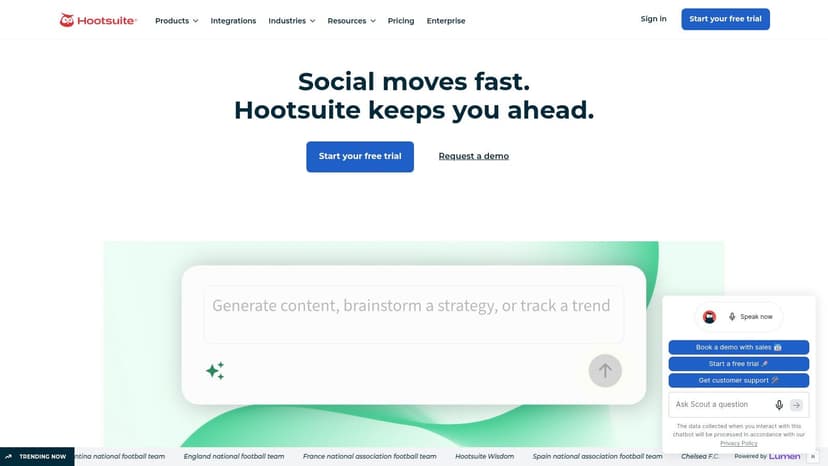
Hootsuite is still one of the most familiar names in social management, and its Analytics module is good when you need cross-network reporting tied to a broader publishing and engagement workflow. The strength here is breadth. By 2026, Hootsuite said its analytics layer could track hundreds of unique performance metrics, which tells you the platform has moved well beyond basic post counts and follower trends (Brandwatch discussion of Hootsuite analytics).
That doesn't automatically make it the easiest choice for agency reporting, though. Hootsuite works best when your team wants a familiar operating system for social, plus exports to PDF and PPT, and can tolerate add-ons for deeper analysis. The platform's reporting is competent, but it leans more toward social operations than agency-native client delivery. That difference matters once you're managing recurring reports across several clients, because the reporting workflow should save labor, not just package it differently.
Where Hootsuite works: teams that want social publishing, engagement, and analytics in one place.
Where it struggles: branded client reporting can feel bolted on compared with a tool built around agency delivery.
Website: Hootsuite
4. Buffer Insights
Buffer fits agencies that need simple reporting without a heavy setup. It gives smaller teams a clean way to review channel performance, export reports, and keep the analytics work tied to scheduling instead of splitting it across another system. The tool also matches the broader definition of a social reporting system, since it collects metrics such as engagement, reach, follower growth, and conversions into dashboards and reports (Swydo definition of social reporting tools).
Its biggest strength is still simplicity. If your agency already runs client publishing through Buffer, the analytics layer feels like an extension of the same workflow rather than a separate platform staff have to learn from scratch. Exports are easy to produce, adoption stays low-friction, and the pricing model is easier to justify than bigger suites when reporting volume stays modest. The Buffer social media marketing reporting template is a good reference point for the kind of output teams usually want here.
Use Buffer when: the client roster is small, the reporting ask is basic, and speed matters more than deep customization.
Skip it when: you need serious white-label delivery, layered cross-source reporting, or a dashboard system that can scale with a growing roster.
For agencies that care more about recurring client delivery than one-off exports, Buffer starts to show its limits. It is fine for lightweight reporting. It is not the tool I would choose for a client-heavy agency that needs branded dashboards, a repeatable delivery process, and cleaner handoff material. For teams that want polished reporting PDFs without building them from scratch every month, the social media analytics report PDF approach is a better benchmark for what stronger delivery looks like.
Relevant template: Buffer social media marketing reporting template
Buffer is fine for lightweight reporting. It is not the tool I'd bet on for a client-heavy agency that needs branded dashboards and a real delivery system.
5. Agorapulse
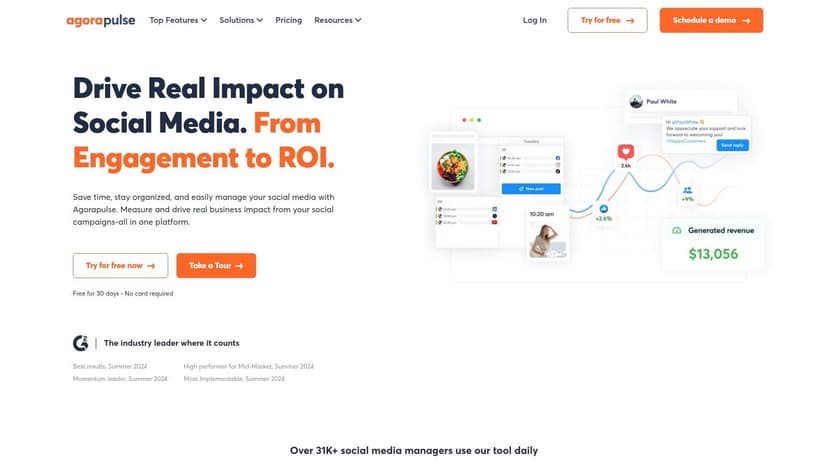
Agorapulse earns its place because it keeps reporting inside the same workflow as inbox, publishing, and moderation. For agencies, that matters. Too many social reporting tools stop at surface-level activity. Agorapulse goes further with a Social ROI dashboard that connects with Google Analytics/GA4 (Improvado on attribution gaps).
The Power Reports setup is the part agencies use. It gives you templated, multi-profile reporting with scheduled delivery, which is exactly what an ops lead needs when the same client report has to go out every month without manual cleanup. The platform also covers content, audience, team efficiency, and competitors, so you can hand clients more than vanity metrics. That makes it useful for recurring client delivery, not just one-off exports.
Strong fit: agencies that need ROI-aware reporting without stitching together separate analytics stacks.
Tradeoff: per-user pricing can add up, so it fits compact teams better than bloated ones.
Website: Agorapulse
6. Rival IQ
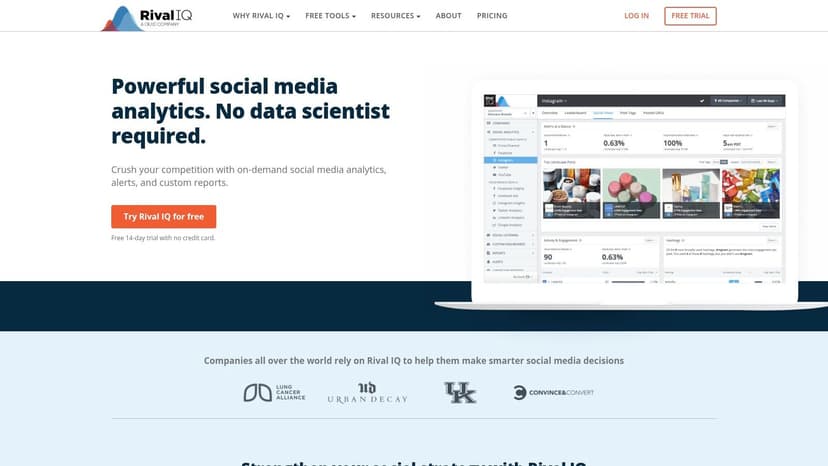
Rival IQ is what you buy when competitor reporting is the main event. It's not trying to be a full publishing suite, and that's fine. Agencies use it because it makes benchmarking easier to explain, easier to automate, and easier to defend in client meetings. The tool's value sits in competitor overviews, standardized engagement metrics, and scheduled reports that help you compare a client against peers without reinventing the methodology every month.
That standardized approach is useful because reporting often gets messy when teams compare unlike metrics across accounts. The category itself has moved toward dashboard systems that blend paid, owned, earned, and web analytics data, but Rival IQ stays focused on making competitive analysis clean and repeatable (Brandwatch on the evolution of reporting stacks).
Best for: agencies doing competitive audits, quarterly benchmarks, and pitch work.
Not for: teams that also need inbox, publishing, and broad client delivery in the same platform.
Website: Rival IQ
7. Socialinsider
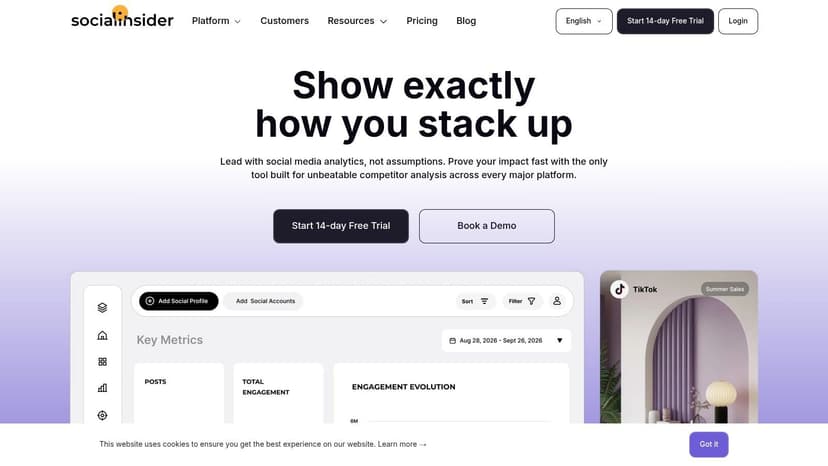
Socialinsider fits agencies that live in recurring client reporting. It gives you fast benchmarking, campaign comparisons, and visuals that are ready to drop into a deck without spending hours cleaning up charts. If a client wants a clean read on how they compare with competitors, this tool gets you from raw data to something presentation-ready fast.
Agencies value it because it keeps the output clear. You can compare multiple profiles, build reports, and produce visuals that hold up in audits, QBRs, and pitch meetings. That matters for account teams that need to turn around the same reporting motion across many clients without forcing everyone onto a heavy analytics system.
Use it for: benchmarks, competitive snapshots, and visual reporting that works in client presentations.
Watch out for: less focus on publishing and inbox workflows than a full-suite platform.
Website: Socialinsider
8. Quintly Facelift Data Studio
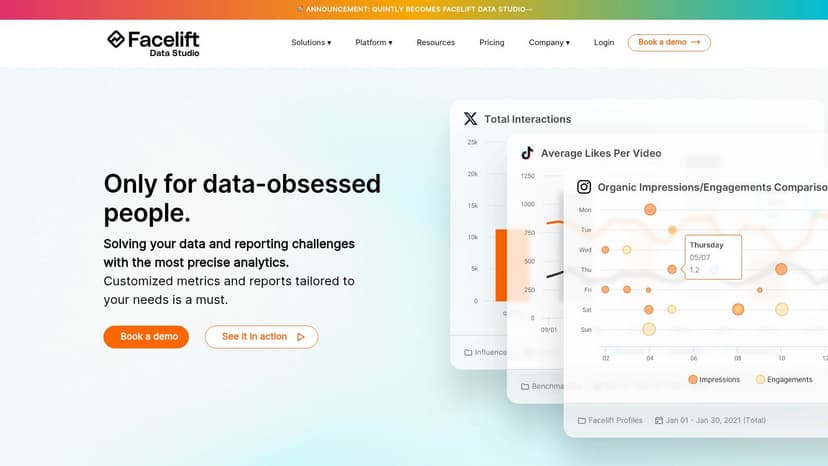
Quintly, now under Facelift Data Studio, is the tool for agencies and data-mature teams that want serious custom metrics instead of canned dashboards. If your reporting logic is weird, specific, or shaped around internal KPIs, Quintly is one of the few social reporting tools that feels built for that kind of work. That's consistent with the wider market shift toward multi-source decision systems and recurring stakeholder reporting (Brandwatch on reporting evolution).
The platform leans into SQL-like custom metrics, flexible dashboards, and scheduled exports in CSV, XLSX, and PDF. That makes it powerful, but also less forgiving than simpler tools. I'd put it in front of agencies with a strong analytics lead, not a team that wants point-and-click reporting with almost no setup.
Practical rule: choose Quintly only if your reporting standards are already defined. If you're still deciding what every client dashboard should look like, the flexibility can slow you down.
Good fit: large account portfolios and agencies that need custom KPIs.
Bad fit: teams looking for quick setup and easy self-serve packaging.
Website: Quintly
9. Iconosquare
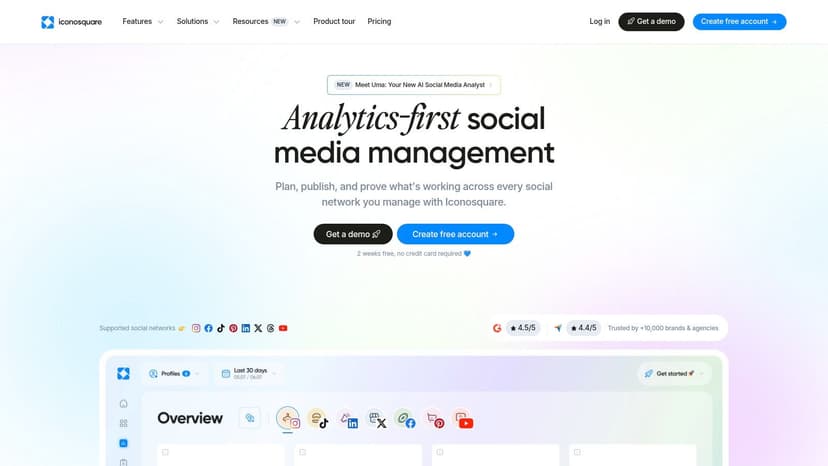
Iconosquare is strong where visual platforms matter most. If your agency spends most of its time on Instagram, Facebook, and TikTok, this tool gives you the depth you need, especially at the post level. It's not trying to cover every channel under the sun, and that's part of the appeal.
Its reporting workflow is also straightforward. Scheduled report emails and exports in XLS and PDF make it easy to hand off performance updates without manual assembly. For agencies managing social-first brands, that kind of repeatable delivery is enough, especially when the ask is clarity on visual content performance rather than a giant multi-source operating layer.
Where it fits: agencies focused on visual-first accounts and network-specific analysis.
Where it falls short: narrower coverage than broader enterprise suites.
Website: Iconosquare
10. NapoleonCat
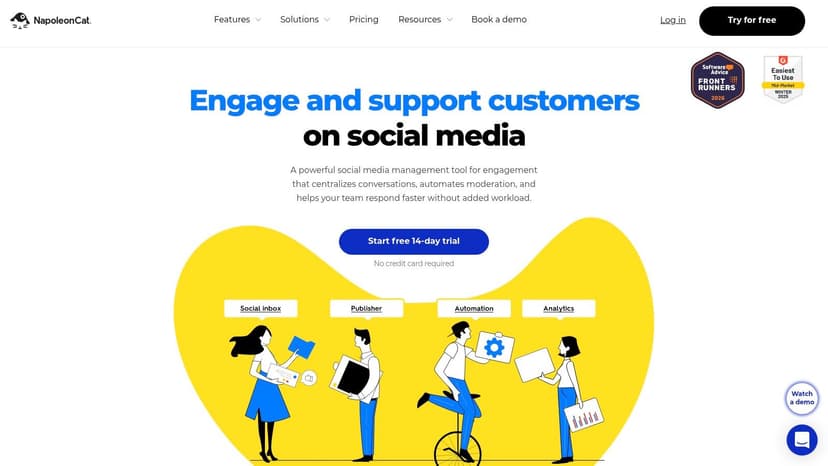
NapoleonCat is a practical pick for agencies that want social analytics, competitor tracking, and reporting without a heavy implementation project. It mixes reporting with moderation and publishing, which can make life easier for smaller teams that want fewer tools in the stack. The reporting itself is built for repeatable client cycles, with templates and scheduled delivery doing the heavy lifting.
It's also useful when you need to explain measurement limits to clients. Some Instagram paid metrics aren't available because of API limits, and that's not unique to NapoleonCat, it's a platform reality many tools run into. The value here is that the documentation helps set expectations instead of pretending every metric is available everywhere.
Good for: SMB agencies that want clear, repeatable reports with minimal setup.
Less good for: teams that need deep extensibility or advanced customization.
Website: NapoleonCat
Top 10 Social Reporting Tools Comparison
| Platform | Core features | Quality ★ | Pricing/Value 💰 | Target 👥 | Unique selling points ✨ |
|---|---|---|---|---|---|
| 🏆 Oviond | 60+ connectors; unlimited live dashboards & reports; white‑label; AI (MCP); automation; full API | ★★★★☆ 4.3/5 | 💰 From $39/mo (annual), single feature plan; per-client scaling & volume discounts | 👥 Agencies & in‑house teams needing branded, multi‑channel reporting | ✨ Full white‑label (custom domains/email); AI report builder; unlimited users; migration & human support |
| Sprout Social | Cross-network social management + custom reports; scheduled delivery | ★★★★ | 💰 Seat-based; Premium Analytics add‑on | 👥 Agencies needing polished social reporting at scale | ✨ Strong social reporting polish; paid/organic breakdowns; shareable links |
| Hootsuite (Analytics) | Publishing + engagement + Analytics module; PDF/PPT exports | ★★★ | 💰 Seat-based; advanced analytics as add‑ons | 👥 Teams wanting combined publishing, monitoring & analytics | ✨ Mature toolset; flexible export options and benchmarking |
| Buffer (Insights) | Scheduling + lightweight Insights; CSV/PDF/Markdown exports | ★★★ | 💰 Budget/channel-based pricing | 👥 Small teams & early-stage agencies | ✨ Simple, fast reporting flow; easy adoption for Buffer users |
| Agorapulse | Inbox, publishing + Power Reports; GA4 social ROI dashboards | ★★★★ | 💰 Per-user pricing; tiered plans | 👥 Agencies focused on social ROI & client reporting | ✨ ROI-focused dashboards; templated multi-profile Power Reports |
| Rival IQ | Competitor benchmarking; automated alerts & landscape views | ★★★★ | 💰 Mid-range; analytics-focused pricing | 👥 Agencies needing competitive benchmarking & audits | ✨ Industry-leading benchmarking methodology; explainable metrics |
| Socialinsider | Competitor tracking, campaign reporting, exports & templates | ★★★★ | 💰 Plan-based; often sales contact for pricing | 👥 Agencies producing pitch decks & comparative audits | ✨ Fast path to presentation-ready visuals and multi-profile comparisons |
| Quintly (Facelift Data Studio) | Highly customizable metrics; SQL-like queries; enterprise exports | ★★★★ | 💰 Enterprise / sales-assisted pricing | 👥 Data-mature teams & large agencies | ✨ Exceptional metric customization & scheduled multi-format delivery |
| Iconosquare | Post-level analytics for IG/FB/TikTok; scheduled branded reports | ★★★★ | 💰 Mid-tier plans with paid exports | 👥 Visual-first brands & social-focused agencies | ✨ Deep platform-specific insights and easy report automation |
| NapoleonCat | Analytics, competitor tracking, report builder + moderation | ★★★ | 💰 SMB-friendly pricing | 👥 SMBs & agencies wanting simple repeatable reports | ✨ Combines moderation/publishing with scheduled reporting; clear docs |
Picking the Right Social Reporting Tool for Your Agency
The right choice depends on how your agency runs reporting, not on who has the longest feature list. Start with client count, because scale changes the math fast. A lean setup can survive with simpler analytics, but once you're handling recurring reporting across several clients, the key questions become white-label delivery, custom domains, automated delivery, and whether the pricing model punishes you for adding team members.
If your agency needs white-label client reporting, branded dashboards, custom email senders, and a system that scales by client count instead of per seat, Oviond is the strongest fit. It's the most agency-native option for teams that want one place to manage recurring multi-channel reporting without living in spreadsheet chaos or cobbling together dashboards that don't match the client brand. The fact that social reporting tools now increasingly blend social, paid, and web analytics into one workflow makes that agency-first approach even more useful (Buffer on aggregation).
Use Sprout Social or Hootsuite if your team already runs social management inside those platforms and reporting is only one part of the stack. Use Rival IQ or Socialinsider if benchmarking and competitor analysis are the main deliverables. Use Quintly if your clients need custom metrics and you've got the people to support a more technical setup. Use Buffer or NapoleonCat when you want lighter weight reporting for smaller accounts.
The cleanest decision process is simple. Trial at least two tools, run a real client dataset through each one, and compare the reporting effort saved per delivery cycle. Don't buy based on screenshots. Buy based on how many messy monthly handoffs the tool removes from your agency.
If your agency is tired of rebuilding the same reports every month, Oviond gives you a cleaner way to handle multi-client reporting, branded dashboards, and automated delivery in one place. Visit Oviond and see how agency reporting that finally feels simple can replace the spreadsheet tax for good.
Related articles
Simplify marketing reporting today
Stop juggling multiple tools. Start presenting clear, automated reports your clients will love