
A client-ready report, delivered how each client wants it
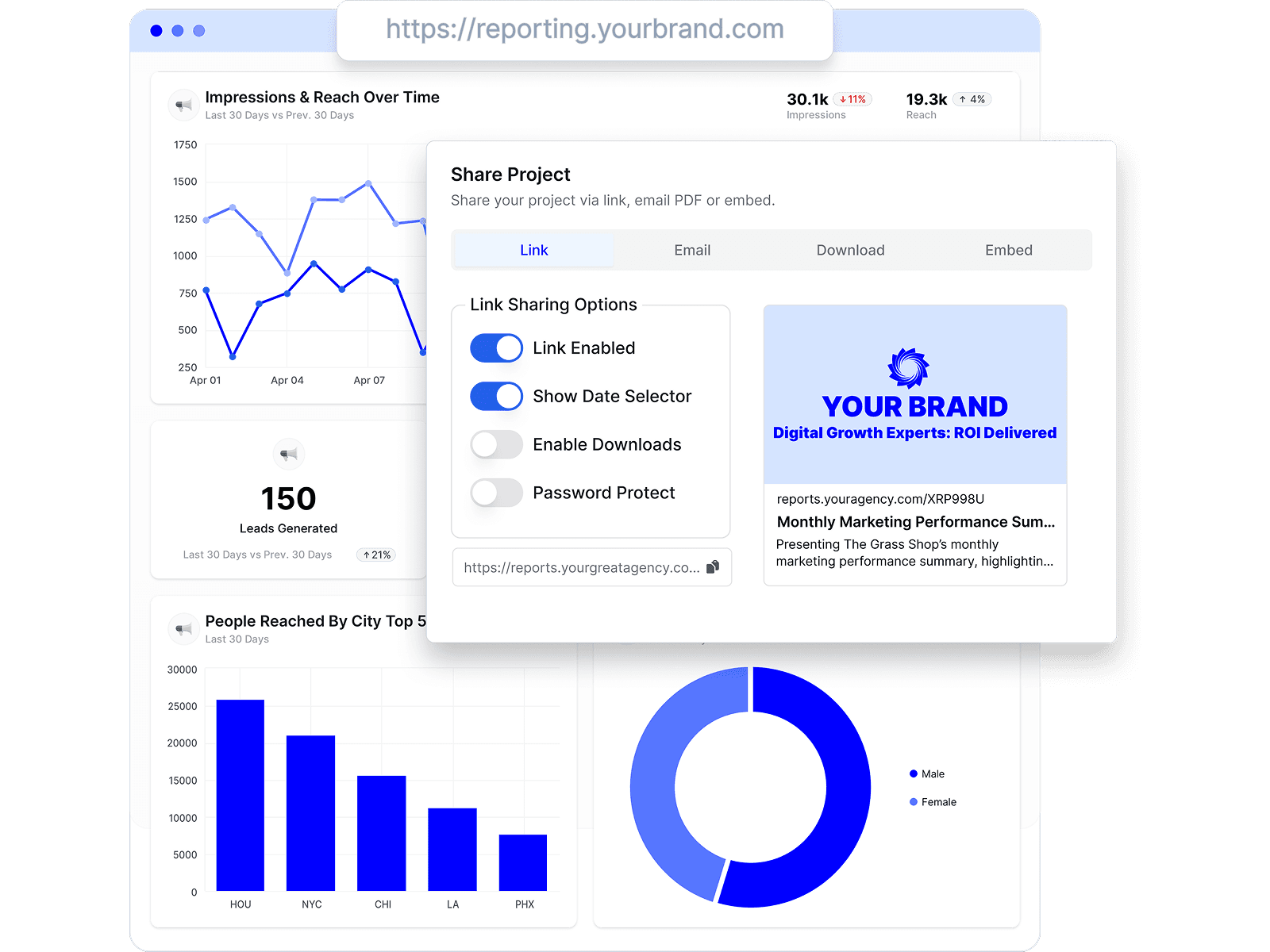
Reports live at a shared link, arrive by scheduled email, or embed where your clients already look — and every client keeps one connected view of their numbers, on your branding.
AgencyAnalytics is a good tool — that's not why agencies leave it. They leave because $20–$25 per client per month keeps climbing as the client list grows. Here's how Oviond and 7 other alternatives compare, with published pricing modeled at 5 to 100 clients and a date on every claim.
By Chris Irwin· Co-Founder & CEO, OviondLast updated
Three reasons come up again and again in public reviews and agency communities. First, per-client pricing that scales linearly: at AgencyAnalytics' published Core rate of $20 per client per month (billed annually), every new client is a new line item — 50 clients is $1,000 a month. Second, report design flexibility: reviewers on Capterra praise the time savings but knock the customization limits. Third, budgeting past 25 clients: the published rate ($20 per client billed annually, $25 month-to-month) scales linearly, and volume discounts only come through a custom-quoted Enterprise plan.
None of that makes AgencyAnalytics a bad product — it's mature (founded 2010), well supported, and rated 4.8/5 on Capterra. If it fits your budget at your client count, it may be the right choice. This page exists to show you the real math and the credible alternatives, including where each one — ours included — falls short.
| Oviond | AgencyAnalytics | |
|---|---|---|
| Starting price | From $40/month billed annually ($50 month-to-month) — 10-client minimum, $4/$5 per client | $20 per client/month billed annually, or $25 per client/month month-to-month (the "Save 20% annually" toggle on their pricing page) |
| Pricing model | One plan, every feature included; tiered by client count — the flat $5 per client month-to-month, $4 per client on annual billing | One "Core" plan, every feature included; flat rate per client. Custom-priced Enterprise from 25 clients |
| Integrations | 70+ marketing data sources, plus Google Sheets and custom datasets for data beyond native integrations | 85+ integrations |
| White-label | Included on every plan — unlimited white-label theme profiles, one house style or a distinct theme per client | Included on every plan |
| Custom domains | One custom domain per client in your plan — the 10-client plan includes 10, a 100-client plan includes 100 | Custom domain supported for client dashboards |
| Historical data | No plan-based history window; available history depends on the connected account and source API | Varies by integration |
| Team users | Unlimited, no per-seat fees | Unlimited staff & client users |
| API access | Full API included on every plan | API access included |
| AI & MCP support | MCP server included on every plan — works from Claude, ChatGPT, and other MCP-ready AI tools across your whole client list | Ask AI + AI Summary; first-party MCP included — supports queries for a single client at a time (per their docs) |
| Reviews | 4.3/5 on Capterra (45 reviews) | 4.8/5 on Capterra (115 reviews) |
| Company | Founded 2018 | Founded 2010, Toronto; 7,000+ agencies |
| Free trial | 15 days, every feature included | 14 days, no credit card; 30-day money-back guarantee |
Monthly cost on annual billing, at each vendor's published rates as of July 2026. AgencyAnalytics totals use the published Core rate of $20 per client per month; their Enterprise tier (from 25 clients) has custom, unpublished volume discounts. Oviond figures are the published client-count tiers. On month-to-month billing the rates are $25 per client at AgencyAnalytics ($250 for 10 clients, $1,250 for 50) and $5 per client at Oviond ($50 for 10, $250 for 50).
| Oviond | AgencyAnalytics | |
|---|---|---|
| 5 clients | $40/month | $100/month |
| 10 clients | $40/month | $200/month |
| 25 clients | $100/month | $500/month (Enterprise custom pricing available) |
| 50 clients | $200/month | $1,000/month (Enterprise custom pricing available) |
| 100 clients | $400/month | $2,000/month (Enterprise custom pricing available) |
The licence is only part of the cost. Whichever tool you pick, total reporting cost also includes report setup, per-client customization, monthly QA and commentary, troubleshooting disconnected sources, delivery and follow-up, and keeping templates current as client needs change. A cheaper licence that adds manual work can cost more than it saves — judge each platform on your own workflow, not only the table above.
If SEO deliverables are a big share of your client work, see how agencies structure that recurring workload in our SEO client reporting workflow guide.
Pricing tables only go so far. These are the screens agencies spend the most time in — real product, no mockups.
Reports live at a shared link, arrive by scheduled email, or embed where your clients already look — and every client keeps one connected view of their numbers, on your branding.
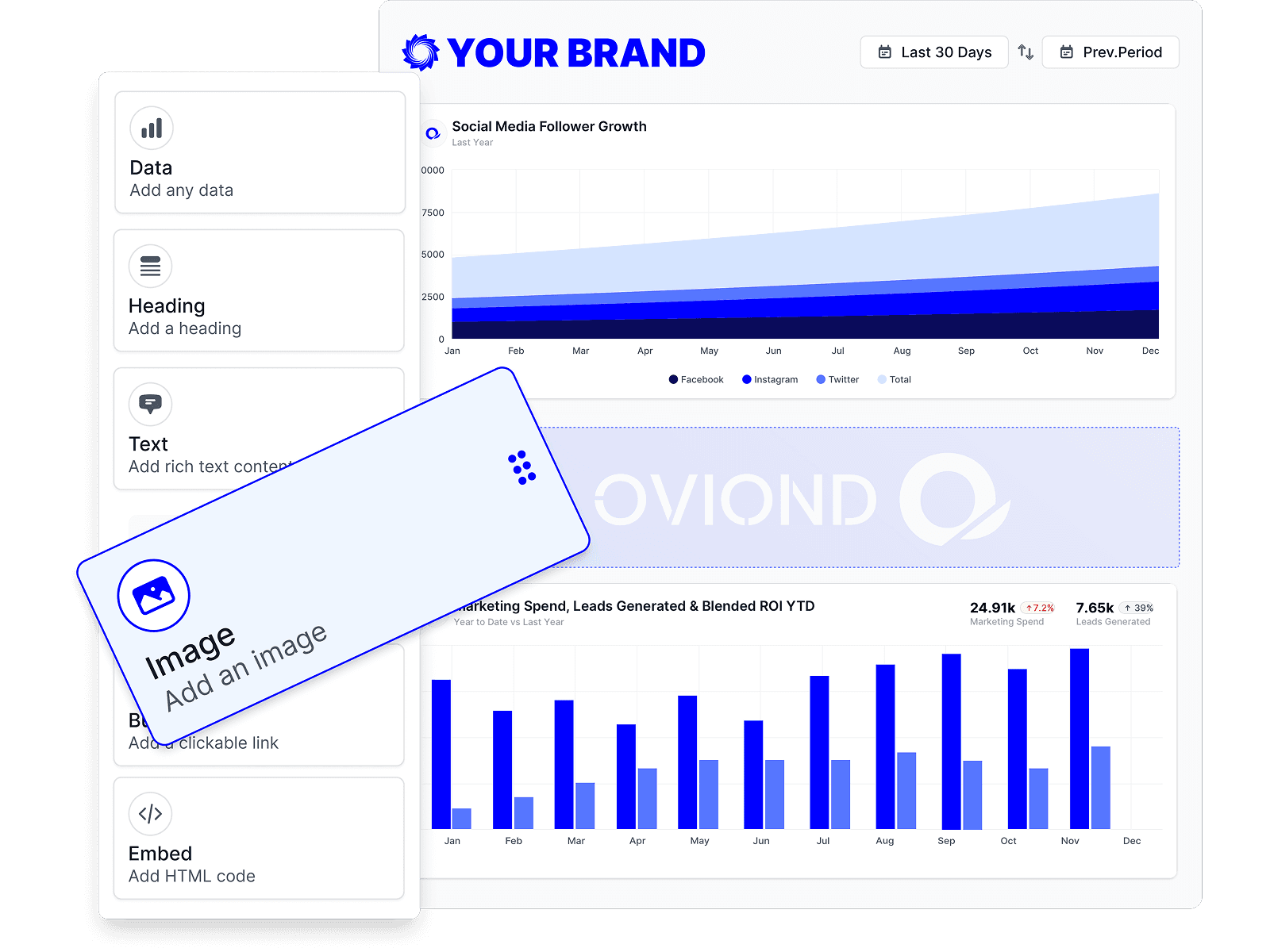
Start every client from the same template, then drag in the data, text, and visuals that client actually cares about. The structure stays repeatable; the exceptions stay manageable.
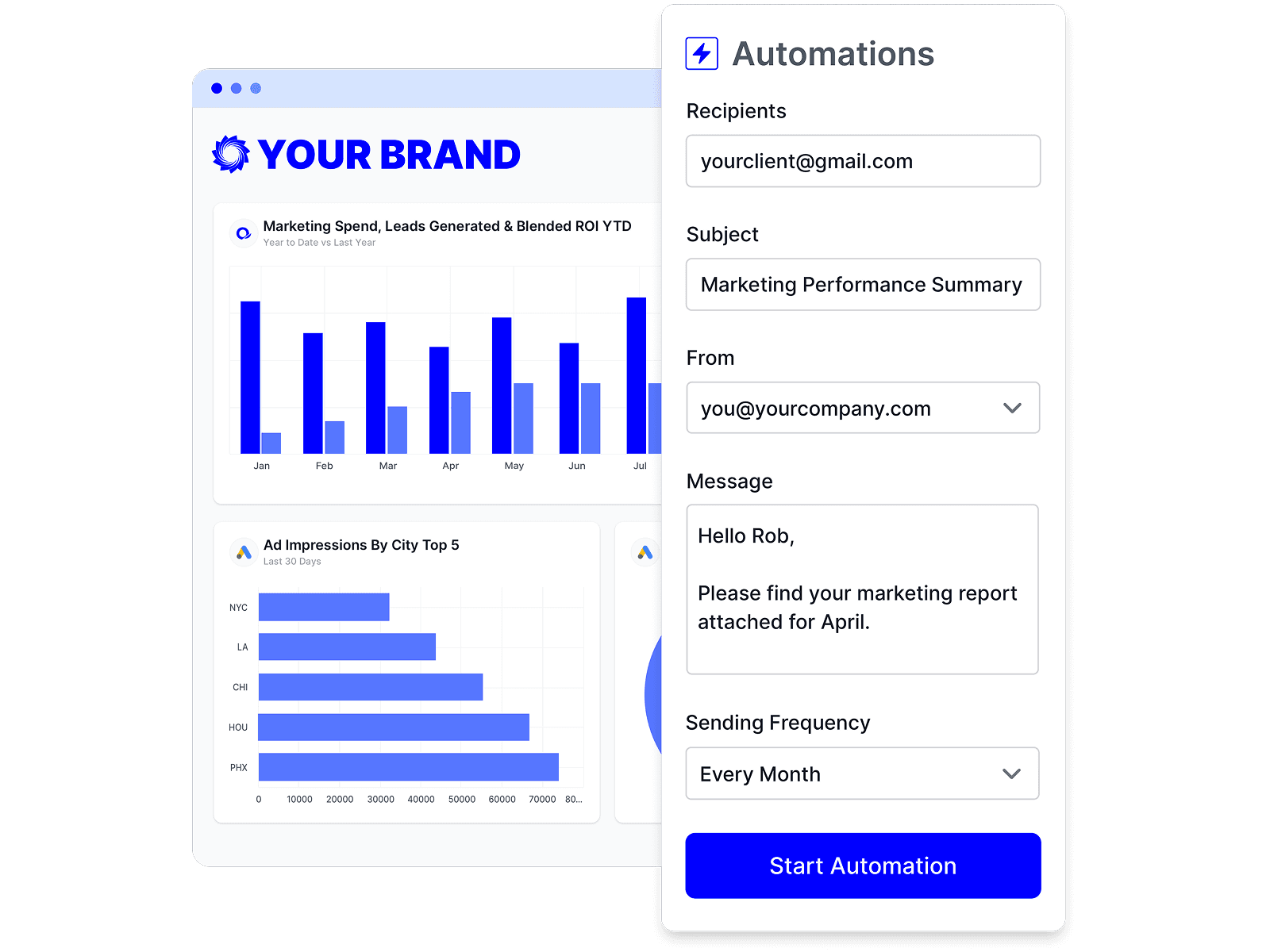
Schedule a report once and it refreshes and sends itself on your cadence. Your team's time goes to the commentary and next steps, not the copy-paste.
No single tool fits every agency. Here are other credible options and who each one suits best.
Full disclosure: this one's ours. Oviond is a marketing reporting platform for agencies that connects 70+ data sources and turns client data into branded, automated reports and dashboards. One plan with everything included, priced by client count — priced at $5 per client month-to-month, or $4 on annual billing.
From $40/month billed annually ($50 month-to-month), 10-client minimum4.3/5 on Capterra (45 reviews)
Where it shines
Where it falls short
Best for: Agencies of 5–100+ clients that want flat, predictable costs and white-label + API + MCP on every plan
Polished cross-channel reporting platform metered in source credits. Published tiers start at €199/month (20 credits) and all paid plans are billed annually only — aimed at mid-size and larger agencies.
From €199/month (Go, 20 source credits), annual billing only4.4/5 on Capterra (84 reviews)
Best for: Mid-size to large agencies with the budget for managed cross-channel reporting
One of the simplest reporting tools to onboard — preset templates, with tiers capped by dashboards and data sources. Full white-label starts on the Professional tier.
From $44/month billed annually (3 dashboards, 15 sources); white-label from $139/month4.5/5 on Capterra (26 reviews)
Best for: Small agencies and freelancers that want the fastest possible setup
PPC-leaning reporting and monitoring with one plan priced per data source — one account on one platform is one billable source, so multi-channel clients add up.
From €62/month billed annually (10 data sources included, extras from €4.50 each)4.6/5 on Capterra (96 reviews)
Best for: PPC-focused agencies with few channels per client
Google's free BI tool. Endlessly flexible if you have the technical skills and time; non-Google sources need paid third-party connectors, and white-label/client management aren't built in.
Free; Pro $9 per user per project/month; paid connectors extra for non-Google data4.5/5 on Capterra (337 reviews)
Best for: Technical teams with time to build and maintain their own reporting stack
KPI dashboards and performance tracking for businesses broadly, not just agencies. Strong free tier and mobile experience; white-label ships on its $799/month Agency Premium tier or as a paid add-on.
Free plan; agency tiers from $79/month (white-label at $799/month Premium)4.6/5 on Capterra (205 reviews)
Best for: Teams that live in dashboards and KPIs more than scheduled client reports
Budget-friendly reporting with Google Sheets, Looker Studio, and native report builders plus a read-only MCP. Tiers cap reports, users, and accounts; ~25 integrations.
From $20/month billed annually (10 reports, 10 accounts)
Best for: Cost-conscious agencies reporting mainly on the Google stack
Veteran SEO and reporting suite that bundles site auditing and rank tracking with client reports. The reporting UI shows its age, but it covers a lot for the money.
Best for: SEO-led agencies that want audits, rank tracking, and reporting in one bill
A platform switch is an operations project, not a checkout. This is the sequence that de-risks it — whichever alternative you choose.
Inventory your client accounts and every data source each one needs connected.
Separate the report structures you reuse from the true client-specific exceptions.
Check the new platform's data-source catalog covers what your clients need before you commit — not after.
Rebuild one representative client end to end before touching the rest.
Compare the new reports' numbers against the source platforms for that client.
Test branding, permissions, share links, PDF exports, and scheduled delivery with a real recipient.
Pilot with a small cohort of clients for one full reporting cycle.
Migrate the remaining clients only after the pilot cycle passes QA.
Keep your old reports accessible for an agreed archive period.
Write down what the new platform doesn't do and who owns each remaining manual step.
No reporting platform migrates an agency in one click. Plan a working session per client batch, and run the old and new systems in parallel for at least one reporting cycle.
Every comparison claim above was checked against each vendor's public pricing and documentation, last verified . Spotted something out of date? Tell us and we'll fix it.
| Claim | Sources |
|---|---|
| Starting price | |
| Pricing model | |
| Integrations | |
| White-label | |
| Custom domains | |
| Historical data | |
| Team users | |
| API access | |
| AI & MCP support | |
| Reviews | |
| Company | |
| Free trial | |
| What you'd actually pay, by client count — 5 clients |
The most common reason in public reviews is cost scaling: at the published rate of $20 per client per month billed annually, or $25 month-to-month (as of September 2026), the bill grows linearly with every client you add. Reviewers also mention limited report-design customization. Agencies that are happy with the price at their client count generally stay — it's a well-rated product.
At published annual-billing rates as of July 2026: 10 clients costs $40/month on Oviond vs $200/month on AgencyAnalytics; 50 clients costs $200/month vs $1,000/month (their Enterprise tier from 25 clients offers custom, unpublished discounts). Month-to-month, it is $50/month vs $250/month at 10 clients ($5 vs $25 per client). Oviond starts at $40/month with the 10-client minimum.
Yes. Every Oviond plan includes white-label branding with your own custom domain, full API access, and the Oviond MCP server — there are no feature tiers. The plan you pay for is determined only by client count.
Yes. Oviond's MCP server connects to Claude, ChatGPT, and any MCP-ready AI tool, and it works across your whole client list — you can pull data, build reports, and manage clients for any client from one AI conversation. AgencyAnalytics also ships an MCP, but per their documentation it supports queries for a single client at a time.
Honestly: it has a larger integration catalog (85+ vs Oviond's 70+), a longer track record (founded 2010, 7,000+ agencies), a higher Capterra rating (4.8/5 from 115 reviews vs Oviond's 4.3/5 from 45), and a built-in rank-tracking add-on. If those matter more to you than cost at scale, it's a solid choice.
No. Oviond does not add a plan-based history window. Reports use the history the connected account and source platform API make available, so platform retention and API limits still apply. Some competitor comparison pages claim Oviond imposes a 3-month cap; that claim is incorrect.
Unlimited white-label theme profiles on every plan — build one house style or a distinct theme for every client. Custom domains scale with your plan's client count: the 10-client plan includes 10 custom domains and a 100-client plan includes 100, so each client's reports can live on that client's own branded domain.
Yes — 15 days with every feature included, so you can connect a real client's data sources and send an actual white-labeled report before paying anything.
Connect a client's channels and send a branded, automated report — free for 15 days, every feature included.