


Connect BigCommerce to Oviond
Turn your clients' BigCommerce store data into branded reports that go out on schedule.
Store results, next to the marketing
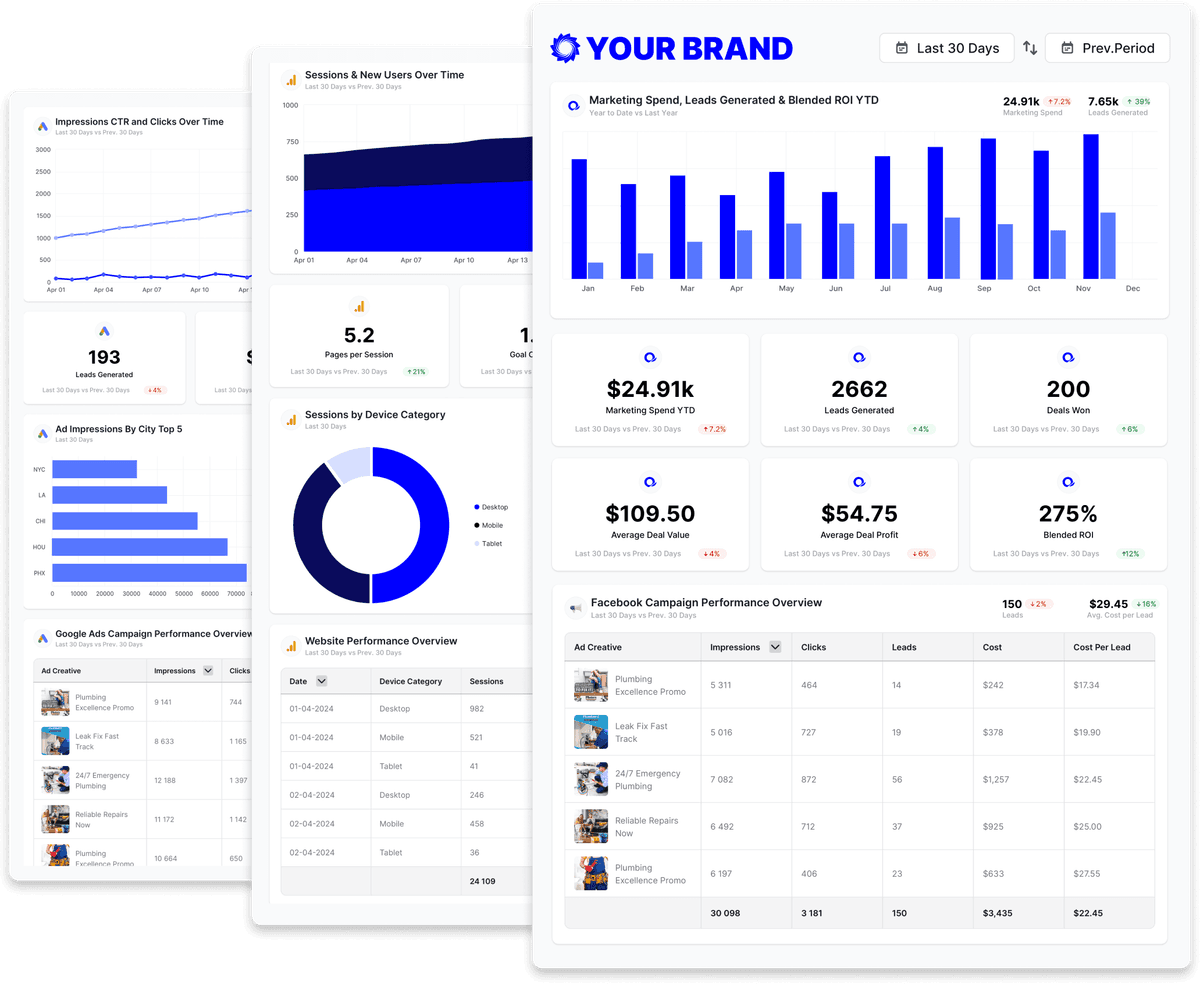
E-commerce clients judge the month by what the store sold. Oviond brings BigCommerce store performance into branded reports beside the ads and email that drove it, so revenue and marketing sit on the same page. Start from the e-commerce report template.
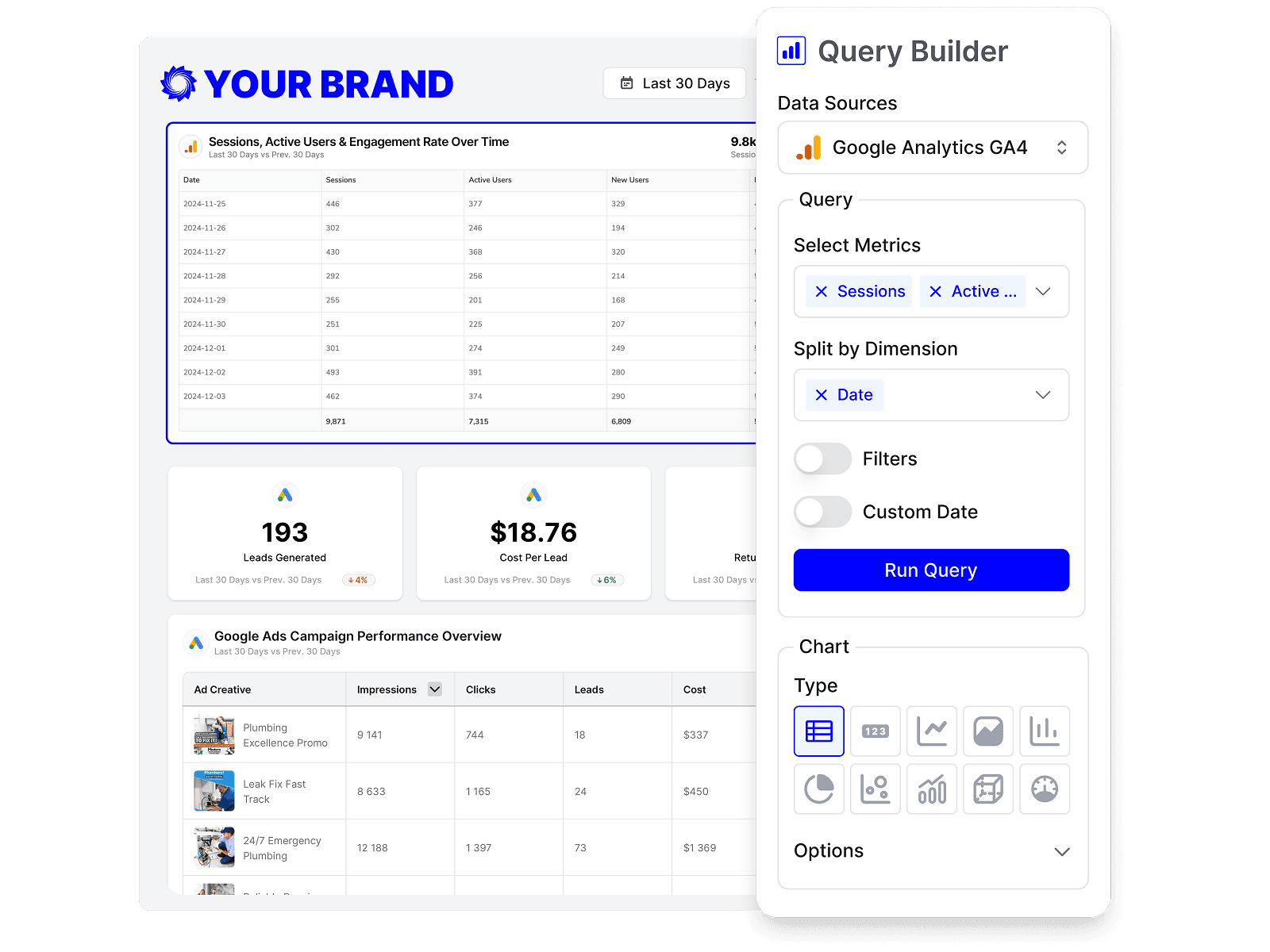
Build custom BigCommerce queries
Start from prebuilt BigCommerce queries or build your own, so each report shows exactly the metrics that matter to the client.
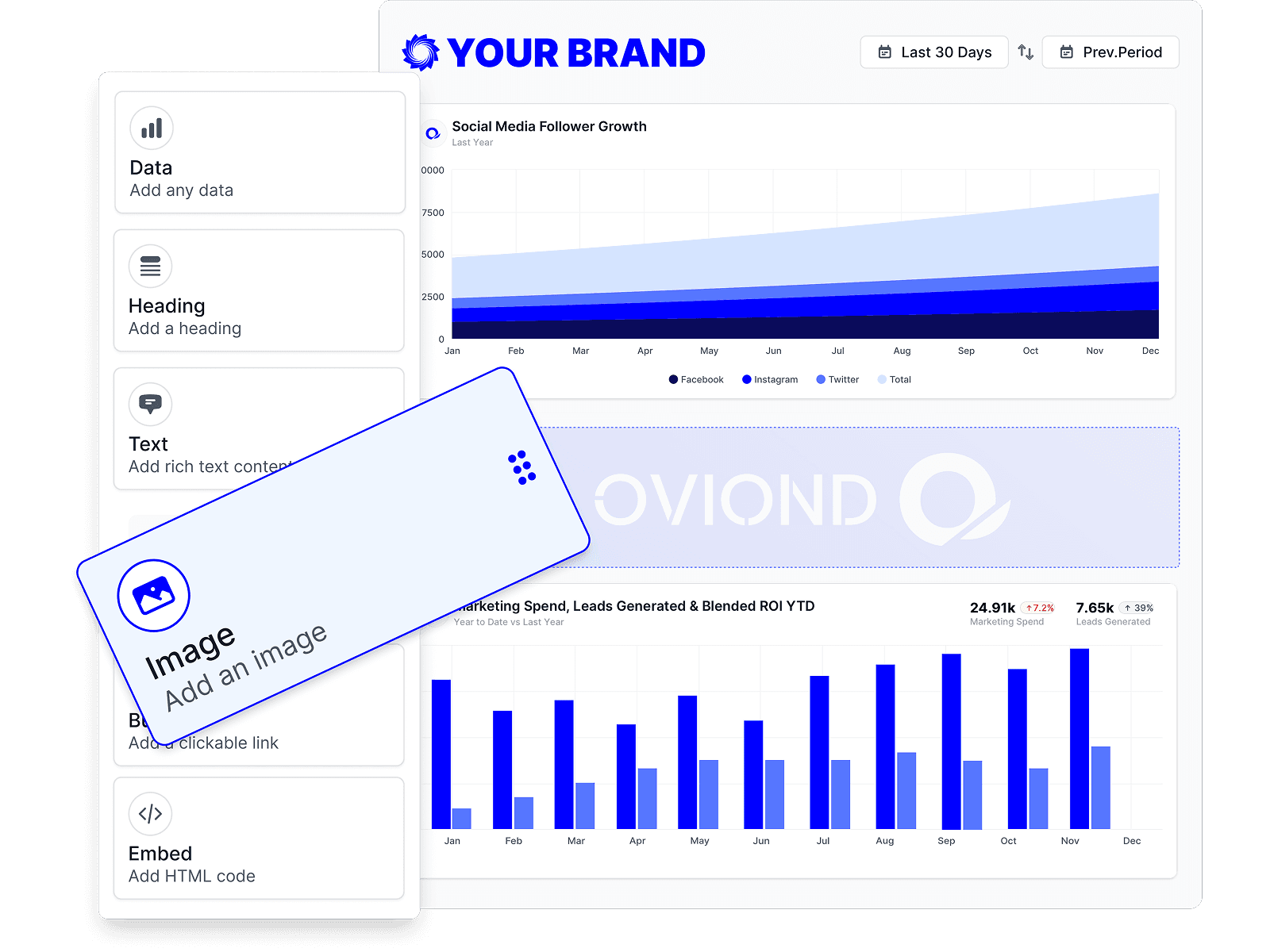
Drag-and-drop BigCommerce reports
Customize BigCommerce reports to match each client's goals with a no-code, drag-and-drop builder.
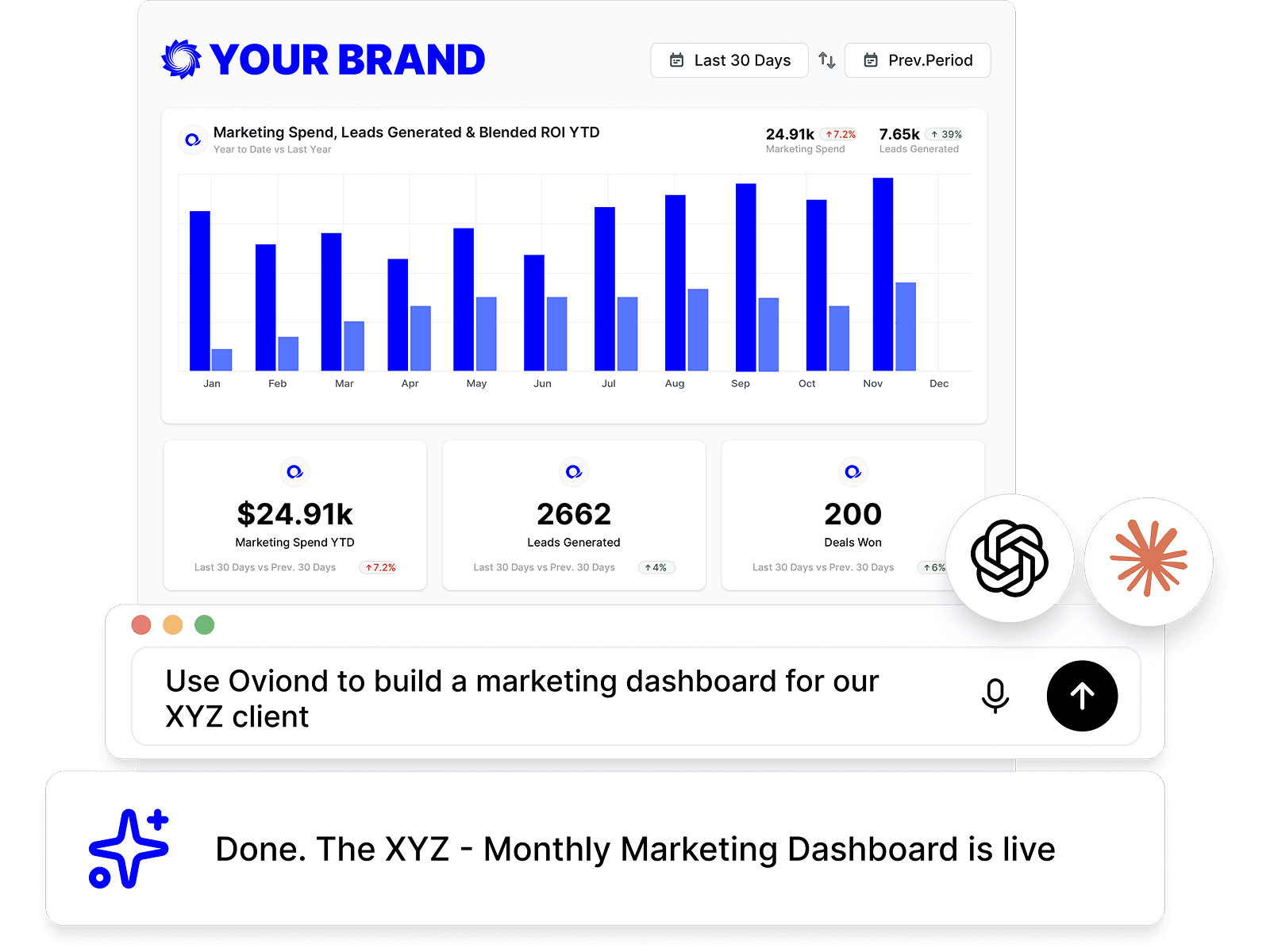
BigCommerce reporting, inside your AI
Pull BigCommerce data and build reports right from Claude, ChatGPT, or any MCP-ready AI tool your agency already uses.
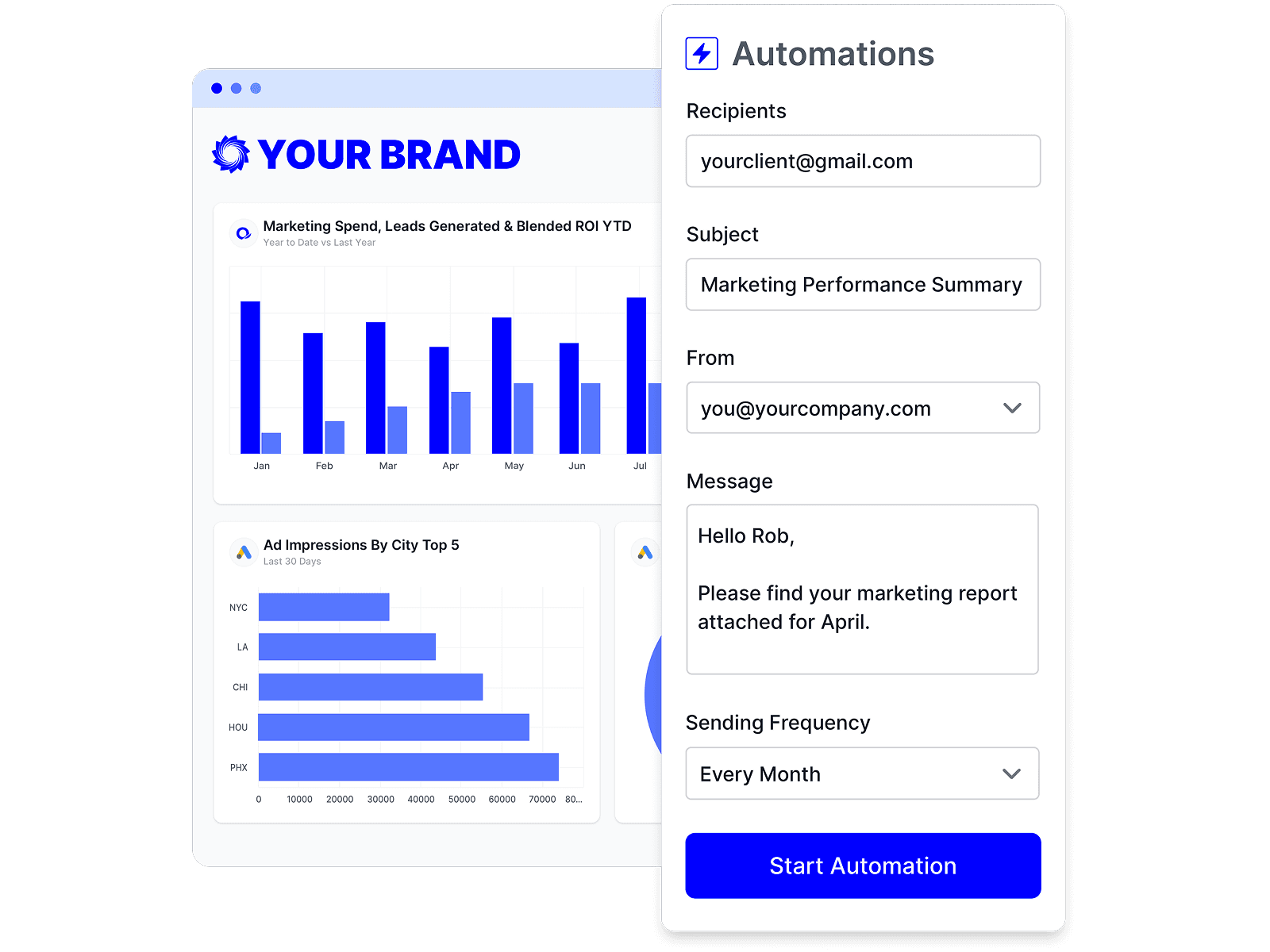
Automate BigCommerce reporting
Schedule BigCommerce reports once and let them send themselves — on time, every time, without rebuilding it by hand.
Branded BigCommerce reports
Deliver white-labeled BigCommerce reports from your own domain, so every report looks like it came from your agency.

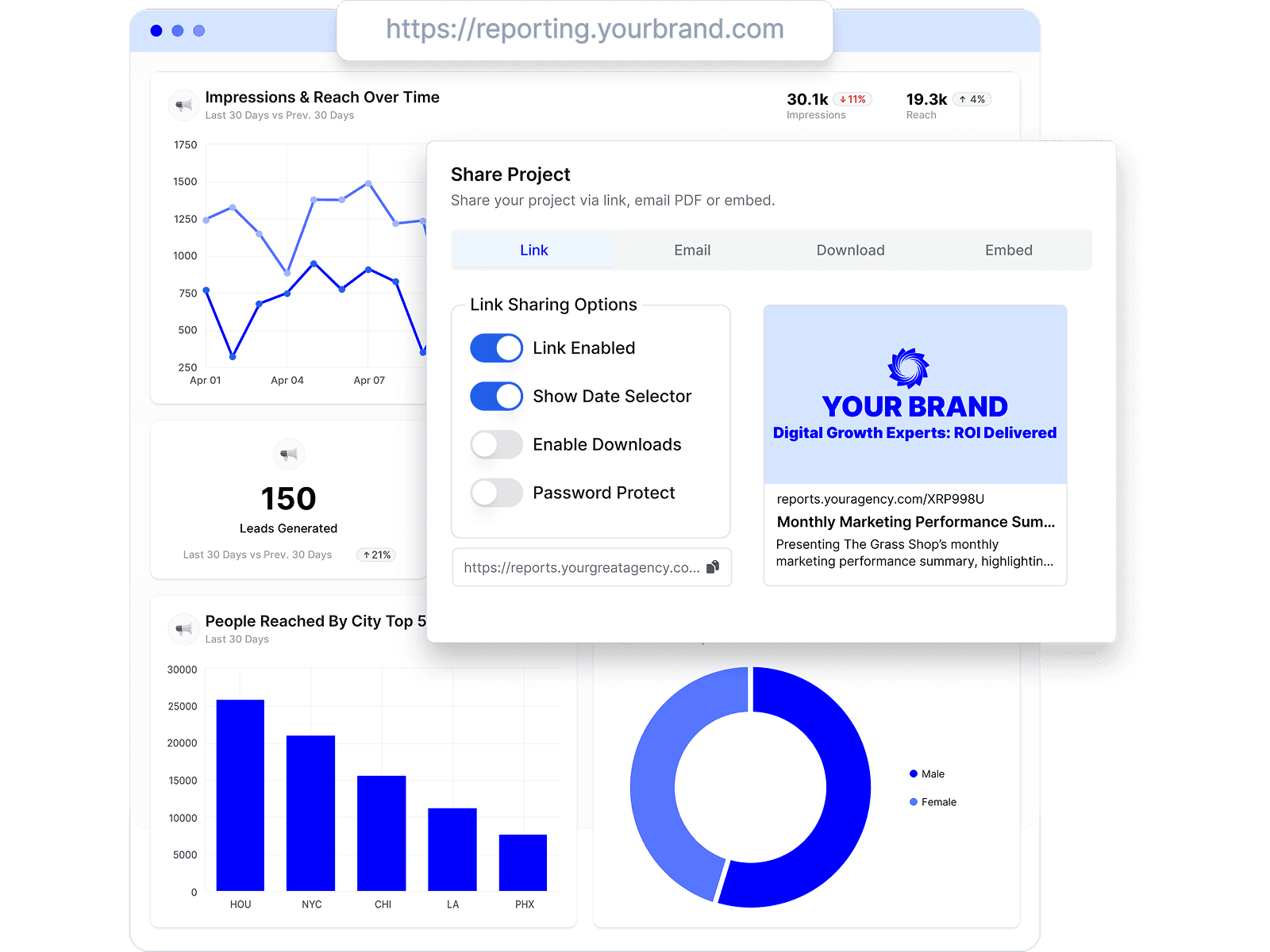
Share BigCommerce reports clients love
Share by link, email, or embed, and keep every client looking at the latest BigCommerce numbers.
Combine BigCommerce with every channel
Add BigCommerce to the analytics, ads, social, search, and CRM data your agency already reports on.









BigCommerce reporting FAQs
How do I connect BigCommerce to Oviond?
Connect your BigCommerce account from your Oviond dashboard, choose the client it belongs to, and the data flows into your reports — no spreadsheets or manual exports.
What can I report on from BigCommerce?
Build client-ready reports around your BigCommerce data and combine it with the other channels you report on in Oviond, so each client sees everything in one place.
Do I need a developer to set up BigCommerce reporting?
No. You don't need a developer or a data team — connect BigCommerce, pick the client, and build your first report yourself.
Can I connect to Oviond with my AI?
Yes. Oviond works with Claude, ChatGPT, and other MCP-ready AI tools, so you can pull BigCommerce data and build reports right from the AI your agency already uses.
Can I change the colors and design of my reports?
Yes. Customize the theme, colors, and layout of every BigCommerce report to match your agency's brand and each client.
Can I send BigCommerce reports from my own domain?
Yes. Add your own custom domain so BigCommerce reports reach clients from your agency, not from Oviond.
Can I automate BigCommerce reporting?
Yes. Schedule reports to send to clients automatically on a schedule you set, so BigCommerce reporting goes out on time without the manual rebuild.
Can I share BigCommerce reports with clients?
Yes. Share BigCommerce reports by link, email, or embed, and keep every client looking at the latest numbers.
Simplify BigCommerce reporting today
Stop juggling exports and screenshots. Start sending polished, client-ready BigCommerce reports — on schedule.