


Connect Meta Ads (Facebook Ads) to Oviond
Turn your clients' Meta Ads (Facebook Ads) data into branded reports that go out on schedule — no exports, no manual rebuild.
Facebook Ads reporting on autopilot
Facebook Ads reporting is often the first thing clients ask about — make it the easiest thing you deliver. Oviond pulls spend, reach, clicks, and conversions into white-label reports and dashboards, combined with Instagram, Google, and the rest of the stack. Start from the Facebook Ads report template.
What you can report on from Meta Ads (Facebook Ads)
Meta Ads is the widest connector in Oviond: the Campaigns view alone exposes hundreds of actions, action values, and cost-per-action metrics from Meta's Marketing API. These are the ones agencies put on client reports most.
- Data views
- AccountCampaignsAd SetsAdsPixels
- Delivery and cost
- Impressions
- Total Reach
- Frequency
- Spend
- CPM
- Cost Per 1000 People Reached
- CPC
- Cost Per Link Click
- Social Spend
- Clicks and traffic
- Link Clicks
- Unique Link Clicks
- Outbound Clicks
- Clicks (All)
- CTR
- CTR (Link Click-Through Rate)
- Landing Page Views
- Results
- Purchases
- Purchases Value
- Purchase ROAS
- Website Purchase ROAS
- Leads
- Adds To Cart
- Messaging Conversations Started
- Post Engagement
- Page Engagement
- Post Reactions
- Post Saves
- Post Shares
- Cost per result
- Cost Per Purchase
- Cost Per Lead
- Cost Per Add To Cart
- Cost Per Landing Page View
- Cost Per Messaging Conversation Started
- Cost Per Post Engagement
- Cost Per Thruplays
- Video and awareness
- Video Plays
- 3-Second Video Plays
- Thruplays
- Video Plays at 25%
- Video Plays at 50%
- Video Plays at 75%
- Video Plays at 100%
- Video Avg. Time Watched
- Estimated Ad Recall Lift (People)
- Break it down by
- Age · Gender · Country · Region · DMA · Publisher Platform · Impression Device · Device Platform · Action type · Date, Month, Year
44 of the Meta Ads (Facebook Ads) metrics available in Oviond, shown as named in the report builder. Read from the Oviond API on ; the full catalog is longer and grows as Meta Ads (Facebook Ads) adds fields.
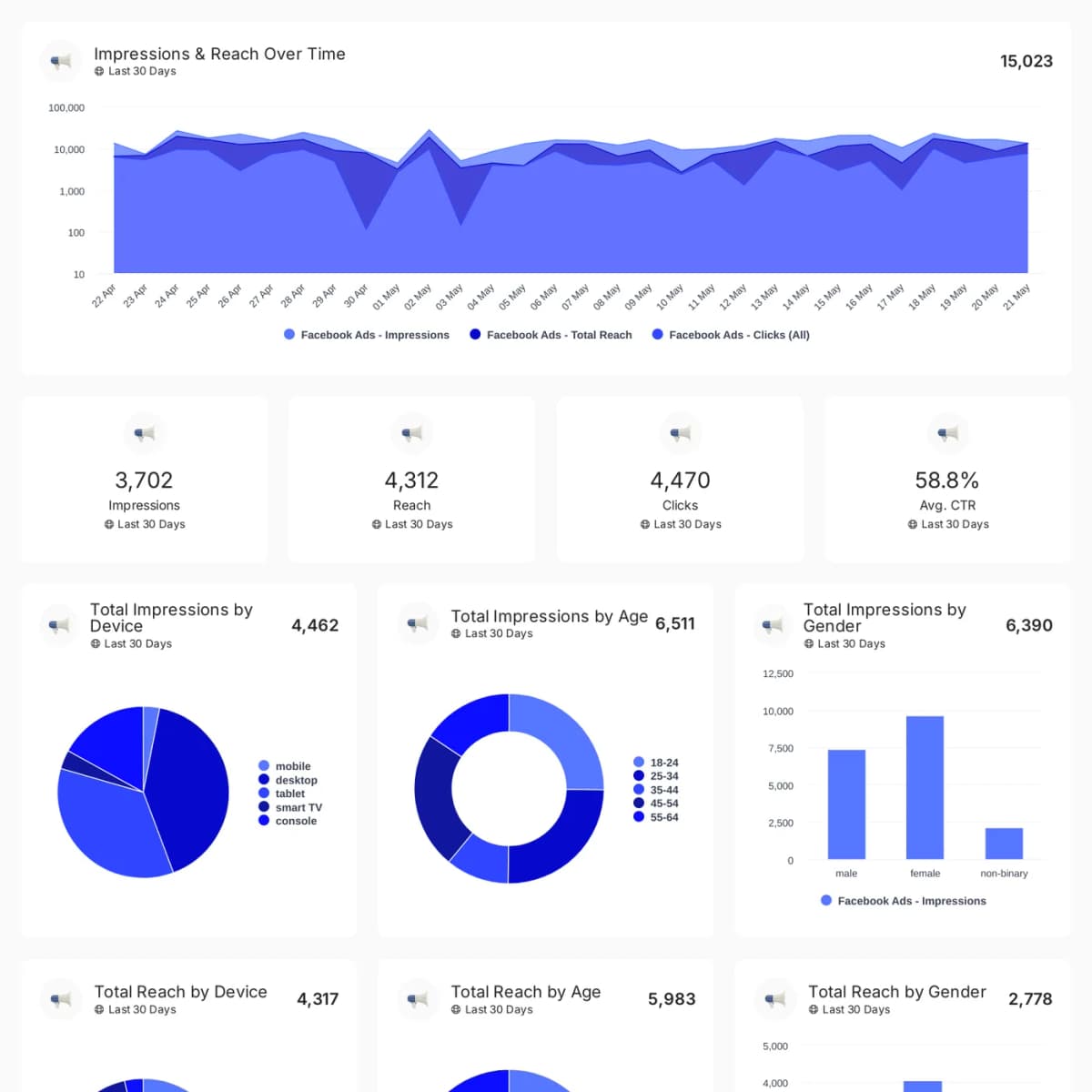
Meta Ads (Facebook Ads) reporting templates
Start from an agency-ready Meta Ads (Facebook Ads) template and send a polished client report in minutes.
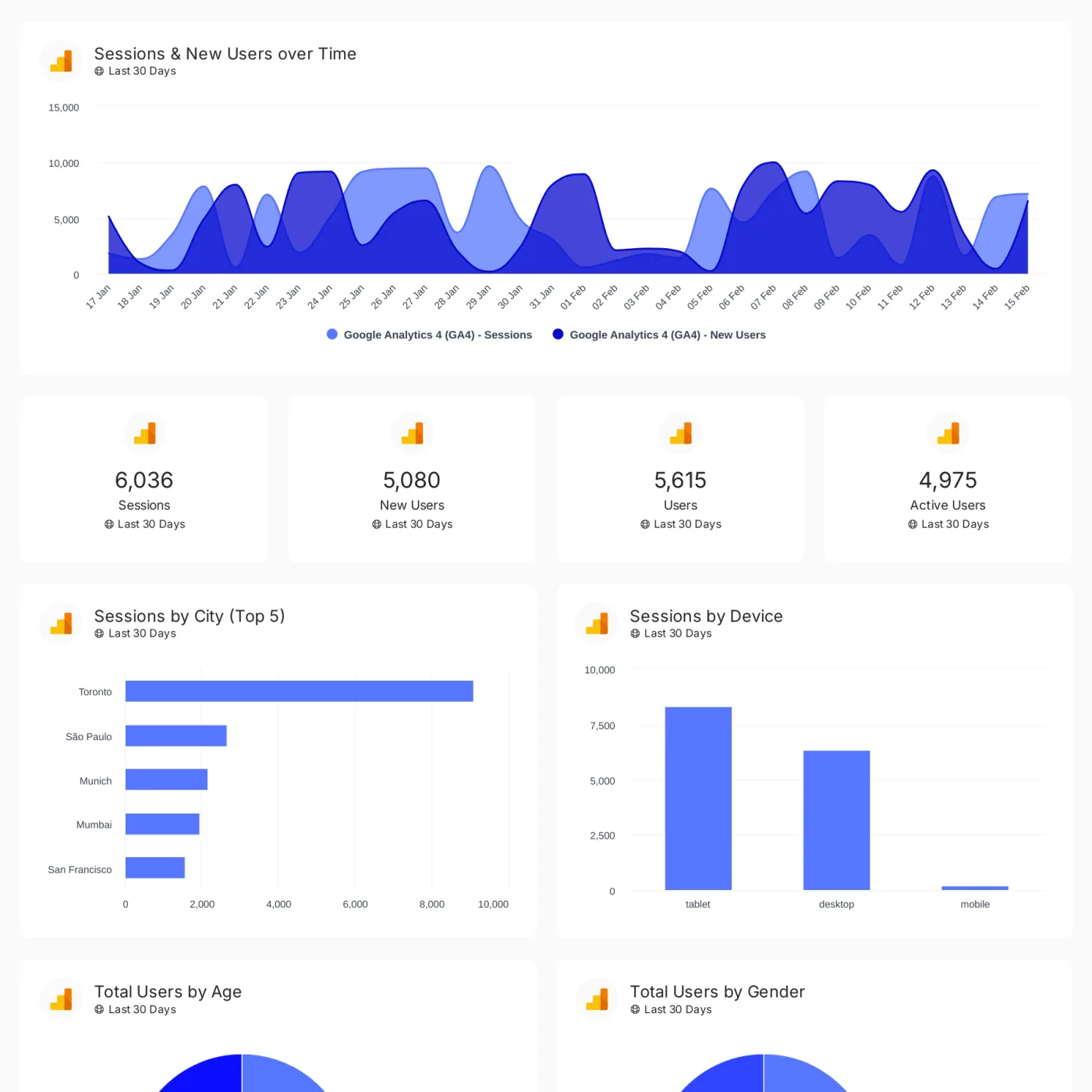
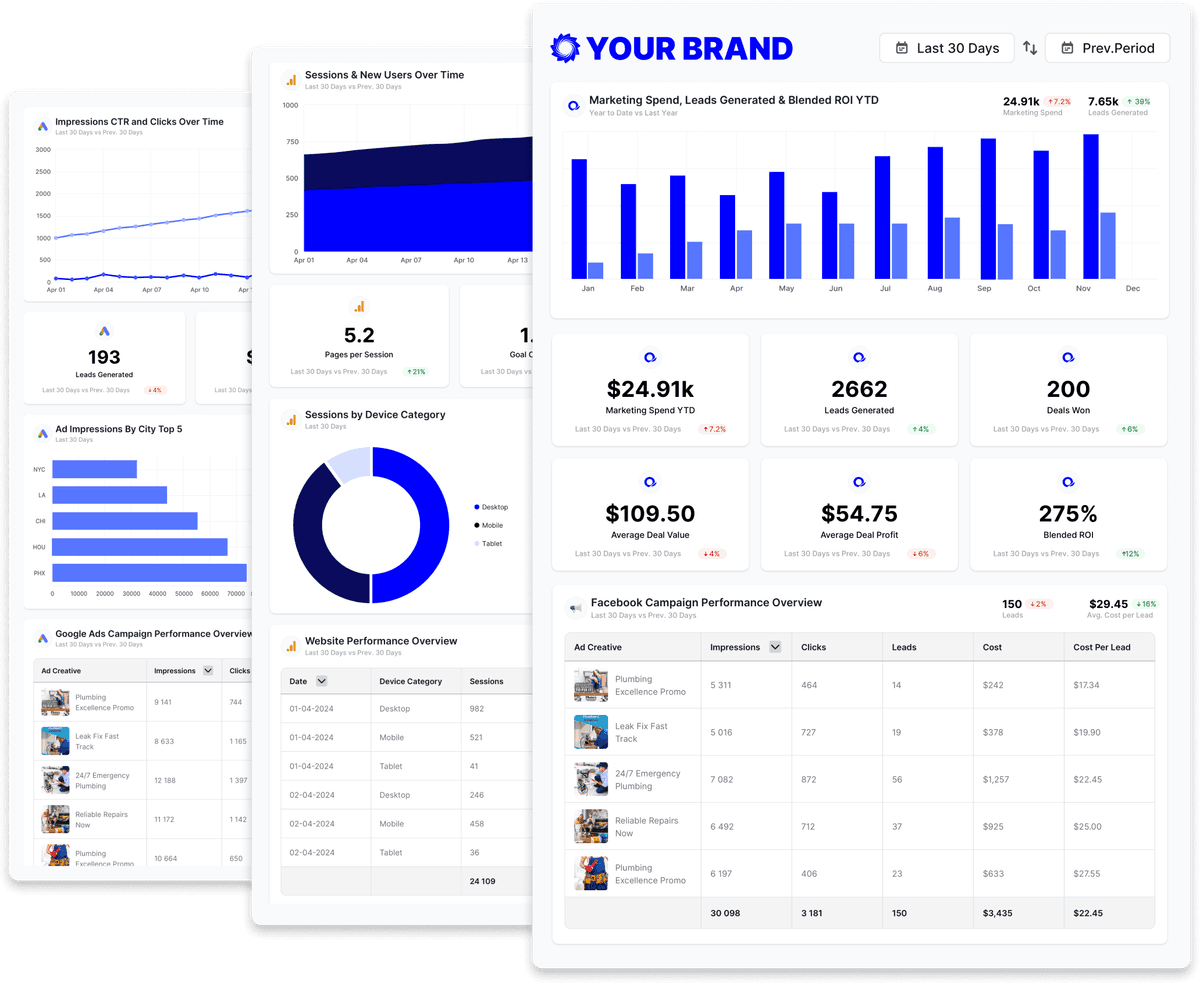
Digital marketing dashboard
Track conversions, revenue, traffic, and customer engagement across your client's full marketing stack in one branded dashboard.


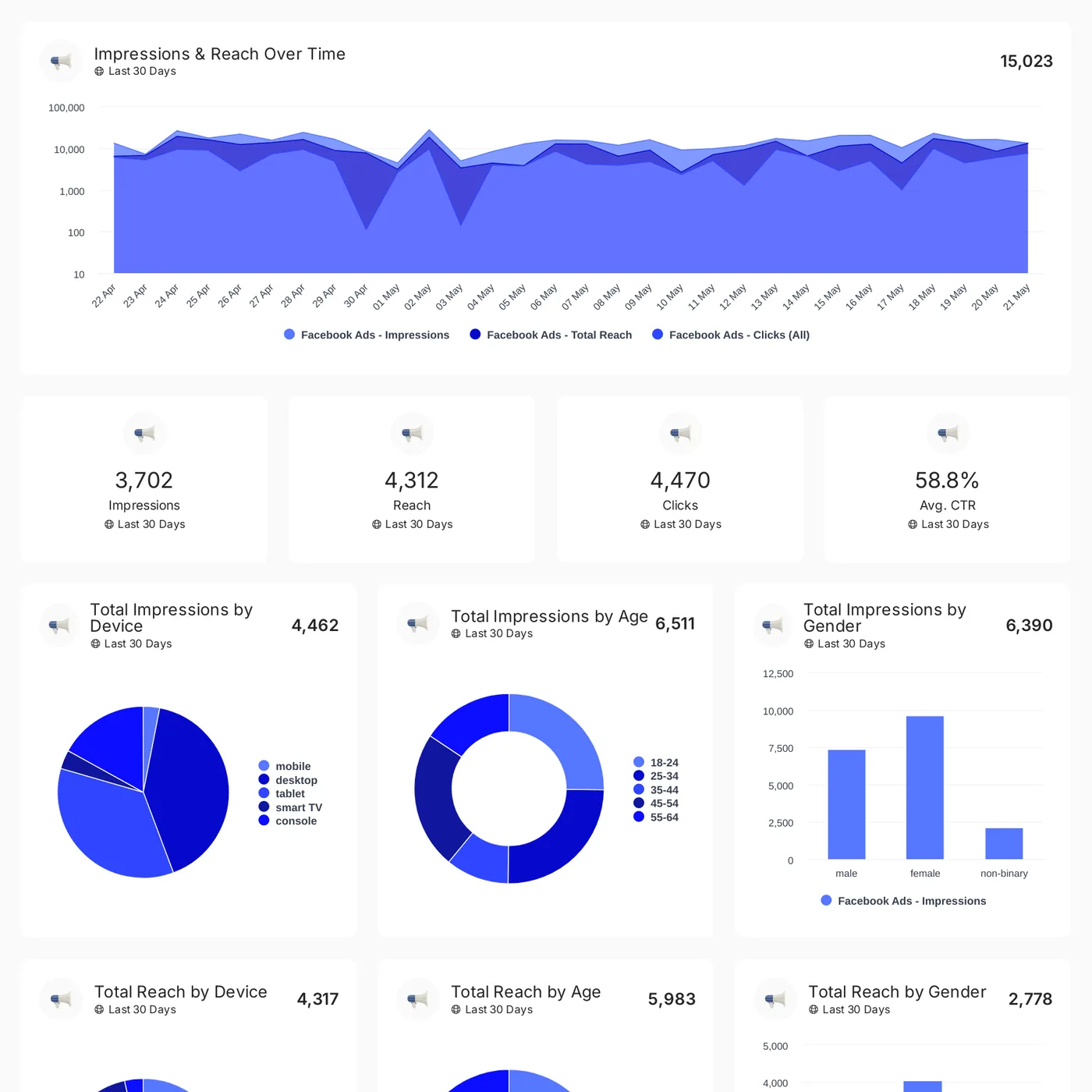
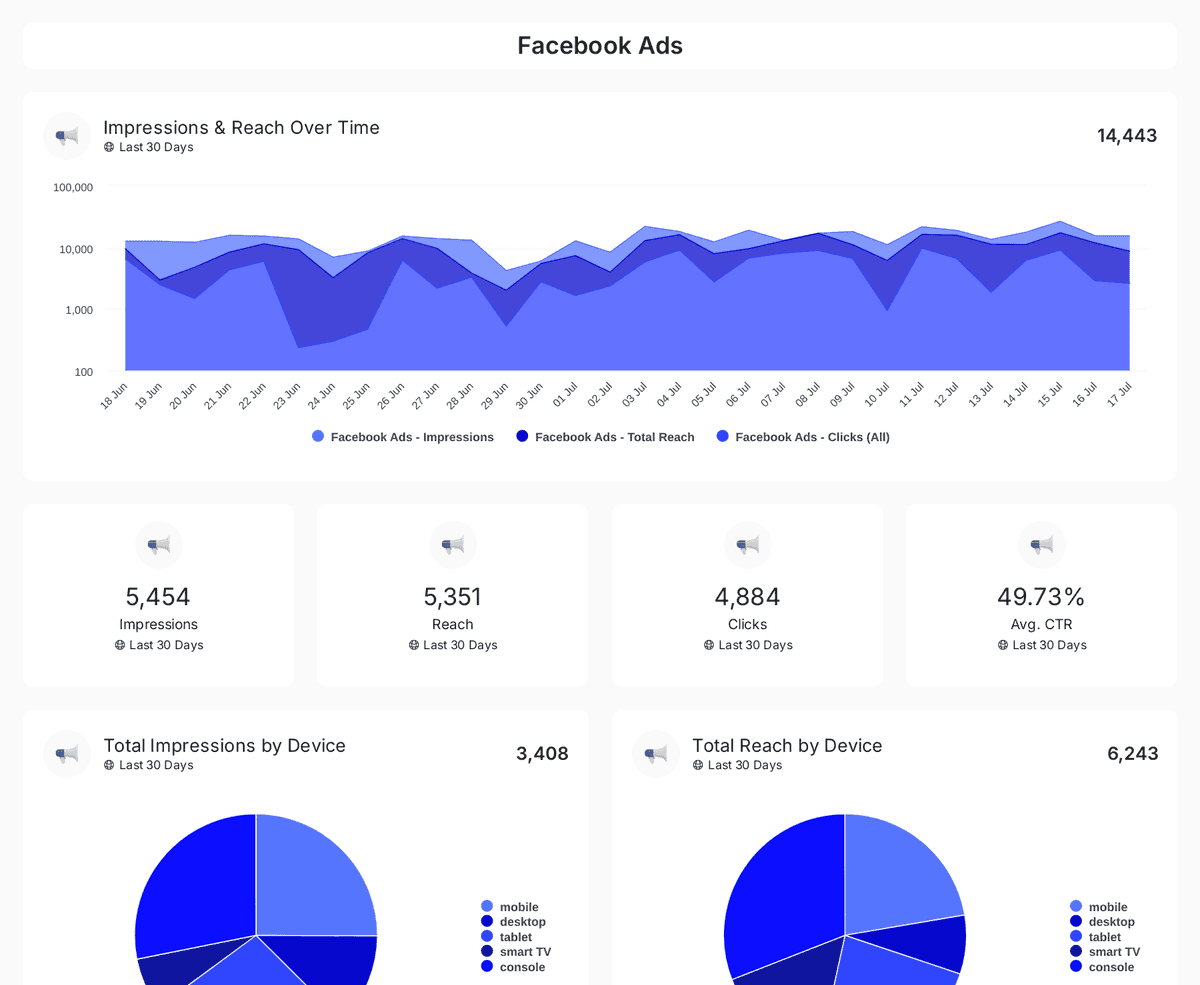
Facebook Ads
Track Facebook Ads performance with a dashboard covering spend, engagement, demographics, and campaign metrics in one professional view.
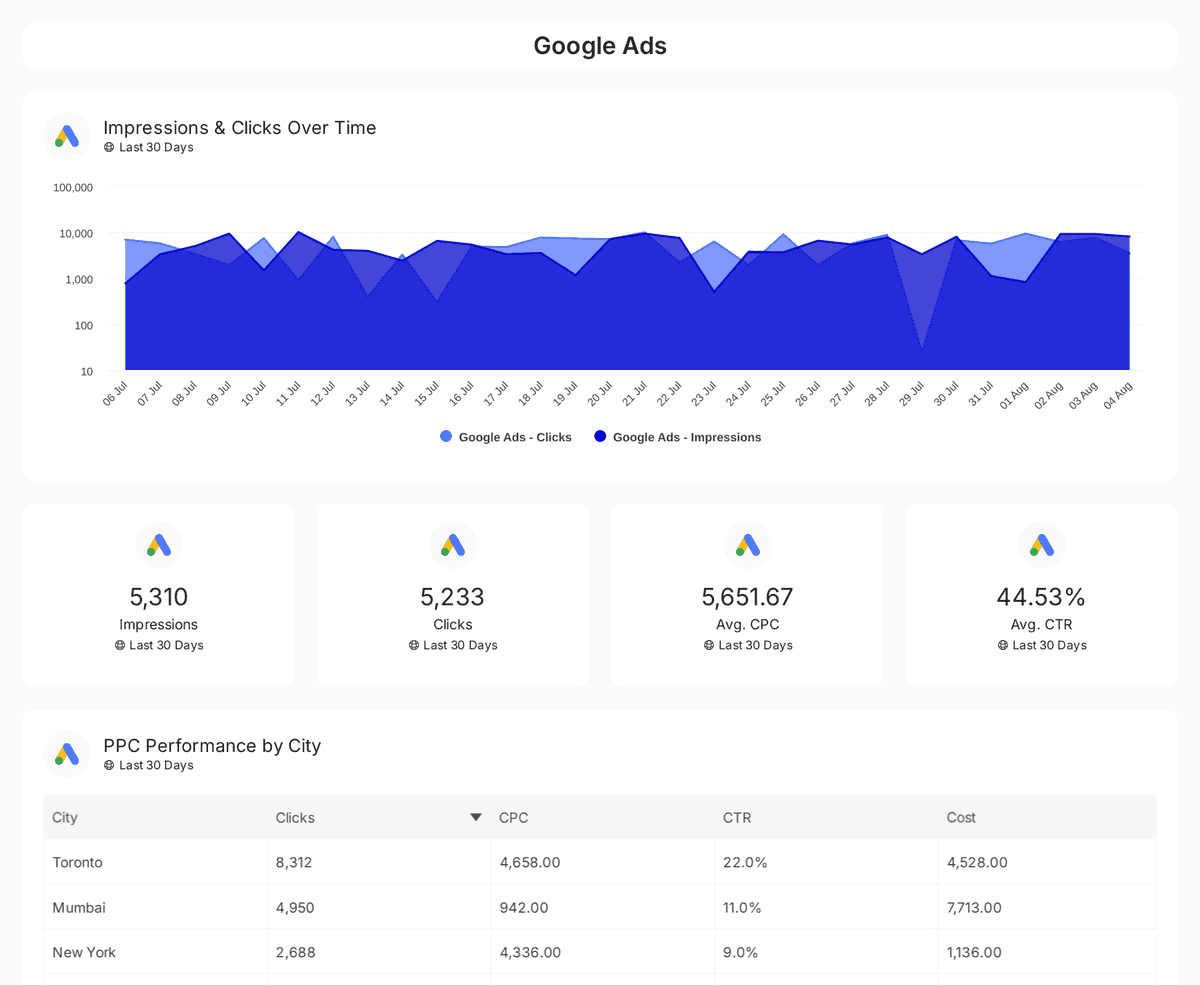
PPC dashboard
Track and compare reach, clicks, impressions, and CTR across Google, Facebook, Instagram, LinkedIn, and Twitter Ads over time.

Social media ads
Track impressions, clicks, CTR, and ad spend across Facebook, Instagram, LinkedIn, TikTok, and Twitter Ads with insights on engagement & conversions.


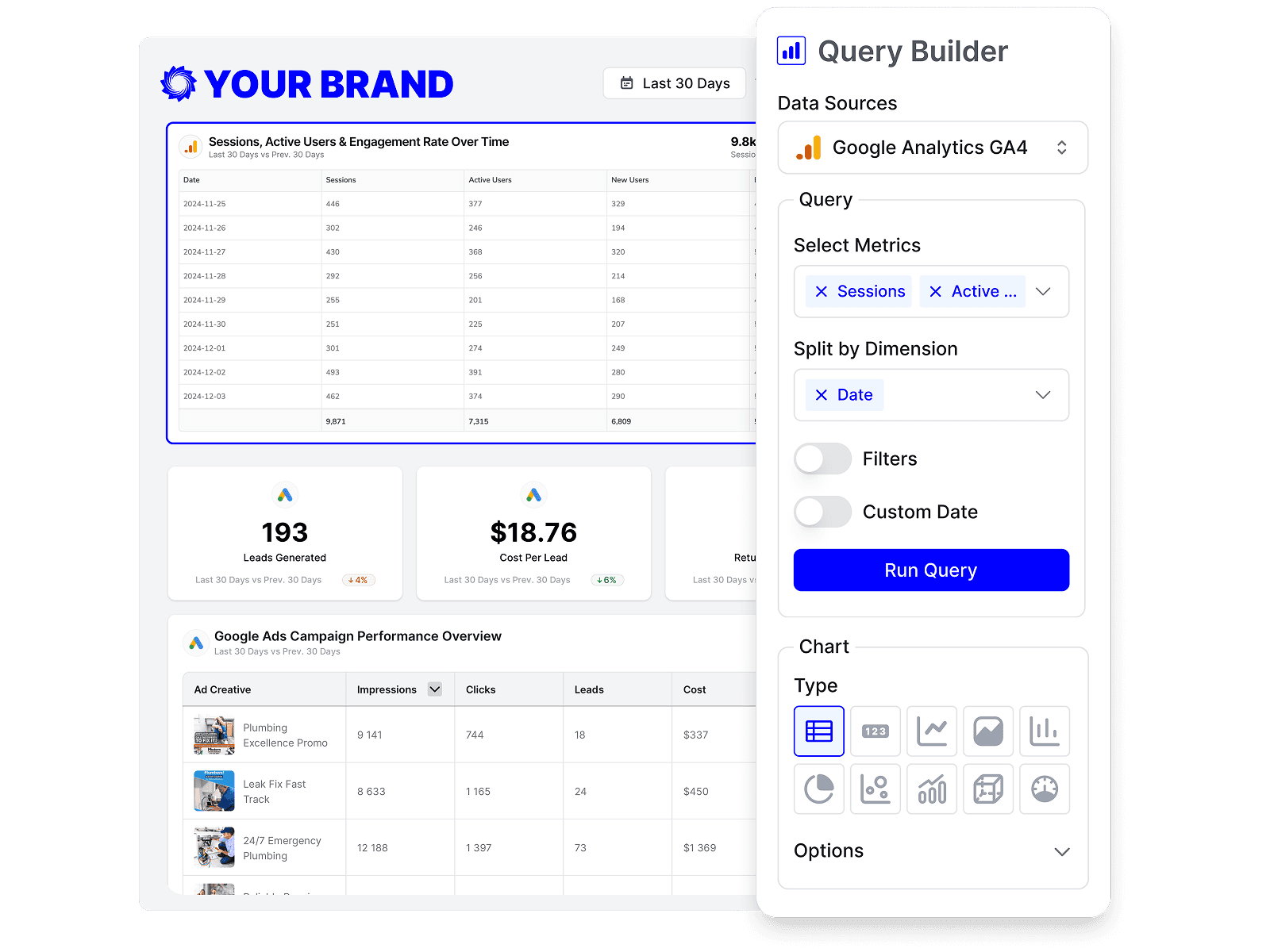
Build custom Meta Ads (Facebook Ads) queries
Start from prebuilt Meta Ads (Facebook Ads) queries or build your own, so each report shows exactly the metrics that matter to the client.
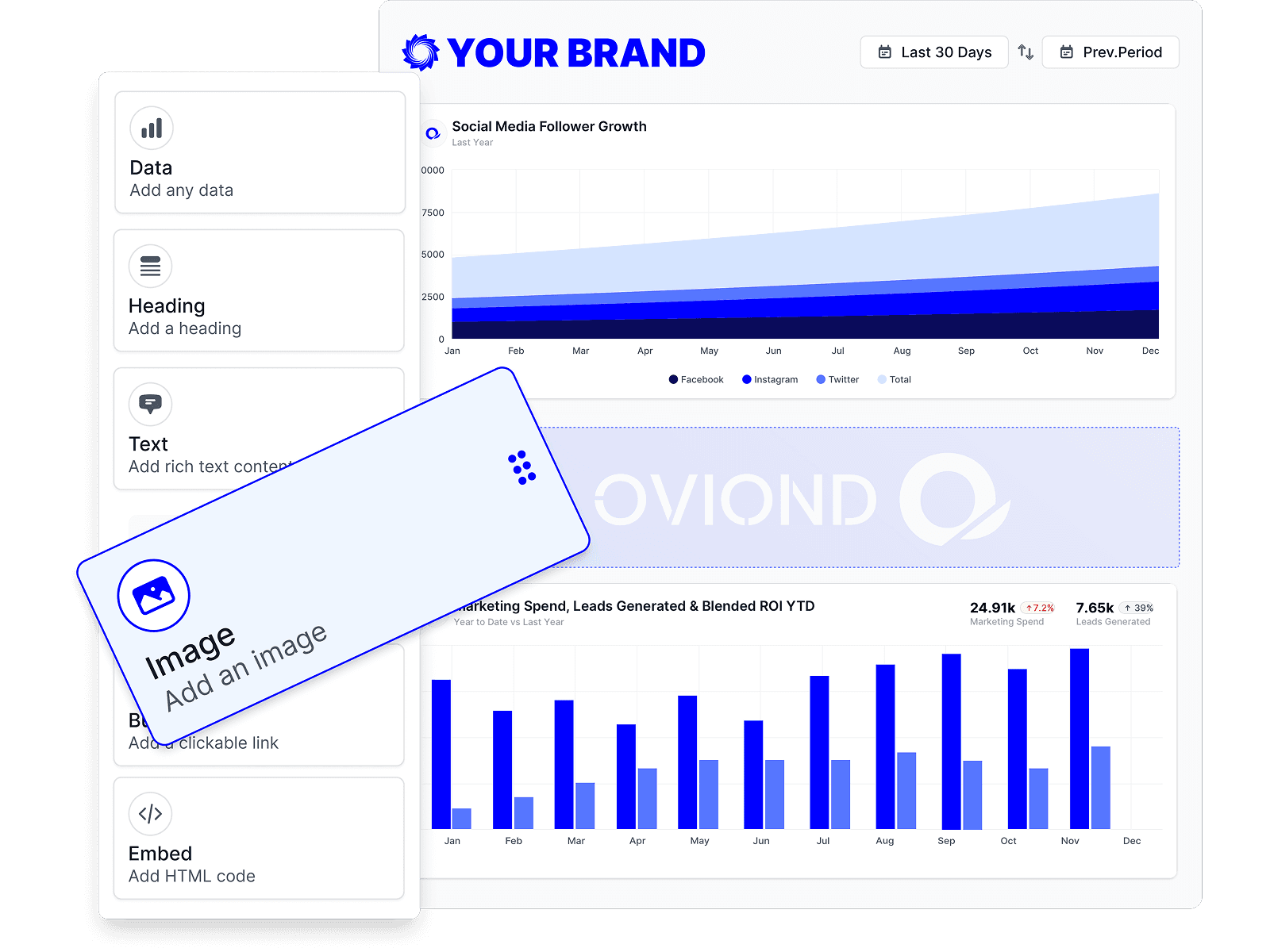
Drag-and-drop Meta Ads (Facebook Ads) reports
Customize Meta Ads (Facebook Ads) reports to match each client's goals with a no-code, drag-and-drop builder.
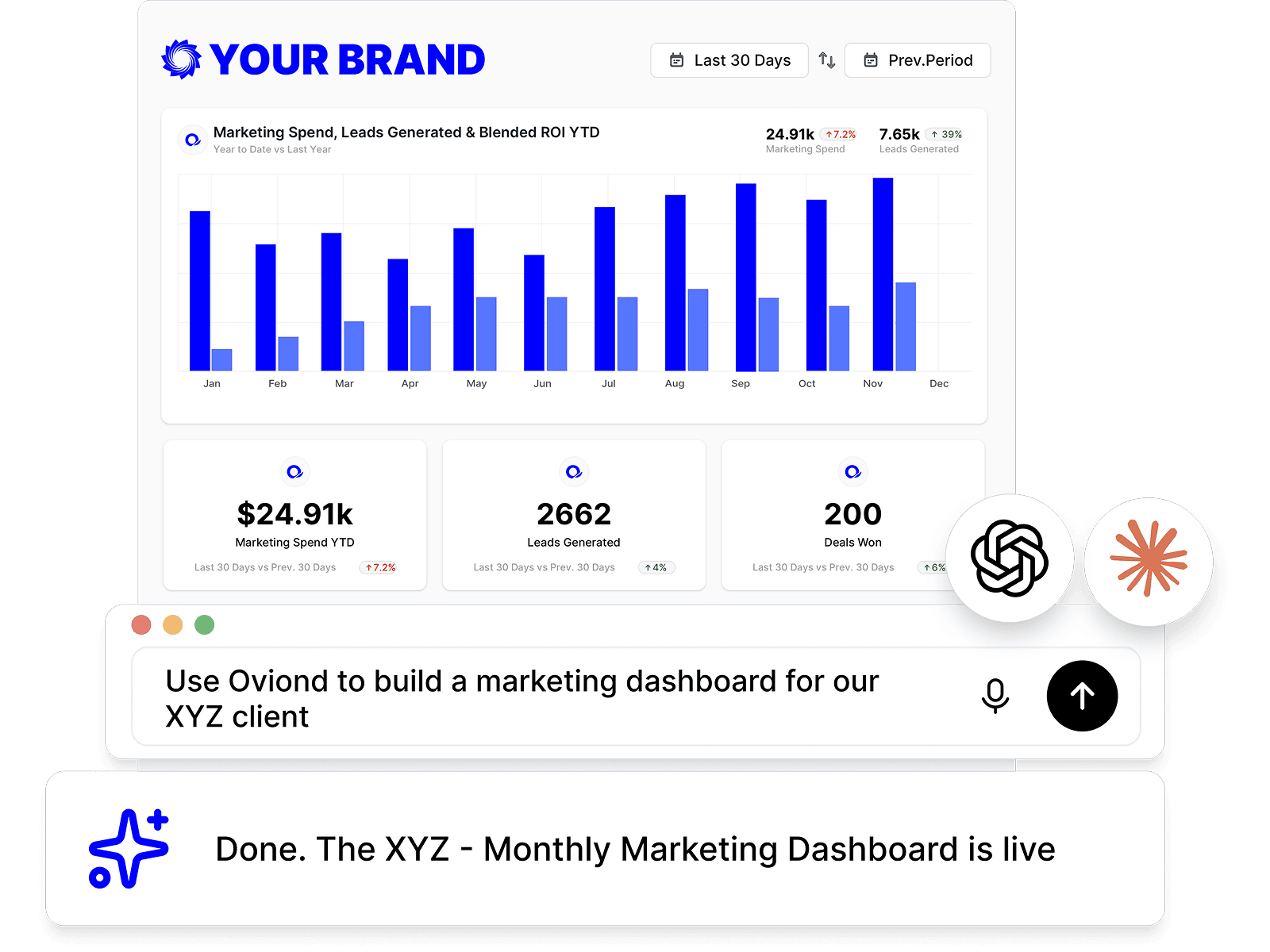
Meta Ads (Facebook Ads) reporting, inside your AI
Pull Meta Ads (Facebook Ads) data and build reports right from Claude, ChatGPT, or any MCP-ready AI tool your agency already uses.
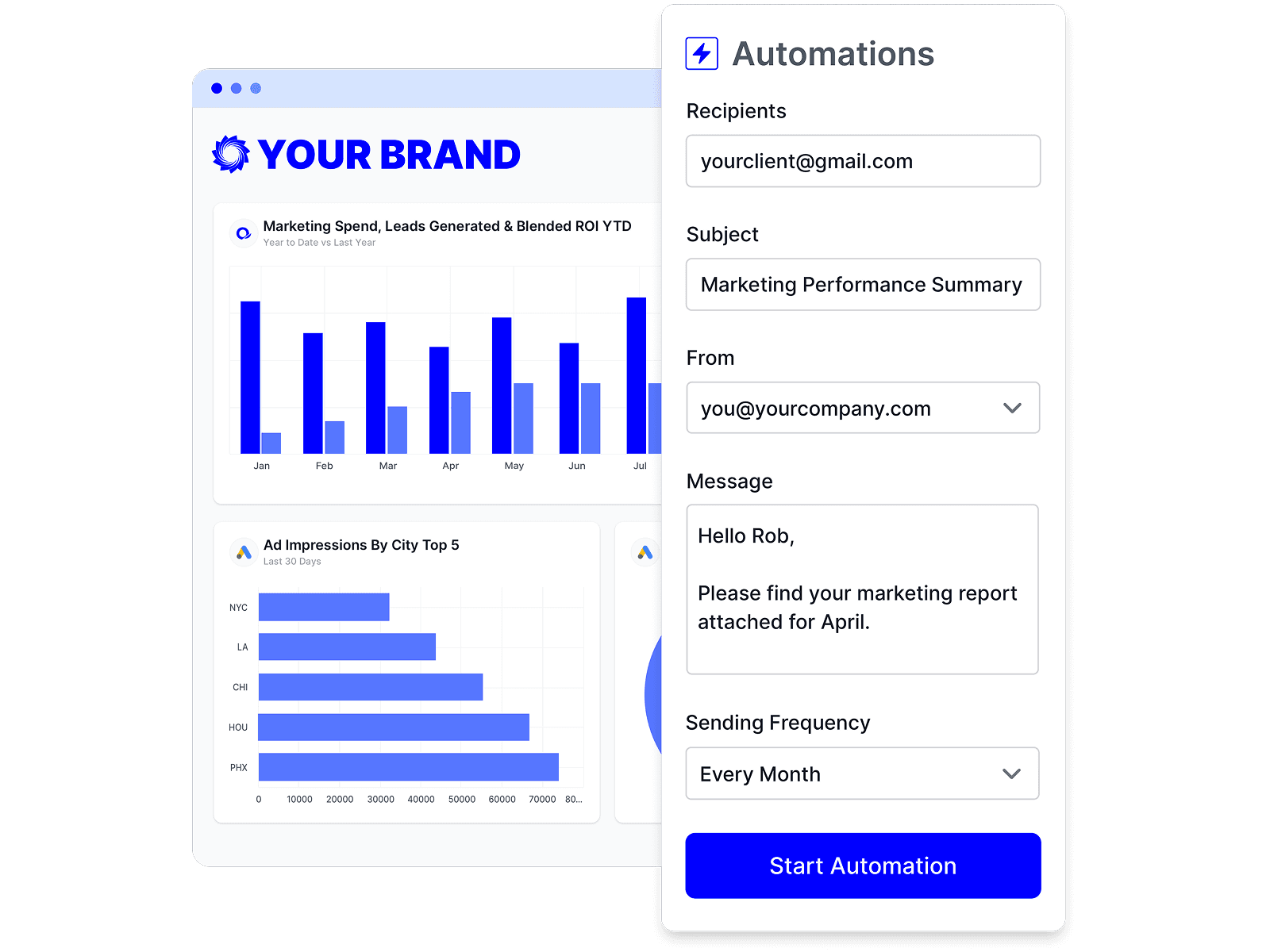
Automate Meta Ads (Facebook Ads) reporting
Schedule Meta Ads (Facebook Ads) reports once and let them send themselves — on time, every time, without rebuilding it by hand.
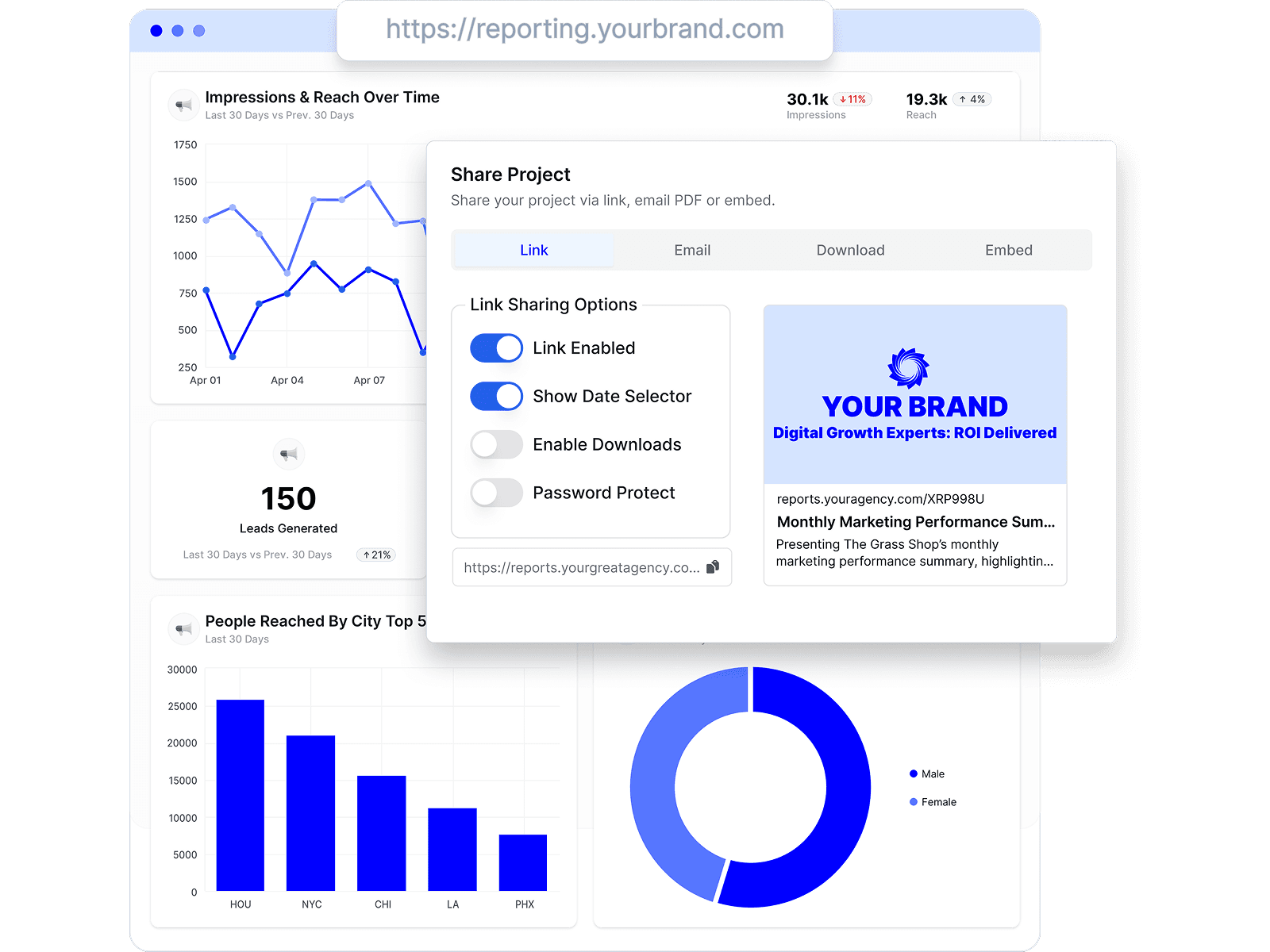
Branded Meta Ads (Facebook Ads) reports
Deliver white-labeled Meta Ads (Facebook Ads) reports from your own domain, so every report looks like it came from your agency.

Share Meta Ads (Facebook Ads) reports clients love
Share by link, email, or embed, and keep every client looking at the latest Meta Ads (Facebook Ads) numbers.
Combine Meta Ads (Facebook Ads) with every channel
Add Meta Ads (Facebook Ads) to the analytics, ads, social, search, and CRM data your agency already reports on.




Meta Ads (Facebook Ads) reporting FAQs
What Facebook Ads metrics can I report on in Oviond?
Oviond's standard Facebook Ads widgets cover spend, reach, impressions, link clicks, post engagement, CTR, CPC, CPM, purchases, purchase value, and ROAS, and you can build custom queries when a client needs more.
Can I show clients their Facebook Ads ROAS?
Yes. Purchases, purchase value, and purchase ROAS are standard Facebook Ads widgets in Oviond — so the report answers the client's real question: what did the spend return.
Is there a Facebook Ads report template?
Yes. Start from the Facebook Ads reporting template, or use the PPC dashboard template to compare Facebook with Google, Instagram, LinkedIn, and X Ads in one view.
Can I report Facebook Ads and Instagram Ads together?
Yes. Connect both and report the client's full Meta picture side by side — same report, same date range, one view of the budget.
How do I connect Facebook Ads to Oviond?
Connect your Facebook Ads account from your Oviond dashboard, choose the client it belongs to, and the data flows into your reports — no spreadsheets or manual exports.
Can I pull Facebook Ads data into Claude or ChatGPT?
Yes. Oviond works with Claude, ChatGPT, and other MCP-ready AI tools, so you can pull Facebook Ads data and build reports right from the AI your agency already uses.
Can I automate Facebook Ads reporting?
Yes. Schedule reports to send to clients automatically on a schedule you set, so Facebook Ads reporting goes out on time without the manual rebuild.
Can I send Facebook Ads reports from my own domain?
Yes. Add your own custom domain so Facebook Ads reports reach clients from your agency, not from Oviond.
Simplify Meta Ads (Facebook Ads) reporting today
Stop juggling exports and screenshots. Start sending polished, client-ready Meta Ads (Facebook Ads) reports — on schedule.