


Connect X (Twitter) to Oviond
Turn your clients' X (Twitter) data into branded reports that go out on schedule — no exports, no manual rebuild.
X performance, in context
Organic X (Twitter) performance belongs in the same report as everything else. Oviond tracks follower growth, engagement, and post performance in white-label dashboards, so clients see how their X presence contributes without a separate social export. The X report template covers the essentials out of the box.
What you can report on from X (Twitter)
The X connector separates what anyone can see on a post from the owner-only analytics, and splits organic from promoted performance. These are the metric names as they appear in Oviond's report builder.
- Data views
- AccountPublic TweetsNon Public TweetsOrganic TweetsPromoted Tweets
- Account
- Followers
- Following
- Tweets Count
- Listed Count
- Public post engagement
- Likes
- Retweets
- Quote Tweets
- Replies
- Video Views
- Owner-only post analytics
- Impressions
- URL Link Clicks
- User Profile Clicks
- Video Views (25 Sec)
- Video Views (50 Sec)
- Video Views (75 Sec)
- Video Views (100 Sec)
Available for posts on the connected account (the Non Public Tweets view).
- Organic vs promoted
- Impressions
- Likes
- Retweets
- Replies
- URL Link Clicks
- User Profile Clicks
- Video Views
Each metric is available separately in the Organic Tweets and Promoted Tweets views, so paid amplification is visible.
- Break it down by
- Tweet Text · Tweet Preview · Tweet Created At · Source · Language Code · Username · Verified
23 of the X (Twitter) metrics available in Oviond, shown as named in the report builder. Read from the Oviond API on ; the full catalog is longer and grows as X (Twitter) adds fields.
X (Twitter) reporting templates
Start from an agency-ready X (Twitter) template and send a polished client report in minutes.
Social media marketing
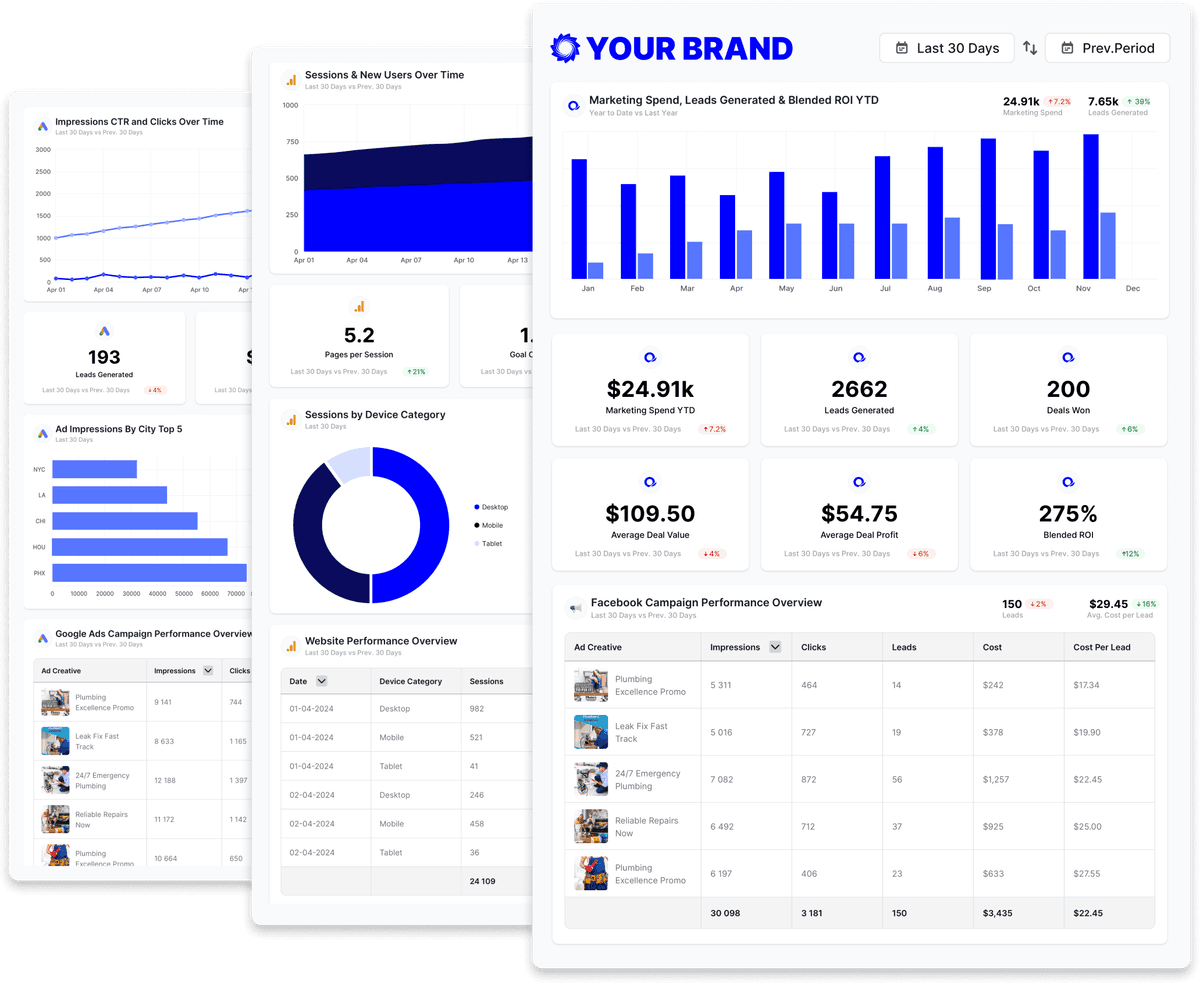
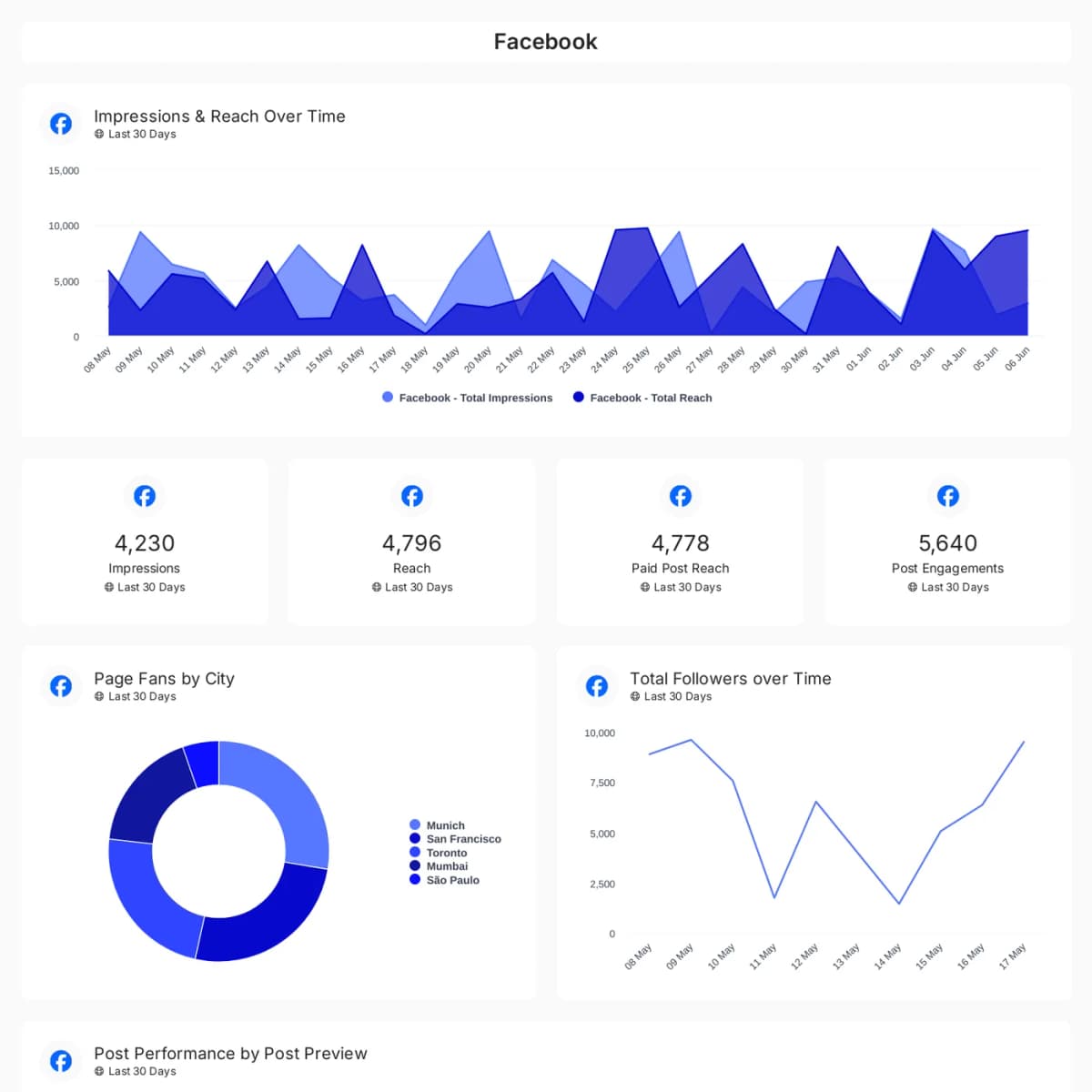
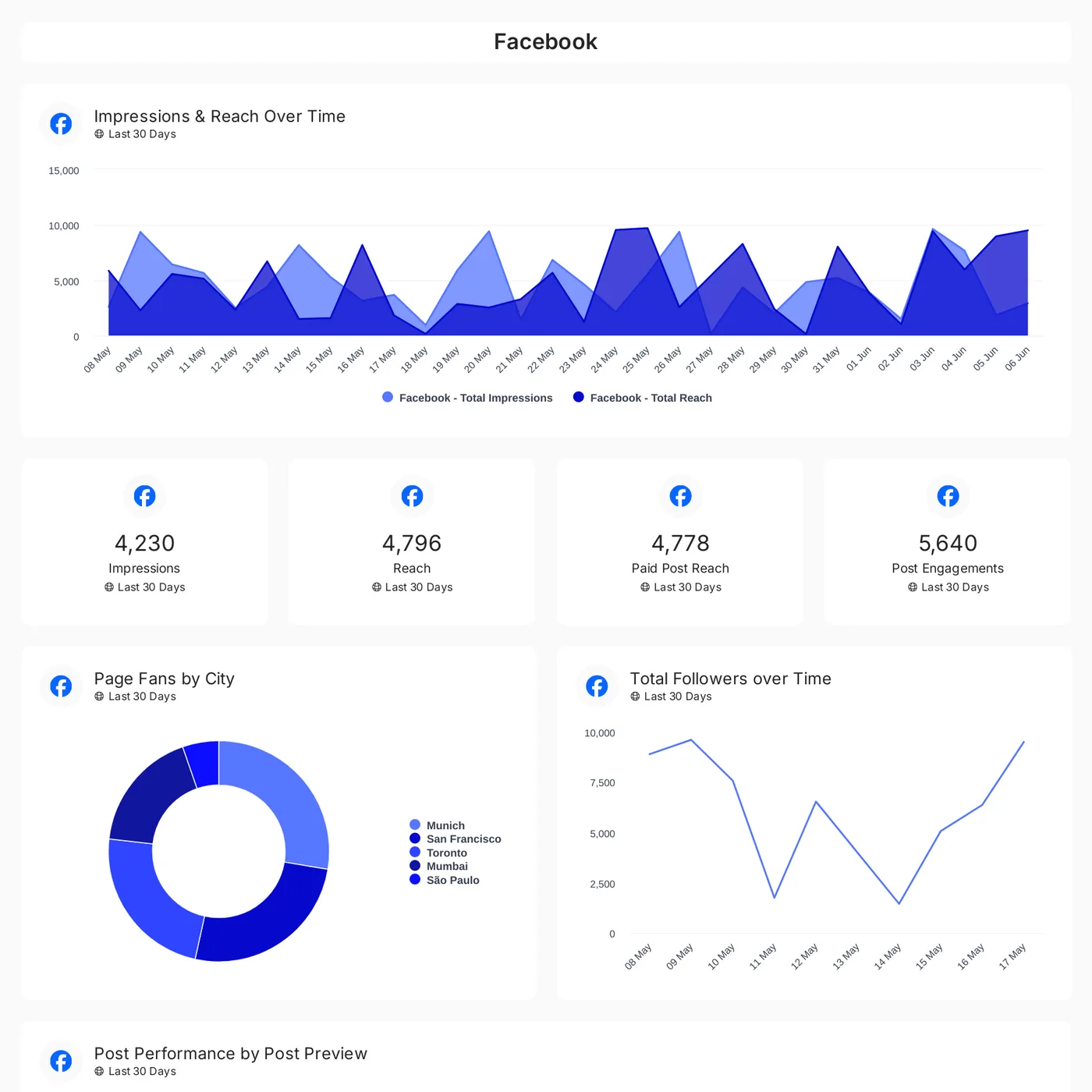
Track impressions, reach, engagement, and follower growth across multiple social media platforms for a comprehensive performance overview.



X (Twitter)
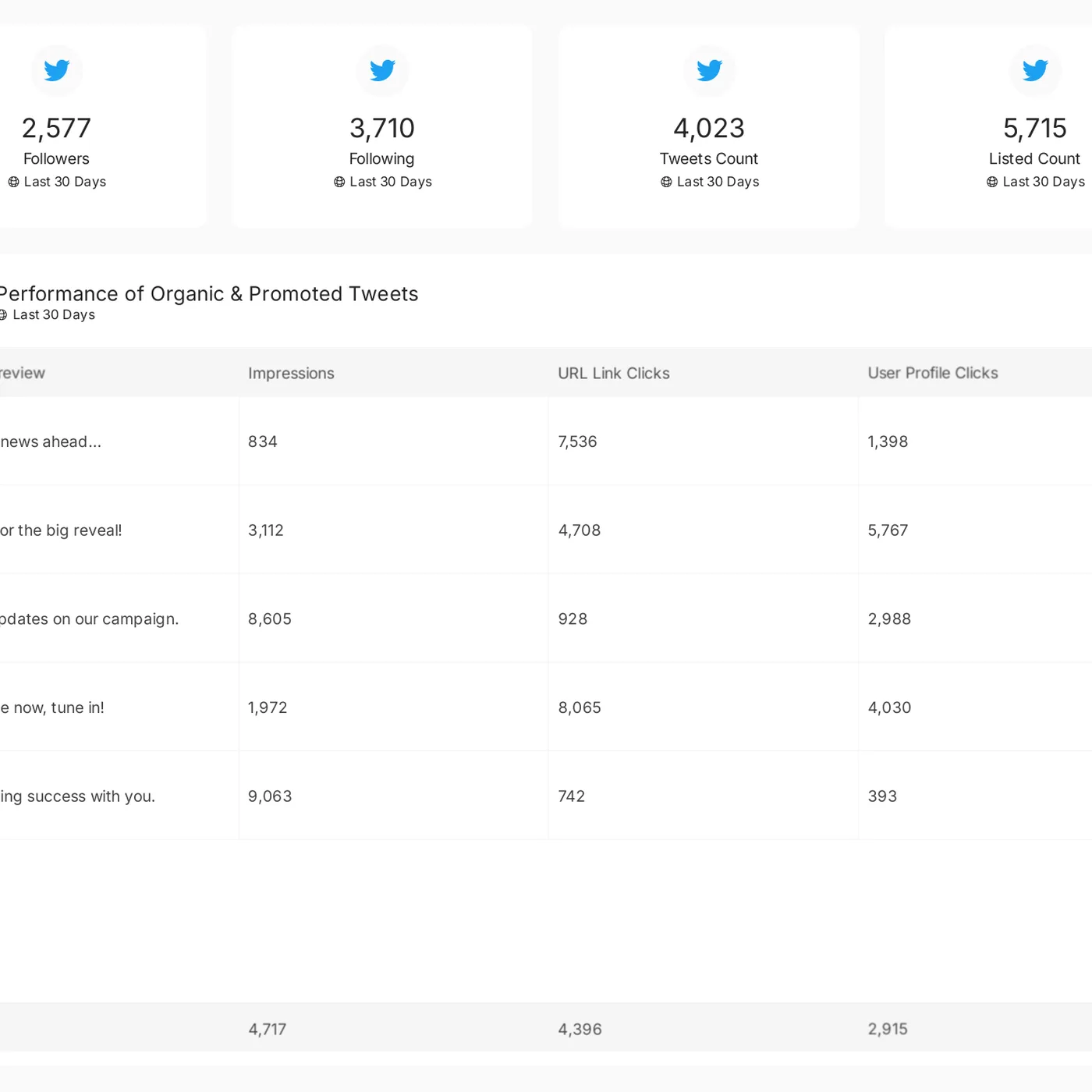
Track Twitter account growth and tweet performance with metrics like followers, impressions, clicks, and engagement for organic and promoted posts
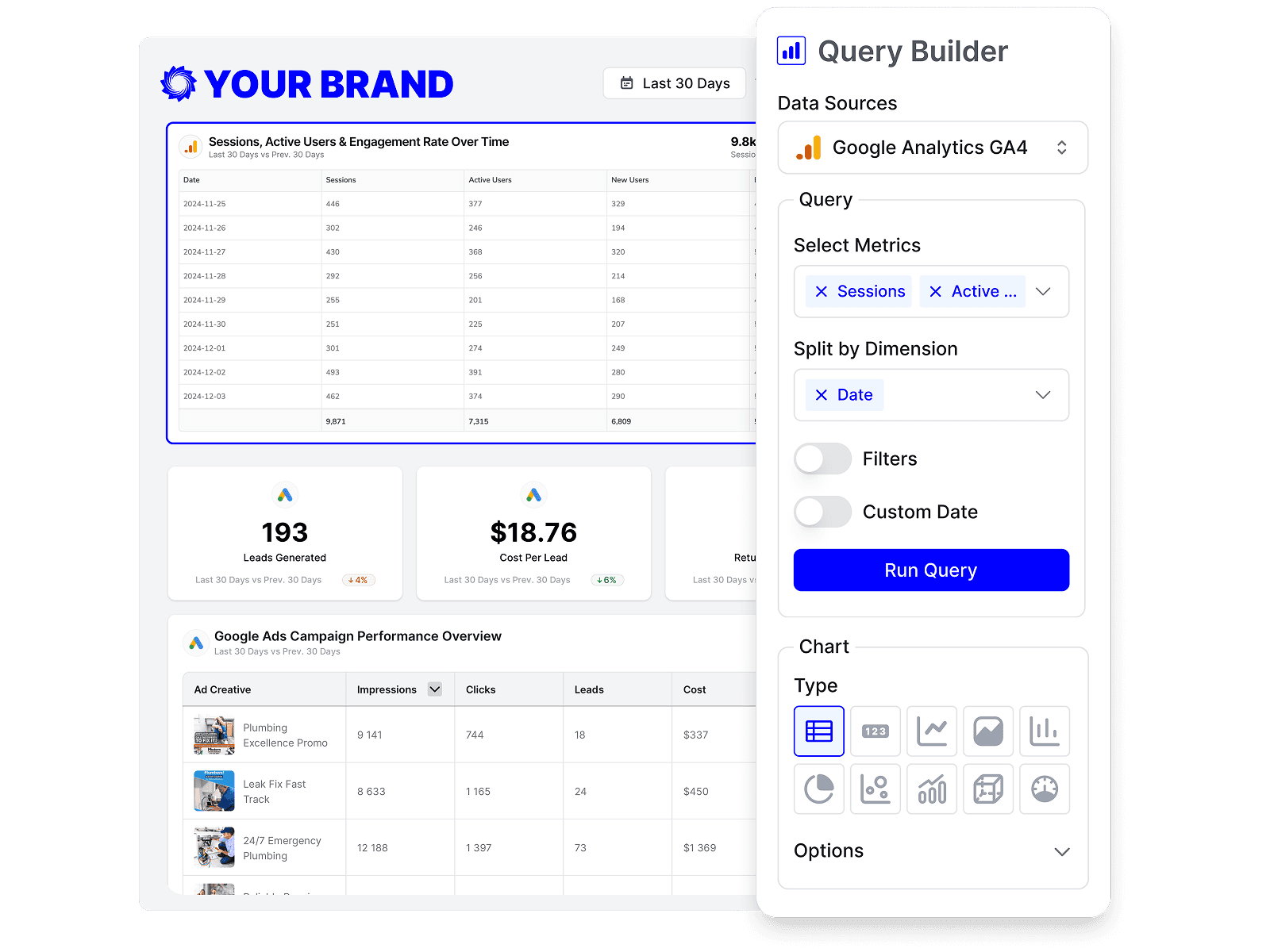
Build custom X (Twitter) queries
Start from prebuilt X (Twitter) queries or build your own, so each report shows exactly the metrics that matter to the client.
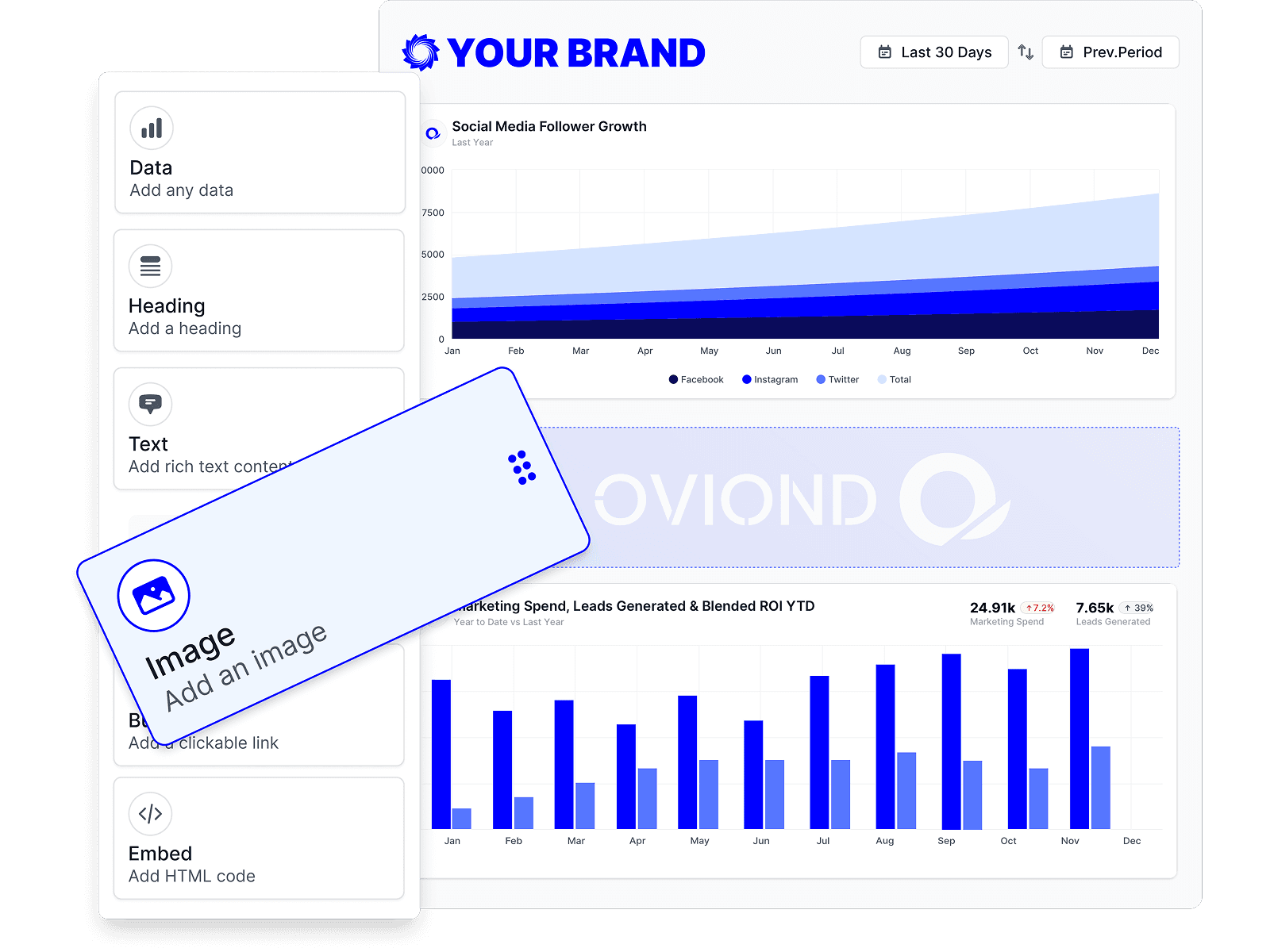
Drag-and-drop X (Twitter) reports
Customize X (Twitter) reports to match each client's goals with a no-code, drag-and-drop builder.
X (Twitter) reporting, inside your AI
Pull X (Twitter) data and build reports right from Claude, ChatGPT, or any MCP-ready AI tool your agency already uses.

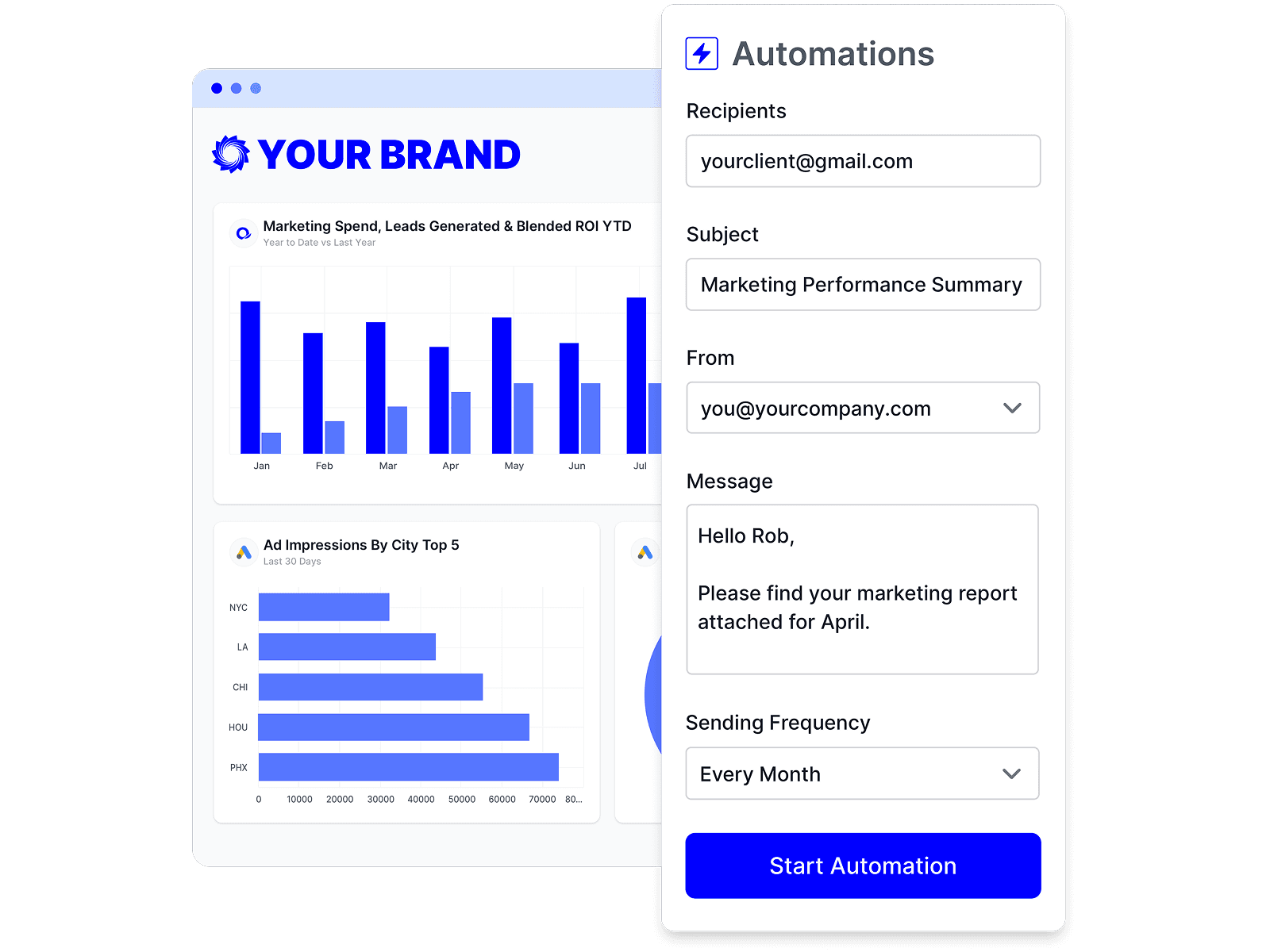
Automate X (Twitter) reporting
Schedule X (Twitter) reports once and let them send themselves — on time, every time, without rebuilding it by hand.
Branded X (Twitter) reports
Deliver white-labeled X (Twitter) reports from your own domain, so every report looks like it came from your agency.

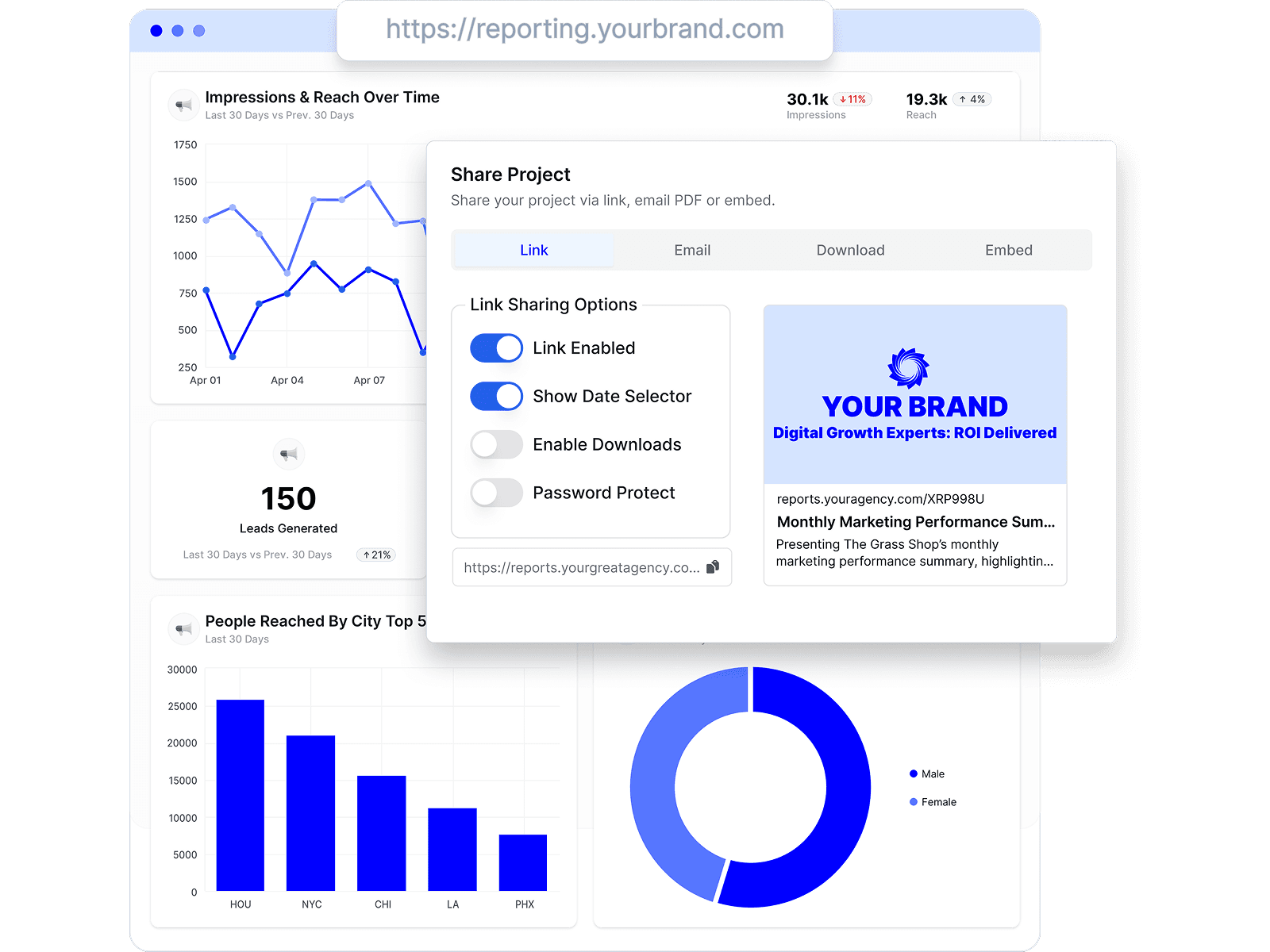
Share X (Twitter) reports clients love
Share by link, email, or embed, and keep every client looking at the latest X (Twitter) numbers.
Combine X (Twitter) with every channel
Add X (Twitter) to the analytics, ads, social, search, and CRM data your agency already reports on.








X (Twitter) reporting FAQs
What X (Twitter) metrics can I report on in Oviond?
Oviond's standard X widgets cover followers, following, impressions, post count, link clicks, and profile clicks, and you can build custom queries when a client needs more. The numbers come straight from the connected X account.
Can I combine X with Instagram, Facebook, and LinkedIn in one social report?
Yes. The social media marketing template brings the client's organic social channels — X, Instagram, Facebook, and LinkedIn — into one report, so growth and engagement read as one story.
Is there an X (Twitter) report template?
Yes. Start from the X reporting template, brand it as your agency's, and reuse it across clients.
Can I track X follower growth over time?
Yes. Track followers and impressions over any date range you report on, so clients see the trend — not just this month's number.
How do I connect X (Twitter) to Oviond?
Connect your X account from your Oviond dashboard, choose the client it belongs to, and the data flows into your reports — no spreadsheets or manual exports.
Can I pull X data into Claude or ChatGPT?
Yes. Oviond works with Claude, ChatGPT, and other MCP-ready AI tools, so you can pull X data and build reports right from the AI your agency already uses.
Can I automate X (Twitter) reporting?
Yes. Schedule reports to send to clients automatically on a schedule you set, so X reporting goes out on time without the manual rebuild.
Can I separate organic from promoted X performance?
Yes. The connector has dedicated Organic Tweets and Promoted Tweets data views, each with Impressions, Likes, Retweets, Replies, URL Link Clicks, User Profile Clicks, and Video Views — so a client can see what the paid boost added.
Simplify X (Twitter) reporting today
Stop juggling exports and screenshots. Start sending polished, client-ready X (Twitter) reports — on schedule.