
Oviond Blog
10 Best Advertising Reporting Tools for Agencies (2026)
Find the best advertising reporting tools for your agency. Compare top platforms like Oviond, AgencyAnalytics, and more to automate and scale client reporting.

Stop drowning in spreadsheets at the end of the month. Your account managers are pulling numbers from Google Ads, Meta, and GA4 for 15 clients, the formatting is a mess, and every handoff eats time you should be spending on strategy. That's the core problem advertising reporting tools solve for agencies: they turn scattered client data into branded dashboards, automated delivery, and reports that don't need constant fixing. The category has moved far beyond monthly PDF exports, because modern platforms now centralize data from ads, analytics, CRM, email, social, and ecommerce into a single client view, instead of forcing manual compilation from spreadsheets and ad platforms into dashboards.
If you're running a growing agency, this choice matters. The right platform helps you scale reporting across more clients without adding more seat fees, more copy-paste work, or more brand inconsistencies. The wrong one leaves you stuck rebuilding the same report every month, and that gets expensive fast in time, trust, and ops overhead.
Table of Contents
- 1. Oviond
- 2. AgencyAnalytics
- 3. Whatagraph
- 4. DashThis
- 5. Databox
- 6. Swydo
- 7. NinjaCat
- 8. TapClicks
- 9. Looker Studio and Looker Studio Pro
- 10. Klipfolio Klips
- Top 10 Advertising Reporting Tools Comparison
- How to Choose the Right Tool for Your Agency
1. Oviond
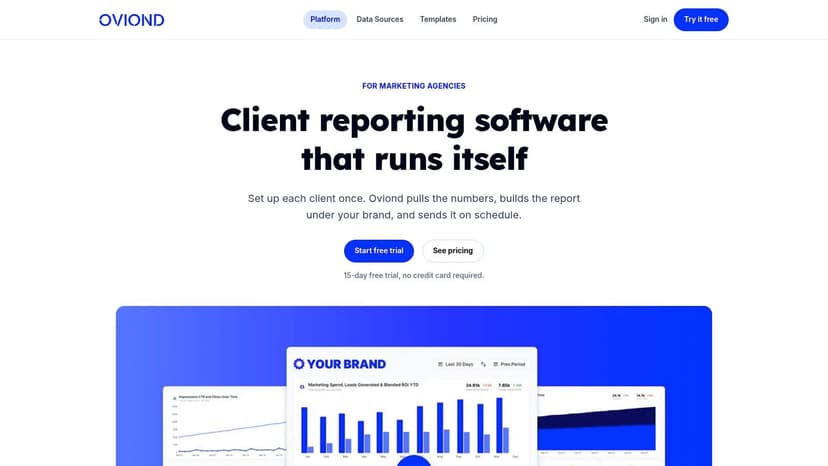
Oviond is the cleanest answer for agencies that want white-label client reporting without spreadsheet chaos. It's built around the actual agency workflow, pull the data in, brand the dashboard, automate delivery, and stop redoing the same report every month. It supports 70+ native sources, custom imports like Google Sheets, and reusable templates so your team can move faster from one client to the next.
Why agencies pick it
Oviond's biggest strength is that it combines white-label delivery, custom domains, custom email senders, unlimited reports, unlimited dashboards, and unlimited team users in one plan. That matters because reporting breaks down when every account needs a different workaround. If you're managing many clients, per-seat fees and fragmented feature sets create friction you don't need.
It also gives you AI-assisted setup through an MCP server, plus calculated metrics and goals for client KPIs. That's useful when you need to standardize reporting across accounts but still keep each client's definitions tight. Oviond also offers human support and migration assistance from the smallest plan, which is the kind of operational help agencies use.
Practical rule: if your agency is still rebuilding reports in Looker Studio and patching branding by hand, you've already outgrown that workflow.
Pricing and fit
Oviond keeps pricing simple, with a single plan that scales by client count. It starts at $5 per client month-to-month ($50 minimum for 10 clients), or $4 per client on annual billing ($40/month at 10), and the per-client rate drops as you add more accounts according to Oviond's marketing reporting platform overview. That pricing model fits agency operations better than seat-based billing, because your reporting load grows with clients, not just users.
The value is straightforward. You get a white-label experience, branded dashboards, scheduled report delivery, and a setup that's meant for multi-client reporting, not generic BI. If your agency wants one platform that feels simpler than spreadsheet sprawl and more agency-native than general dashboard tools, start here.
2. AgencyAnalytics
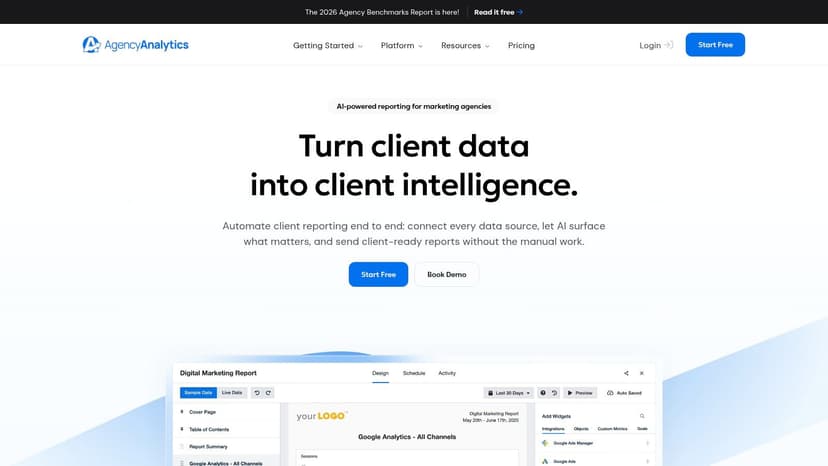
AgencyAnalytics is a strong choice when your team wants a familiar agency reporting stack with client portals built in. It's made for recurring client reporting, and the appeal is obvious, you get white-label dashboards, custom domain options, custom email sender support, and an agency-friendly structure without a lot of setup drama.
The platform covers 85+ native integrations across paid media, SEO, social, and ecommerce, and it offers unlimited dashboards, reports, and users on its single plan. That makes it attractive for agencies that need broad coverage without constantly watching usage caps. It also includes AI analysis, anomaly detection, forecasting, goals, and alerts, which gives account managers a better starting point than static reporting alone.
Use this Oviond comparison if you're deciding between the two.
What it gets right
AgencyAnalytics is built for agencies that need a predictable, per-client model. The platform's structure works well when you want subaccounts, permissions, roll-ups, and client-facing delivery in one place. That's the kind of operational design that helps teams stop rebuilding the same reporting setup from scratch.
The downside is simple. If your agency has a very broad source mix, the per-client model can be less efficient than a simpler all-in-one plan. It's also not the place to go if you're looking for deep data modeling. For agencies that want straight-ahead client reporting with good branding controls, though, it's a solid pick.
Bottom line for agencies
Choose AgencyAnalytics if you want a safe, proven agency reporting platform with strong client communication features and clear pricing tied to client activity. It's a practical fit for account teams that value consistency over customization.
3. Whatagraph
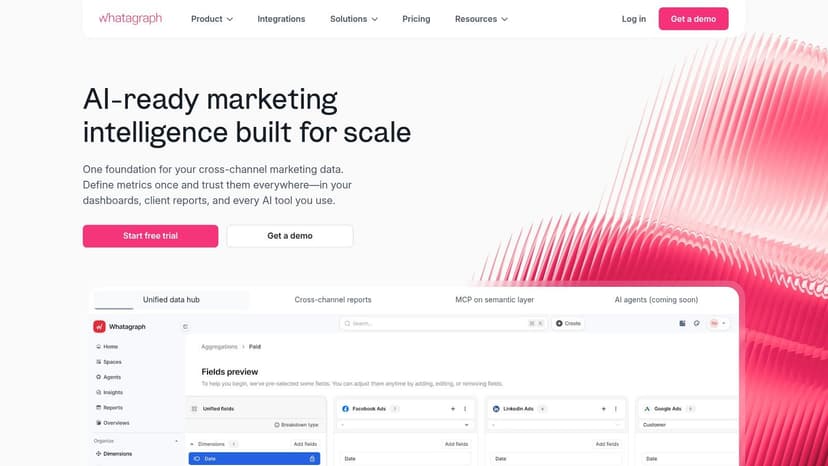
Whatagraph leans hard into polished visuals and template-driven reporting. If your agency spends too much time making client reports look presentable, this tool removes a lot of that pain with white-label client reports, unlimited users, unlimited reports, and a clear agency-oriented workflow.
It's designed around the idea that reporting should look client-ready from the start. The platform uses a data storage layer to help speed report loads, and it emphasizes custom metrics, custom dimensions, goals, alerts, and AI summaries. Premium integrations such as Shopify, Semrush, DV360, and Adobe Analytics sit on higher tiers, so bigger data stacks can push you upmarket quickly.
Where it fits
Whatagraph is a good fit for agencies that need polished presentation and quick dashboard assembly. The template-driven multi-channel dashboard approach helps account teams move quickly, and the branding controls make it easier to keep reports client-facing. That matters when your team is sending recurring updates across many accounts and doesn't want every dashboard to feel custom-built.
The tradeoff is cost at scale. Whatagraph uses a source-credit model, so adding more integrations can become expensive if your client load grows. That doesn't make it a bad product, it just means you need to watch the math if your agency has a long source list.
Use this rule: if your team cares more about presentation speed than deep modeling, Whatagraph is a strong fit. If you need more room to scale without source-credit pressure, choose differently.
Agency verdict
Pick Whatagraph if your agency wants clean dashboards, client-friendly visuals, and a workflow that doesn't require technical specialists to keep it running. It's strong for presentation-heavy reporting, less so for more complex measurement work.
4. DashThis
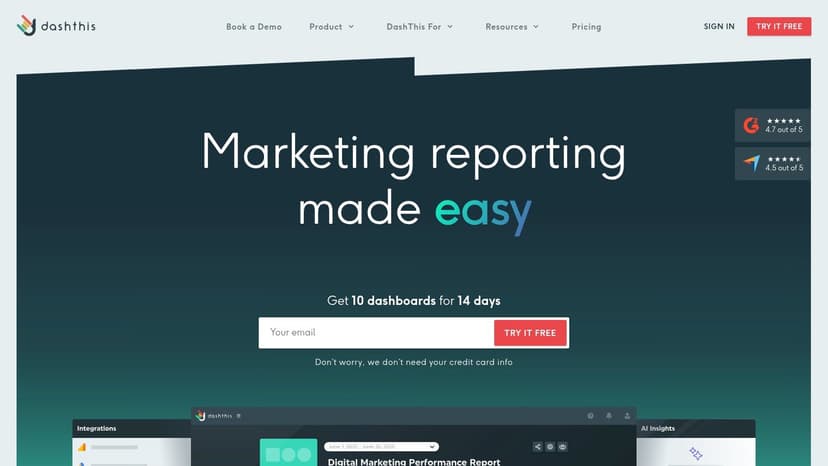
DashThis is for agencies that want speed. It's lightweight, easy to use, and built for quick assembly of PPC, social, and analytics reports with very little training overhead. If your team needs to spin up recurring reports fast, it gets out of the way.
The platform uses prebuilt templates for common ad platforms, scheduled email delivery, shareable report links, and drag-and-drop widgets for dashboard building. That combination is exactly why smaller agency teams like it, there's not much to learn before the first report goes out.
When to use it
DashThis makes sense when the reporting job is straightforward. It's easy to implement, and the interface is simple enough for non-analysts to handle. If your account managers are tired of waiting on a specialist just to update a report, this tool cuts down the friction.
The downside is flexibility. It's not built for heavy modeling or advanced blending, and the cost can rise when you scale many dashboards. That makes it a better fit for agencies with standard reporting needs than for teams trying to layer in complex attribution logic.
The agency take
Choose DashThis if your agency wants a no-fuss dashboard tool and your reporting stack is mostly standard channel reporting. If you're looking for depth, you'll outgrow it. If you want quick recurring reports with minimal implementation pain, it does the job.
5. Databox
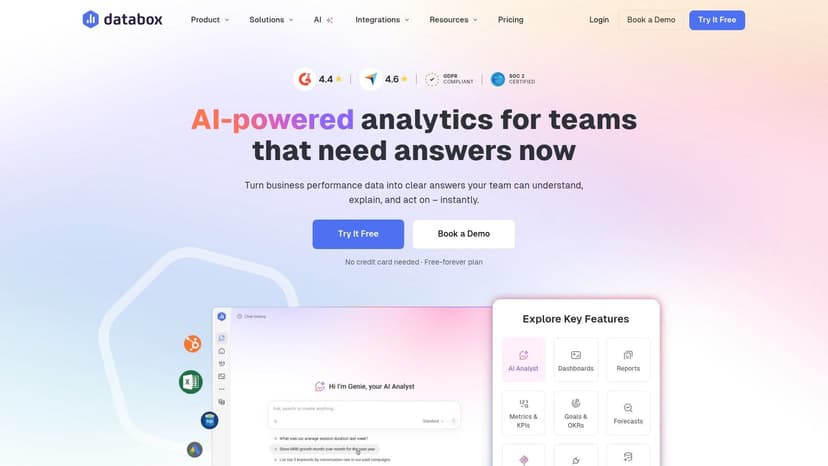
Databox is a strong option for agencies that want KPI dashboards, automation, and AI support without a heavy setup burden. It offers 130+ cloud integrations, plus API, Google Sheets, and database connectivity, which gives smaller teams a lot of room to pull performance into one place.
Its standout features are Genie, the AI assistant, anomaly detection, scorecards, alerts, and digests. It also supports MCP server access so AI assistants can query trusted metrics, which is useful for agencies starting to experiment with AI-assisted reporting workflows. Agency subaccounts and white-label options make it viable for client-facing delivery too.
Why agencies use it
Databox works well when you need fast visibility, not deep ETL. The template library is useful, the dashboarding is quick, and the platform fits agencies that want to move from manual updates to automated reporting without hiring more technical staff. That's a real operational win for lean teams.
Pricing gets more complicated because it combines plan fees, data-source counts, and AI credits. That means you should check the total cost before committing, especially if your agency manages many sources per client. White-labeling and SSO also sit on upper tiers, so don't assume every feature is included at the entry level.
Clear recommendation
Use Databox when your agency wants flexible KPI reporting, AI-assisted summaries, and decent white-label options without a lot of implementation drag. It's a better fit for dashboard speed than for advanced measurement.
6. Swydo
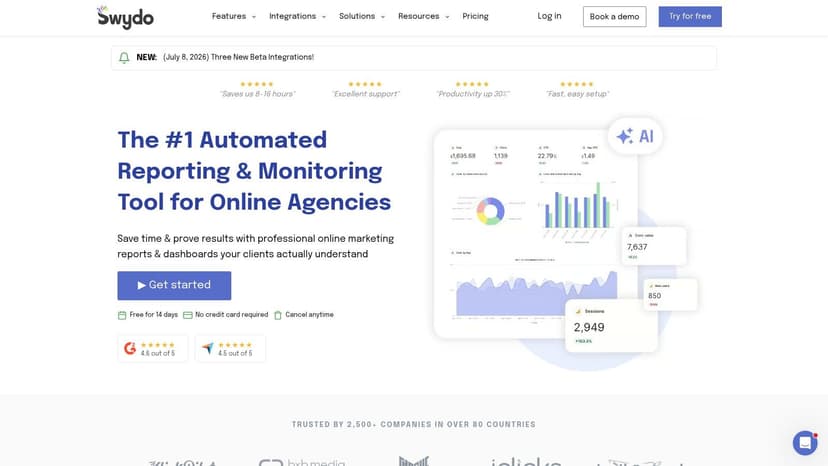
Swydo is built for paid media and analytics agencies that want a clean reporting system with tight cost control. The core pitch is simple, unlimited clients, unlimited users, and a source-based pricing model with a usage calculator and post-pay billing. For agencies managing a lot of relationships but not an overwhelming number of data sources, that can be a practical setup.
Its templates cover Google Ads, Meta, Microsoft Ads, GA4, and more, and it includes goals, KPIs, alerts, scheduled report delivery, and Google Sheets integration for custom data. That gives teams a reliable way to automate recurring reports without overcomplicating the workflow.
What stands out
Swydo is about control. You can keep collaboration costs down because users aren't the thing you're paying for, and the templates make PPC reporting quick to deploy. That's useful if your agency wants a dependable reporting layer without enterprise overhead.
The tradeoff is depth. When you start stacking many sources, the source-based model can get pricey. It also doesn't try to be a BI platform, so if you need heavier modeling or more advanced data governance, this won't be enough.
Best use case
Pick Swydo if your agency lives in PPC and paid social, and you want a straightforward reporting setup with clear cost visibility. It's a practical tool for teams that value simplicity and predictable client workflows.
7. NinjaCat
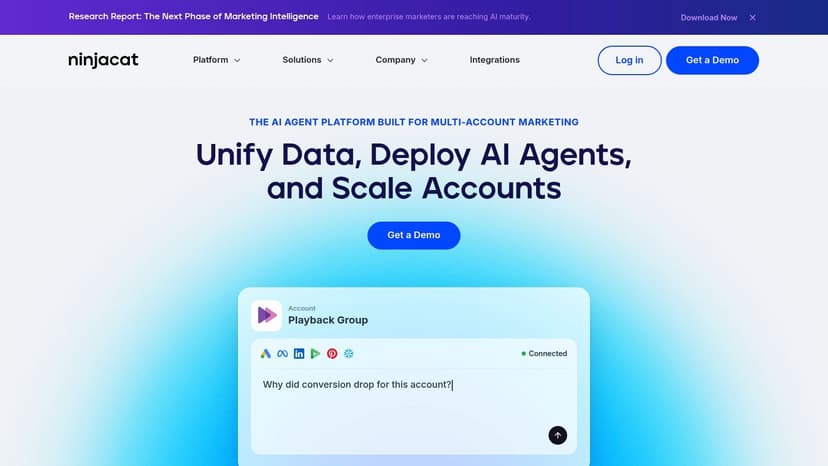
NinjaCat is built for agencies and multi-brand teams that need reporting governance at scale. It goes beyond simple dashboards by pairing reporting templates, a Centralized Marketing Data Cloud, and AI agents for anomaly detection, pacing, and campaign insights.
The platform is designed to standardize work across many accounts. That matters when you have ops teams trying to keep definitions consistent and reporting quality stable across multiple client groups. Role-based access and enterprise enablement reinforce that use case.
Where it earns its keep
NinjaCat is strongest when reporting has become an operations problem. If your team is managing many accounts, the value comes from governance, standardization, and the ability to keep complex reporting consistent. Templates help cut setup time, and the AI agents help teams catch issues without manual digging.
The downside is obvious. It's quote-based, aimed at mid-to-enterprise budgets, and more complex than lightweight dashboard tools. If your agency wants something simple, this is too much platform. If you need scale and control, it belongs on the shortlist.
Decision point: agencies that need governance will tolerate complexity. Agencies that need speed should avoid paying for features they won't use.
Fit check
Choose NinjaCat if your agency has outgrown basic reporting tools and now needs stronger controls, more structure, and a platform that can support many accounts without turning into chaos.
8. TapClicks
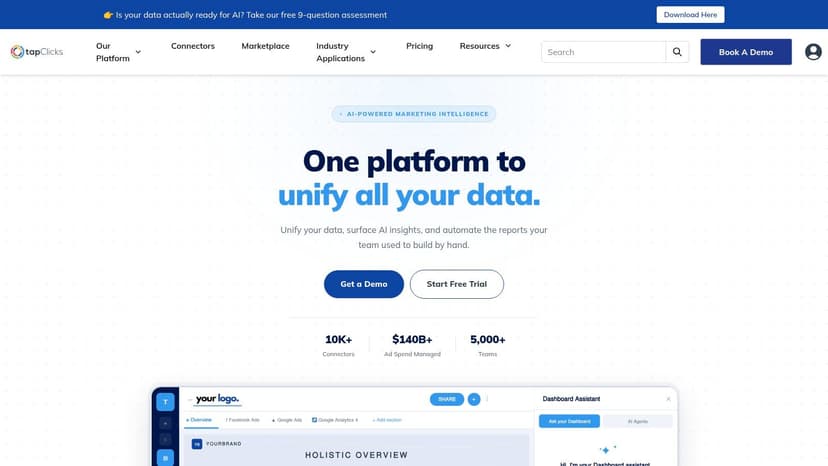
TapClicks is what you buy when reporting has to live inside a broader agency operations stack. It combines 250+ connectors, a centralized marketing data layer, AI Reporting with SmartSlides, automated scheduling, rollups, and role-based client sharing. That makes it especially useful for larger agencies handling many moving pieces at once.
The platform's appeal is breadth. You can use it to build dashboards, generate presentation materials, and keep reporting tied to multi-account operations. For agencies that sell standardized services, that kind of workflow support matters.
Why bigger agencies choose it
TapClicks handles complex hierarchies well. If your agency works across many brands, regions, or service lines, the roll-up reporting and multi-account structure are major advantages. SmartSlides also helps teams move faster when client deliverables need to be polished and repeatable.
The cost is complexity. TapClicks is deeper than a simple dashboard tool, and onboarding can take time. Pricing is custom, which usually means you need to be sure you're using the platform's broader operations features, not just the reporting layer.
Agency verdict
Choose TapClicks if your agency wants a reporting platform that also supports workflow management and client operations. If all you need is white-label reporting, it's probably more platform than you need.
9. Looker Studio and Looker Studio Pro
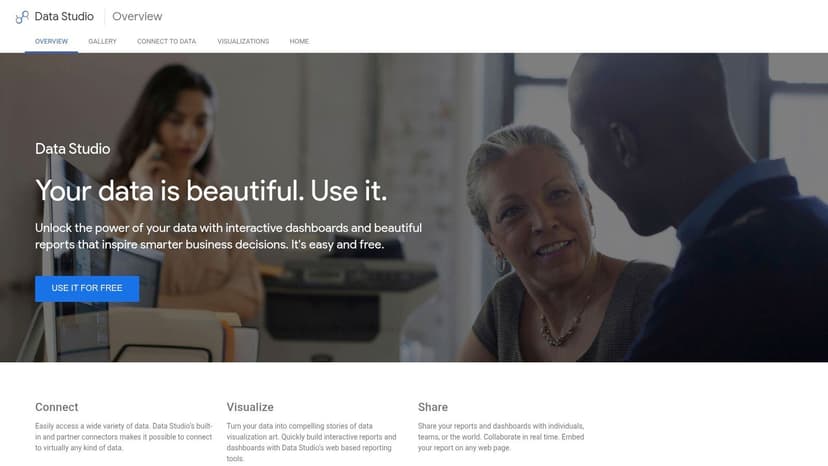
Looker Studio is the default starting point for a lot of agencies because it's free and familiar. It connects natively with GA4, Google Ads, Search Console, YouTube, Sheets, and BigQuery, and it has a huge ecosystem of partner connectors for non-Google sources with 800+ third-party sources in the broader ecosystem.
That makes it tempting, but agencies know the tradeoff. Free doesn't mean easy to scale. Once you start blending more sources, the maintenance work piles up, and the dashboard layer can become the thing that slows the team down.
Where it works
Looker Studio is fine for agencies that live mostly inside Google's ecosystem and need a low-cost reporting layer. It's also useful when you want full control over visual design and don't mind connector add-ons for non-Google platforms.
Looker Studio Pro adds team workspaces, enhanced scheduling, alerts, and enterprise controls, which makes it more suitable for larger teams. But the free core product still leaves a lot of operational responsibility on your team, especially around connector management and dashboard upkeep.
Straight advice
Use Looker Studio if your agency is small, Google-heavy, and comfortable handling the maintenance yourself. If you want a more agency-native reporting workflow with less setup chaos, it's not the cleanest path.
10. Klipfolio Klips
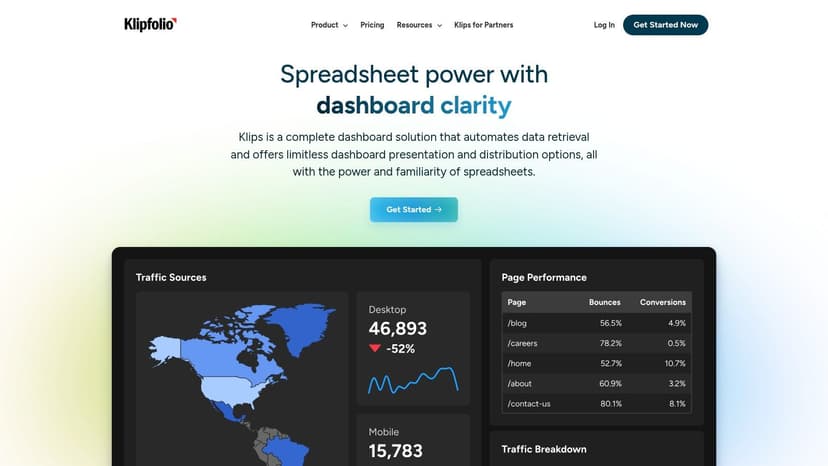
Klipfolio Klips is the right call for agencies that want customization. It offers 130+ integrations, a strong REST/URL connector, data modeling, joins, calculated fields, and flexible refresh rates. That gives technical teams more room to shape reporting the way they want.
It also supports PDF and scheduled report delivery, plus published client links. White-labeling is available through optional bundles, and there are add-ons for SSO and a dedicated server if you need more security or performance.
Where it helps
Klipfolio is good when your agency needs to build bespoke dashboards instead of relying on templates. The visual flexibility and data-shaping tools make it useful for teams that care about custom metrics and unusual reporting structures.
The tradeoff is effort. It takes more work to build and maintain than template-heavy tools, and some white-label elements are paid add-ons. That means you should only choose it if your team will use the extra flexibility.
Best fit
Pick Klipfolio if your agency has a more technical reporting workflow and wants customized dashboards with more data control. If you want fast agency templates and simple delivery, a more purpose-built client reporting platform is the better choice.
Top 10 Advertising Reporting Tools Comparison
| Platform | Core features & connectors | UX & quality | Value / pricing | 👥 Target audience | ✨ Unique selling points |
|---|---|---|---|---|---|
| Oviond 🏆 | 70+ native connectors, live dashboards, templates, unlimited reports/dashboards | ★★★★☆ (4.3/5), agency‑first UX | 💰 From $50/mo (10-client minimum), $5 per client; 15‑day trial | 👥 Marketing agencies & multi‑client teams | ✨ MCP AI insights, true white‑label (custom domains & email senders), unlimited users & full migration support |
| AgencyAnalytics | 85+ integrations, client portals, automation, unlimited dashboards | ★★★★☆, client portal focus | 💰 Per‑client pricing; predictable scaling | 👥 Agencies wanting client portals & per‑client billing | ✨ Strong white‑label controls, subaccounts & roll‑ups |
| Whatagraph | Template‑driven multi‑channel dashboards, synced data storage | ★★★★, polished client visuals | 💰 Source‑credit model; can be costly at scale | 👥 Agencies focused on visual, client‑ready reports | ✨ Fast load times via data storage, template-led reporting |
| DashThis | Prebuilt ad templates, drag‑drop widgets, scheduled delivery | ★★★★, very fast setup | 💰 Low starter tier; source/usage scaling | 👥 Small agencies & PPC/social teams | ✨ Rapid implementation, minimal learning curve |
| Databox | 130+ integrations, AI Genie, MCP server, templates & alerts | ★★★★, AI & templates strong | 💰 Plan + data‑source counts + AI credits (can add up) | 👥 Teams wanting AI‑driven insights + dashboards | ✨ AI Genie & MCP server for trusted metric queries |
| Swydo | PPC/social templates, goals/alerts, Google Sheets integration | ★★★☆, PPC/reporting focused | 💰 Source‑based pricing with post‑pay calculator | 👥 PPC/paid‑social agencies with many accounts | ✨ PPC‑first templates, unlimited clients & users |
| NinjaCat | Enterprise templates, centralized Marketing Data Cloud, AI agents | ★★★★, enterprise-grade | 💰 Quote‑based (mid→enterprise budgets) | 👥 Multi‑brand enterprises & large agencies | ✨ Governed data model, AI agents for pacing & QA |
| TapClicks | 250+ connectors, SmartSlides, SmartCampaign roll‑ups | ★★★★, full martech ops | 💰 Custom pricing; typically higher | 👥 Agencies/brands with complex multi‑account needs | ✨ Broad connector coverage + one‑click slide deck generation |
| Looker Studio / Pro | Native GA4/Ads/SearchConsole/BigQuery, community connectors | ★★★☆, flexible but DIY | 💰 Free core; Pro adds enterprise features (paid) | 👥 Teams deep in Google ecosystem & DIY builders | ✨ Free unlimited reports, huge template/community gallery |
| Klipfolio | 130+ integrations, REST/API connector, data modeling & joins | ★★★★, highly customizable | 💰 Competitive entry; white‑label & add‑ons extra | 👥 Teams needing custom visuals & data shaping | ✨ Advanced data joins, granular refresh & bespoke visuals |
How to Choose the Right Tool for Your Agency
Choosing the right advertising reporting tool turns reporting from a monthly headache into a core agency system. Don't start with the prettiest demo. Start with the workflow your team needs every single month, because that's what determines whether the tool gets used or ignored.
First, look at pricing model. If you're an agency with growing client count, a platform that scales by clients, like Oviond or AgencyAnalytics, is easier to manage than something that charges you in ways that rise every time your source count expands. The reporting stack should get easier to operate as the agency grows, not more painful.
Second, check white-labeling properly. If clients are going to see your reports every month, they should see your brand, your domain, and your sender identity. Tools that only do part of that job create a half-finished client experience, and that weakens the value you're trying to sell.
Third, judge the workflow. Agencies need templates, automation, client-facing delivery, and enough flexibility to handle multiple accounts without building every report from scratch. A tool built for one analyst is not the same thing as a tool built for 5 to 50+ clients.
If you want the simplest path to agency-native client reporting, start with Oviond. It combines white-label delivery, automated reports, unlimited users, branded dashboards, and simple pricing in a way that makes agency operations easier to run. That's why it stands out for teams that want reporting that finally feels simple.
If your agency is done wasting time on spreadsheet cleanup and clunky report handoffs, take a serious look at Oviond. It's built for white-label client reporting, branded dashboards, and automated delivery that scales with your client count. If you want agency reporting that finally feels simple, start there.
Related articles
Simplify marketing reporting today
Stop juggling multiple tools. Start presenting clear, automated reports your clients will love